
What changed in Vellum 4.1.5
This update is a maintenance release that keeps the app running smoothly on current Macs. There aren't any splashy new features to walk through — just continued compatibility and the same straightforward workflow for turning a manuscript into a finished book.
For authors who want a native Mac book builder
- Authors who want a native Mac app, not a web service, to build their ebooks and print layouts
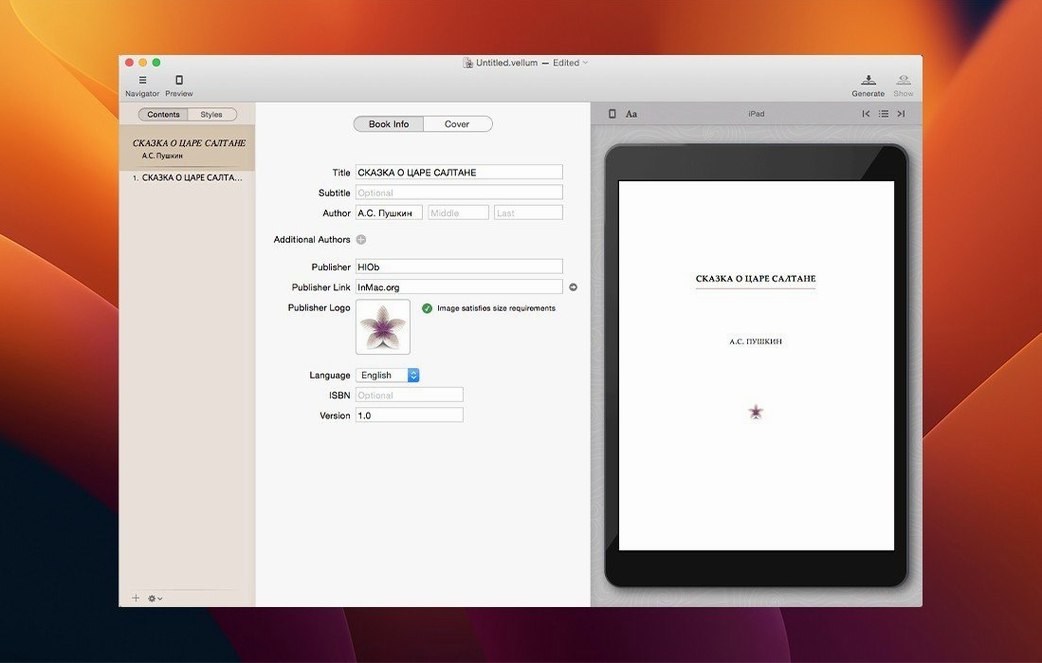
- Importing a manuscript and getting a title page and table of contents generated automatically
- Picking a trim size and having margins, page numbers, headers, and footers adjust to match
- Seeing changes appear instantly in the preview — switch between device views or check the print output as you edit
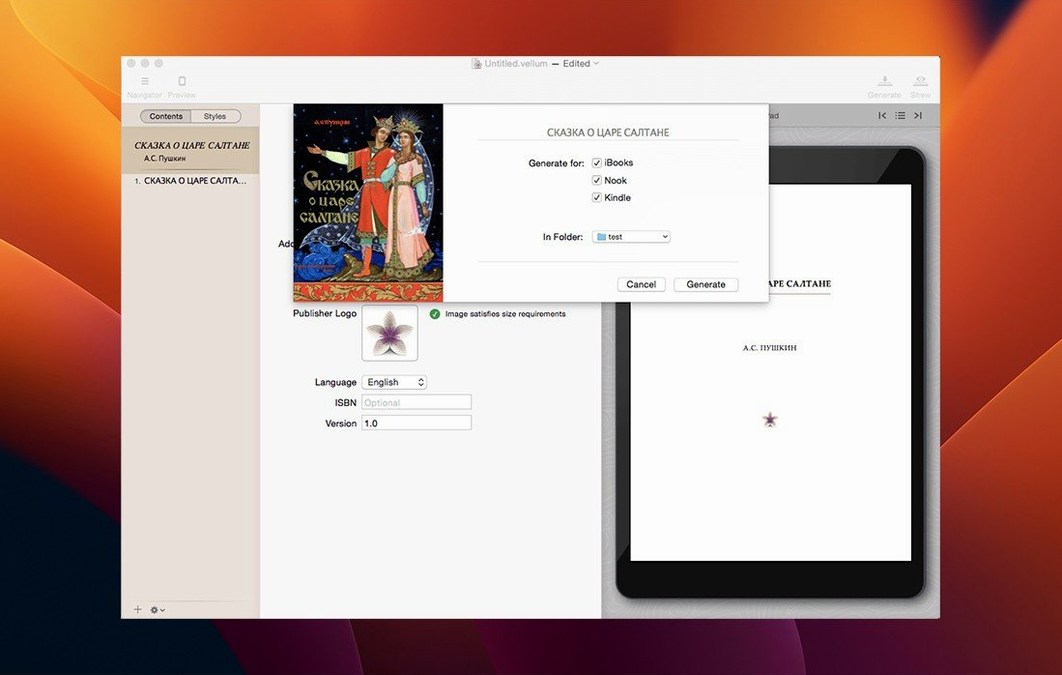
- Adding copyright-page details right inside the app, then regenerating ebook files when you make updates
English-only interface on macOS 11 or later
- Runs on macOS 11 or later, with support for both Apple silicon and Intel 64-bit Macs
- The interface is English only
Three tweaks you'll want after experimenting
Vellum ships with sensible defaults, but three tweaks make a noticeable difference once you're past the experimenting phase. None of them are hidden — they just sit in plain sight and get skipped when you're eager to see that first preview.
- Turn on widow and orphan control early. The switch lives in the book settings pane and keeps single lines from dangling at the top or bottom of a page. Fixing those by hand after you've fine-tuned everything else is a drag, so let the app handle it from the start.
- Pick your preview devices. Vellum can show you how the book looks on a Kindle Paperwhite, an iPhone, a Kobo, and a few others. Go to the preview toolbar and check only the devices your readers actually use. Fewer previews means faster switching while you edit, and you won't waste time optimizing for a screen nobody reads on.
- Set your trim size before adding front matter. The margins, headers, and page numbers all recalculate when you change the print edition's trim size, but any manual spacing you added to a title page or copyright section won't budge. Pick your size once, right after the import, and save yourself the rework.
Visual previews without touching CSS or command lines
Vellum isn't the only way to get a manuscript into ebook shape on a Mac, but it occupies a specific corner of that world — native app, visual preview, no command line or CSS tinkering required unless you want to. Here's how it sits next to a couple of alternatives.
Scrivener. Scrivener is where a lot of books get written, and its compile feature can output an ebook. It's powerful, but the compile dialog feels like a control panel for a spaceship the first dozen times you open it. Vellum skips all that and focuses on one thing: taking finished text and making it look right on a screen or a page. Authors who write in Scrivener often export a clean manuscript and finish it in Vellum — the two apps complement each other more than they compete.
Calibre. Calibre does practically everything with ebook files — conversion, library management, format shifting — and it runs on almost any computer. Its ebook editor gives you full access to the HTML and CSS underneath. That's useful if you enjoy working at the code level, but it's not a design tool. Vellum hides the markup and shows you the result, so you make decisions by looking at pages, not tags.
Bottom line: Vellum earns its keep when the writing is done and you want to build a polished book without learning ebook internals. For drafting, use whatever you like. For format wrangling and library chores, Calibre covers ground Vellum doesn't touch. But when it's time to see the thing looking like a real book, this is the one I reach for.
- macOS 11 (Big Sur) or newer
- Works on Apple Silicon and Intel Macs
Notes from the tables 0
Sign in or pull up a chair to leave a note.
No notes on this one yet. They go up after I read them.