
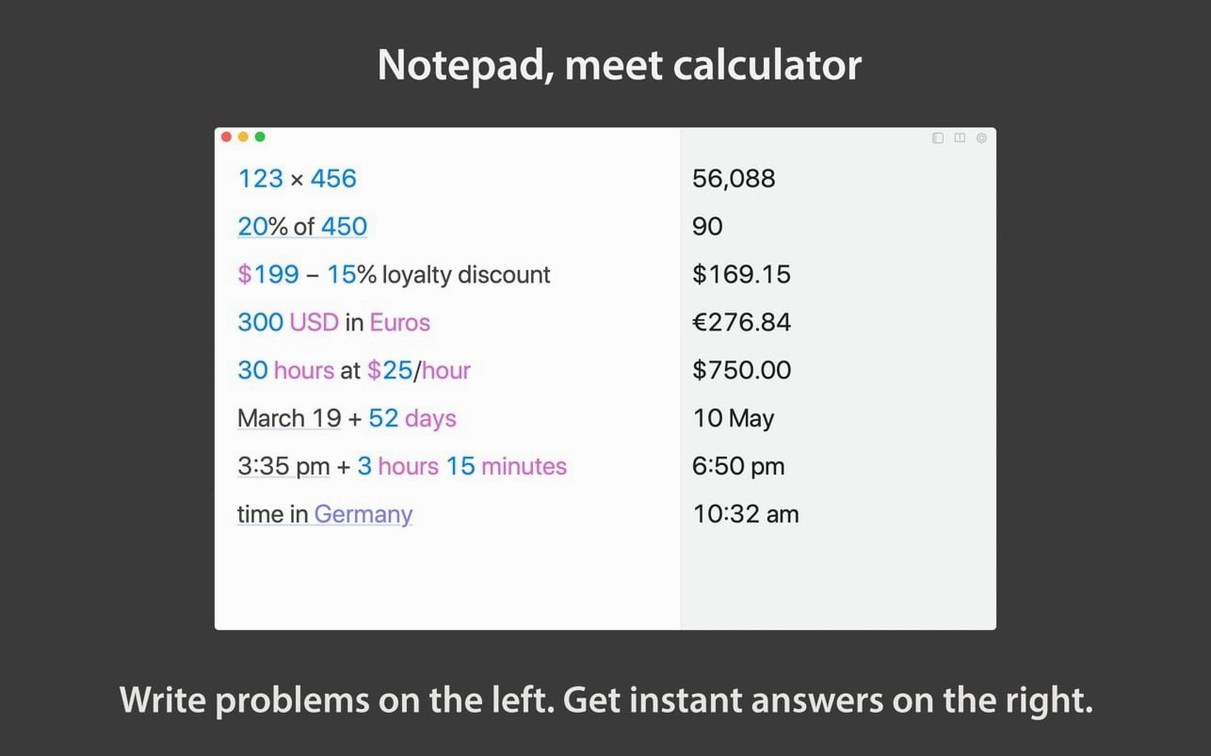
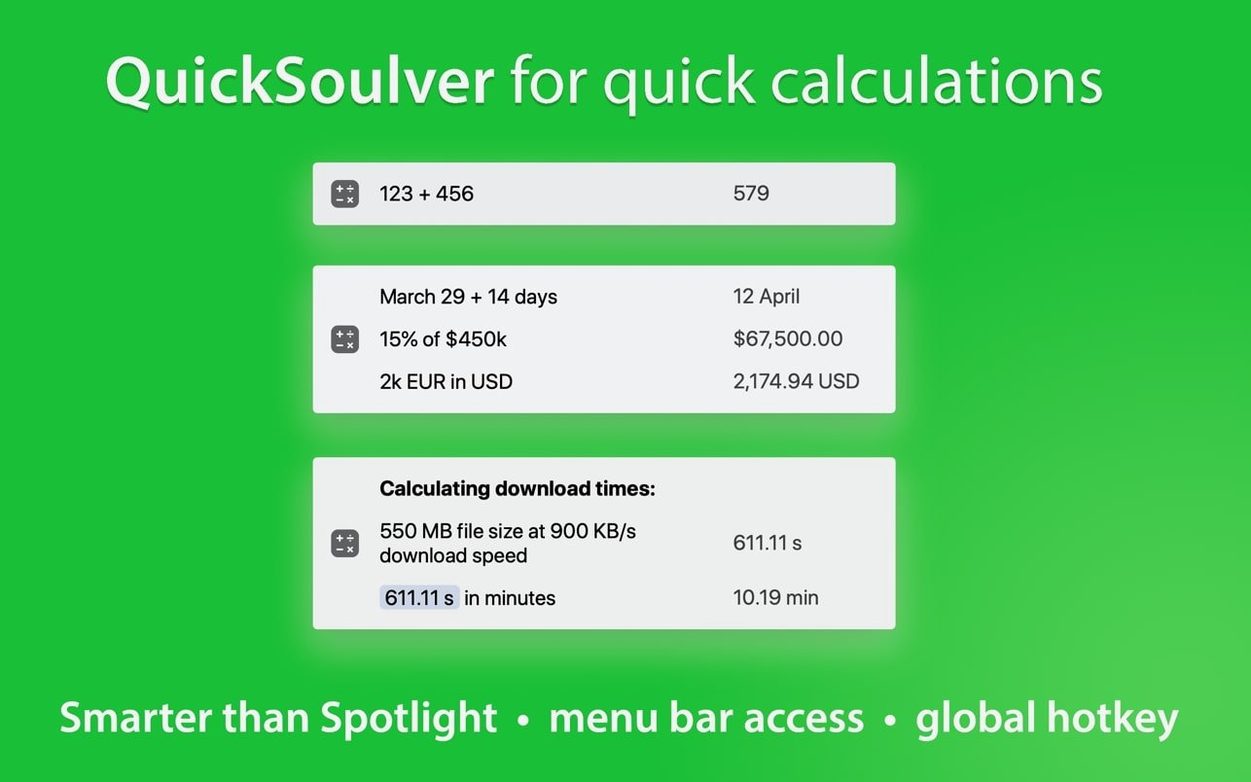
Like a spreadsheet that doesn't make you format cells, Soulver 3 is a smart notepad where words and numbers share the same lines. Most people figure out the instant subtotals in five minutes. The tools that keep you there run deeper—stuff you reach for once the butter is softened and you’re actually cooking.
- Variables with auto-completion. Name a line “daily rate” and reuse it anywhere. The app suggests your own tokens as you type, so a sheet stays consistent without hunting for cells.
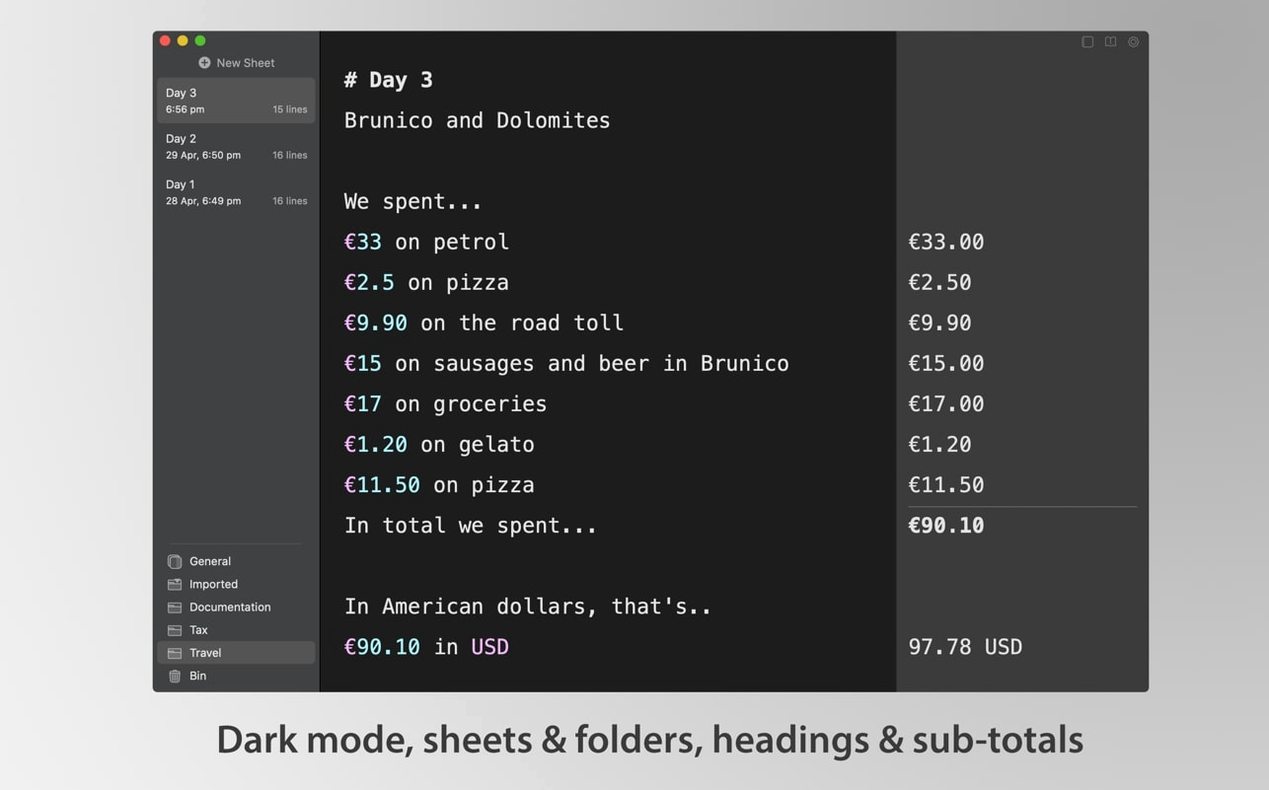
- Custom syntax highlighting. Dial in your own colors and font sizes for headings, comments, and results. It sounds cosmetic until you’re scanning a long sheet for totals.
- Live currency and crypto conversions. Type "$100 in EUR" and the number updates with the current rate. No manual lookups.
- Command-line interface. Run calculations from Terminal and pipe results into other scripts. A quiet power feature that keeps Soulver in a developer’s toolchain.
- Organized sidebar. Folders and sheet management that feel like Finder. When a single scratchpad becomes thirty project estimates, the structure matters.
Bottom line: The surface is friendly enough to replace a desk calculator. The stuff underneath—variables, CLI access, live rates—is what makes it stick around for the long haul.
Type English, not spreadsheet formulas
Will I need to learn a whole new syntax? Barely. If you can type "45 dollars in euros" or "next Thursday + 3 weeks," you already know enough to get an answer. Soulver reads like a sentence, not a formula bar. Most people stop reading the help docs after ten minutes and just start typing.
Does it replace a proper spreadsheet? For estimation, trip budgets, invoice breakdowns, and quick “what if” math, yes—and it’s faster because you’re not fighting cell references. For pivot tables and large datasets, no. Think of it as the scratch paper that lives between your brain and Excel.
What about offline use? Currency rates update when you’re connected, but everything else—unit conversions, date math, percentages—works fine without a network. The app doesn’t phone home to do arithmetic.
Workflow: pricing a freelance job
Say a client asks for a ballpark on a three-week project. Open a fresh sheet and type a heading: Website redesign estimate. Then lay out the lines as they come to mind—Soulver calculates as you go.
Start with your base rate: daily rate = 600. Then multiply it out: daily rate × 15 working days. The subtotal appears instantly. Add a line for stock photos: 12 images × $4.50. Below that, a contingency: 10% of subtotal. Soulver knows “subtotal” means the running total above that line, so the percentage resolves without any pointing and clicking. Finish with tax: 8.875% off total, and you have a number you can quote in an email. The whole exercise takes under two minutes, and the sheet stays readable enough to send as a screenshot.
- macOS 14 or later
- Apple Silicon or Intel Mac
Questions I actually get
Does Soulver 3 support unit conversions?
Yes. You can mix units directly in a line—like "12 feet in meters"—and the answer appears without a separate converter tool.
What macOS version does Soulver 3 require?
It officially requires macOS 14 or later, and it runs on both Apple Silicon and Intel Macs.
Notes from the tables 0
Sign in or pull up a chair to leave a note.
No notes on this one yet. They go up after I read them.