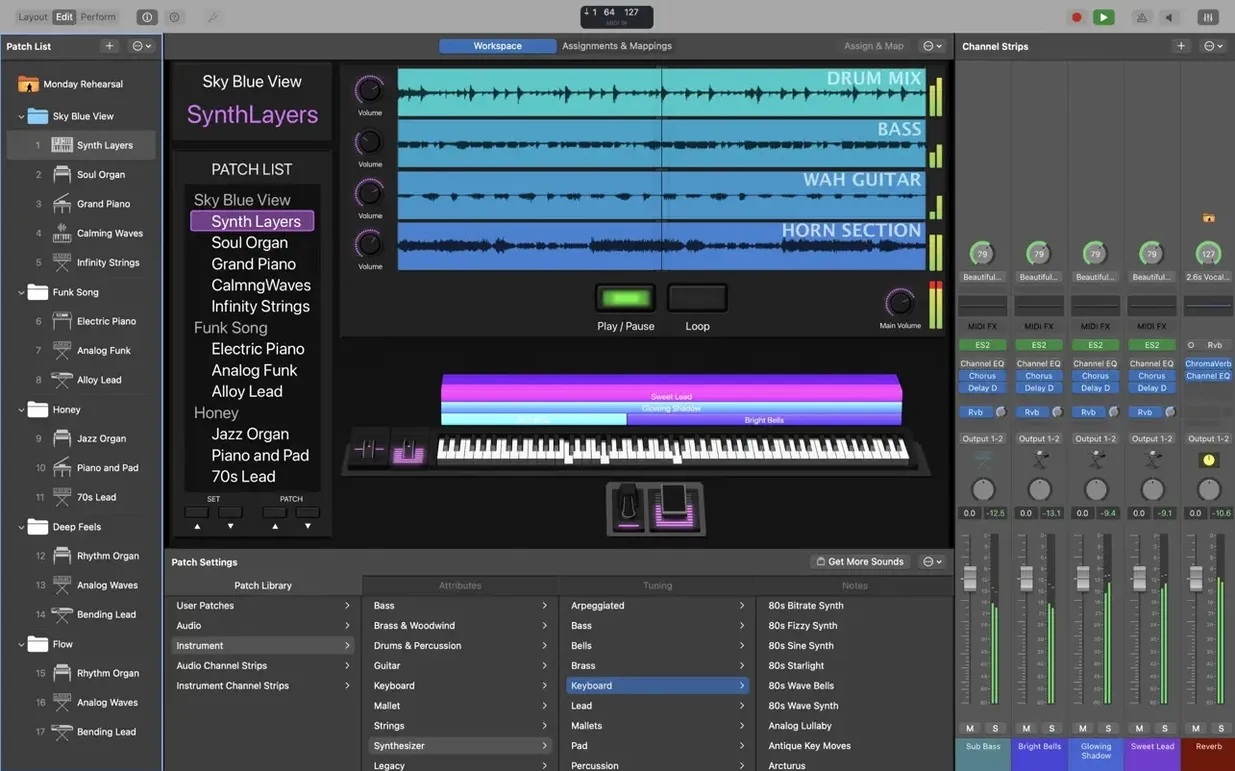
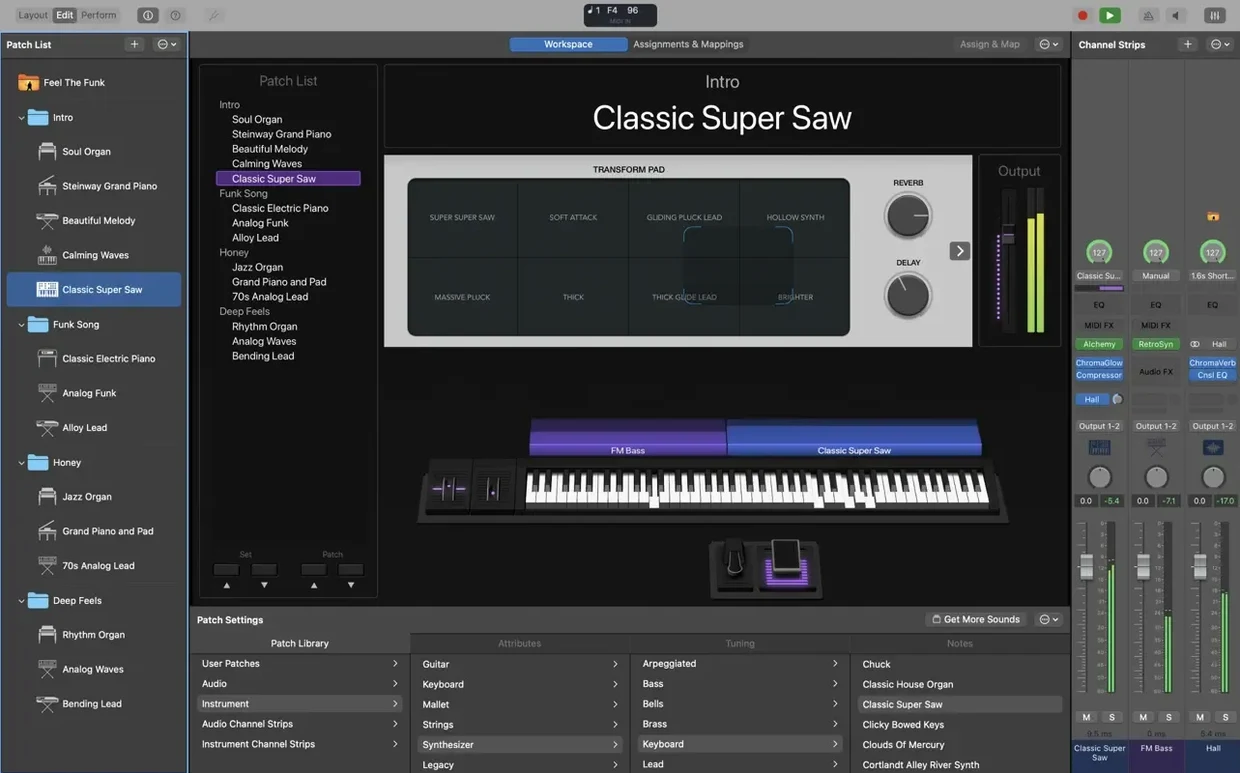
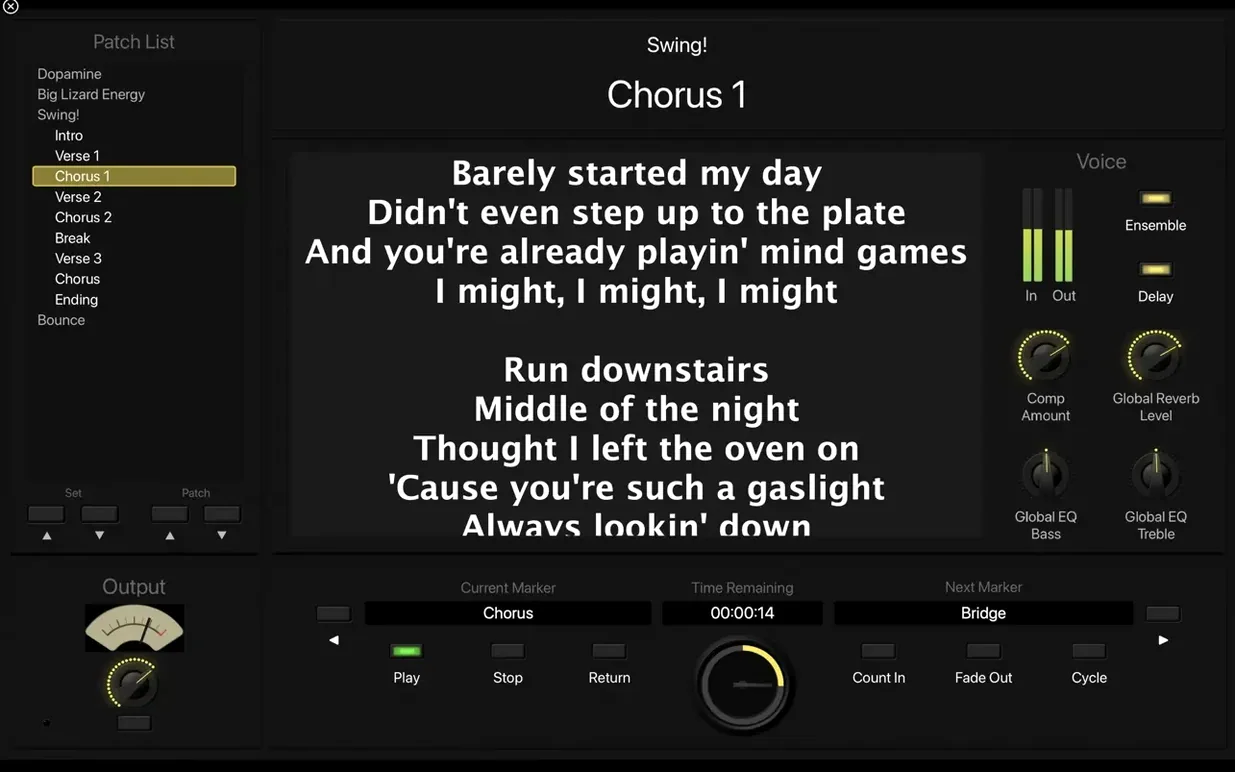
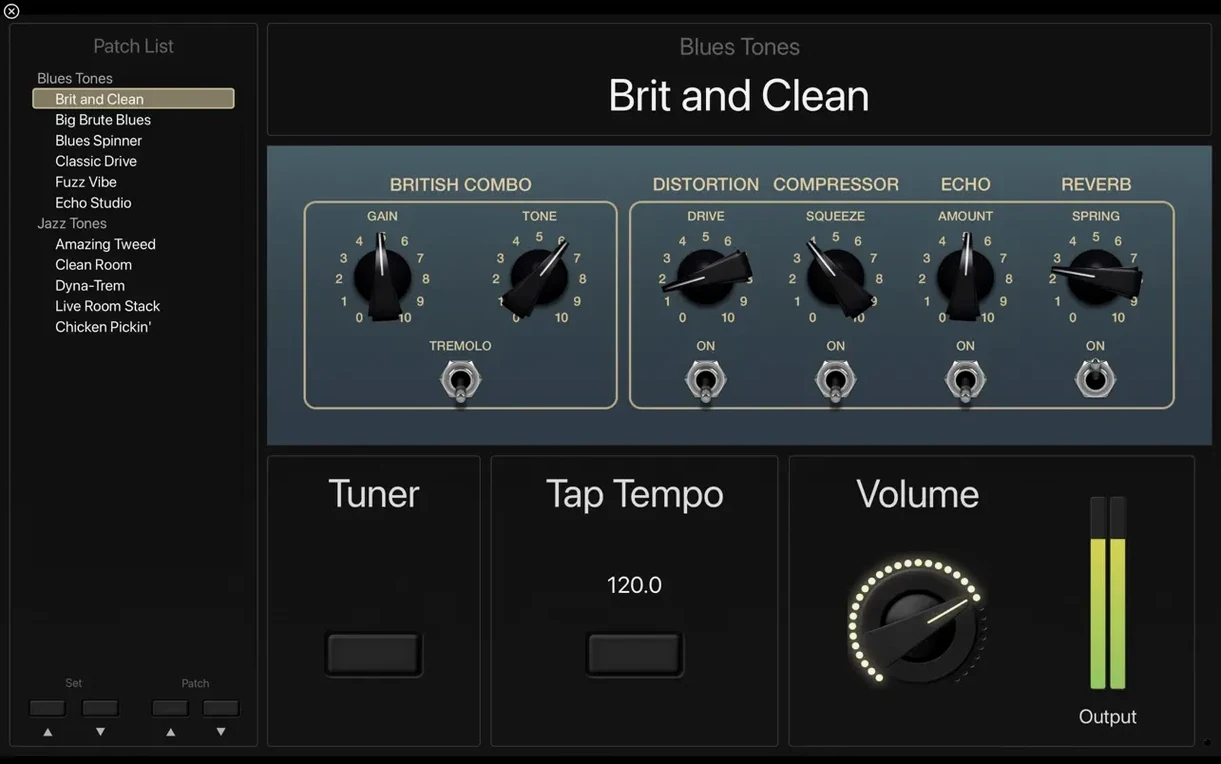
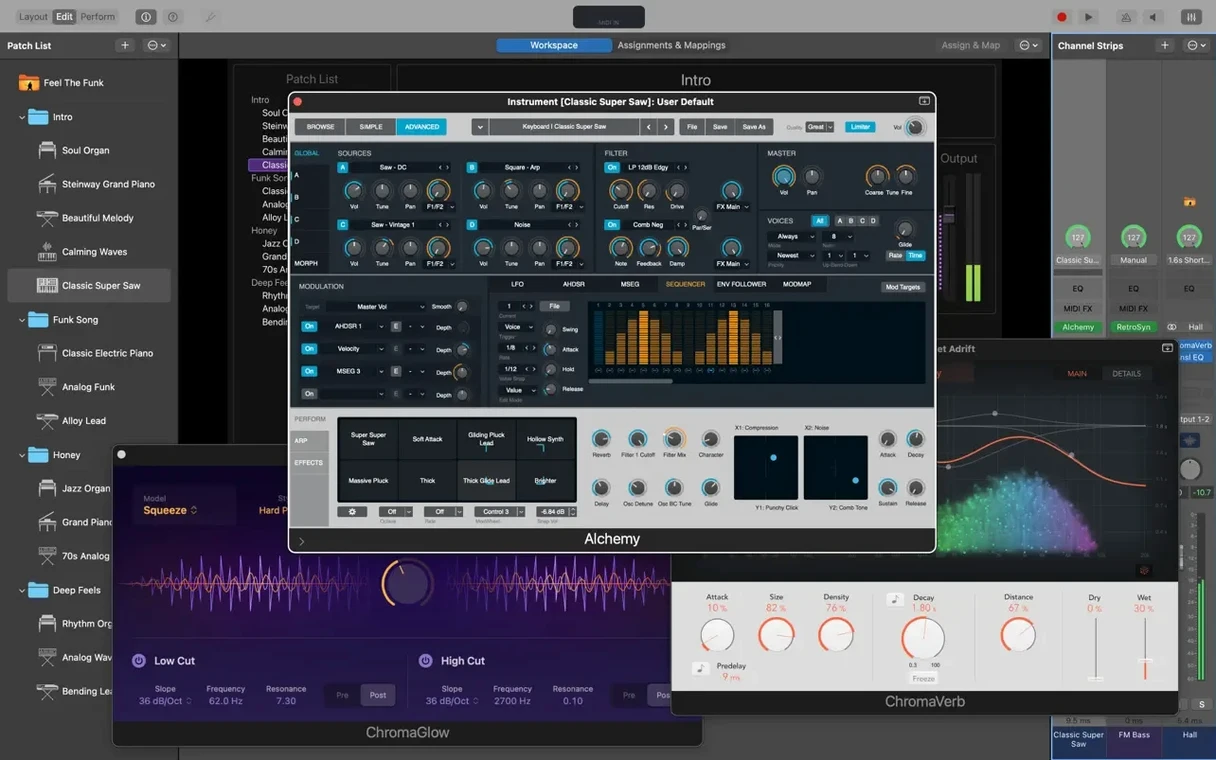
You've got a MacBook on stage, a MIDI keyboard, and a room full of people. You hit a button and your entire sound changes—organs, synths, strings, all without a single hiccup between patches. That's the kind of night MainStage was built for.
This isn't a DAW for recording. It's a live performance tool that pulls in the same instruments and effects you know from Logic Pro. Think Retro Synth, Vintage B3, and a library of over 1,800 patches already sitting there waiting. You also get MIDI tricks like an arpeggiator and chord trigger to fill out the sound with just two hands.
Now, the part everyone skips: your Mac has to be ready for it. This version requires an Apple Silicon machine running macOS 15.6 or newer. You'll need 6 GB for a bare-bones sound library, or 57 GB if you're installing everything. It only works with 64-bit Audio Unit plug-ins, so old 32-bit favorites won't show up.
The recent 4.3.1 update fixed a nagging SysEx message block and got sampler instruments loading correctly again. Plus, you can finally type patch numbers straight into the Add Channel Strip window—small fix, big relief when you're building a set.
When things go quiet in the middle of a set, it's rarely the software's fault. More often it's a routing choice that seemed right at home but bites you on stage. The most common one I hear about: a keyboard player sets up an external instrument channel strip, hears it during soundcheck, then gets silence after switching to the next patch. Nine times out of ten, that patch doesn't have the same channel strip assigned, or the MIDI port got grabbed by a different layer in the concert. Open Layout mode and check that your hardware controller is actually talking to the screen object you think it is. If the little MIDI indicator in the toolbar doesn't blink when you press a key, MainStage isn't hearing it.
Another headache is the Playback plug-in stopping when you change patches. By default, Playback is tied to the patch that contains it. Move to the next song, and your backing track cuts out. The fix is straightforward: drag that Playback instance up to the Set level, or even the Concert level if you need it across the whole show. Now it keeps rolling no matter what patch you call up. While you're there, double-check that your audio interface's sample rate matches what MainStage expects—mismatched rates can cause pops, crackles, or a complete dropout. I set mine to 48 kHz in Audio MIDI Setup before I even open the app.
The Vintage B3 organ can also trip people up. It defaults to a fast Leslie speed with the mod wheel, but if your controller sends mod wheel data on patch change—and many do—you'll get an unwanted speed burst every time. A quick trip to the Assignments & Mappings tab lets you filter that out, or you can just disable the mod wheel mapping inside the plug-in itself.
Building a vocal and keys patch in twenty minutes
Here's a real scenario: you need a single patch that handles your stage piano, a pad layer, and your vocal mic with some reverb. Start in Edit mode, create a new patch, and name it. Add a software instrument channel strip. Load the Sampler, then pull up the grand piano from the Sound Library—over 750 sampled instruments means you'll find something close to what you want. Now add a second instrument channel strip, this time with the Retro Synth, dial in a warm pad on the sawtooth waveform, and pull the volume back so it sits under the piano.
Next, add an audio channel strip for your microphone. Set the input to the correct channel from your interface. Throw on a compressor first—the stock one works fine—then an EQ to notch out any low-end rumble, and finish with Space Designer on a medium hall preset. Assign the vocal strip's mute to a footswitch in Layout mode so you can kill the mic between songs without reaching for a fader. Now map the mod wheel to the pad's filter cutoff via Smart Controls, and you've got expression under your fingers without touching the laptop.
Group everything under one patch, save the concert, and test the patch change with the piano held down. MainStage should glide into the next sound without a click or dropout. If it doesn't, check your audio buffer—256 samples is a safe starting point for most Apple Silicon machines.
Six-second boots on an M2 Air
On my MacBook Air with the M2 chip, MainStage boots in about six seconds. That matters when you're setting up in a hurry. Patch switching is instant—held notes decay naturally while the new patch loads underneath. The Concert template I built with eight patches, five software instruments, two Playback instances, and a handful of effects sits at around 30% CPU when I'm playing hard. Memory pressure stays green. I've run it for three-hour rehearsals without a restart and haven't seen a crash on version 4.3.1.
The full-screen interface stays responsive even with a dense Layout full of knobs and meters. Smart Controls update smoothly, and the Touch Bar—if you still have one—gives quick access to patch levels without opening the Edit window. The only time I've seen the fan kick in was when I loaded a third-party convolution reverb and ran it at a 64-sample buffer. Bumping to 128 solved it entirely. For anyone looking to grab MainStage, a mainstage download from a trusted source gets you the full Sound Library and every plug-in included. Some players hunt for a mainstage torrent or a mainstage crack—just make sure you're getting the complete installer so Sampler instruments load correctly and the Playback plug-in works with multichannel backing tracks right out of the box. Same with a mainstage free download—grab the full 57 GB package if you plan to lean on the factory sounds.
Bottom line: on Apple Silicon, this thing is a rock. It doesn't break a sweat, it doesn't keep you guessing, and it puts a proper stage rig inside your laptop bag.
A few practical fixes that make patching and hardware play nicer. Here's what changed:
- Incoming MIDI SysEx messages are no longer blocked.
- Sampler instruments load the correct sounds instead of guessing.
- You can type numbers directly into the Add Channel Strip window again.
- macOS 15.6 or later
- Apple Silicon Mac
- 64-bit Audio Unit plug-ins only
- 6 GB free disk space for minimal install, 57 GB for full Sound Library
Questions I actually get
Will MainStage work on my Intel Mac?
This version lists Apple Silicon in its requirements and needs macOS 15.6, so Intel Macs aren't officially supported here.
Can I use my Logic Pro sounds in MainStage?
Yes, it includes a collection of plug-ins and sounds compatible with Logic Pro, and you can pull from GarageBand sounds too.
Does switching patches cut off held notes?
No, one of its key live features is the ability to switch between patches without interrupting sustained or held sound.
Notes from the tables 0
Sign in or pull up a chair to leave a note.
No notes on this one yet. They go up after I read them.