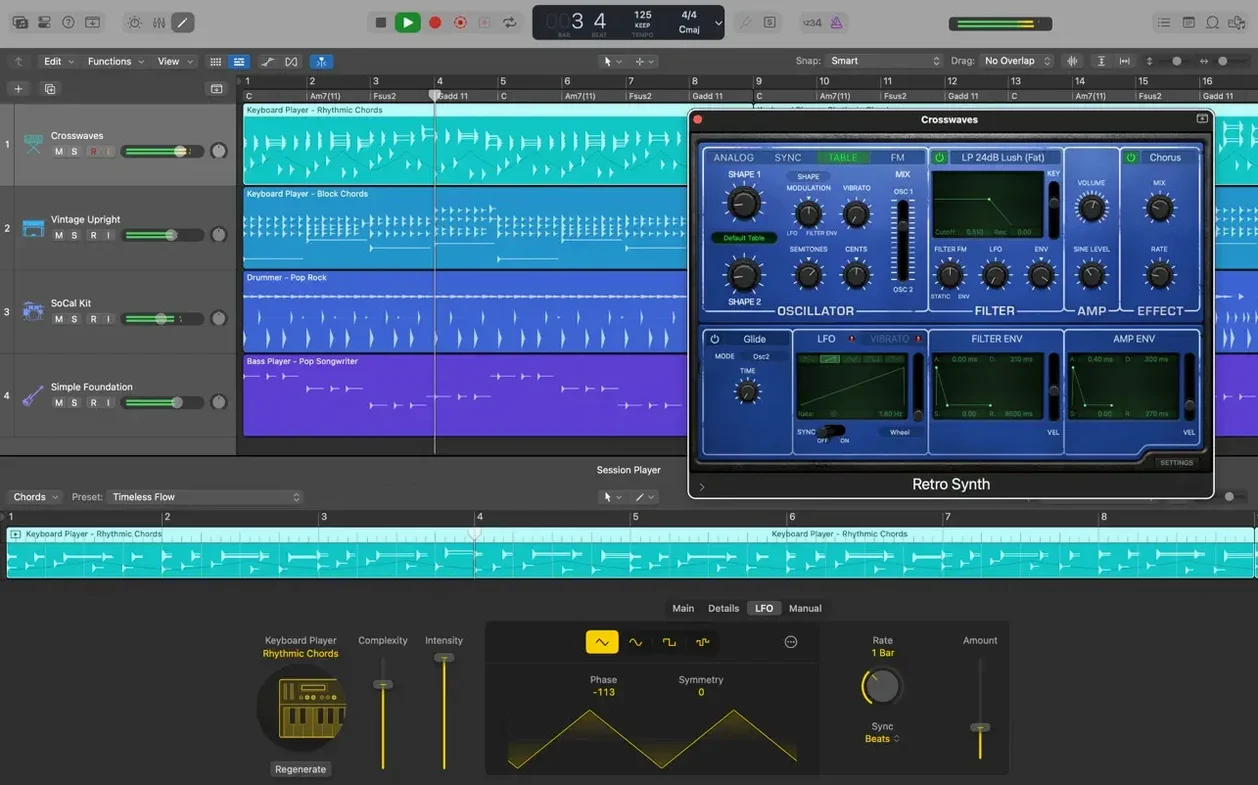
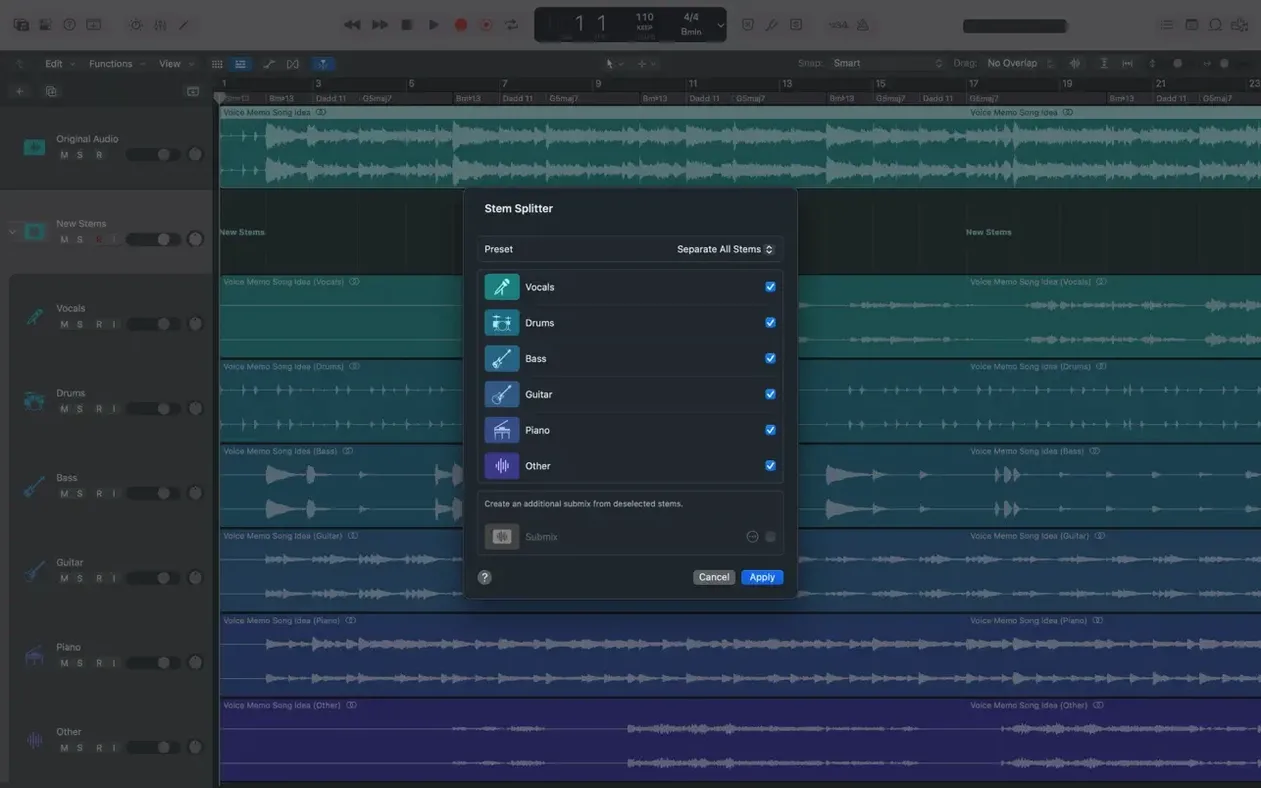
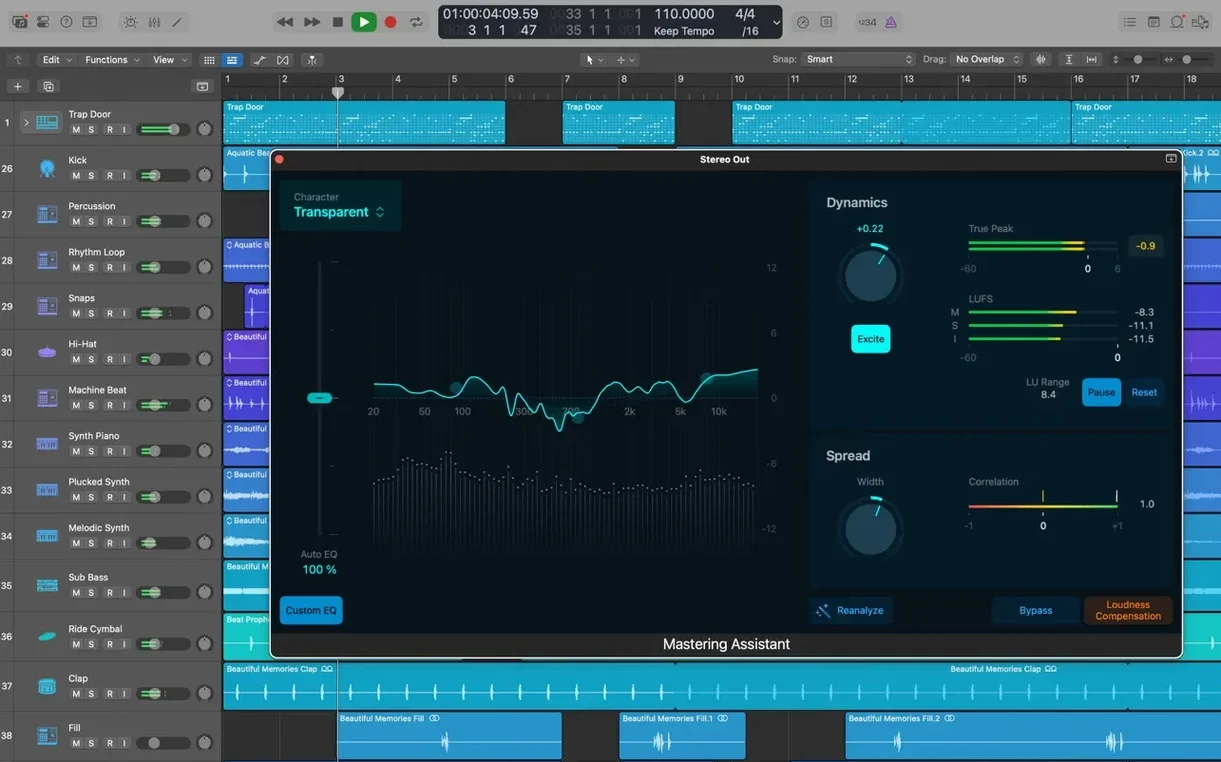
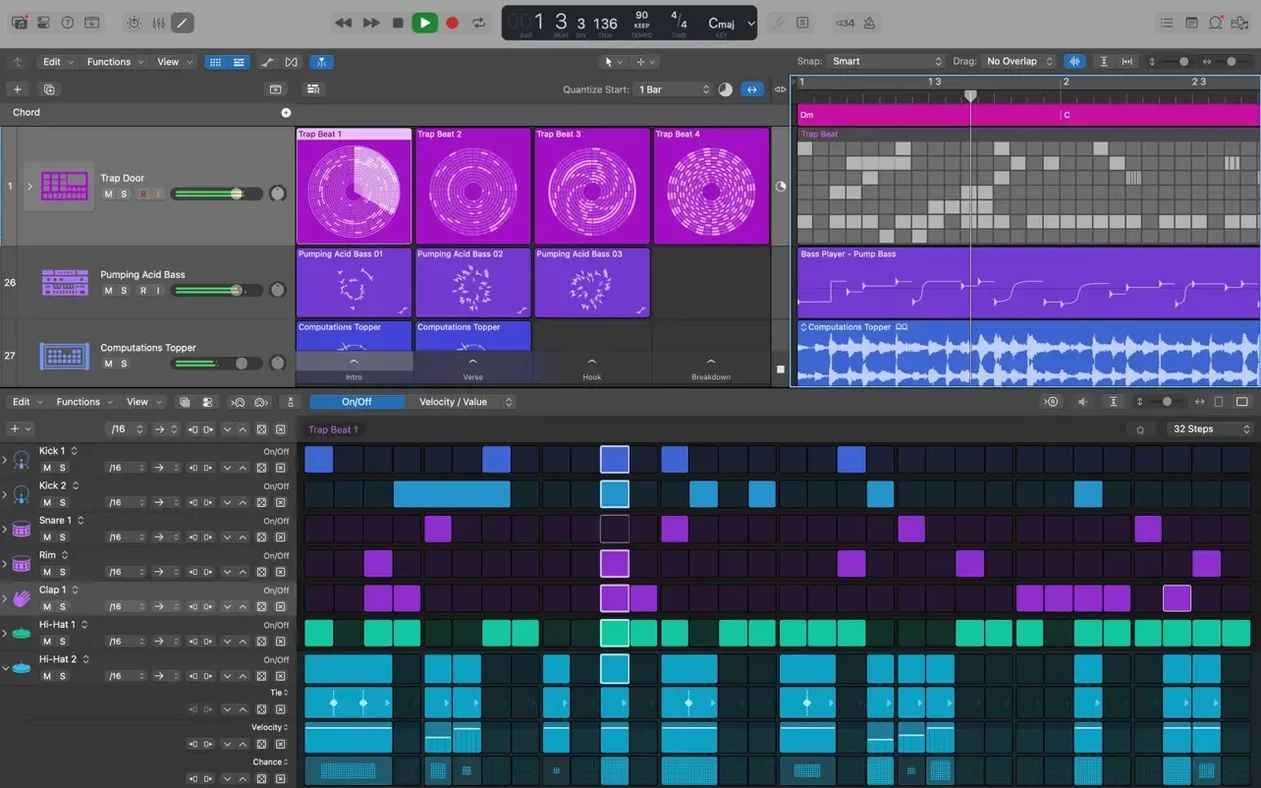
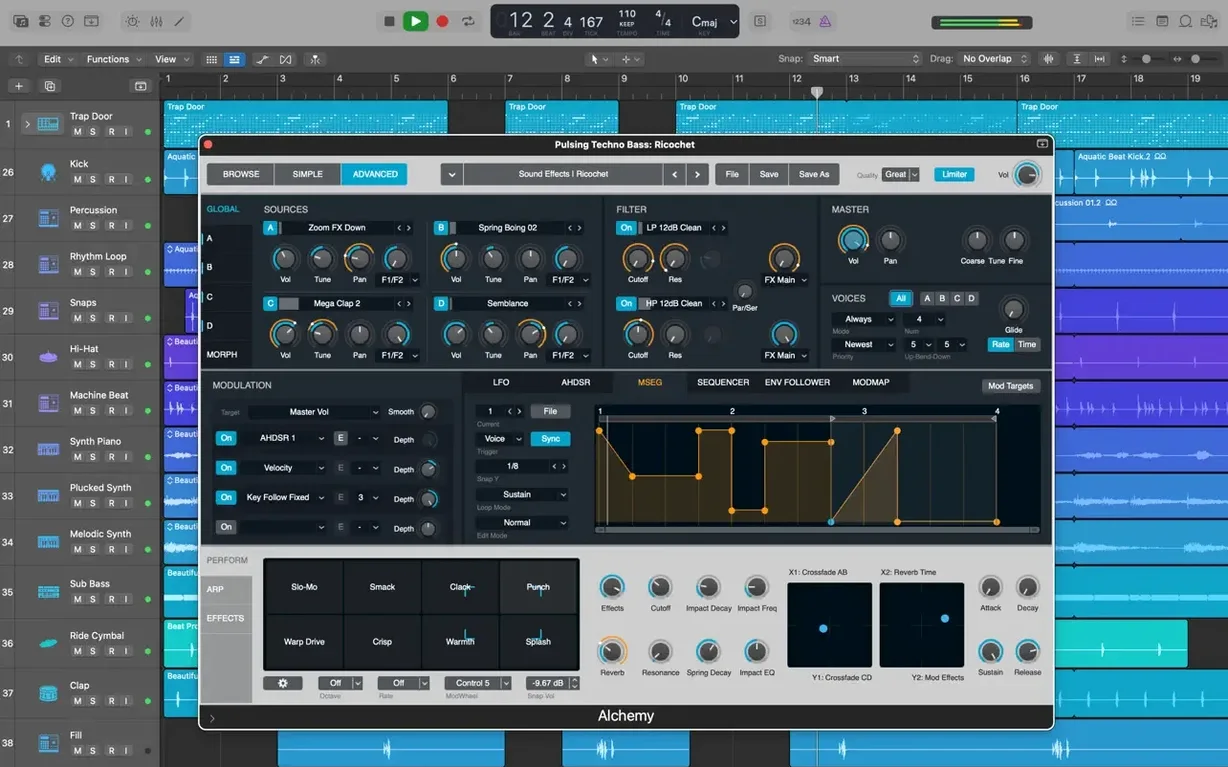
It handles 1,000 audio tracks and 1,000 software instrument tracks in a single project — enough headroom for a film score or a three-minute pop song.
Recording and editing — Capture audio and MIDI, then trim and move regions on a familiar arrange grid. Flex Time lets you nudge the timing of a vocal or a bass line without re-recording.
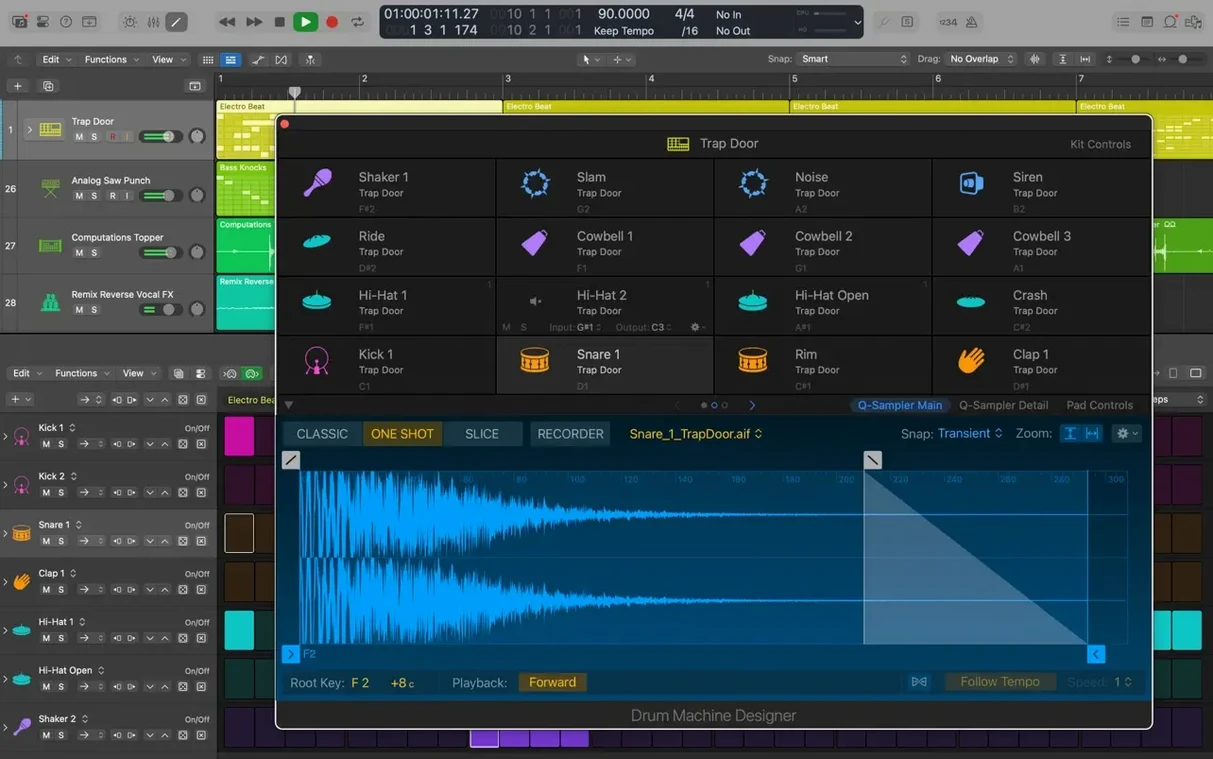
Drum tools — 28 built-in drummers give you a human-feeling beat for rock, electronic, or R&B. When you need to tweak the sound, Drum Kit Designer builds kits from sampled drums, and Drum Machine Designer shapes electronic beats.
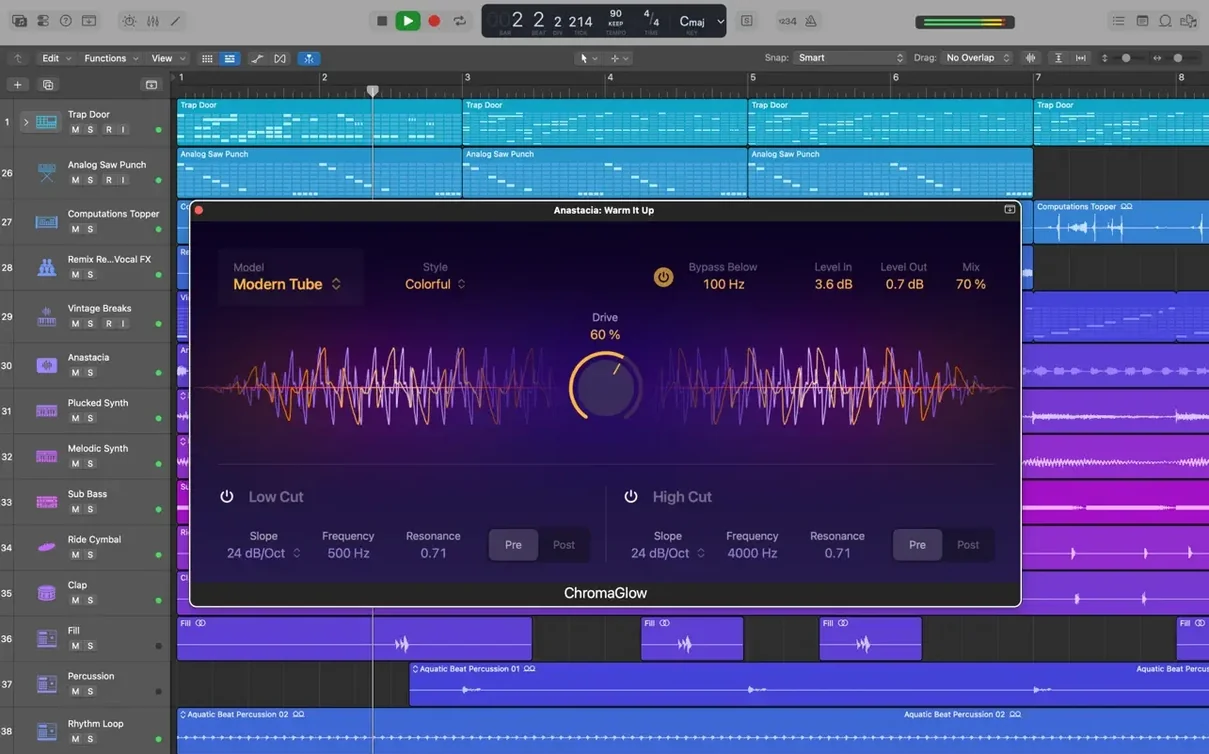
Plug-in control — Smart Controls let you grab a handful of knobs on screen and change multiple effects at once. It works with the stock plug-ins and third-party Audio Units you already own.
Mixing — Pan and balance in stereo or surround without leaving the app.
Mobile hand-off — Start a song idea in GarageBand on an iPhone, export via iCloud, then open it as a new track inside a Logic project.
Building a song from scratch
Here’s a workflow that took me a while to settle into, but now feels like second nature. Start with a software instrument track and pick an electric piano patch. Play a four-bar chord progression loose, without a click. Then turn on Flex Time and drag the region to match the project tempo — the app stretches the notes into place without making it sound robotic.
Next, add a Drummer track. Choose one of the 28 players, set the feel to “brush” or “electronic,” and let it follow the chord track. If the beat feels too busy, pull the complexity slider down a notch. You can convert the drummer region to MIDI later and move individual hits around.
Record a scratch vocal on a new audio track. Use Quick Swipe Comping to flip through takes and grab the best phrases. Then apply Selection-based Processing to just the chorus section — a little compression and a touch of reverb, rendered right into the region so it stops eating CPU. Finish by grouping the drums into a Track Stack, open Smart Controls, and ride the whole kit’s level with one fader while the arrangement plays.
Projects with 60+ regions open without a hitch
On a Mac with an Apple Silicon chip, projects open fast, even ones with sixty or seventy regions. Scrolling and zooming stay smooth when the track count climbs. The update notes mention better performance with tracks that contain many regions, and in practice the arrange window feels more responsive than it did a couple of versions ago.
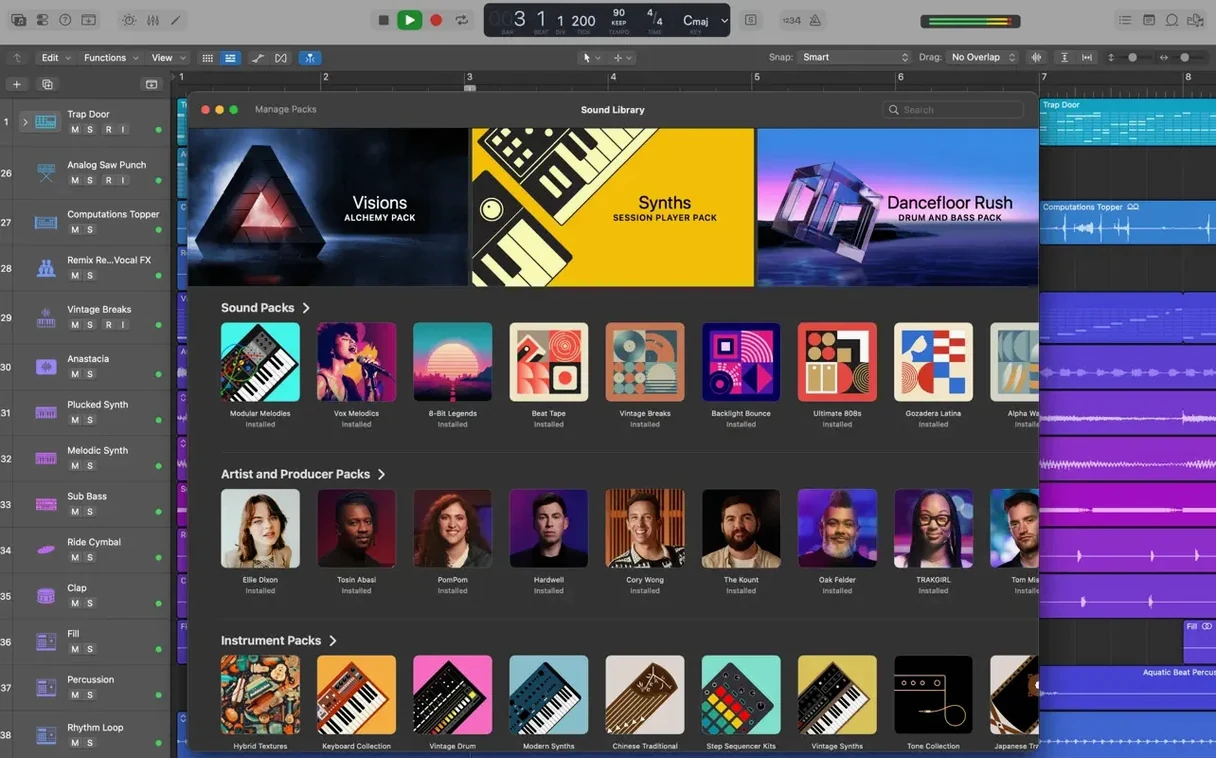
Memory use stays reasonable for what it does. A project with a dozen software instruments, three Drum Machine Designer kits, and a handful of Space Designer reverbs sits comfortably within 6 GB of RAM. The full Sound Library takes 63 GB of disk, but you can install the minimum set and add sounds as needed.
One thing I appreciate: the app does not hold the whole library in memory. It streams samples from disk, so a 1,000-instrument patch list does not slow down switching between tracks. Crashes are rare now — the latest build fixes an unexpected quit that happened when playing MIDI in a project with video, which used to bite podcast editors who scored their episodes.
A podcast editor’s week
Dana edits a weekly interview show on a MacBook Air. She gets three voice tracks from remote guests, plus a local host track. Her routine: import the audio, line up the regions on the grid, then use Flex Pitch to pull a guest’s nervous uptalk down to a natural range. She cuts breaths with the marquee tool, drops a Drummer track with a brushed snare under the intro, and exports a stereo mix for her publishing pipeline.
Before Logic, she used a simpler editor and did noise cleanup in a separate app. Now she keeps the whole pass in one project. Track Alternatives let her keep the raw edit and the tightened version side by side, so if the host asks for the longer cut, she switches playlists instead of undoing an hour of work.
Option-drag copies a region instantly
- Double-click a region with the scissors tool to split it at the playhead — faster than dragging from the toolbar.
- Hold
Optionwhile dragging a region to copy it. HoldOptionplusShiftto constrain the move to the same vertical track. - Cursor Tool modes now activate the moment you press the key — no wiggling the mouse to wake them up.
- You can drag a crossfade’s right edge to extend it after the fact. The latest update fixed that, and it’s a small thing that saves a redo.
- Beat mapping transients can be relocated again, which matters if you build tempo maps from an old live recording.
- GarageBand projects from an iPhone or iPad show up as importable tracks through iCloud — a quick way to bring a voice memo idea into a full arrangement.
Most of these are not in the manual. You find them on a Tuesday night when a deadline is close and the mouse feels too slow.
Bottom line: it’s a deep writing and mixing desk that plays nice with the audio tools and files already on your Mac.
- macOS 15.6 or later
- 4 GB RAM
- Display at least 1280 × 768 pixels
- 64-bit Audio Unit plug-ins required
- 6 GB free disk space for a minimal install, 63 GB for the full Sound Library
- Runs on Intel and Apple Silicon Macs
Notes from the tables 0
Sign in or pull up a chair to leave a note.
No notes on this one yet. They go up after I read them.