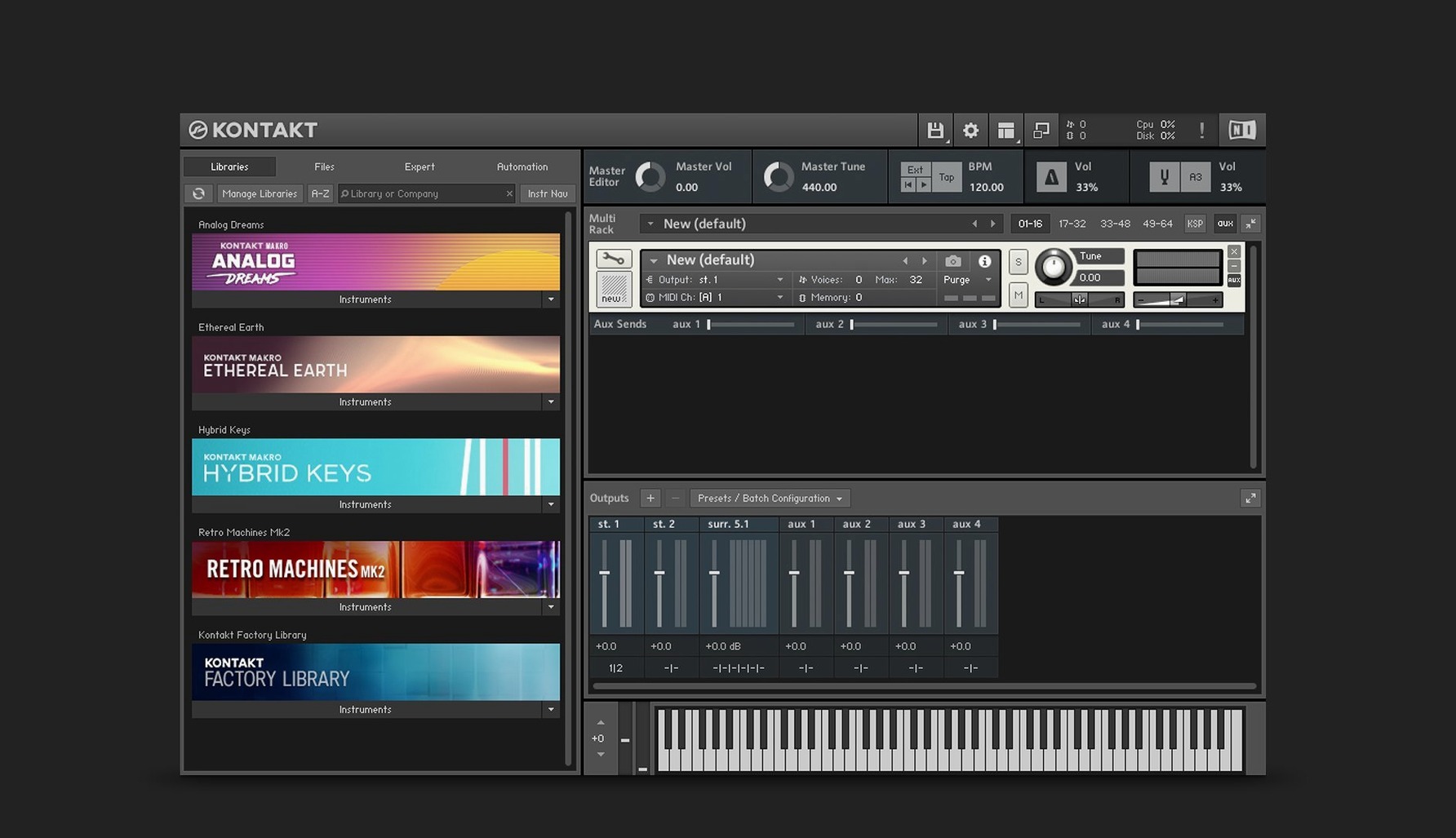
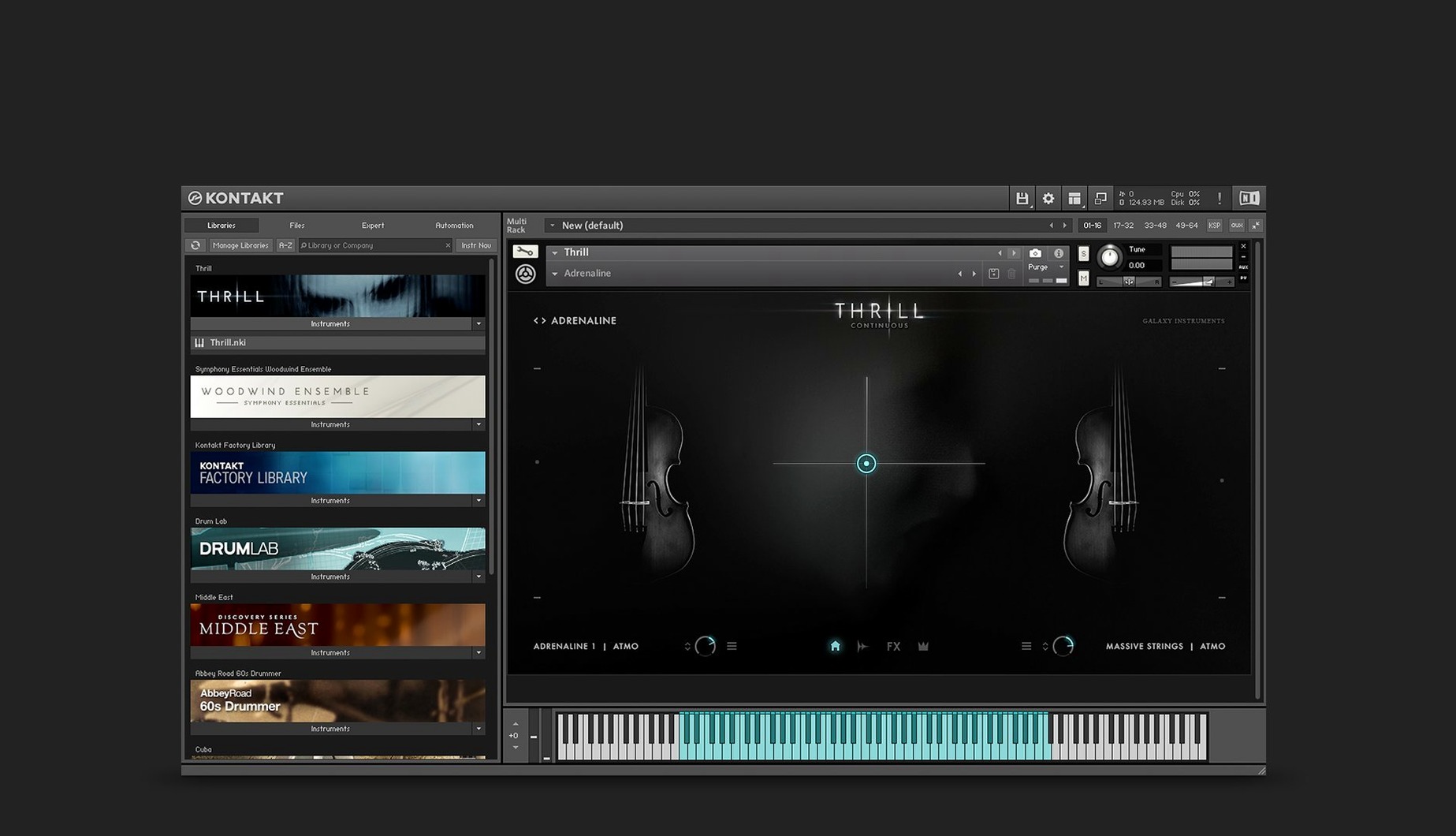
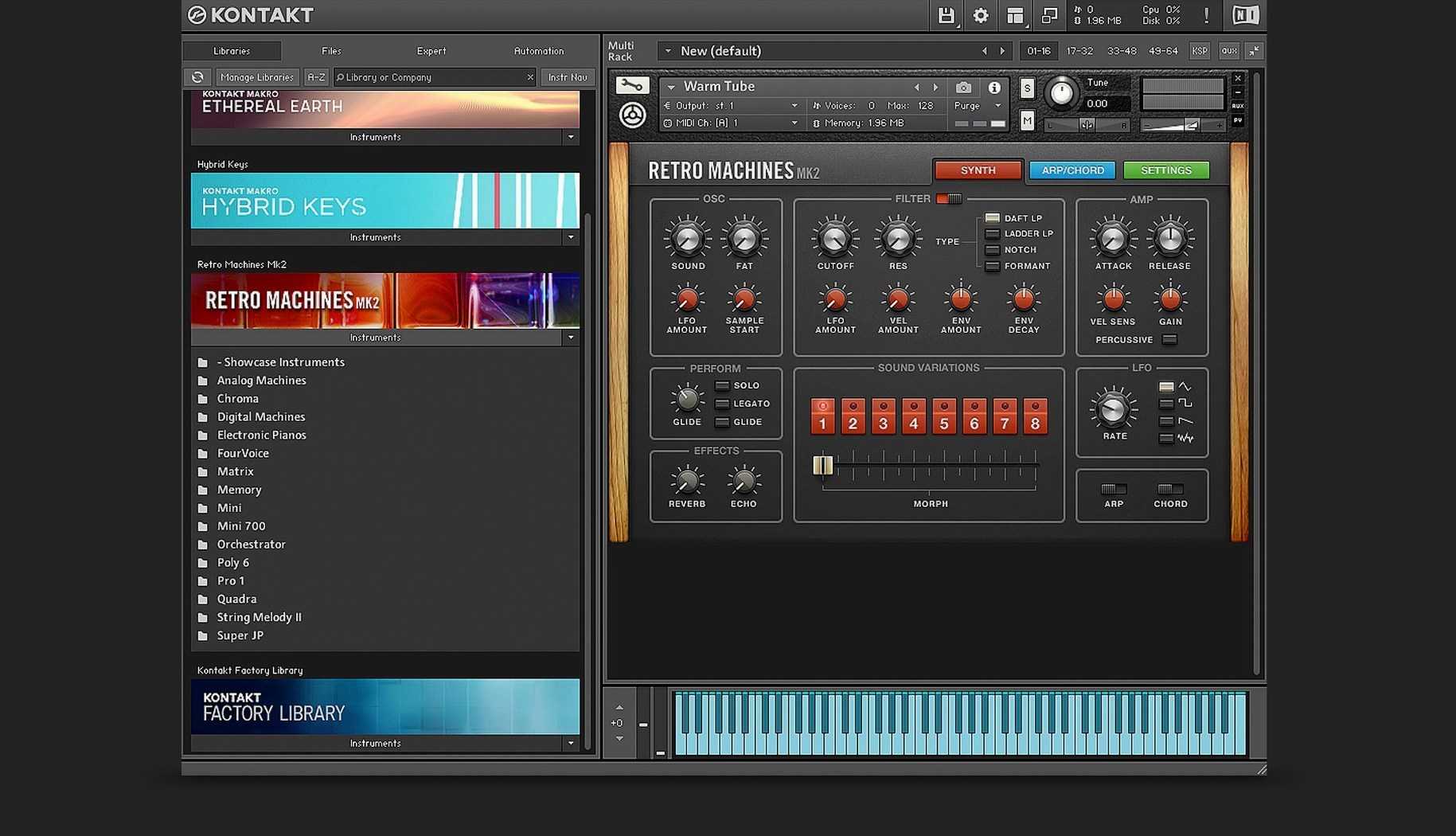
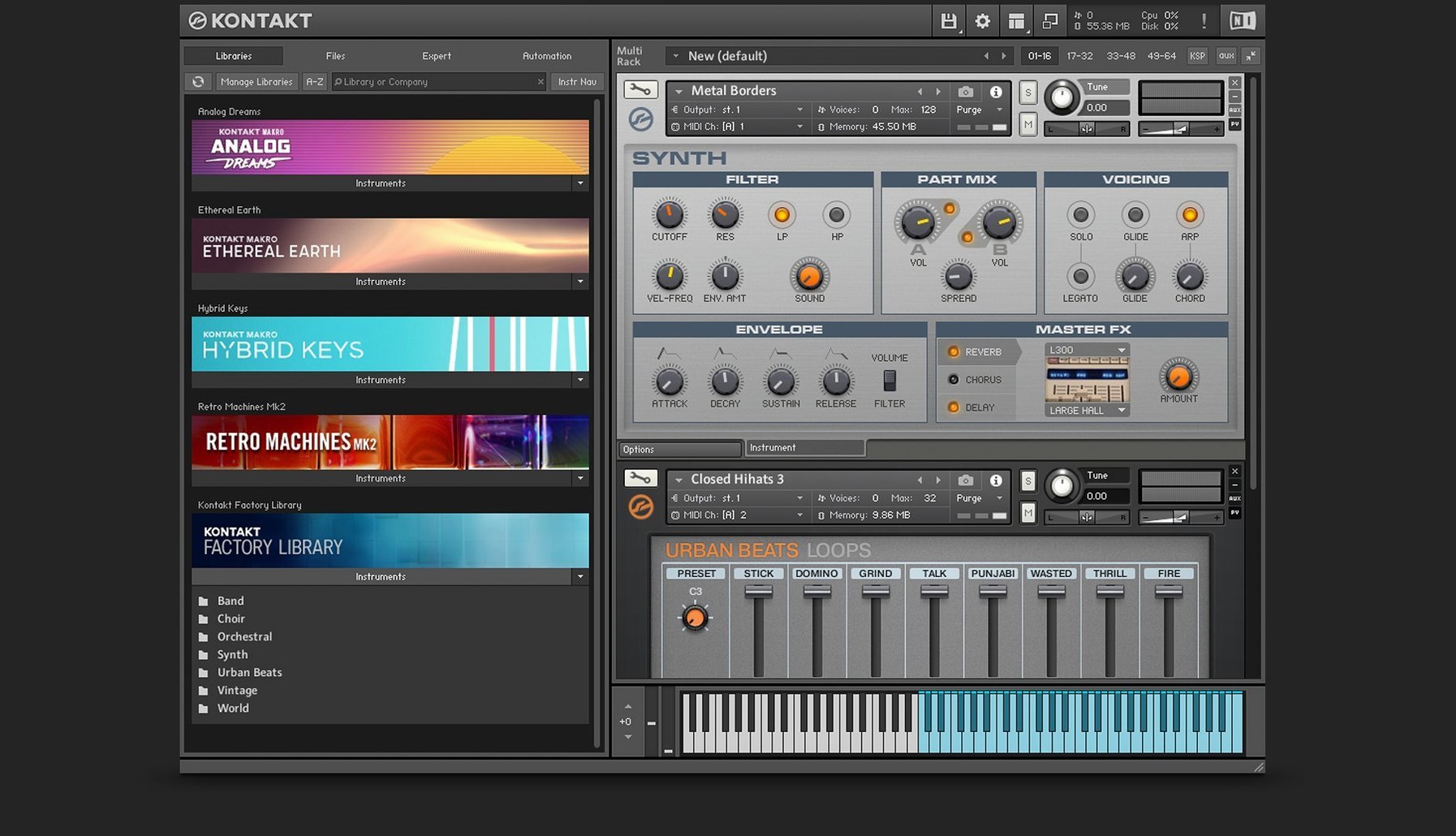
Anyone who has spent time in a DAW knows the feeling of a sampler that fights back. You load a patch, tweak a knob, and the whole thing feels like it was built for presets only. Kontakt has spent years working against that. The version 6 bus system laid the groundwork — sixteen internal stereo buses, so a single instrument can route its own reverb, its own distortion, without touching anything outside. That is the kind of plumbing you notice when you build, not when you browse.
Kontakt 8 keeps the deeper stuff accessible. The Wavetable module picked up a second Form shaper, which matters if you design moving, breathing pads instead of static hits. The new side pane lets you connect Tools directly to instruments, so MIDI manipulation stops being a plugin chain and starts being part of the patch itself.
Leap handles loops and one-shot samples in a way that feels less like a file browser and more like a performance surface. That sits alongside the Default view, which strips things back when you just need to play. VST, AU, and AAX are all covered, and the current build runs on both ARM and x86 Macs.
Moments it obeys instead of helping
Kontakt is deep, and depth brings its own set of head-scratchers. Most of them are not bugs — they are moments where the software does exactly what you told it to, just not what you meant. Here are the ones I see people trip over most often.
Library content missing after an update. You open a project and Kontakt cannot find the samples. Nine times out of ten, Native Access moved the library location during an update and the old path is dead. Open Native Access, find the library in question, check its install path, and point Kontakt to the correct folder. If that does not work, a quick "Locate" from within Kontakt's library browser usually sorts it.
Instruments loading with blank interfaces. This happens most often after a major version jump. The instrument was built for an older version of Kontakt and the graphics system does not translate. Sometimes toggling between views — Default to full and back — kicks it into gear. Other times, loading the instrument in standalone mode first, then switching back to your DAW, does the trick.
CPU spikes when browsing while playback is running. Kontakt preloads patches as you scroll, and a dense library previewing in real time while your session plays can choke even a fast machine. Turn off automatic preview in the browser settings. Your CPU will thank you.
MIDI controllers not reaching the right channel. Kontakt instruments often sit on specific MIDI channels inside a multi, and your controller defaults to omni or channel one. Open the instrument header, check the assigned channel, and match it on your controller. Simple, but easy to forget at two in the morning.
Right-click a rack instrument to skip the browser
Some features sit quietly in the interface, doing their job without fanfare. You can use Kontakt for years and miss a few of them.
- Quick-load slots. Right-click any instrument in the rack and assign it to a slot. You get a customizable grid that pops up with a single click — much faster than digging through the library browser when you are building a template.
- Purge all instances. In a large project, each Kontakt instance holds samples in RAM even when muted. The "Purge all samples" command inside Kontakt's file menu clears everything across all instances, not just the active one. Useful before bouncing stems.
- Drag-and-drop sample mapping. You can drag samples straight from Finder onto the keyboard mapping editor. Kontakt spreads them across keys automatically. Good for quick drum kits or one-shot collections without opening the full mapping grid.
- MIDI learn on parameters. Right-click almost any knob or slider, choose MIDI learn, wiggle your hardware controller, and the connection is made. No separate setup window, no digging through menus.
- Side pane connections in Kontakt 8. The new side pane is not just cosmetic. You can drag a Tool onto an instrument channel and the routing sets itself up — modulators, arpeggiators, and MIDI effects slot in without touching your DAW's routing.
Apple Silicon loads fast and skips Rosetta
On an Apple Silicon Mac, Kontakt 8.13.1 loads quickly and sits comfortably in RAM without the overhead that used to come with Rosetta translation. Standalone mode opens in a few seconds; the AU and VST3 versions feel snappy inside Logic and Ableton Live. Instruments that used to take a breath before appearing now pop onto the screen.
Memory use depends almost entirely on the libraries you load. A modest string patch might sit around 200 MB. A full orchestral template with multiple mic positions and true legato can push past 8 GB without breaking a sweat. The purge function helps — unload unused articulation groups and you claw back headroom fast.
Stability in 8.13.1 is solid. I have run it through long sessions with heavy automation, tempo changes, and frequent instrument swapping, and it has not dropped a note. The one thing to watch is older third-party libraries. Some smaller developers never updated their scripting for the newer KSP engine, and those instruments can occasionally cause a crash on load. Stick to well-maintained libraries and you stay out of trouble.
Disk speed matters more than CPU in day-to-day use. Kontakt streams samples from disk, so an external SSD over USB-C keeps things smooth. The internal drive on modern Macs handles it easily, but a spinning external drive from five years ago will make every patch change feel like waiting for water to boil.
Stripped-down view hides the browser and rack
Kontakt 8 brought changes you feel more than you see. The Default view strips the interface down to the instrument you are playing, removing the browser and the rack when you do not need them. It makes Kontakt behave more like a hardware module — less time clicking, more time playing.
The Leap feature changes how you interact with loops and one-shots. Instead of loading samples into a static slot and triggering them from keys, Leap gives you a performance-oriented surface. You can slice, retrigger, and manipulate samples in a way that feels closer to a pad controller than a traditional sampler. It encourages playing with the material rather than just programming it.
Komplete UI and Komplete Script, introduced in version 8, are behind-the-scenes changes that affect instrument builders more than players. For the rest of us, the payoff is cleaner-looking libraries with high-DPI graphics that do not go fuzzy on Retina displays. Instruments built on the new framework feel sharper and scale properly when you resize the window.
The side pane for Tools is small but meaningful. In older versions, MIDI manipulation meant inserting extra plugins before Kontakt or loading multi-script slots buried in the settings. Now you drag a Tool from the side and it connects directly to the instrument. An arpeggiator, a chord generator, a velocity remapper — they all sit visibly next to the instrument they affect. It makes the signal flow obvious in a way it never was before.
Bottom line: the deeper tools are why you stay.
Kontakt 8 brings a few things that change how you work rather than just adding more presets.
- Tools for creatively manipulating MIDI, connected through a new side pane.
- Leap for playing and performing loops and one-shot samples.
- Komplete UI and Komplete Script for instrument building.
- macOS 14 or later
- Works on both Apple Silicon and Intel Macs
Questions I actually get
What did Kontakt 6 add for instrument builders?
Kontakt 6 introduced TimeMachine Pro time-stretching for harmonic solo instruments and a new instrument bus system with 16 internal stereo buses.
Notes from the tables 0
Sign in or pull up a chair to leave a note.
No notes on this one yet. They go up after I read them.