
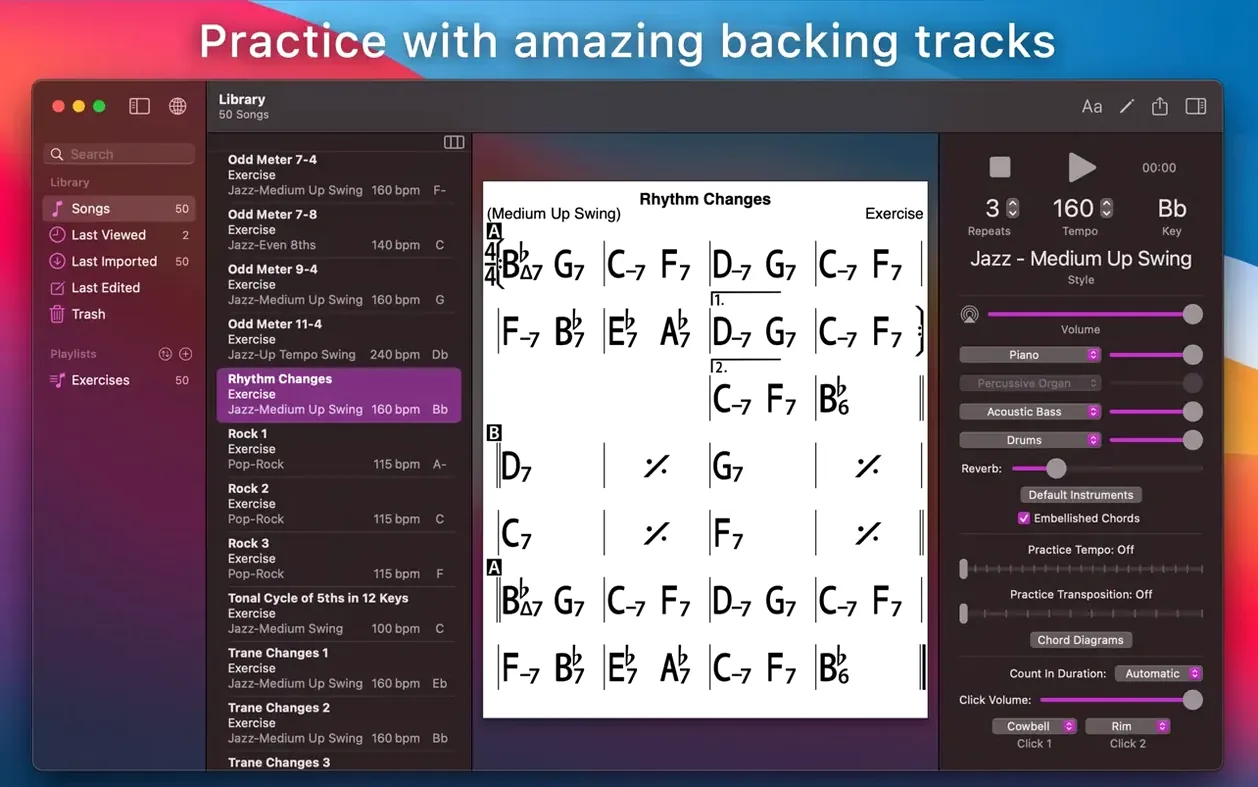
If you’ve ever used a simple PDF chord chart and wished the page could actually play the tune back to you, that’s the gap iReal Pro fills. It’s a digital chart reader that also simulates a real-sounding band, so you’re not just looking at changes—you’re hearing them.
Backing band that follows your tempo and key
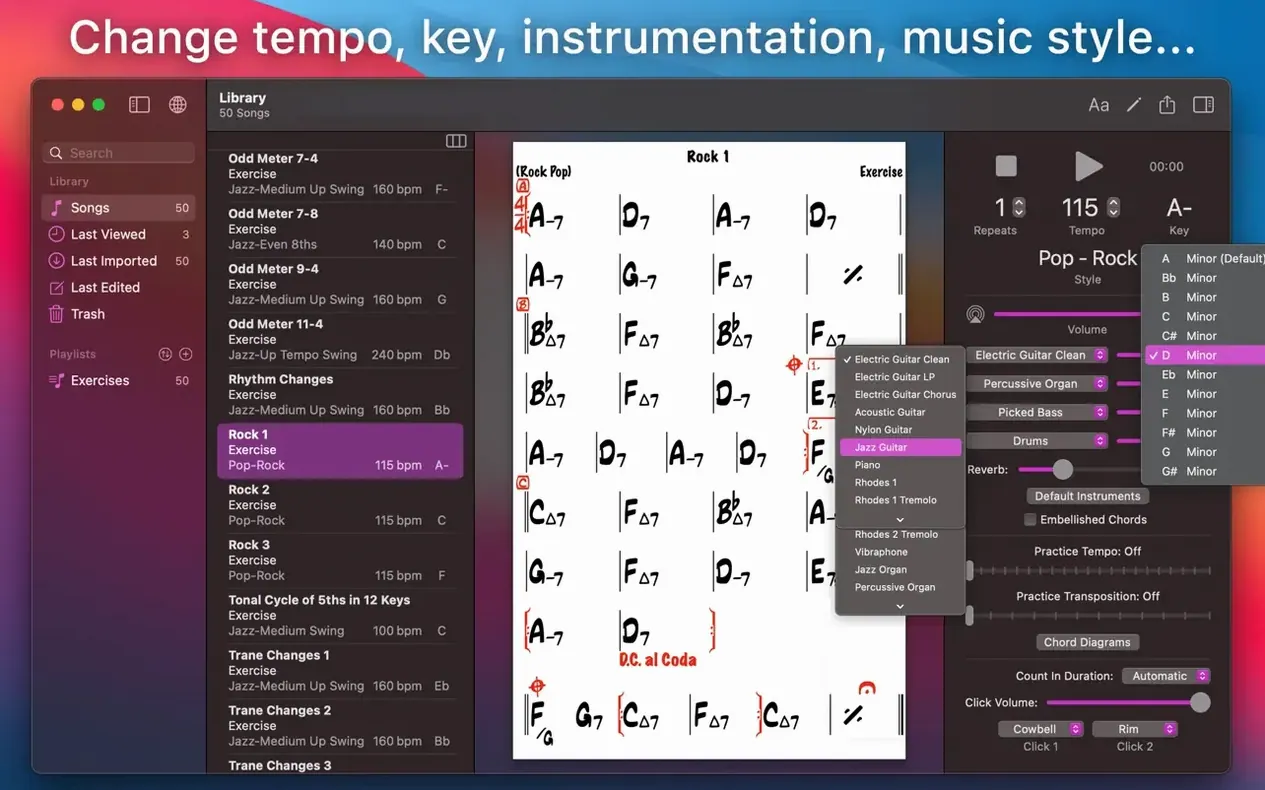
- Practicing with a backing band that adjusts to any tempo, key, or style.
- Seeing guitar tab, ukulele tab, or piano fingerings right on the chart.
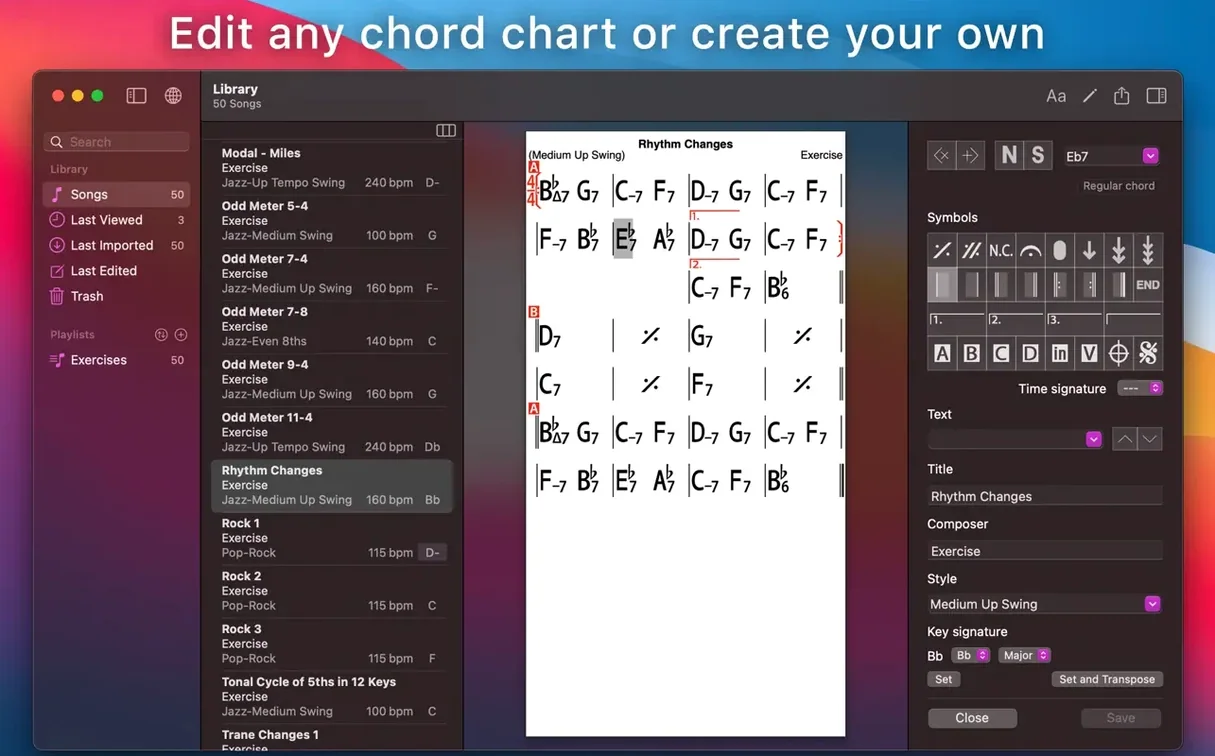
- Exporting clean charts as PDF or MusicXML for the rest of the band.
- Syncing your playlists across devices with iCloud.
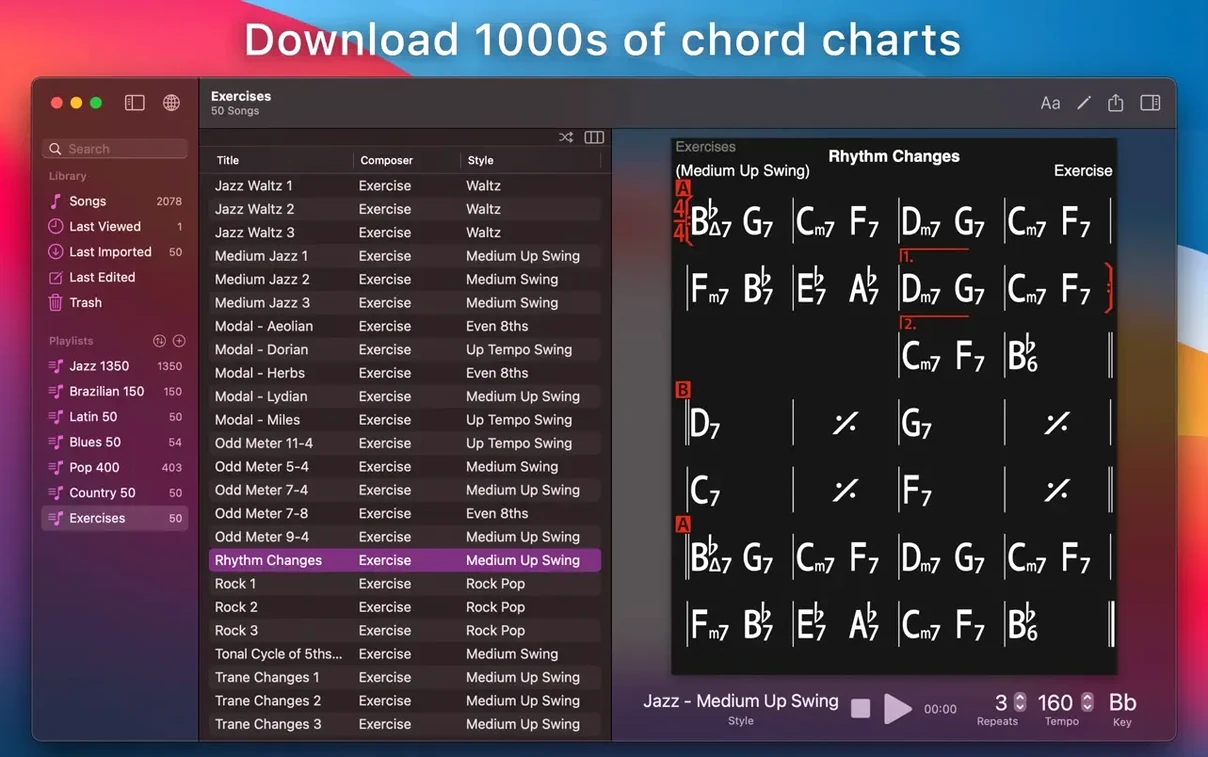
- Importing thousands of user-created songs from the forums.
Mac version is a separate purchase from iOS
- The Mac version is sold separately from the iPhone and iPad versions.
- Scale suggestions for each chord are visual only—the band won’t solo for you.
- You’ll need to mount a disk image and run a Terminal command to get it installed.
Drag exported audio into GarageBand or Logic
iReal Pro isn’t an island. It exports audio you can drag straight into GarageBand or Logic for a rough demo, and the MIDI export means you can replace the built-in piano with a Spitfire felt piano or any software instrument you like. On the chart side, MusicXML out of iReal Pro opens cleanly in Dorico, MuseScore, Finale—whatever your arranger uses. I’ve also seen folks pull the WAV of a practice session into Transcribe! to slow down tricky changes without repitching.
The iCloud sync is quietly useful: create a set list on your iPad during rehearsal, and it’s waiting on your Mac when you get home. And because the app exports PDF, you can print charts directly or stash them in forScore on an iPad for gigging. It slots into a working musician’s toolkit without demanding to be the center of it.
A bass player’s Tuesday evening
Imagine a bassist with a jazz trio gig on Friday. She’s been handed three new tunes in weird keys and has an hour to woodshed. She pulls the chord charts off the iReal Pro forums, drops them into a playlist called “Friday set,” and transposes each one to the key the singer actually uses. With the mixer she dials the piano down to a whisper, pushes the bass out completely, and turns the drums up just enough to feel the pocket. Then she plays through each tune twice—once reading the changes cold, once walking lines while the chart scrolls on her screen. She records a quick WAV of the third tune, listens back on her phone during a coffee break, and walks into rehearsal knowing the shapes are in her hands.
Pull down the bass or piano in the mixer
Out of the box, iReal Pro makes a few assumptions you’ll want to tweak. Here’s where I’d start:
- Mixer levels. Open the mixer and pull the bass down if you’re a bassist, the piano down if you’re a pianist. The default blend works for nobody.
- Count-in. Turn on the one- or two-bar count-in. It’s off by default, and having it gives you a moment to set your hands before the band kicks in.
- Transposing instrument display. If you play tenor sax, trumpet, or clarinet, dig into the global settings and set your transposition once. Charts will then display in your key automatically.
- Practice loop. Highlight a tricky four bars, tap the loop icon, and let it cycle. Slow the tempo down to something embarrassing—nobody’s listening.
- Number notation. If you work with Nashville numbers or Roman numerals, switch the chart display to number notation in a tap. Great for last-minute key changes at a gig.
Bottom line: a handful of adjustments turns iReal Pro from a decent play-along tool into something that genuinely fits how you practice.
- macOS 12.4 or newer
- Works on Intel and Apple Silicon Macs
Notes from the tables 0
Sign in or pull up a chair to leave a note.
No notes on this one yet. They go up after I read them.