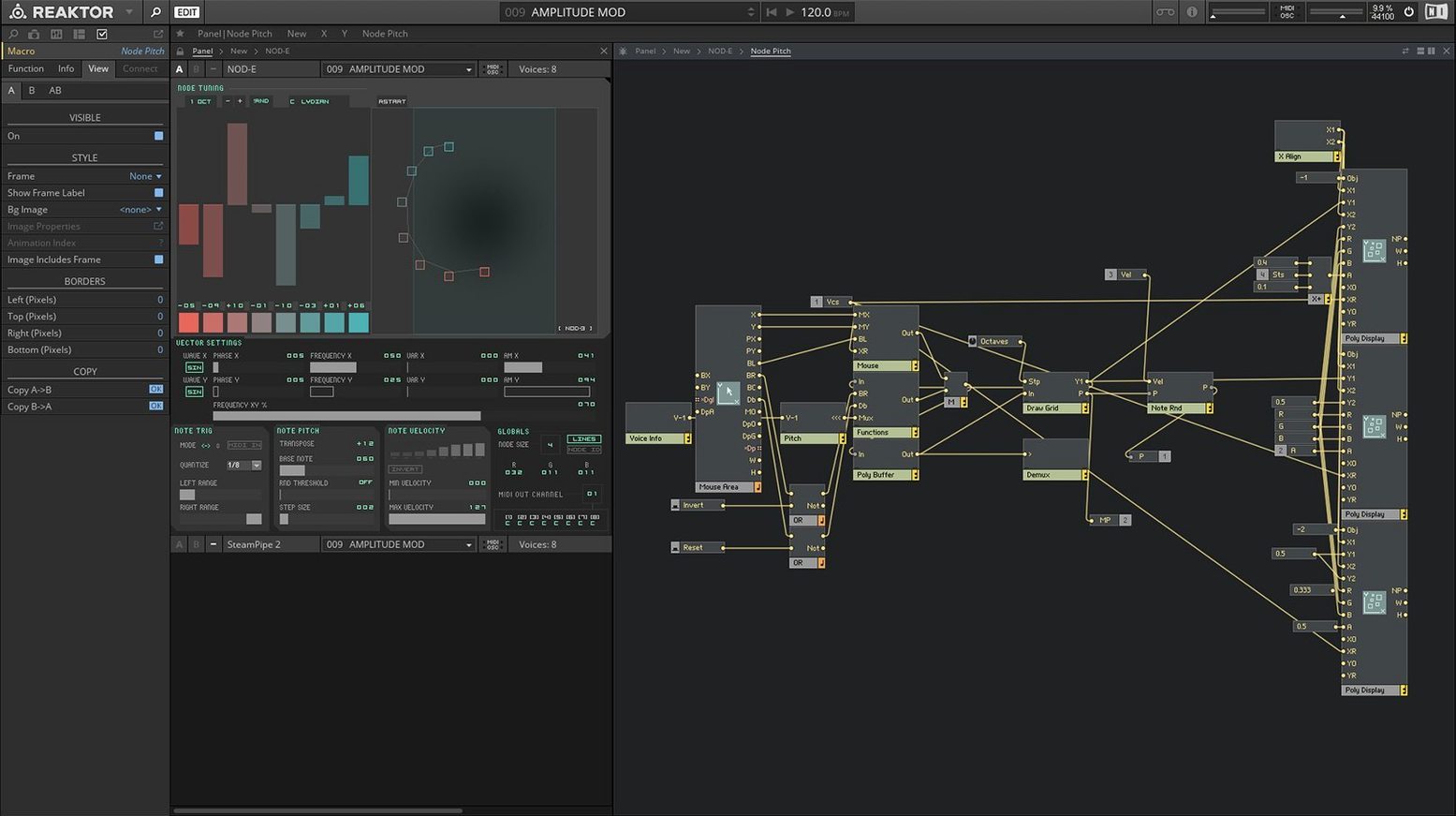
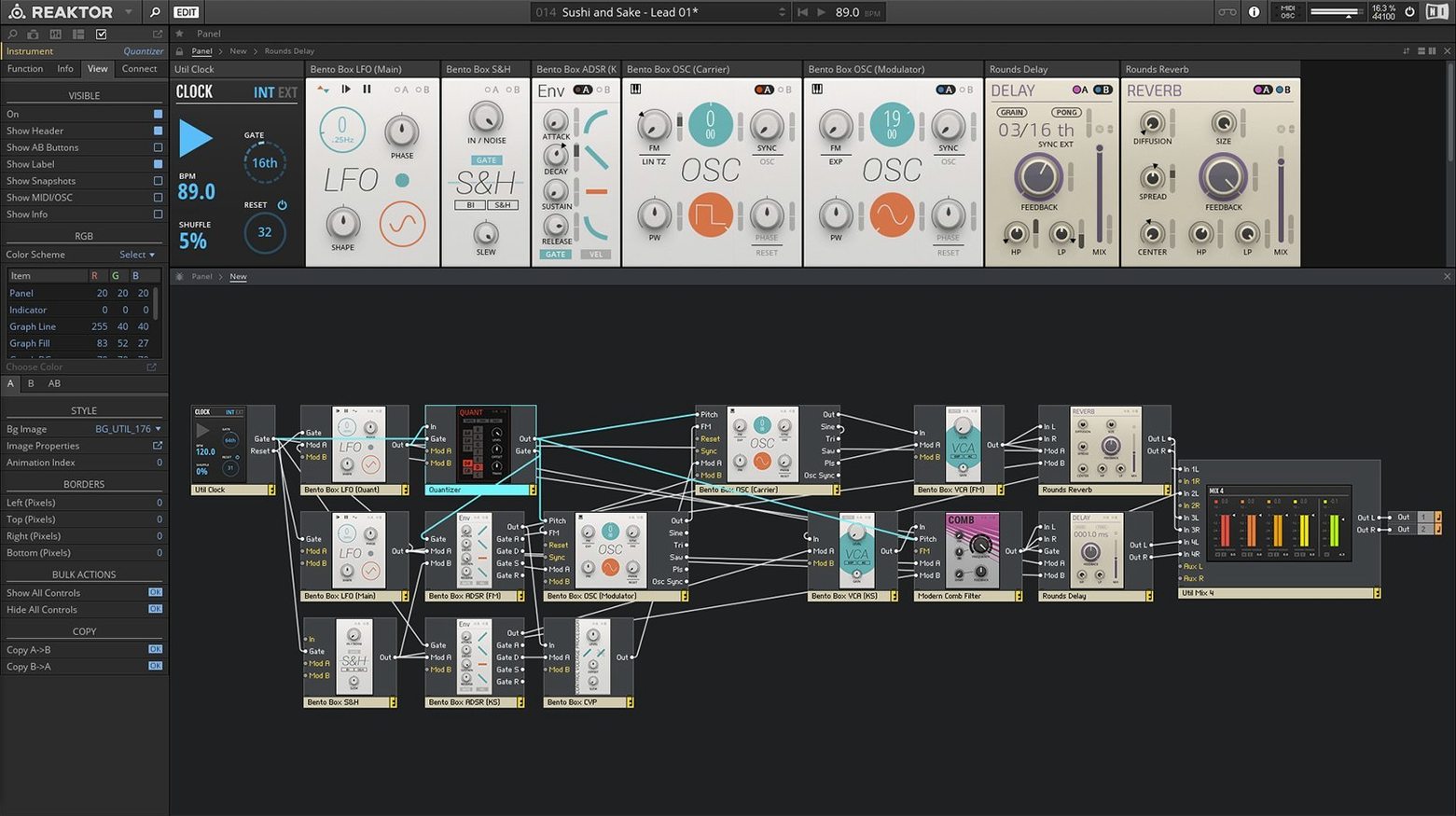
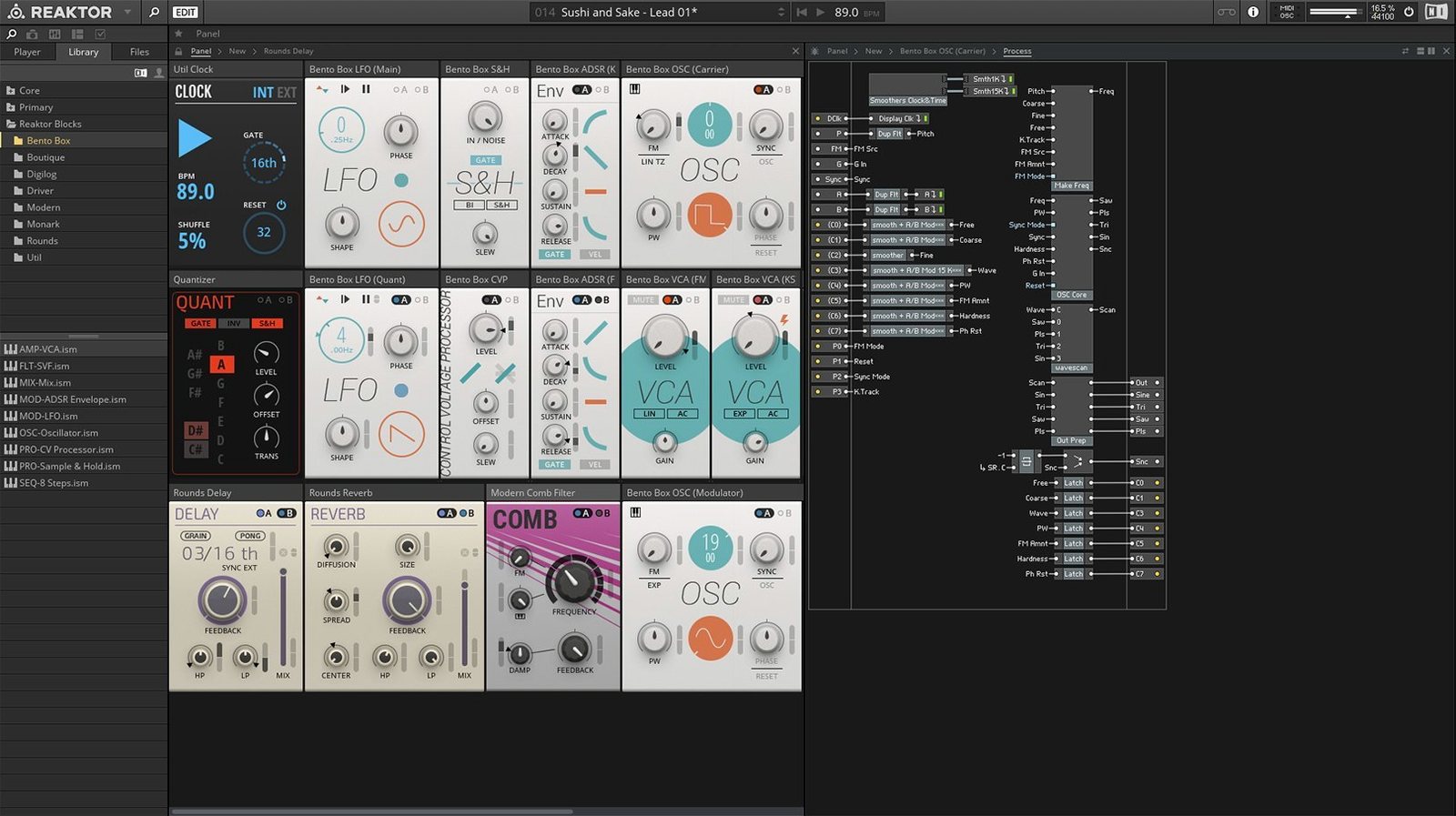
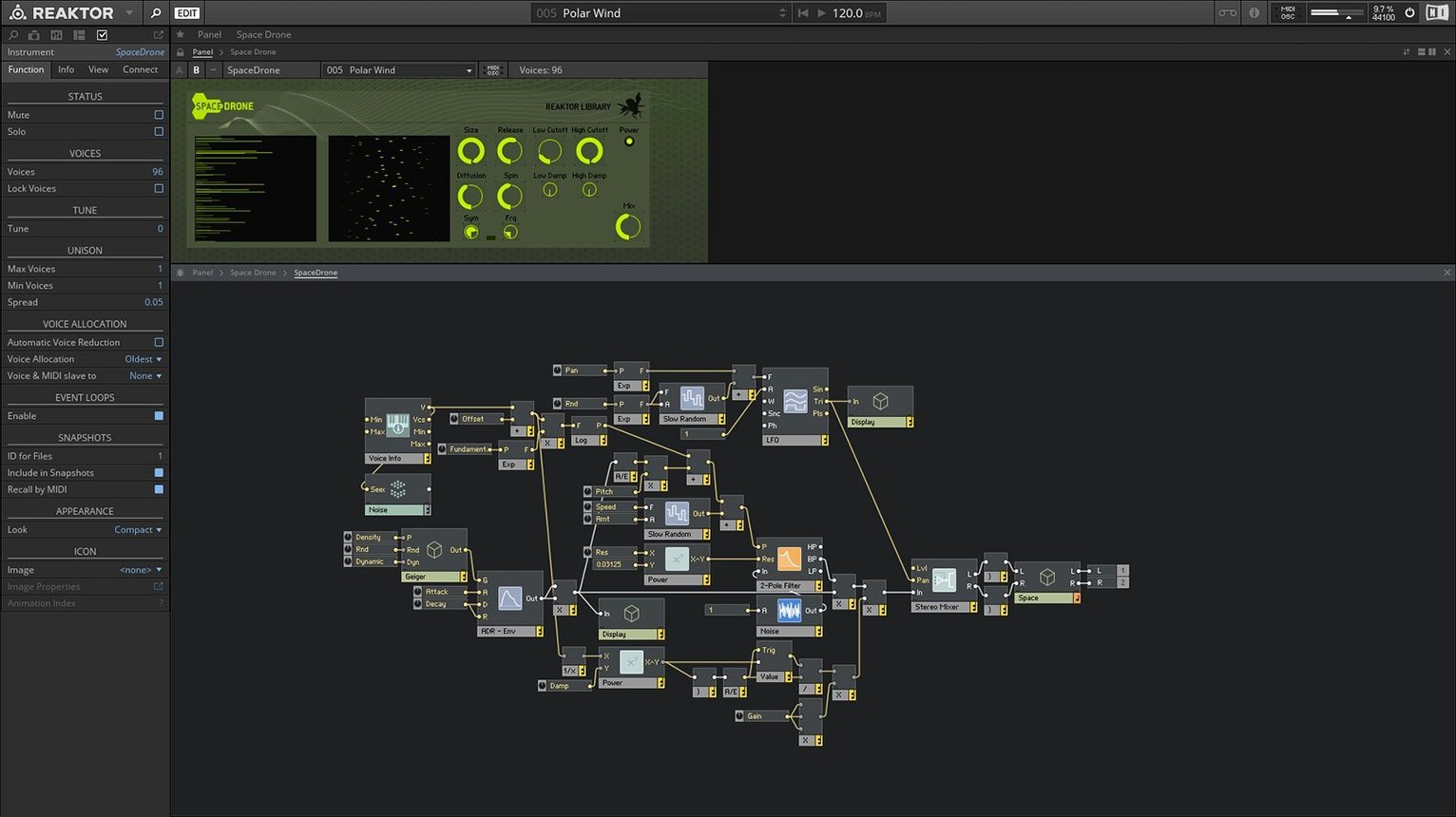
Reaktor is a deep sandbox for sound, where you wire together oscillators, filters, and effects to build instruments that don't exist yet.
Find a starting point
Open the library and grab a basic ensemble like a simple subtractive synth. Right-click its structure to see how the blocks connect—this is your blueprint.
Patch a custom module
Drag a new Core Cell into the structure. Wire a sine wave oscillator into a delay and then a reverb, twisting the macro knobs until you hear something raw and alive.
Save and play it in your DAW
Building a drum machine from scratch
Start with an empty ensemble and drop in four samplers from the built-in library. Load a kick into the first, a snare into the second, a closed hat into the third, and an open hat into the fourth. Wire each sampler's output into a mixer module so you have individual level control.
Now grab a clock module and a step sequencer. Route the clock's gate output to the sequencer's clock input, then send the sequencer's four gate rows to each sampler's trigger input. Turn on the clock and you've got a pattern running—dead simple.
To make it feel like an actual instrument, right-click the panel and add four macro knobs labeled Kick Decay, Snare Snap, Hat Tone, and Master Crunch. Map each knob to the sampler envelope decay or a bit-crusher you insert before the mixer. Now you can perform the drum machine instead of just programming it.
Blocks bring Eurorack patching to your screen
The big shift was the introduction of Blocks—a framework of pre-made modules that snap together like Eurorack hardware. You drag an oscillator block, a filter block, and an envelope block into a rack, patch them with virtual cables, and suddenly modular synthesis stops feeling academic and starts feeling like a workbench.
The 23 new instruments that shipped with version 6 aren't just filler. Rounds is a polyphonic synth that morphs between voices in ways a simple crossfade can't touch. Molekular is a multi-effect that breaks audio into spectral grains and reassembles them, which used to require three separate plug-ins and a lot of patience. These instruments show off what the Core Technology can do when someone else does the heavy lifting—you open the hood later, after you've learned what's possible.
The Core Technology itself turned module-building into a visual task. Instead of typing out low-level DSP code, you connect graphical blocks that represent math operations, and Reaktor compiles them on the fly. For the everyday user, that means the user library grew faster and weirder after version 6 dropped.
Ignoring the structure view keeps you on the surface
The most common mistake is treating Reaktor like a regular synthesizer plug-in and ignoring the structure view entirely. You miss the whole point if you only twist the front-panel knobs on a factory ensemble and never right-click to see how the wires connect. Pop the hood early, even if you break something.
Another trap: downloading a pile of user library ensembles without checking the version they were built for. Older instruments sometimes reference modules that don't exist in newer Reaktor builds, and you end up staring at a broken patch with missing connections. Stick to ensembles tagged for version 6 or later while you're learning.
Beginners also over-wire things. They'll route an LFO into five destinations with no attenuator and wonder why the sound is seasick. Always drop a multiply or mixer module between a modulation source and its targets so you can dial back the intensity. Subtle modulation sounds like intention; full-range wobble sounds like a loose cable.
Finally, don't sleep on the snapshot system. People build a great sound, close the ensemble, and lose it because they never saved a snapshot to the built-in browser. Hit the camera icon in the toolbar before you move on—it takes two seconds.
Save your new instrument, then load Reaktor as a plug-in inside your recording software to play it with a MIDI keyboard.
Version 6 brings a new way to build. Reaktor Core Technology lets you visually create custom modules without writing code, and the library ships with 23 fresh instruments to play with right away.
- macOS 13, 14, or 15 with the latest update
- Runs natively on Apple Silicon and Intel 64-bit Macs
Questions I actually get
Can I use instruments other people have made in Reaktor 6?
Yes, the REAKTOR user library has thousands of community-made synths, effects, and oddball devices you can download and load directly into the software.
Notes from the tables 0
Sign in or pull up a chair to leave a note.
No notes on this one yet. They go up after I read them.