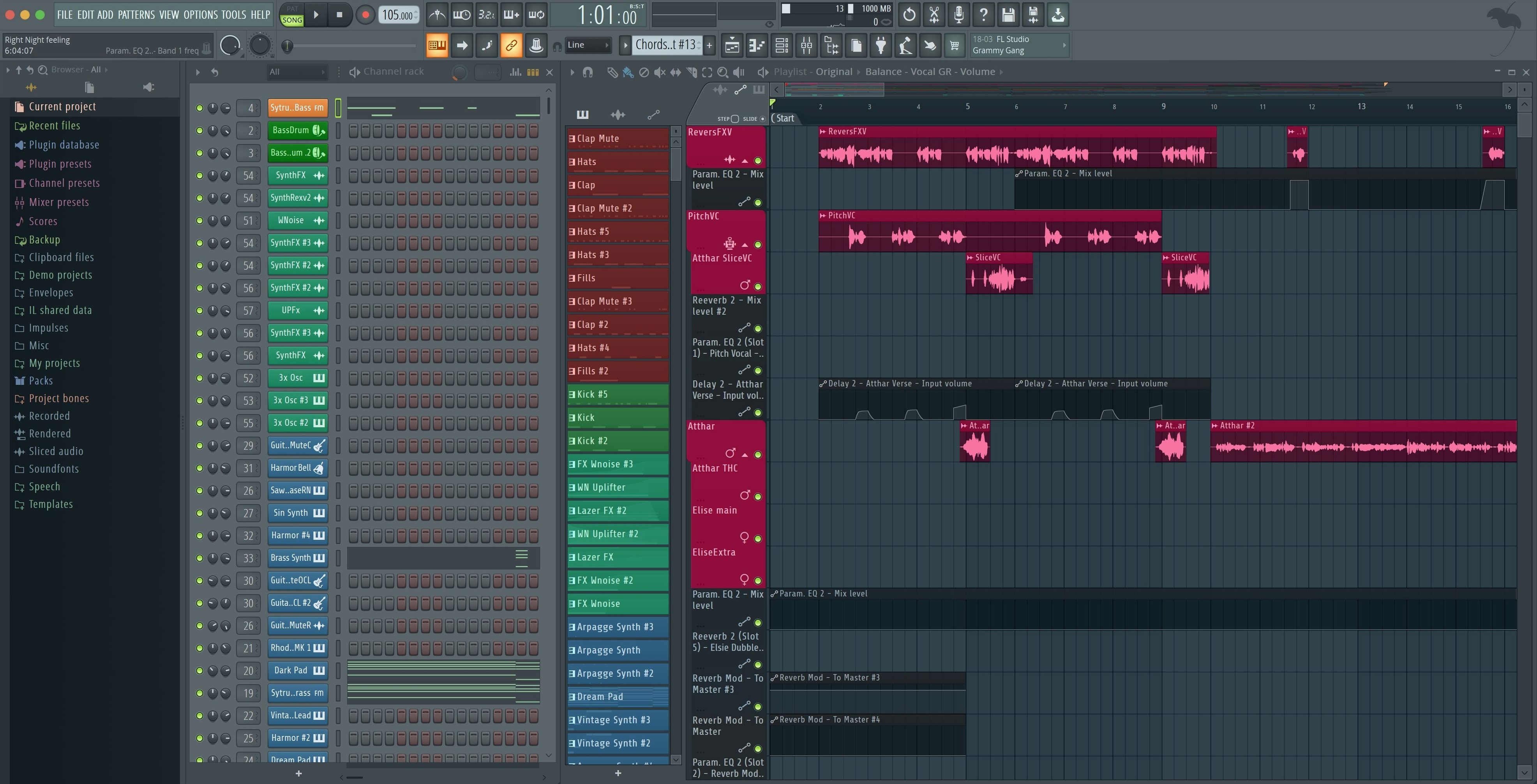
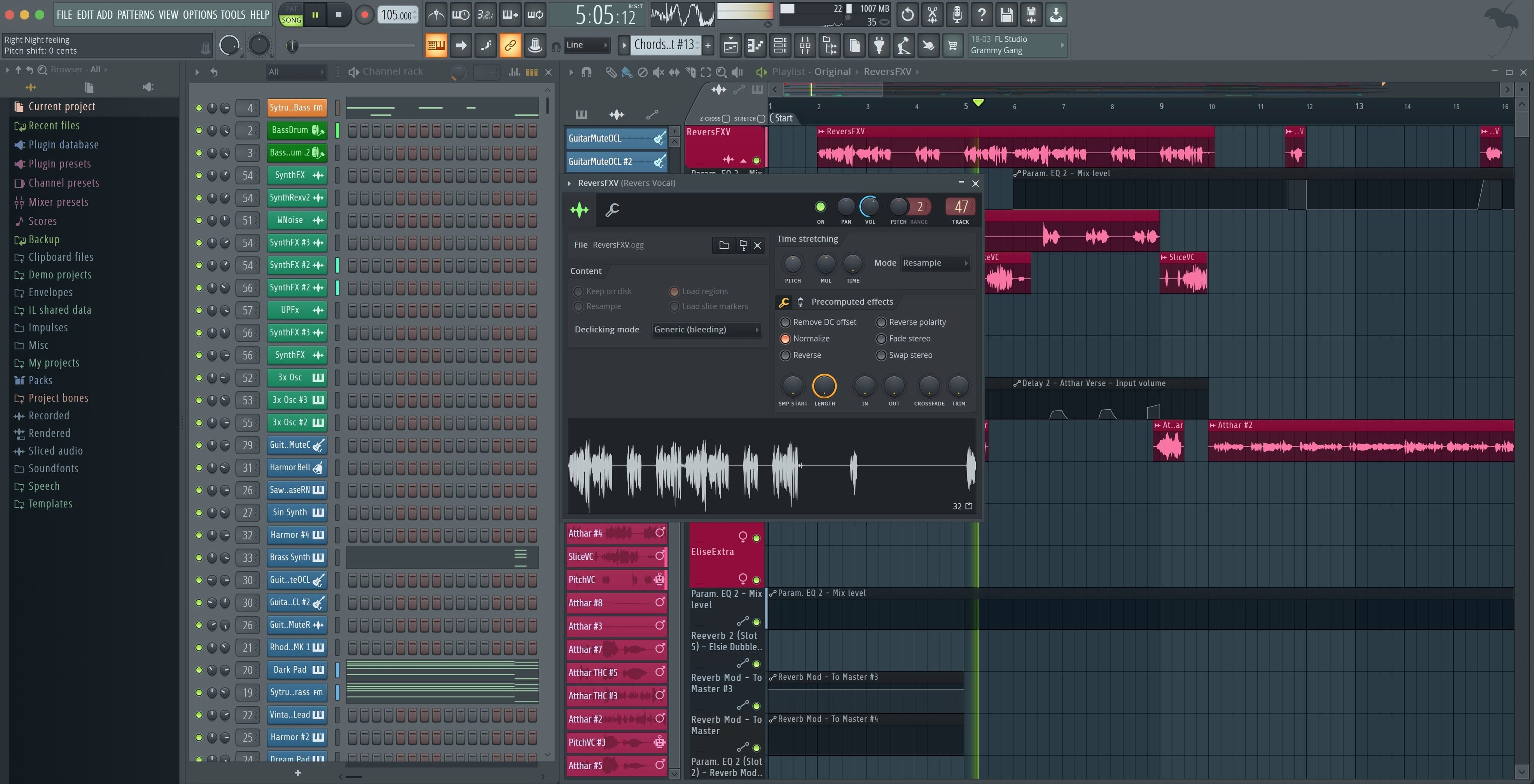
FL Studio is a full digital audio workstation that turns your Mac into a multitrack recording and beat-making setup. Think of it as the kitchen where every part of your song gets prepped, cooked, and plated—from a raw vocal take to a polished master.
It handles audio and MIDI recording, pattern creation, and full arranging and mixing. You can drop in a drum loop, lay down a bassline with a controller, slice and edit audio, then automate volume or effects until the track breathes exactly how you want it. The 2026 version adds a FLEX sound search so finding a synth preset doesn't kill your flow, plus cloud project backup and a Gopher helper that feels like having an assistant engineer who never sleeps.
This is the Producer Edition, and it runs natively on both Apple Silicon and Intel Macs—no Rosetta translation needed. Recent maintenance work smoothed out a few practical things: the Tuner is easier to read from a few feet away, the Akai Fire controller just works with its own script by default, and plugging in a new MIDI controller pops up a friendly notification so you're not digging through menus to get playing.
When you open a project after the 2026.1.6 update, the small stuff hits first. The Plugin Performance Monitor now shows fractional percentages instead of rounded whole numbers—so you can actually see whether that new reverb is nudging the CPU up by a fraction or a whole point while you audition presets. It's the kind of detail that keeps a session smooth when you have thirty mixer tracks loaded.
The export dialog got a pair of checkboxes that save real time during stem bouncing. When you split mixer tracks, you can now choose to render the Master and Current channels right there in the same pass. No more exporting stems, then going back for a separate master print. If you're sending files to a collaborator who wants both the full mix and the individual tracks, you tick both boxes once and walk away.
Tuner got a visual refresh too. The interface is cleaner and the readout is easier to glance at from across the desk when you're tuning a guitar with the Mac a few feet away. And the Akai Fire now defaults to its dedicated control script—no manual setup, no hunting through controller lists. Plug it in, the pads light up, and you're sequencing.
The channel rack builds clips, not songs
The most common stumble is treating the Channel Rack like it's the whole arrangement. New producers drop patterns into the rack and wonder why the playlist stays empty. FL Studio separates pattern creation from arrangement on purpose. You build a pattern in the rack, then paint it onto the playlist timeline. Once that clicks, the whole workflow opens up.
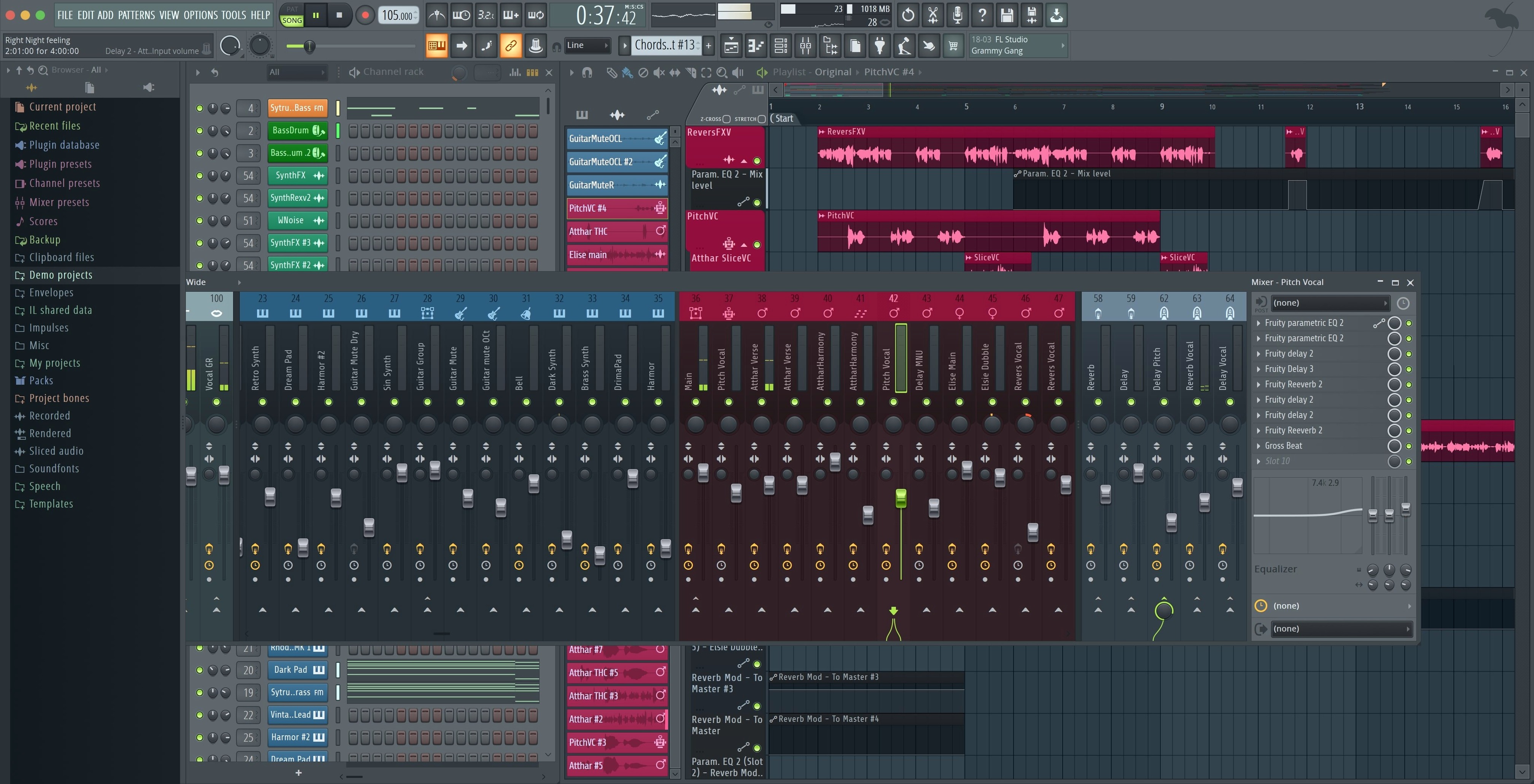
Another early mistake: ignoring the mixer routing. People load a sampler channel and expect effects to just appear. Every sound needs a mixer track assigned—click the little number on the channel, drag it to a mixer insert, and now you can add EQ, compression, whatever. Without that step, you're mixing blind.
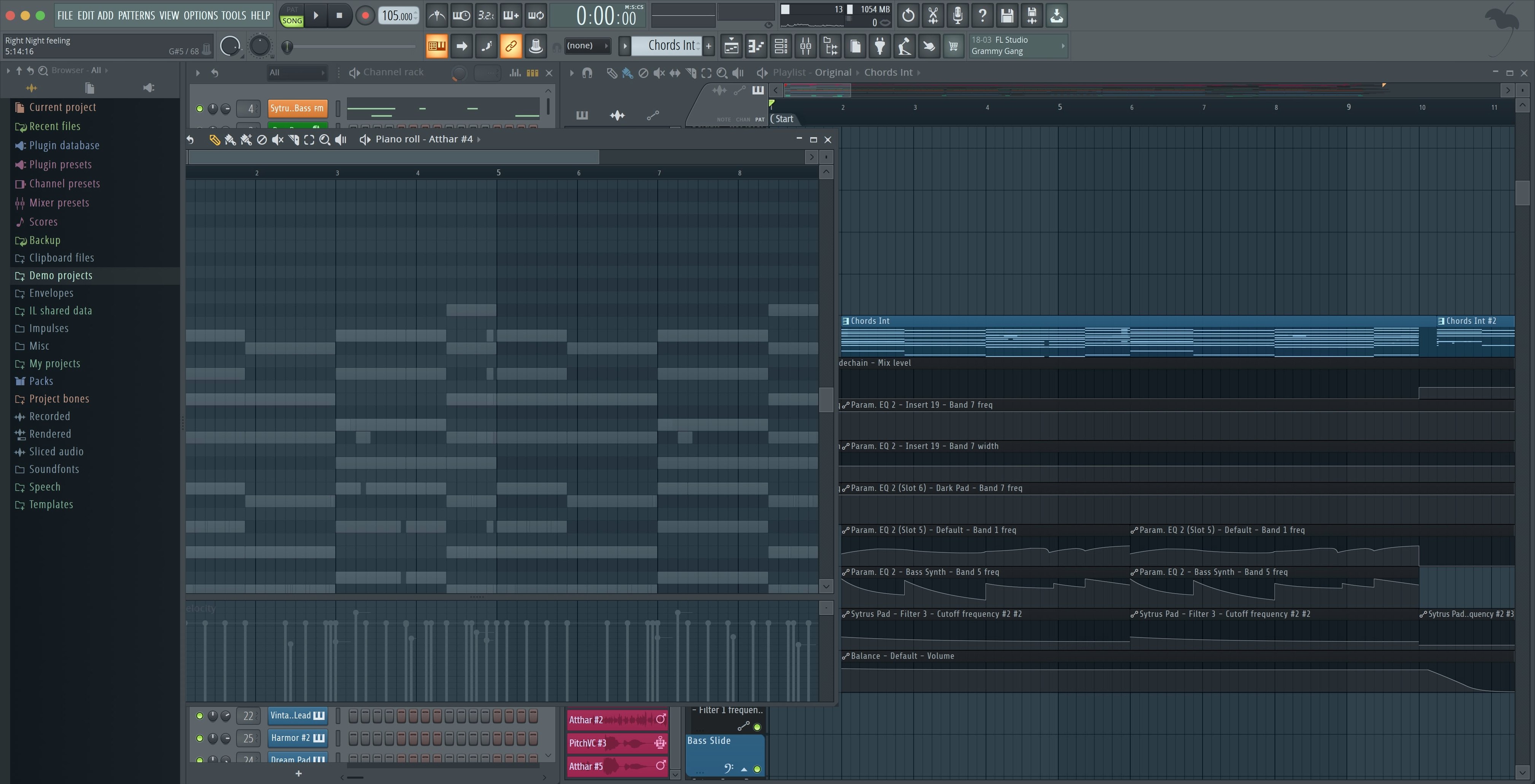
The third big one is leaving the snap setting at its default for everything. The piano roll snap controls how notes and clips stick to the grid. For hi-hat rolls and drum fills, switching to a finer snap or turning it off gives you the loose, human feel that a rigid grid kills. Try it on a closed hi-hat pattern and you'll hear the difference immediately.
Search finds plugins and presets, not just samples
The browser's search field isn't just for samples. Type a plugin name, a preset category, even a partial file name and it filters everything—samples, generators, effect presets—in one list. If you've ever scrolled through folders looking for a kick drum you know you saved last week, this alone saves minutes per session.
The function keys on your Mac keyboard map to transport controls by default: F5 jumps to pattern mode, F6 to song mode, F4 opens the mixer. No extra setup. If you're on a MacBook and the touch bar gets in the way, hold the fn key and the function row behaves as expected.
Right-clicking almost anything in FL Studio gives you a shortcut menu that new users skip for months. Right-click a knob to set it to neutral, right-click a playlist clip to make it unique, right-click a mixer fader to create an automation clip instantly. The whole interface is built on right-click access, and once you start using it, the left-click-only habit feels like working with one hand.
For producers who grabbed an FL Studio Mac torrent or looked up FL Studio Mac full crack just to test the waters, the full Producer Edition install covers everything without feature gates. The download gives you the complete set of built-in synths, samplers and effects in one package, same as the Windows version. No watered-down starter version to outgrow after a month.
Bottom line: it's a deep, self-contained music production environment for people who want to build tracks from scratch, not just loop a few samples.
A few practical fixes that make daily work smoother. The export dialog now has checkboxes for rendering Master and Current tracks when you split mixer tracks, saving you a few clicks. The Plugin Performance Monitor shows fractional percentages, so you're not guessing what's really eating your CPU. And when you plug in a new MIDI controller, a notification pops right up with an option to enable it—no menu diving.
- macOS 10.15 Catalina or newer
- Apple Silicon or Intel Mac
Questions I actually get
Does FL Studio run on Apple Silicon Macs?
Yes, it runs natively on Apple Silicon and 64-bit Intel Macs, so Rosetta is not required.
What is the FL Studio Producer Edition?
It's a version that includes full audio recording, editing, and a large collection of instruments and effects for professional music production.
What did the latest maintenance update fix?
Version 2026.1.6 made the Tuner easier to read, added a notification for new MIDI controllers, and added mix-down options when splitting mixer tracks.
Notes from the tables 0
Sign in or pull up a chair to leave a note.
No notes on this one yet. They go up after I read them.