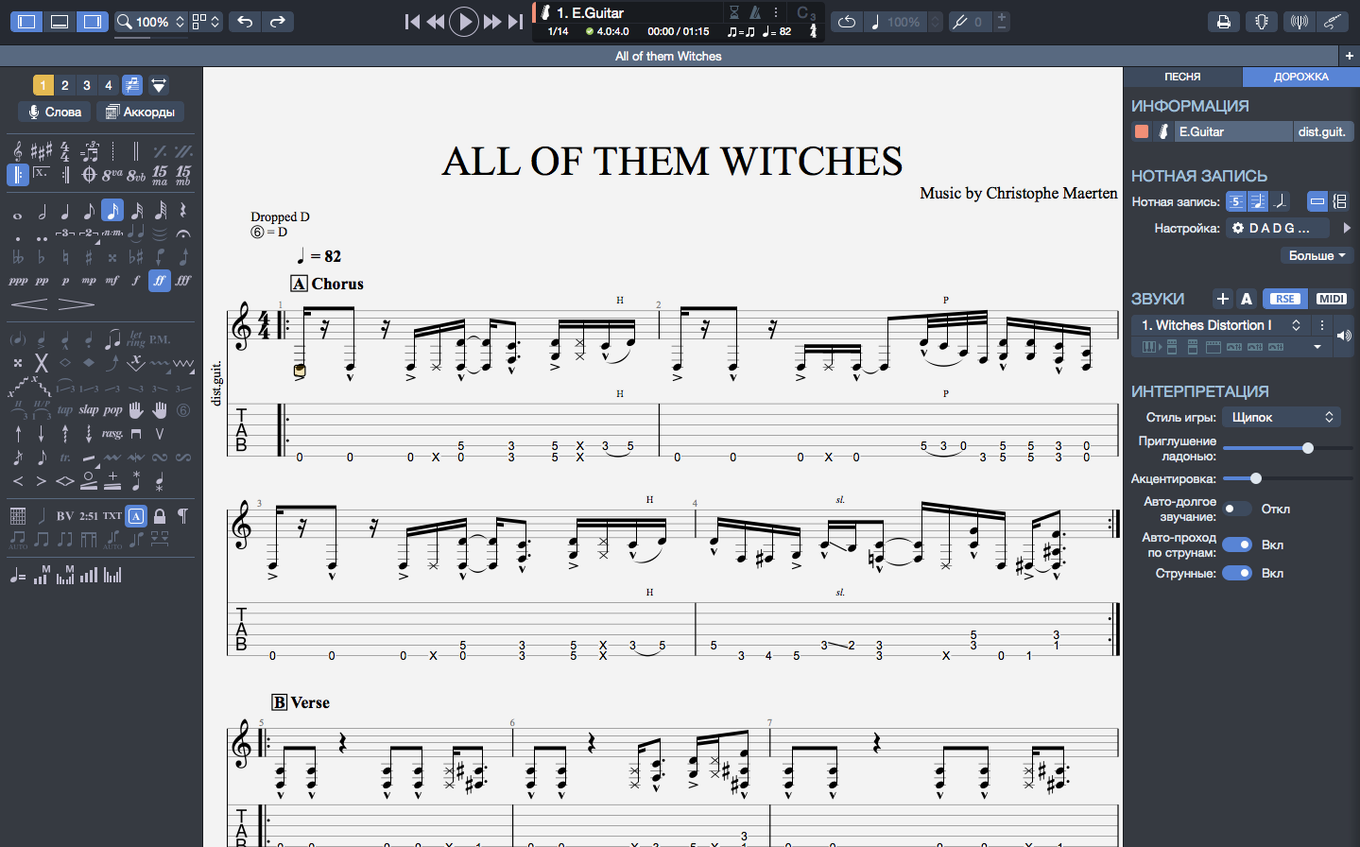
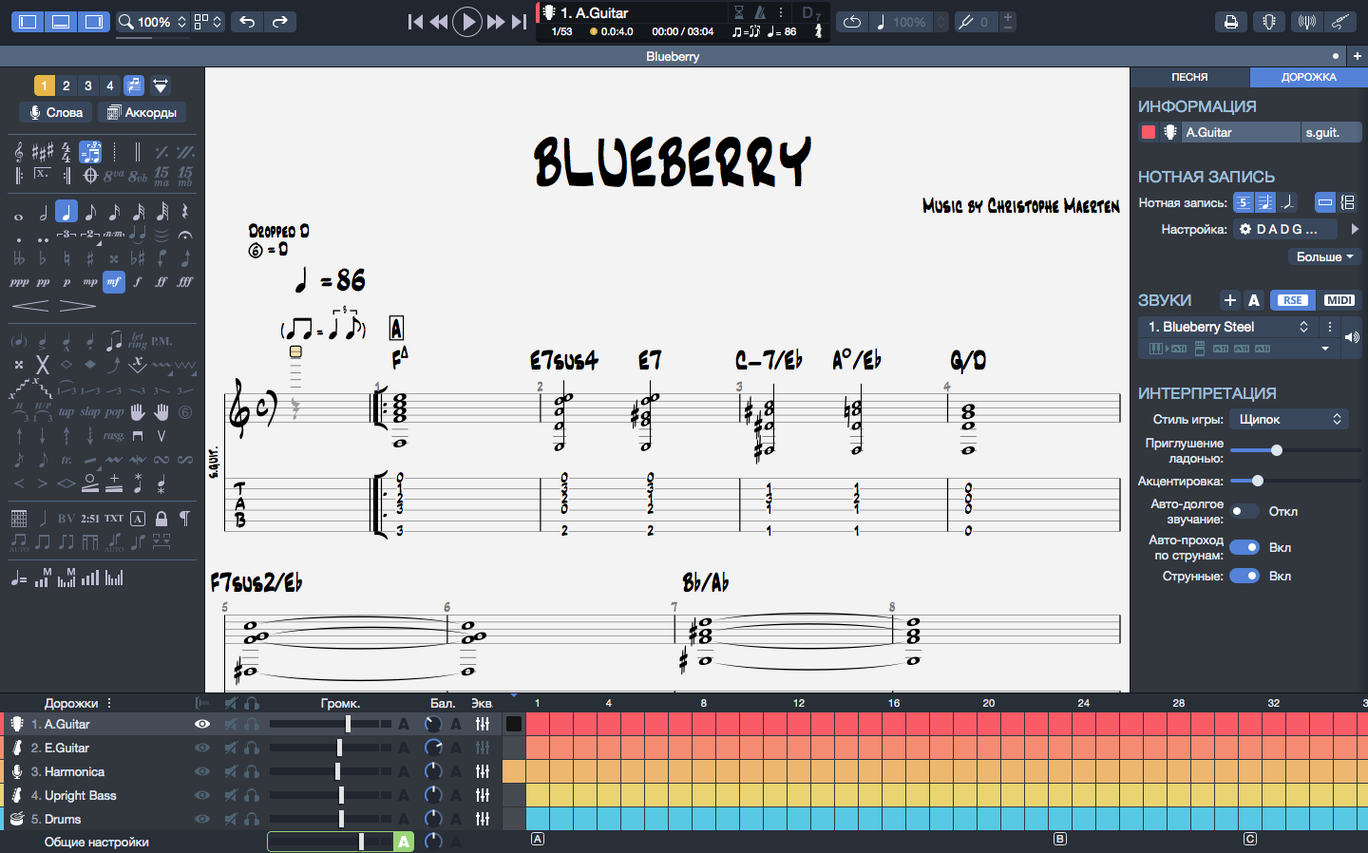
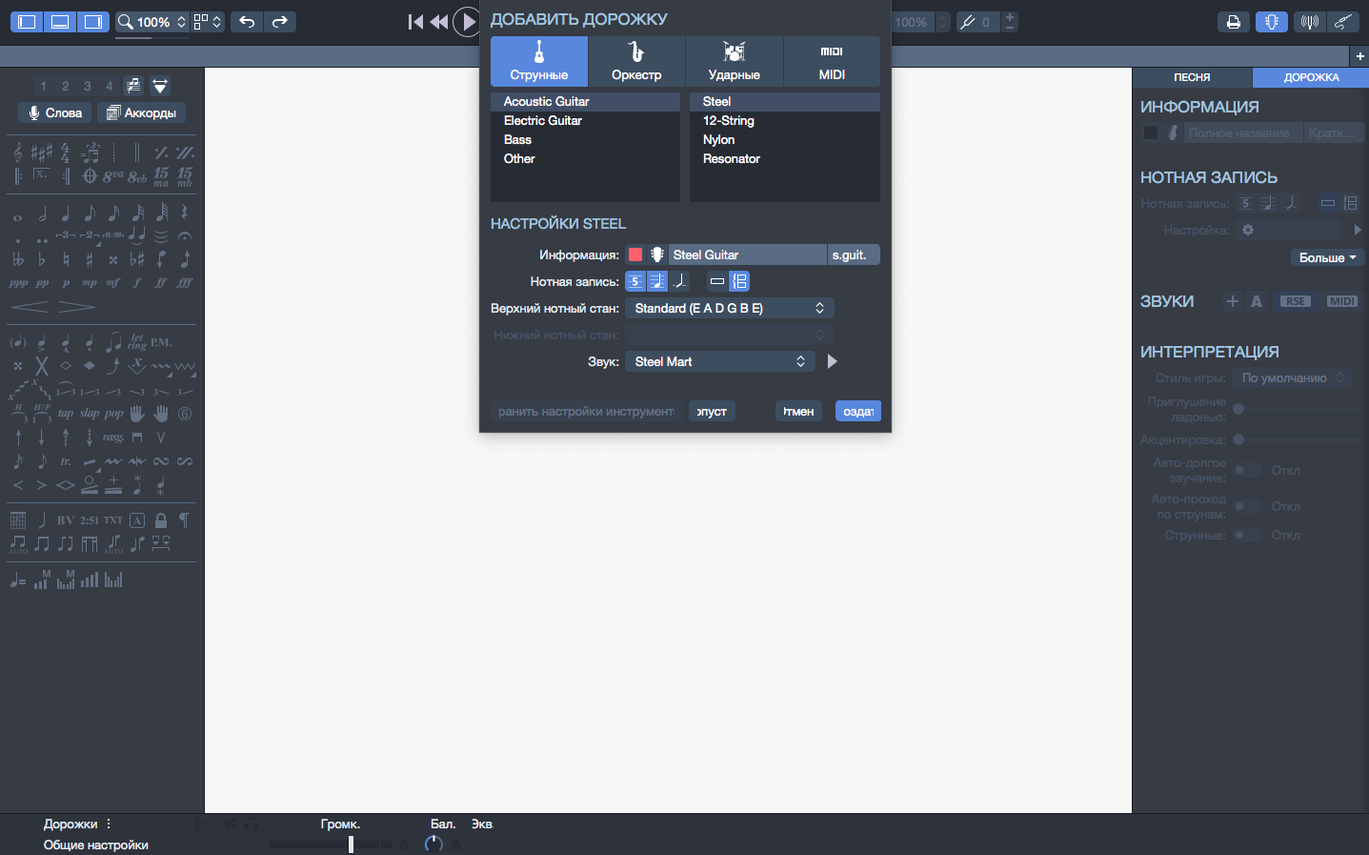
There are over 30 instrument tracks you can mix into a score, but what happens when you need to fine-tune the playback itself is where the deeper tools live. Guitar Pro 8 isn't just a tab reader—it's a full notation editor with a MIDI engine underneath, and knowing a few of its quieter features changes how you work.
- Built-in MIDI editor. You can open the piano roll and tweak velocity, duration, or timing for any note. If a bend rings out too long or a ghost note gets buried, you fix it right there instead of fighting the score.
- SVG export for scores. Exporting to SVG means the notation stays razor-sharp at any size. Handy when you're printing parts for a session and the chart needs to look clean on a music stand.
- Transposed chord names and fingerings. Move a progression up two steps and the chord diagrams follow. You don't have to rebuild the grid by hand, which saves real time when a singer asks to change the key at rehearsal.
- Pin files in the recent list. Keep your current working scores or set lists pinned to the top of the homepage. They stay put no matter how many other files you open between gigs.
Version 8.1.5 also quietly fixed a nagging issue where arpeggios at the very start of a score would stumble on playback, plus some stem-direction overrides that refused to stick. And if you're on a Mac with Apple Silicon, the whole app runs noticeably more efficiently now—the fans stay quiet even on dense scores.
Guitar tab-first, not a full engraving suite
If you're coming from MuseScore, the first thing you'll notice is that Guitar Pro doesn't try to be a full orchestral engraving suite. MuseScore handles classical scores beautifully and its instrument library is enormous, but the guitar tab side feels bolted on. Bends, slides, and palm muting take extra clicks, and the playback doesn't interpret those articulations the same way. Guitar Pro was built for fretted instruments first—the tab is the score, not an afterthought.
Compared to Sibelius or Dorico, the gap widens. Both are phenomenal for professional sheet music, but they're not tools you'd pull up to sketch a riff at midnight. The learning curve is steep, and neither one gives you a fretboard view or a chord builder that diagrams voicings as you stack notes. Guitar Pro sits in a different lane: it's a songwriter's scratchpad that happens to print clean charts.
Where Guitar Pro really separates itself is the playback engine. The MIDI editor lets you massage every note's velocity and timing, and the instrument tracks—over 30 of them—cover drums, piano, and bass with enough detail to build a convincing demo. That's something MuseScore can approximate, but the realistic sound engine in Guitar Pro 8 gives your backing tracks a bit more punch without needing to bounce stems to a DAW.
Teachers building exercises and exporting clean charts
Guitar teachers, probably more than anyone. They can build exercises, transpose a song for a student between lessons, and export clean SVG charts that don't pixelate when printed. The metronome and speed trainer—slowing a passage down without changing pitch—make it a practice tool, not just a writing tool.
Songwriters who think in riffs benefit from how fast the tab entry is. You type numbers on a keyboard, hit arrow keys to move, and a rough idea becomes a readable score in minutes. Drummers and keyboard players in a band can get their parts charted too, so one file becomes the whole band's reference. Bass players who search for a Guitar Pro torrent often end up keeping it around just for learning lines, since the tab reads the same and you can isolate the bass track in playback.
Bedroom producers and home-recording folks use it as a pre-production scratchpad. You can build a drum track, lay down a bassline, add some piano, and then export the MIDI into Logic or Ableton. It's not a replacement for a DAW, but it's faster for getting a song's skeleton together before you start placing microphones.
Drag the fretboard taller for quick chord reading
- Drag to resize the fretboard. The on-screen fretboard can be stretched vertically. If you have a high-resolution display, dragging it taller makes finger positions easier to read at a glance—especially for chord-heavy passages.
- Spacebar scrubbing. Hitting the spacebar starts playback, but holding Shift and pressing the right arrow nudges note by note. That's your slow-motion review for tricky runs without opening any menu.
- Right-click the metronome icon. It opens a quick menu where you can switch the count-in from two bars to one, or turn it off entirely. Faster than navigating through the sound preferences panel.
- Custom string tunings stick per track. You can set a bass track to drop D and a guitar track to open G in the same file, and both play back correctly. The chord builder recalculates fingerings for the alternate tuning automatically.
These aren't headline features, but they're the kind of things that make the difference between fighting an app and forgetting it's even open. When you look for a Guitar Pro Mac torrent and get it running, these little shortcuts are what keep you in the flow once the initial novelty wears off.
Version 8.1.5 is a tune-up release. A few rough spots got smoothed over.
- Arpeggios placed at the very beginning of a score now trigger correctly instead of skipping the first notes.
- A stubborn bug where some stem directions couldn't be flipped has been fixed.
- Playback doesn't glitch anymore when you plug in or unplug an audio device on macOS.
- macOS 10.13 or later
- 64-bit dual-core Intel, AMD, or Apple Silicon processor
- 4 GB RAM
- 2 GB free disk space
- Administrator rights required for installation
Questions I actually get
Does Guitar Pro 8 run natively on Apple Silicon Macs?
Yes. The current version has improved efficiency on Macs with Apple Silicon processors.
Can I save my scores as vector graphics?
Yes, Guitar Pro can export scores to SVG format, which scales cleanly for printing or publishing.
Notes from the tables 0
Sign in or pull up a chair to leave a note.
No notes on this one yet. They go up after I read them.