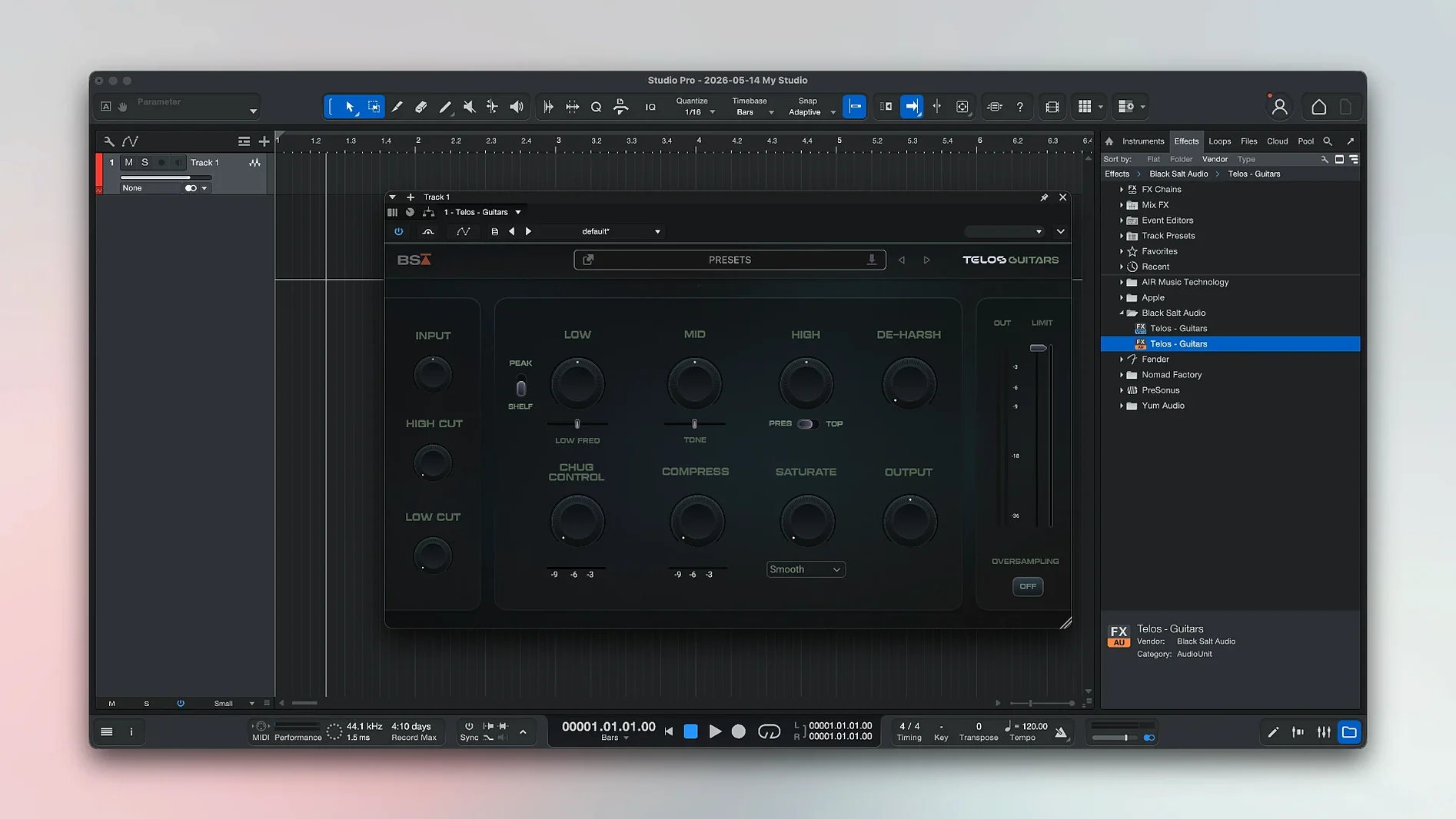
You plug a Mustang Micro into your Mac, open the app, and stare at a blank session. Every new recording tool feels that way for the first ten minutes.
A few things to click right away
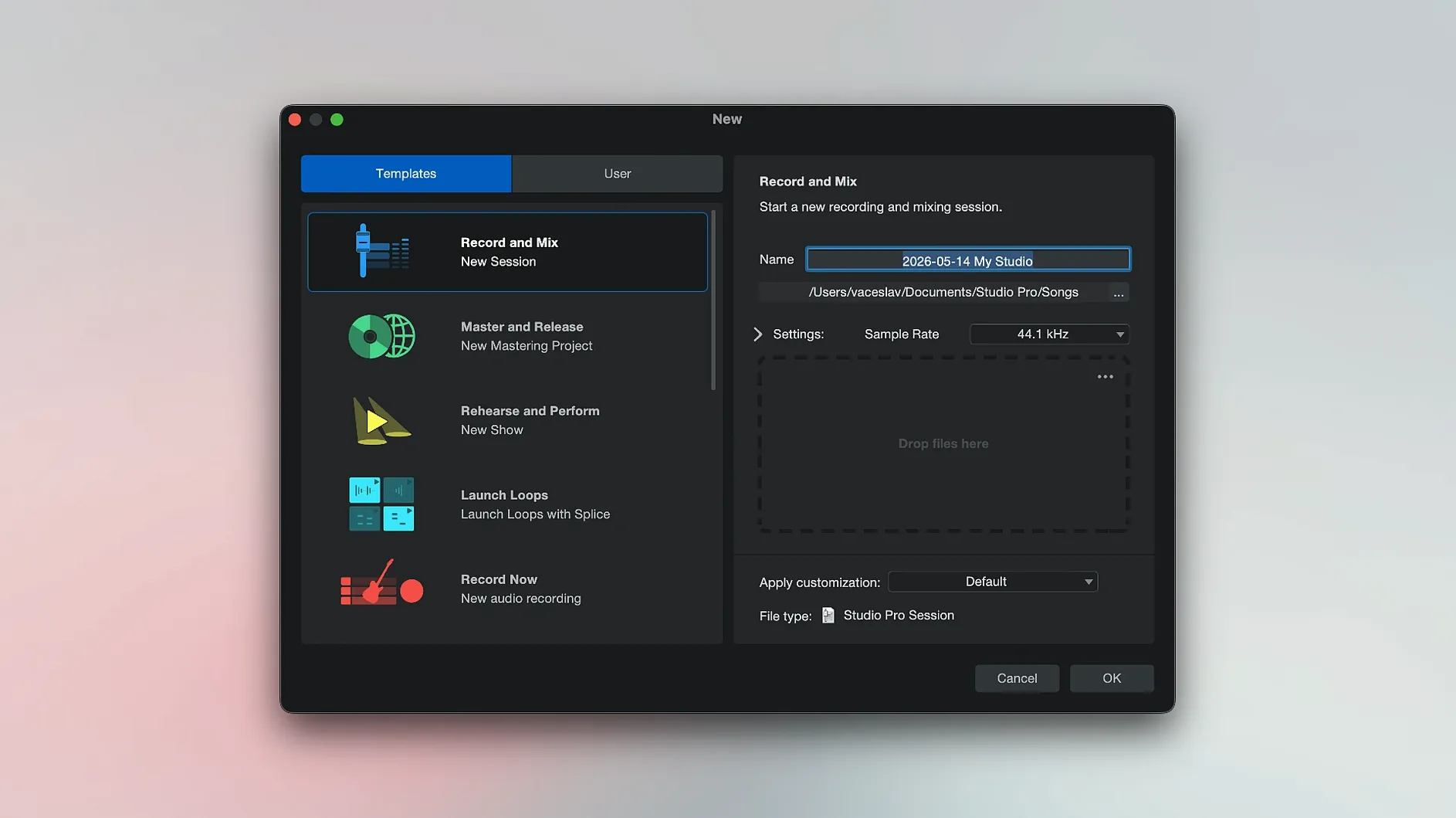
Session template — a pre-built track layout with an instrument, a mic input, and a click track. Picking one skips the wiring and lets you test a sound immediately.
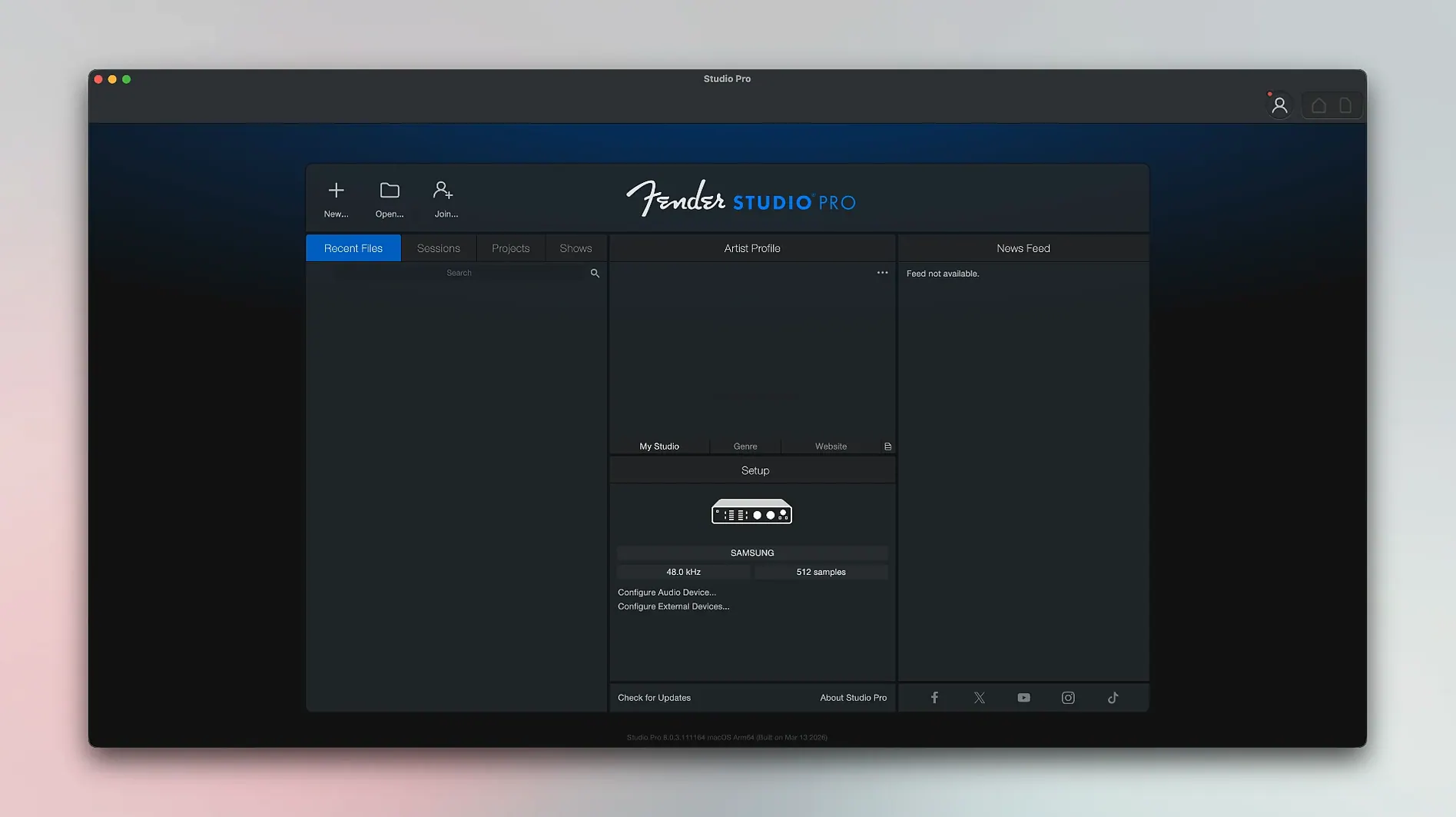
Launcher window — the welcome panel where you can grab a template, open a demo song, or freeze an instrument track to save CPU. The Freeze command lives here now in version 8.1.1.
Fender presets — amp-and-pedal chains built around Mustang and Rumble tones. Drop one onto a track and you hear a finished sound, not a dry signal.
Audio-to-MIDI — hum a melody, pick a virtual instrument, and the app turns your recording into notes you can edit. Handy for building a bassline from a vocal sketch.
Remote app — a companion for a tablet or phone that mirrors transport controls. You can punch in from across the room without walking back to the desk.
Console, editing lane, and browser in one window
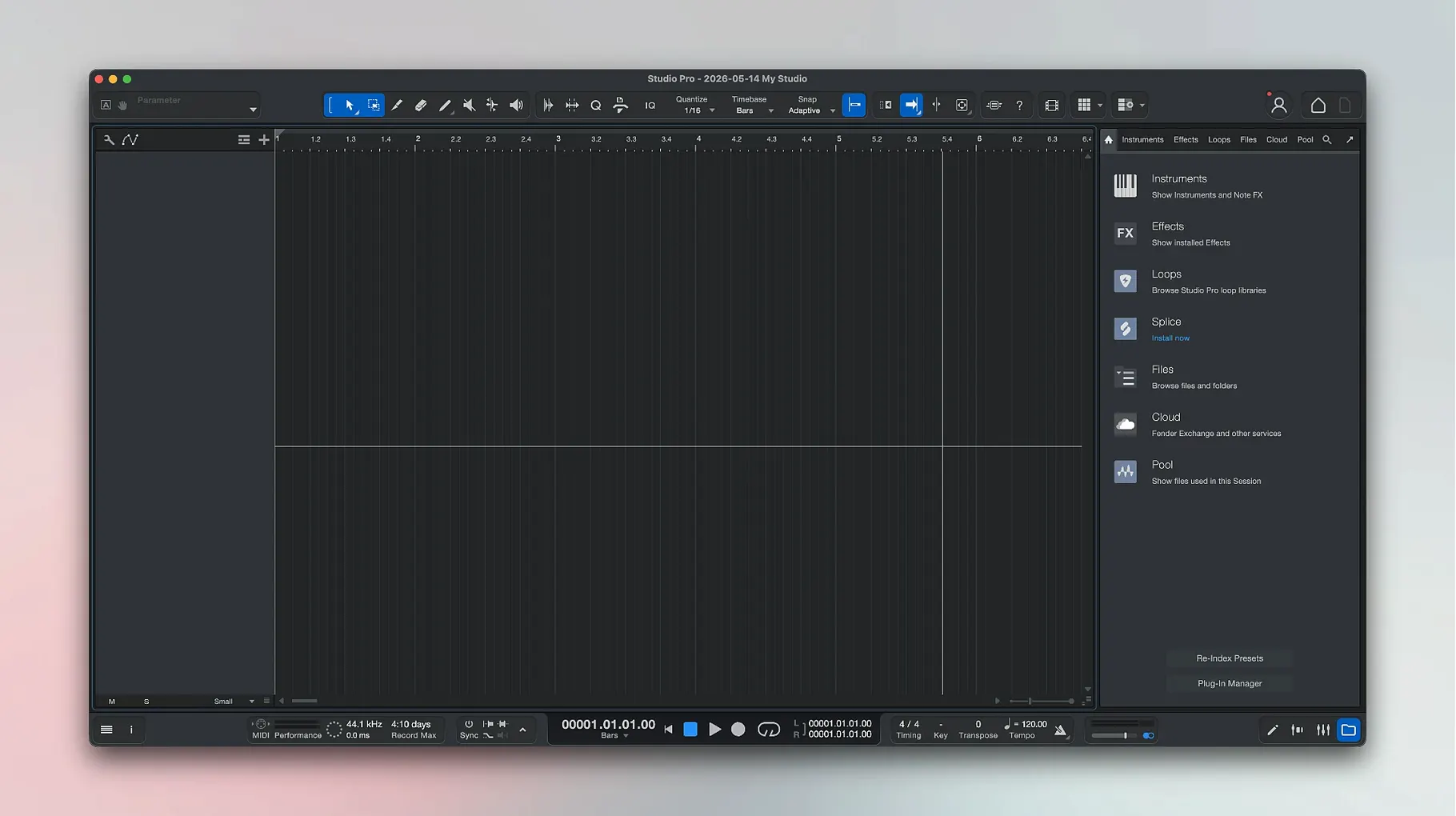
Logic Pro gives you a huge sound library and deep scoring tools, but it also hands you a mixer that looks like a 747 cockpit. Fender Studio Pro keeps the console, the editing lane, and the browser in a single window you can read without zooming. Logic rewards patience; Studio Pro rewards a guitarist who wants to record before the idea fades.
Ableton Live runs circles around most DAWs for live performance and clip-based jamming, yet its timeline view still feels bolted on after all these years. Studio Pro takes the opposite approach — the arrangement is the main room, and the audio editing tools sit right where your eyes already land. If you build songs from start to finish rather than from loops, the difference matters.
GarageBand is free, friendly, and secretly powerful, but it draws a hard line at advanced routing, stem export, and third-party plug-in chains. Studio Pro lifts that ceiling. The jump feels like moving from a practice amp with four knobs to a proper head and cabinet — same basic language, way more headroom.
Building a song sketch from a voice memo
Say you hummed a verse and chorus into your phone last night. Here's one way that idea turns into a session.
- Drag the voice memo from the Finder straight into the timeline. The app places it on a new audio track automatically.
- Right-click the clip and pick Audio to MIDI. Choose a Fender Rhodes patch from the virtual instrument list. Within seconds you have a clean keyboard part playing your melody.
- Create a bass track underneath it. Click the Chord Track icon and let the app read the MIDI notes. It suggests changes — accept what works, tweak the rest.
- Pull up a Rumble bass amp preset on that track. Dial the drive knob until it sits beneath the Rhodes without stepping on it.
- Record a scratch vocal through the mic input. Add a light compressor and a touch of plate reverb from the stock effects — just enough to hear the shape of a finished take.
Twenty minutes in, you have chords, a bassline, a melody, and a vocal guide. That's a demo you can hand to a bandmate or keep building solo.
A typical evening session
You sit down after dinner with a half-finished riff in your head. The Launcher opens to the recent files list — one click, and last night's session fills the screen. You grab your Telecaster, arm a track with a Mustang amp preset labeled "Twin Clean Warm," and set a four-bar loop. The first take is stiff, but the second one relaxes. You keep it.
A doubled part would help, so you duplicate the track, pan the original left and the copy right, and nudge the copy forward by twelve milliseconds. Now the riff breathes. You drag a pedalboard preset onto a send channel — a little chorus, a little slap delay — and feed both guitar tracks through it. The room sound appears without touching a real mic.
Your neighbor texts about the noise. You switch to headphones, drop a drum loop from the browser onto a new track, and hit record on the bass. The Direct Monitoring light is green, so the Rumble plug-in responds to every volume swell you ride on the instrument. Thirty minutes, three tracks, one complaint from next door. Not a bad Tuesday.
Bottom line: start with a preset, record a short idea, and convert it to MIDI. That ten-minute loop teaches you more than any manual.
Version 8.1.1 tidies up a few practical corners.
- The Audio Batch Converter now compensates plug-in latency, so exported stems stay sample-accurate.
- Mustang and Rumble native plug-ins follow automation while Direct Monitoring is active.
- Freeze Instrument Track moved to the Launcher, putting it one click away when you open a session.
- macOS 13.5 Ventura or later
- Works on Intel and Apple Silicon Macs
- Interface language: English
Questions I actually get
Does Fender Studio Pro include virtual instruments?
Yes. It comes with virtual instruments that carry Fender-branded sounds, so you can play bass, keys, and other parts without external gear.
Can I use it with my Mustang or Rumble amp models?
You can. The built-in Mustang and Rumble native plug-ins are ready to go, and the 8.1.1 update makes them follow automation when Direct Monitoring is on.
Notes from the tables 0
Sign in or pull up a chair to leave a note.
No notes on this one yet. They go up after I read them.