
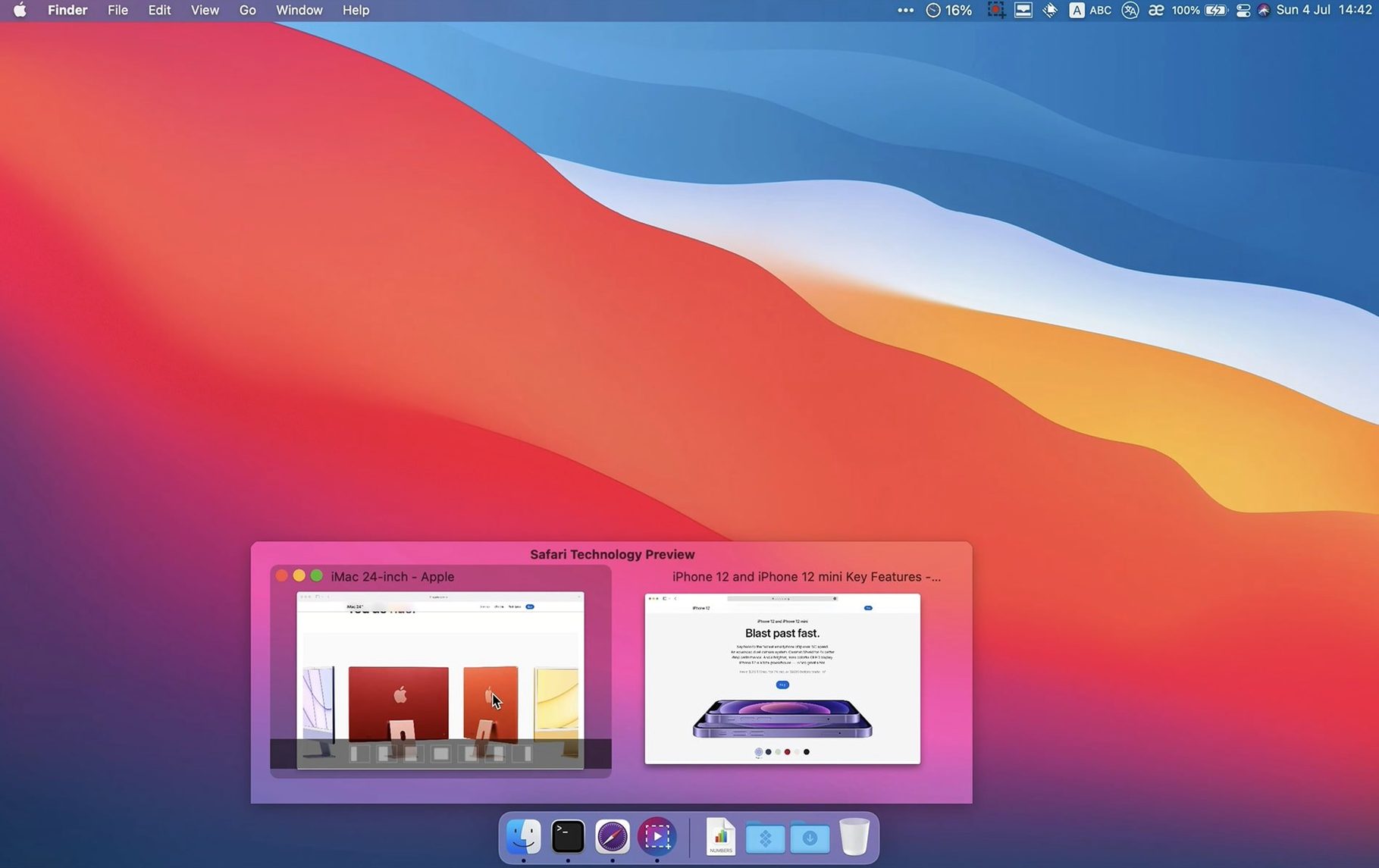
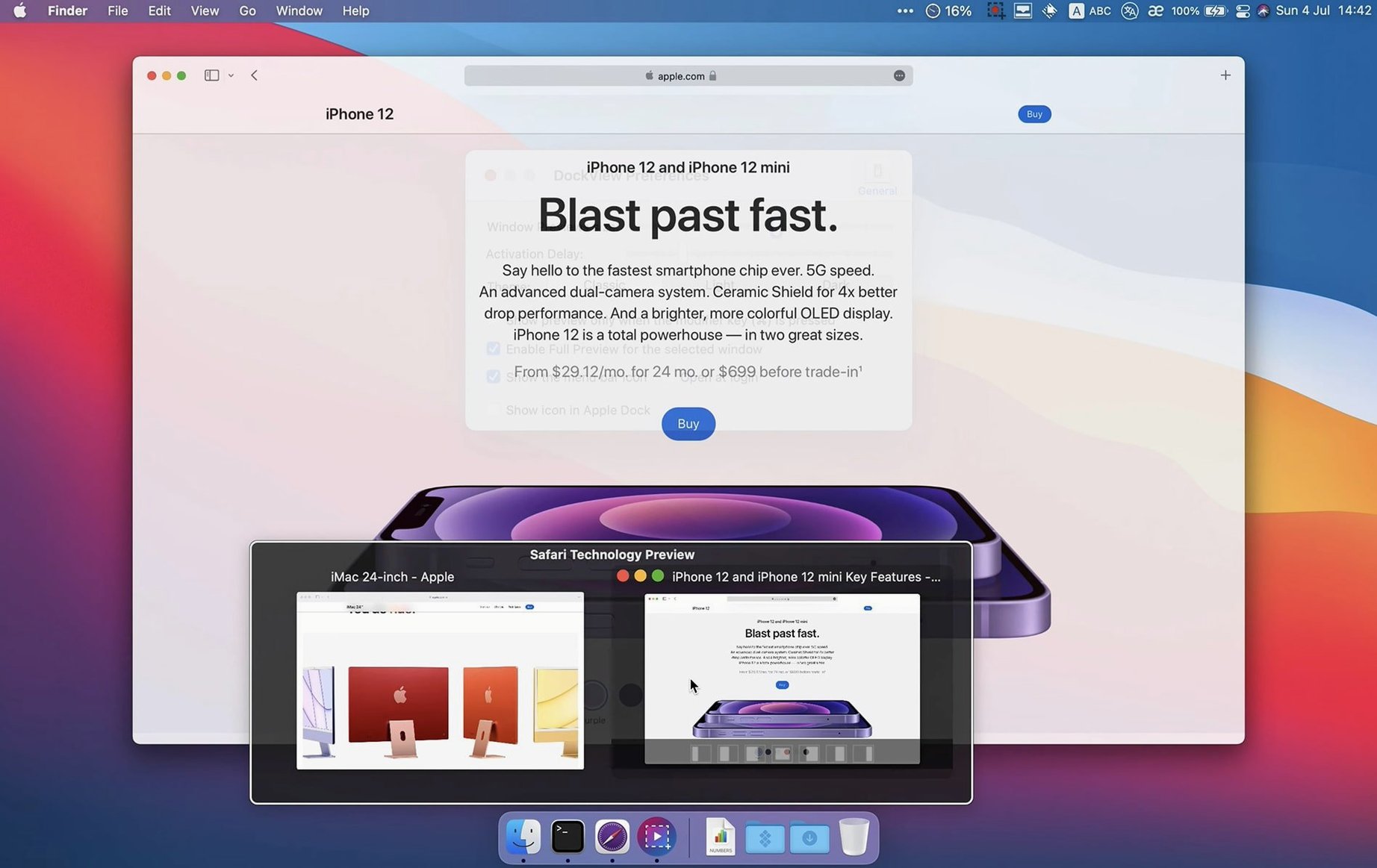
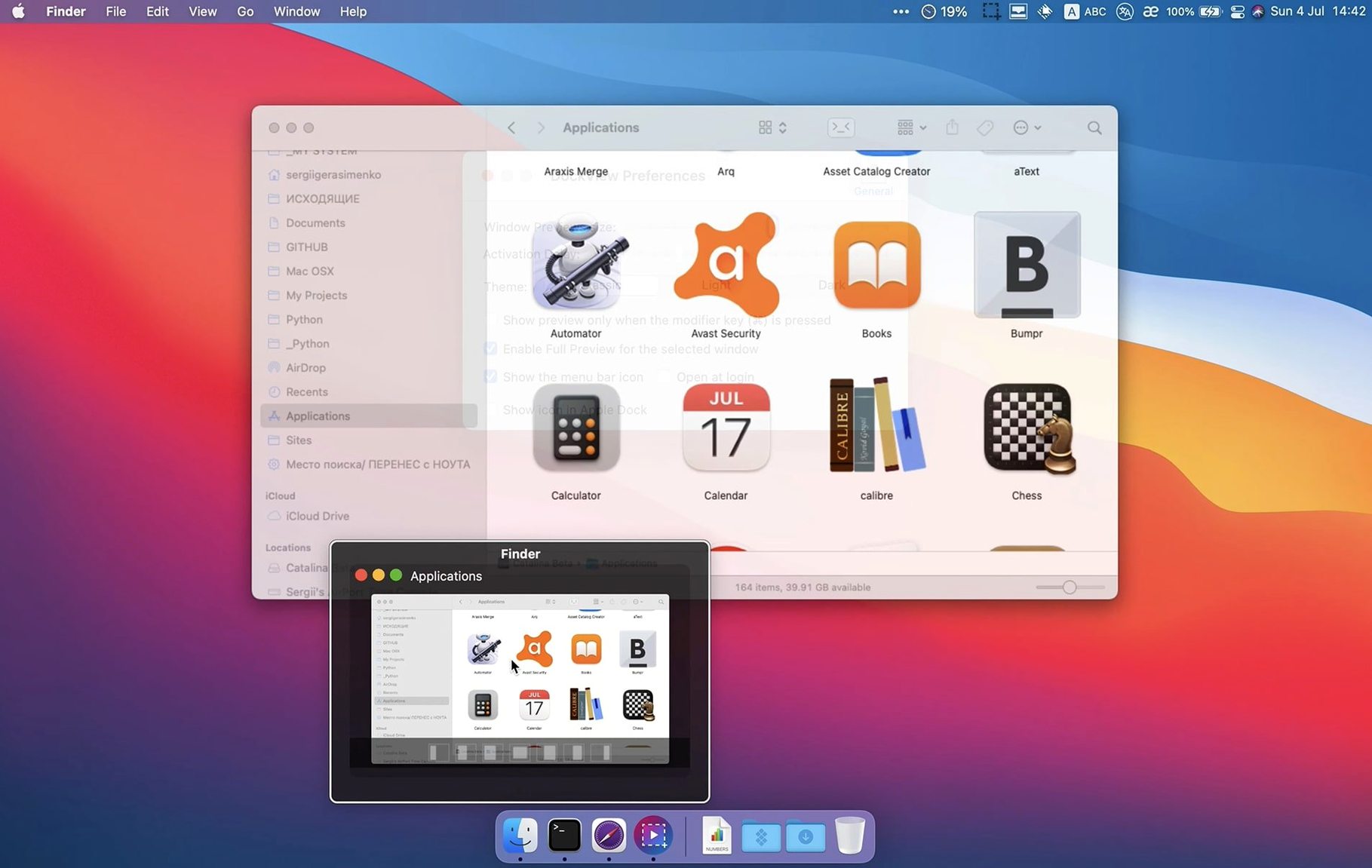
You’ve probably developed a rhythm for juggling windows — clicking into an app, then hunting through its crowded Window menu or cycling with a keyboard shortcut. DockView is for the person who’d rather just point and see what’s open. It extends the regular Apple Dock so a simple hover over any app icon shows you live previews of every window that app has open right now, without modifying a single system file.
Where do the window previews actually live?
The preview panel floats just above the Dock when you hover over an active app. It’s not a replacement for the Dock itself — your icons, badges and right-click menus all work as they always have. This is an extra layer that sits on top, grabbing window snapshots after you grant Screen Recording permission.
Can I manage windows straight from the previews?
You can, and that’s where it moves beyond eye candy. Hovering reveals small controls to minimize, maximize or close a window directly from the preview. Version 2.2.4 also added a Show All Windows button inside the panel, giving you a second way to survey everything an app has open when you’ve lost track of a document.
Screen recording unlocks live thumbnails and window titles
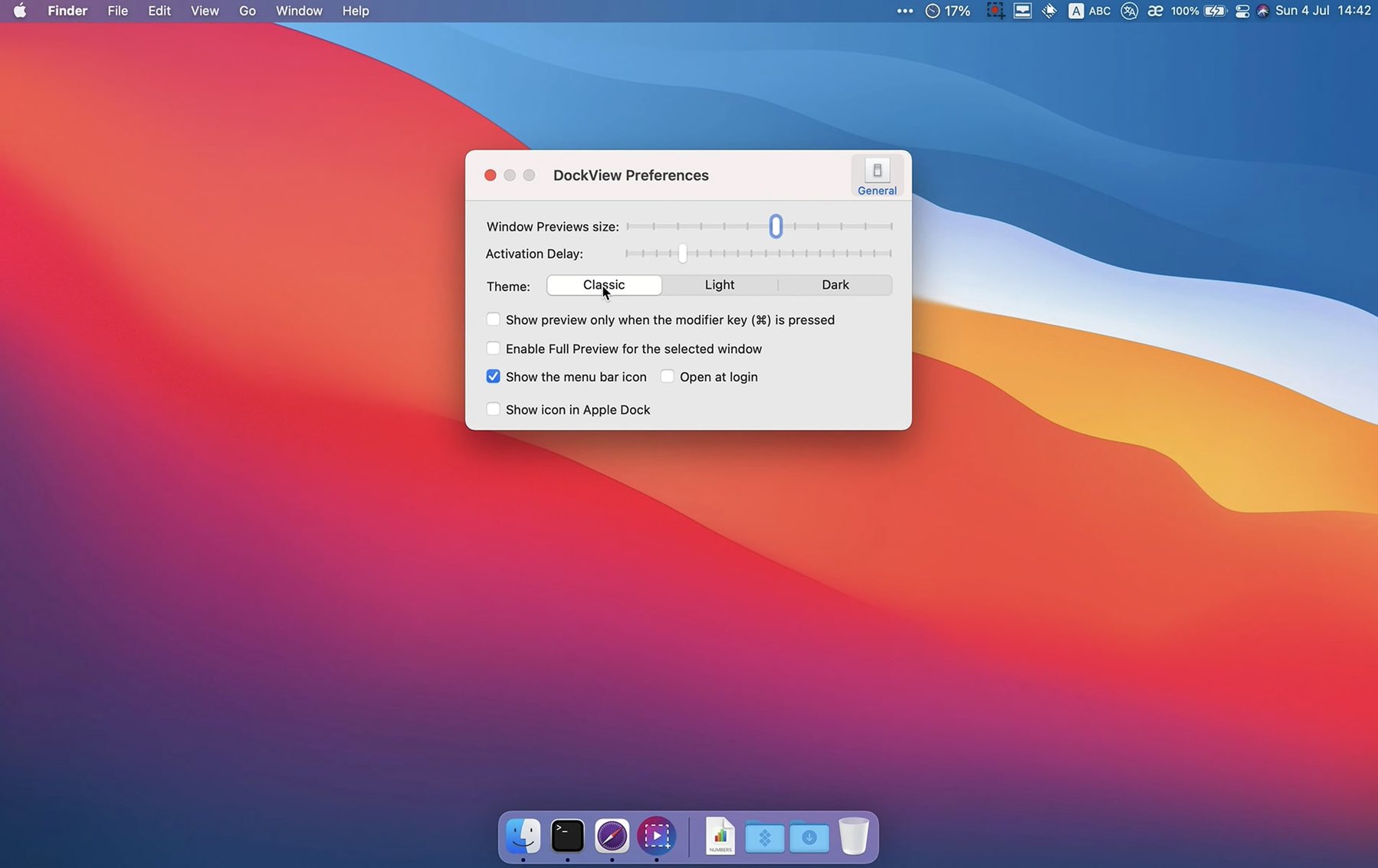
The app asks for Screen Recording access to build the live thumbnails and read window titles, plus Accessibility permission if you want it to actually switch windows for you. It’s a reasonable trade-off for a utility that keeps its hands off system internals.
A writer’s afternoon with too many drafts open
Picture a freelance editor with six Scrivener chapters, three preview PDFs and a research browser window all fighting for space. Before DockView, she’d tap the Dock icon and hope the right draft surfaced. Now she hovers, spots the chapter thumbnail by its two-column layout, clicks, and she’s in — no cycling, no guessing. The mini minimize control also lets her tuck away a reference sheet without leaving her flow. It’s the kind of small win that adds up across a deadline day.
Does it stay snappy when you’re pushing the machine?
On an M1 MacBook Air with a dozen apps running, the preview panel materializes in a beat — no beachball, no stutter when live thumbnails refresh. RAM appetite sits modestly around 120 MB in normal use, which won’t make anyone nervous. I’ve had it running alongside heavy video exports without a single crash or permission hiccup, and the Screen Recording daemon doesn’t wake the fans. It feels like a utility that knows its lane.
Version 2.2.5 rolls in with a batch of under-the-hood repairs and a more consistent preview refresh.
- macOS 11 or later
- Works on both Apple Silicon and Intel Macs
Notes from the tables 0
Sign in or pull up a chair to leave a note.
No notes on this one yet. They go up after I read them.