
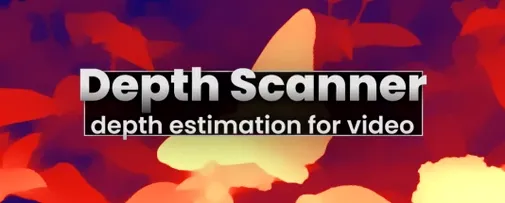
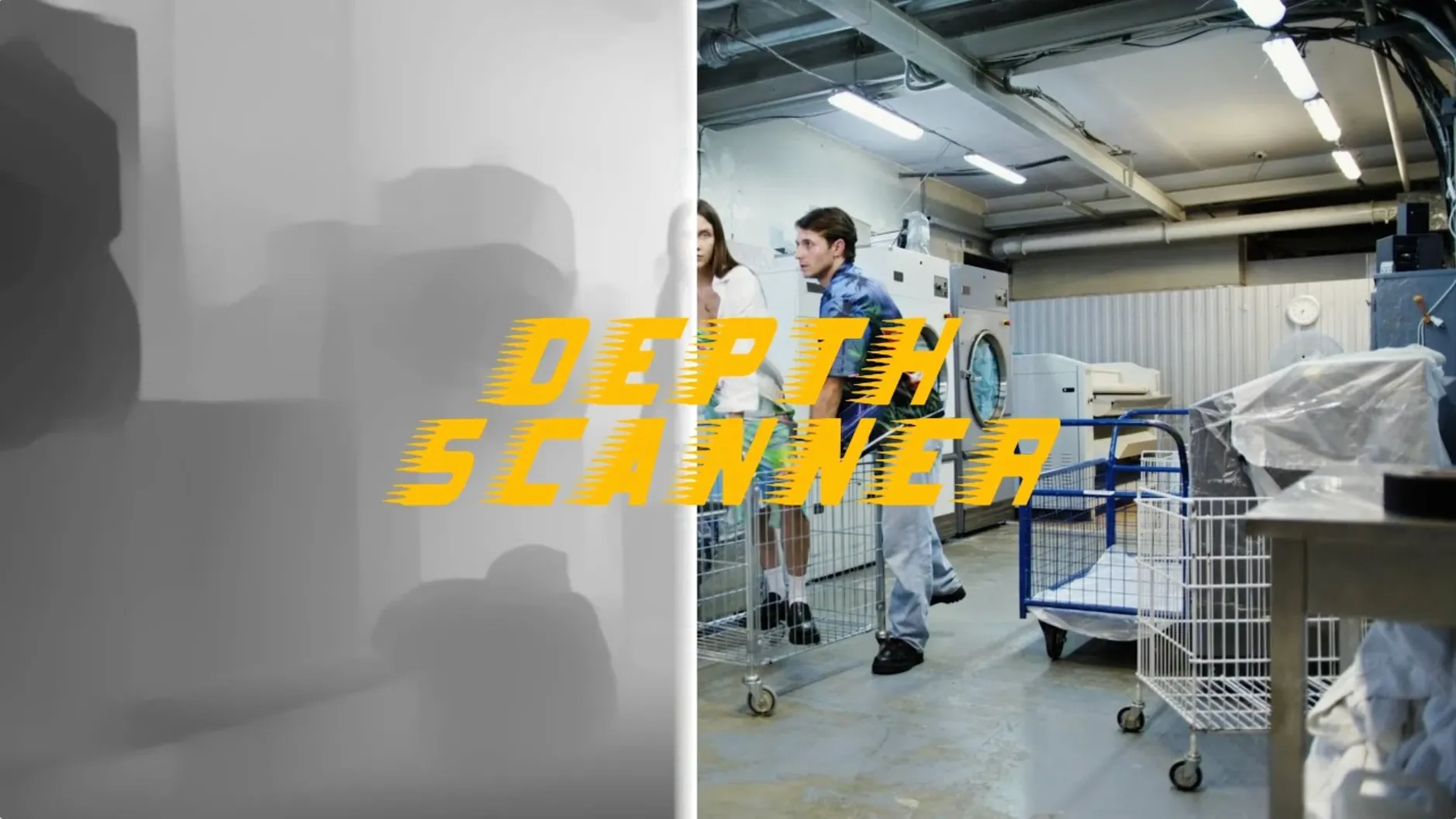
One video clip, one photograph — the plugin reads luminance, edges, and blur to estimate what's near and what's far. The result is a grayscale map you can drop into any effect that accepts a depth channel.
| Developer | Current version |
|---|---|
| Blace Plugins | 1.15.6 |
Once the map is generated, it becomes the engine for 3D parallax motion — foreground elements slide against the background with real separation — or for depth-based transitions where a wipe travels through the scene from back to front. The control is straightforward: feed it footage, let it calculate, then decide how you want the gray values to drive the movement.
Render finishes faster, mask edges stop flickering
Version 1.15.6 didn't rewrite the plugin from scratch, and that's a good thing. The changes are mostly under the hood — the kind you notice when a render finishes faster or a mask edge stops flickering on a tricky frame. Blace tightened the AI analysis so it handles low-contrast areas with less guesswork. Hair, foliage, and glass edges that used to confuse earlier builds now produce cleaner separation.
- The depth estimation model got a quiet accuracy bump — fewer halo artifacts around moving subjects.
- Processing speed on longer clips improved slightly; a 30-second 1080p clip now finishes with less waiting.
- Edge refinement holds up better against motion blur, which matters when you're pulling depth from handheld footage.
Nothing in the interface moved around. If you used Depth Scanner a year ago, you'll sit down and know exactly where everything lives. The difference is that the map you get at the end looks a little more like what your eye expects.
Pulling a 3D track from a busy market shot
Say you shot a tracking sequence through a market — stalls passing on both sides, a vendor in the midground, and the street stretching away behind him. You bring the clip into After Effects and drop Depth Scanner onto the layer.
- Open the effect controls. The plugin starts analyzing the first frame immediately — a small progress bar ticks across while it reads the scene.
- When the preview map appears, scrub through a few frames to check consistency. The vendor's silhouette should read as mid-gray; the stalls up close should lean white; the distant street should fall dark.
- Tweak the depth range slider if the plugin misjudged the extremes. A nudge either way tightens the near-far spread.
- Apply the map as a track matte to an adjustment layer with a camera lens blur effect. The background softens while the vendor stays sharp.
- For parallax, duplicate the footage, set the depth map as a displacement source, and animate a subtle scale shift. The foreground stalls slide faster than the street — instant dimensional separation.
The whole process, from import to first usable result, runs under five minutes once you know the sliders. Most of that time is the AI thinking.
A compositor's morning fix
You're cutting a short brand film for a coffee roaster. The director wants a rack-focus shot that shifts from a bag of beans in the foreground to the roaster machine ten feet back — but the footage was shot on a phone with a fixed wide lens. Everything is in focus. Depth Scanner pulls a map from the still frame in about twenty seconds. You drop a depth scanner after effects free download mac result into a compound blur effect, keyframe the focal distance, and render. The client sees a smooth focus pull that looks like it was shot on fast glass. Nobody asks if it was faked — they just nod at the screen and move on.
- Adobe After Effects
- English interface
Questions I actually get
What kind of footage does Depth Scanner work with?
It works with both video clips and still photographs loaded inside Adobe After Effects.
What can I do with a depth map from Depth Scanner?
You can use the grayscale map for 3D parallax motion effects or for depth-based transitions where objects pass behind or in front of each other.
Notes from the tables 0
Sign in or pull up a chair to leave a note.
No notes on this one yet. They go up after I read them.
More from the Mac Apps page
The whole page Mac Apps 30 MB
Deep Glow
1.6
Mac Apps 30 MB
Deep Glow
1.6
 Mac Apps 3 MB
Disk Drill
6.3.2326
Mac Apps 3 MB
Disk Drill
6.3.2326
 Mac Apps 46 MB
DMG Canvas
4.2.3
Mac Apps 46 MB
DMG Canvas
4.2.3
 Mac Apps 24 MB
dBpoweramp Music Converter
2026.09.13
Mac Apps 24 MB
dBpoweramp Music Converter
2026.09.13
 Mac Apps 31 MB
DockView
2.2.5
Mac Apps 31 MB
DockView
2.2.5
 Mac Apps Updated 15 MB
DaVinci Resolve Studio
21.1.1
Mac Apps Updated 15 MB
DaVinci Resolve Studio
21.1.1
 Mac Apps Updated 7.9 GB
DaisyDisk
4.34.2 admin
Mac Apps Updated 7.9 GB
DaisyDisk
4.34.2 admin
 Mac Apps 9 MB