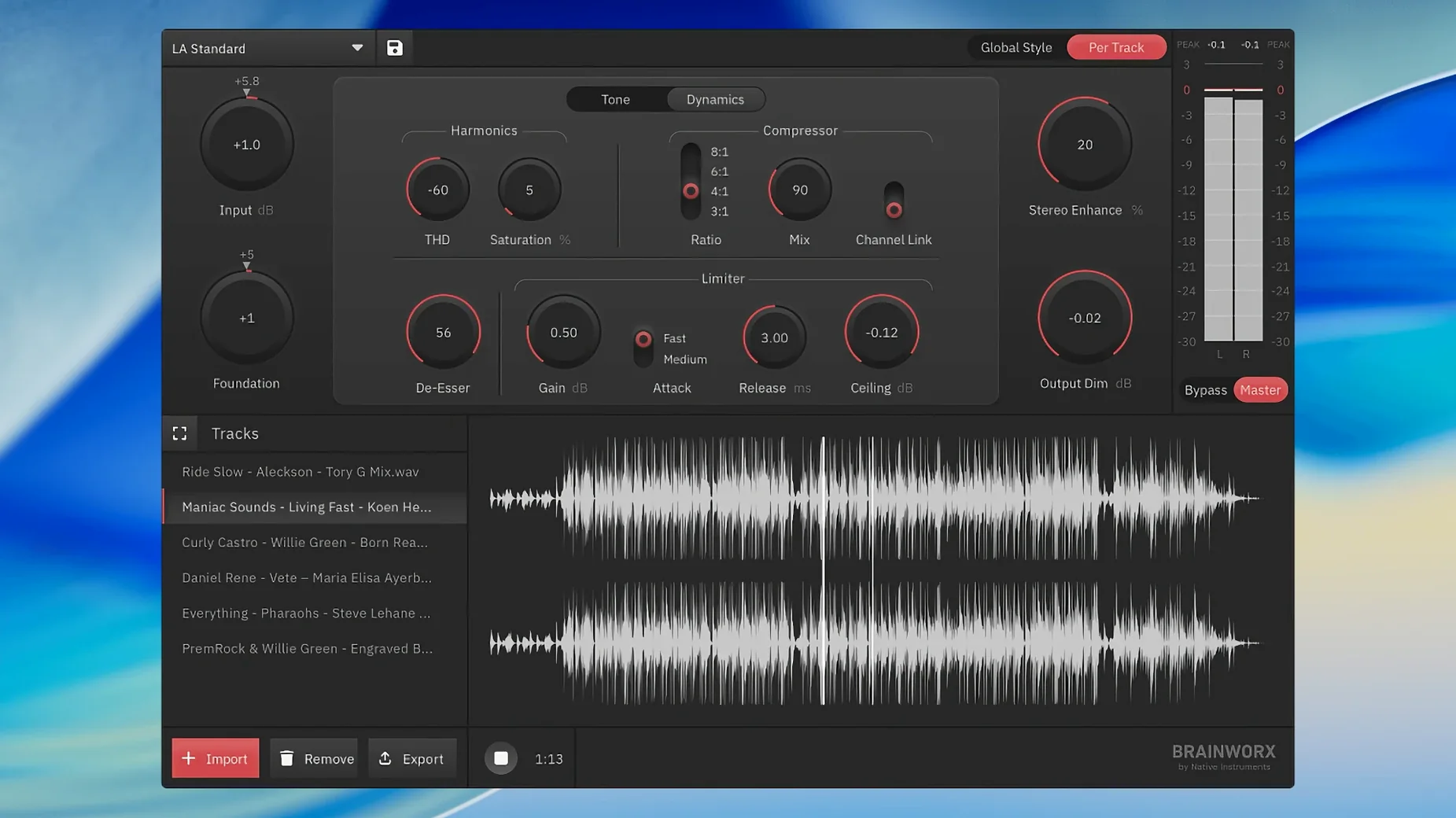
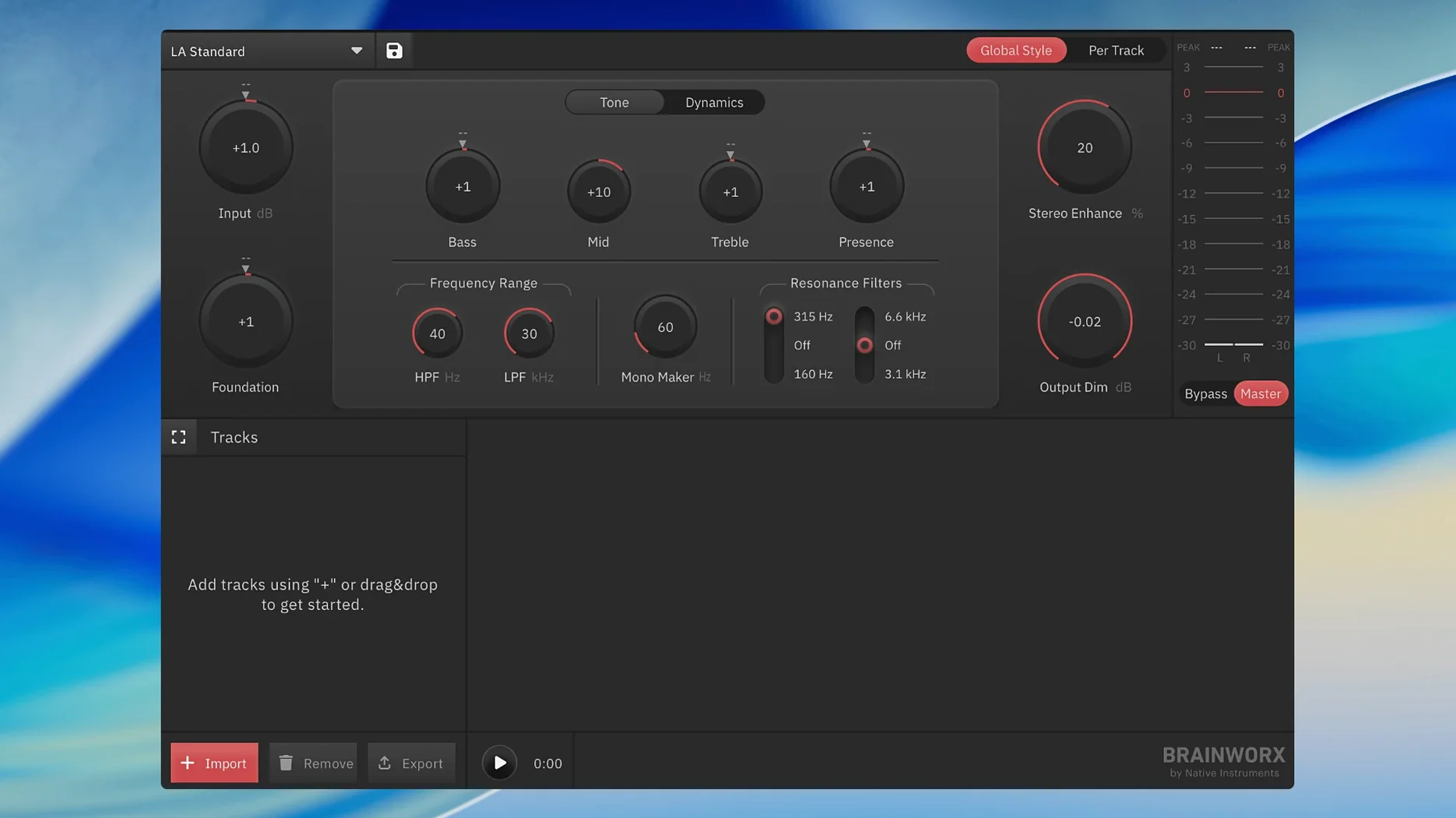
If you know mastering.studio, this is where that idea went next. bx_mastering studio takes the same automated approach and turns it into a proper standalone Mac app — no DAW required, which makes it a natural fit for GarageBand users who need more than the built-in export options.
No DAW required to load the style presets
- Do I need a DAW to use it? No — it runs on its own as a standalone application.
- Where did the mastering styles come from? They were built from analysis of notable masters and packed into Style Creator.
- Will it work on my Mac? It needs macOS 12 or newer, and runs on both Intel and Apple Silicon.
- Is it a plugin? No, this is the standalone successor to mastering.studio, not a plug-in for a host.
Automated processing chains built from real masters
You load a mix, pick a style, and the app applies automated processing tuned from real mastering work. It's aimed at people working in less advanced DAWs who still want a controlled, finished sound without learning a full mastering chain.
Begin with the input trim for instant results
Out of the box, bx_mastering studio picks a default style and runs with it. That works for a quick listen, but spending five minutes on a couple of controls makes a real difference. I'd start with the input trim — it's easy to overlook, yet it sets how hard the processing hits. Pull it back if your mix already has a healthy level; push it up gently if things feel thin.
Next, flip through the Style Creator presets with a short loop playing, not the whole track. Your ears catch what the style changes faster that way. Once you land on something close, use the intensity slider before touching anything else. A small nudge there often fixes an over-processed or undercooked sound without chasing EQ curves you didn't mean to touch.
The output ceiling defaults to streaming-safe levels, which is sensible. If you're printing a reference for your own library rather than uploading anywhere, you can raise it a hair — just don't clip the final limiter. And if you master the same kind of material repeatedly, save your tweaked style so you're not starting from scratch next time. The app doesn't advertise a save-format name, but the option is right there in the Style Creator panel.
GarageBand users gain a proper mastering stage
GarageBand users sit at the front of the line. Without a proper mastering strip built in, that DAW leaves people guessing at final loudness and tone. bx_mastering studio fills the gap without asking anyone to learn a new host or wire up a chain of plug-ins.
Podcast producers working with spoken word are another natural fit. The automated processing handles level consistency well, and the style-based approach means you can dial in a warm, present voice sound without staring at a compressor threshold. Content creators who upload weekly and don't have a treated room benefit from the built-in analysis — the app makes decisions based on what the track actually needs, not what a preset assumes.
If you're the kind of musician who finishes mixes in the evening and wants to hear them polished before bed, this is your tool. You won't find endless bands of parametric EQ or mid-side matrix routing, and that is exactly the point. For anyone who has searched for 821 sound mastering tips and ended up down a rabbit hole of landr mastering plugin pro torrent listings, bx_mastering studio offers a straight path: open a file, pick a sound, and get a master that holds up alongside streaming releases. It does one job and stays out of the way.
- macOS 12 or later
- Runs on Intel and Apple Silicon Macs
- Standalone application — no DAW required
- Interface language: English
Questions I actually get
Is bx_mastering studio the same as mastering.studio?
It is the standalone successor to mastering.studio, developed from Style Creator.
Notes from the tables 0
Sign in or pull up a chair to leave a note.
No notes on this one yet. They go up after I read them.