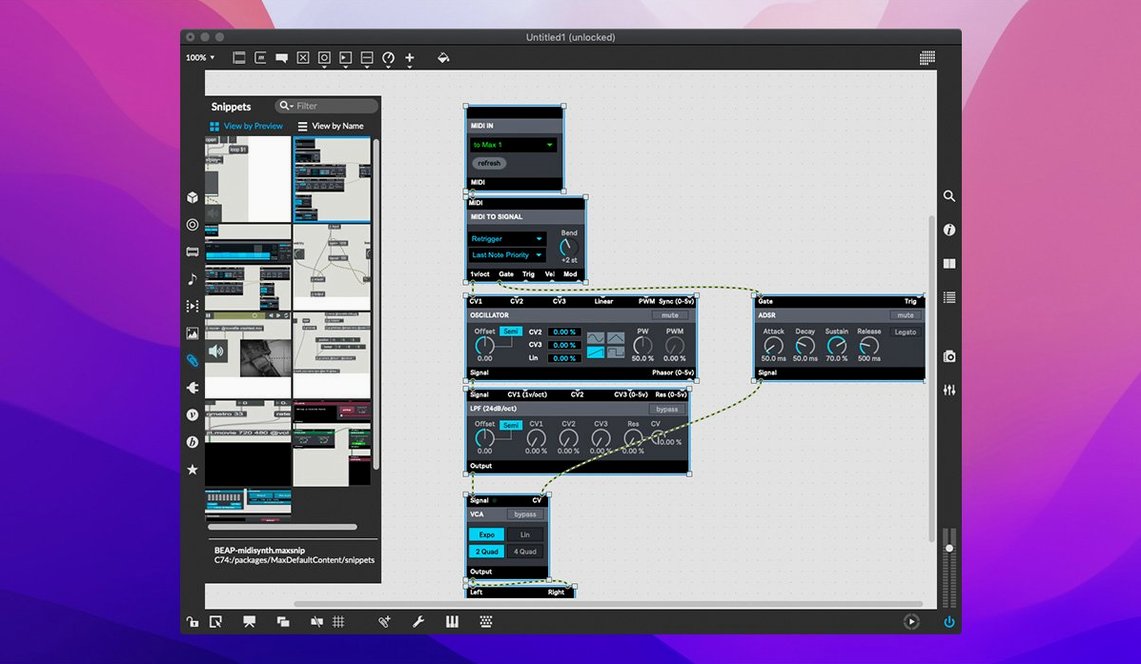
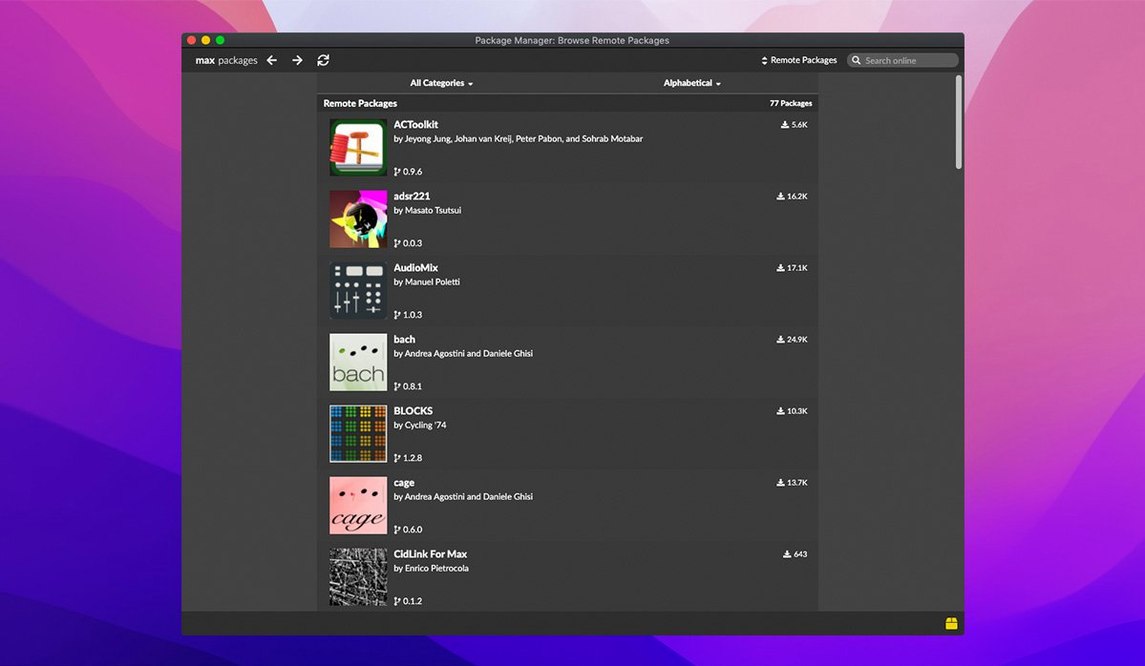
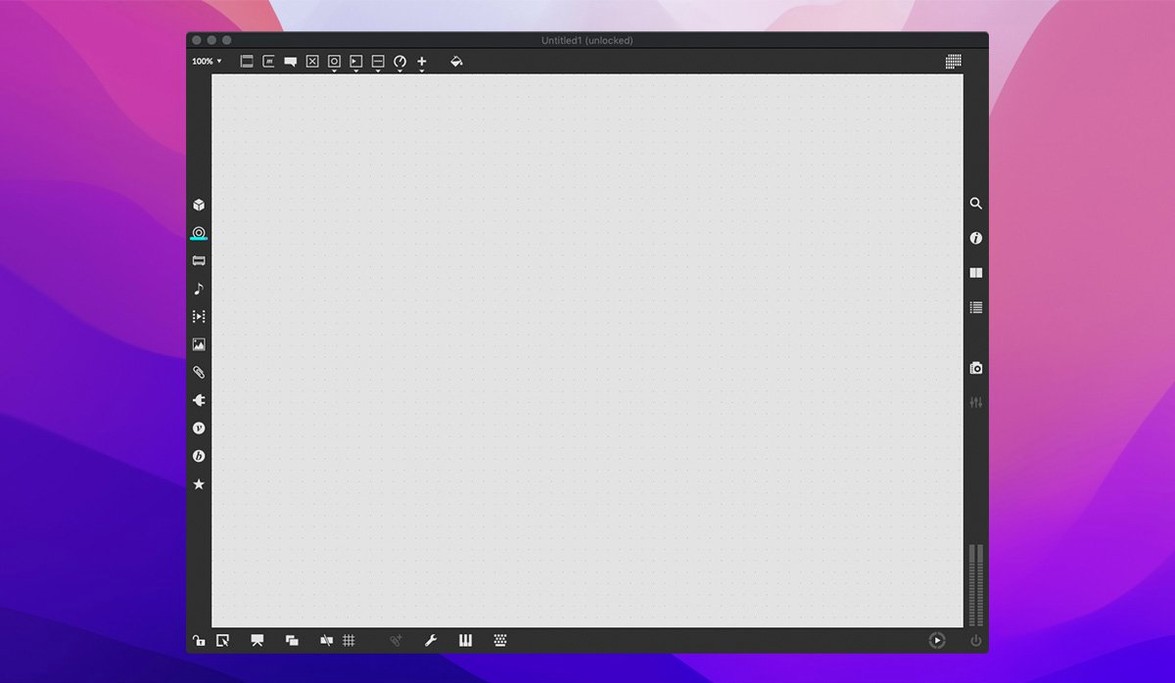
Max is a blank canvas where you build music and multimedia tools by patching objects together with virtual cords instead of writing lines of code.
Go beyond the surface
Building your own toolkit
When you are ready to move past the included library, Max gives you the keys. A cross-platform SDK lets you code new objects outside the program, so you are not boxed in by what ships in the box. MIDI input and output streams are baked in from the start, talking to hardware and other software without translation layers. Every object ships with interactive, working demonstrations—click open the help file and you are looking at a live patch you can pull apart and learn from, not a static manual. The result is a setup where you tend to solve a problem once, save it as a reusable module, and keep moving.
Gray objects won't connect
Newcomers often hit the same few walls. The good news is they are usually quick to fix once you know what you are looking at.
- Objects stay gray and unconnected. Max is in locked mode. Click the padlock icon in the bottom toolbar, or press
Command-Eto toggle in and out of edit mode. You cannot patch in a locked patcher. - Audio crackles or drops out. Open Audio Status from the Options menu. The most common culprit is a buffer size set too low for your interface. Bump it to 256 or 512 samples and the stuttering usually clears right up. If you are on a laptop running on battery, plug in — macOS throttles audio when it tries to save power.
- MSP objects do not output sound. Check that you have actually turned audio on. It sounds obvious, but the DSP toggle in the toolbar or the
dac~object need an active signal chain. No audio processing happens with DSP off. - A patch works fine, then suddenly freezes. You probably created a feedback loop without a
pipeordelayobject to break the infinite cycle. Trace the cords around the last object you added — somewhere a bang is chasing its own tail.
Who clicks with Max fast, and why
Max is not picky about your background, but a few types of people tend to feel at home within the first week.
Musicians who already tweak hardware. If you have ever routed a pedalboard, patched a semi-modular synth, or set up a small Eurorack skiff, the logic of Max makes immediate sense. An oscillator feeds a filter feeds an envelope — you just swap cables for virtual cords. The shift from turning knobs to dragging objects is smaller than you would expect.
Sound designers tired of menu-diving. When a DAW or a fixed-plugin chain starts feeling like a cage, Max gives you the raw parts. You want an LFO that speeds up every third cycle and only on Wednesdays? Build it once, box it up, and never hunt through a modulation menu again.
Artists and developers who think in signal flow. If you have worked with Pure Data, TouchDesigner, or even node-based shader editors, you already speak the language. The cross-platform SDK also means coders can drop into C when a patch needs something that does not exist yet, then wrap it in a friendly object for the rest of the team.
Finish a metronome patch today
Start small and finish something every session, even if it is tiny. A finished metronome patch teaches you more than three half-built grand ideas.
- Do the first 20 tutorials. Not 40, not all at once. The early ones cover patching logic, messages, and basic audio — enough to make things that beep and respond. Stop when your eyes glaze and make a silly sound toy before bed.
- Right-click everything. Every object has a help file with a live, working demo. Before you ask the internet what
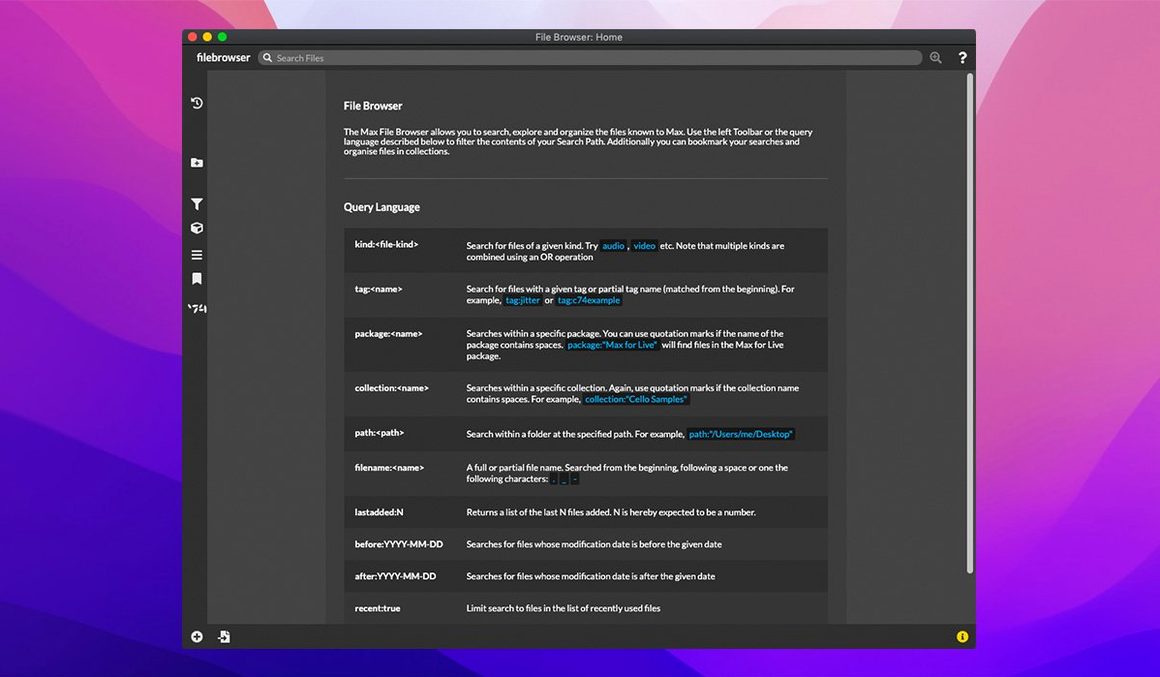
cycle~does, open its help patch, wiggle the sliders, and pull it apart. The answer is usually sitting right there. - Build a personal snippets folder. Save small working patches — a MIDI router, a fader bank, a reverb send — into a dedicated folder. Two months in, you will have a growing library of your own reusable modules. That is when Max switches from an experiment to your daily driver.
- Use the Max console window. Errors and print messages land there. If something does not work, open the console from the Window menu. Max will often tell you exactly which object is unhappy and why, in plain text.
Version 9.0.9 is a maintenance release that fixes a couple of annoying papercuts and adds a small but welcome control assignment feature.
- You can now assign buttons to parameter banks inside live.banks.
- The bundled RNBO runtime moves to version 1.3.5.
- That crash you might have seen when editing or closing a text field in the Inspector? It is gone now.
- The Web Based Text Editor got a fix for listing external files and subpatcher files via the File menu.
- macOS 11 or newer
- Intel or Apple Silicon Mac
- 64-bit application
Notes from the tables 0
Sign in or pull up a chair to leave a note.
No notes on this one yet. They go up after I read them.