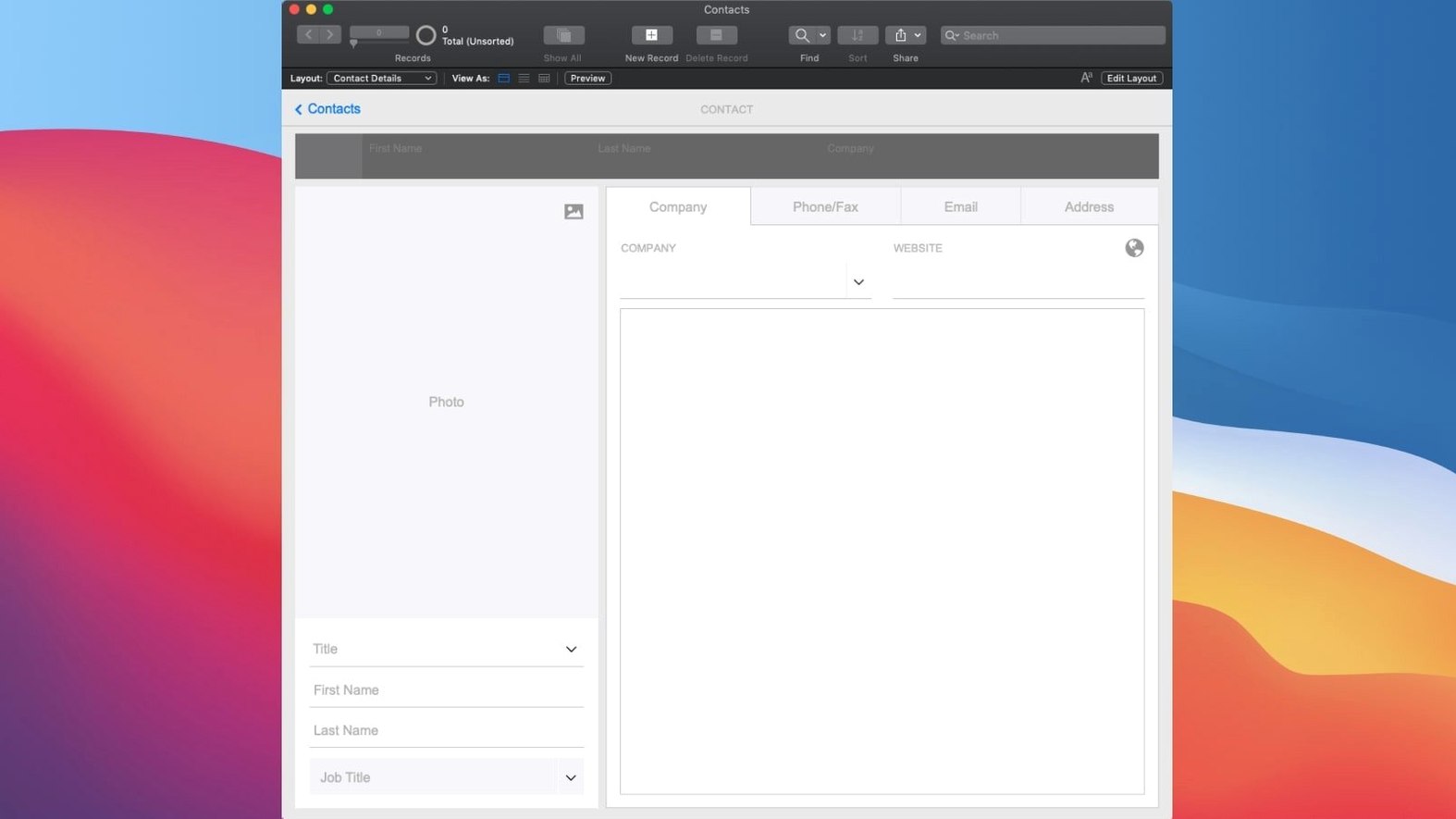
Version 21.0.1 brought a handful of quiet but meaningful AI additions. Perform Semantic Find lets you search your data the way you'd talk to a person, not a database. Insert Embedding and the new AI account settings start to weave machine smarts directly into the apps you build, without asking you to learn a new language.
Build custom apps with drag-and-drop modules
- Lets you create applications that handle data, reports, and tasks your way
- Comes with ready-made pieces for charts, calendars, Kanban boards, and activity graphs
- Opens and runs custom apps you or someone else built in FileMaker Pro
- Shares your work in real time on phones, desktops, the web, or your local network
A real Mac app when spreadsheets fall short
Think of it as the tool you reach for when a spreadsheet feels too loose and hiring a developer feels too heavy. It plays nicely with what you already use because it creates actual Mac applications, not just browser tabs. The apps you build or open here sit in your Dock and act like native citizens, pulling data from your team, your cloud server, or just your own machine.
One custom app tracks briefs, assets, and billing
Picture a three-person design shop juggling client projects, asset approvals, and invoices. One person opens a custom app they built together — a single place where project briefs, image libraries, and billing status live side by side. A drag-and-drop Kanban board shows which logos are in review, while a calendar add-on tracks deadlines without a separate calendar app. When a client emails a last-minute change, someone updates the job record on their phone. The edit shows up on the studio's iMac in real time. Nobody touches a spreadsheet or hunts through email threads. That's the rhythm FileMaker Pro slots into — not flashy, just solid.
Type plain-English searches instead of building queries
The AI features added in this release aren't splashy, but they change how you find things. Perform Semantic Find means you can type "show me overdue projects from last quarter" instead of building a complex query. The system interprets what you mean, not just what you literally type. Insert Embedding and Insert Embedding in Found Set let you store AI-generated vector representations of your text — useful if you're building search tools that understand meaning, not just keywords. Set AI Call Logging gives you a window into what the AI is doing under the hood, so you can troubleshoot or fine-tune. In practice, these additions make the apps you build feel a little more like a smart assistant and a little less like a form with fields.
It’s a workshop, not a pre-built application
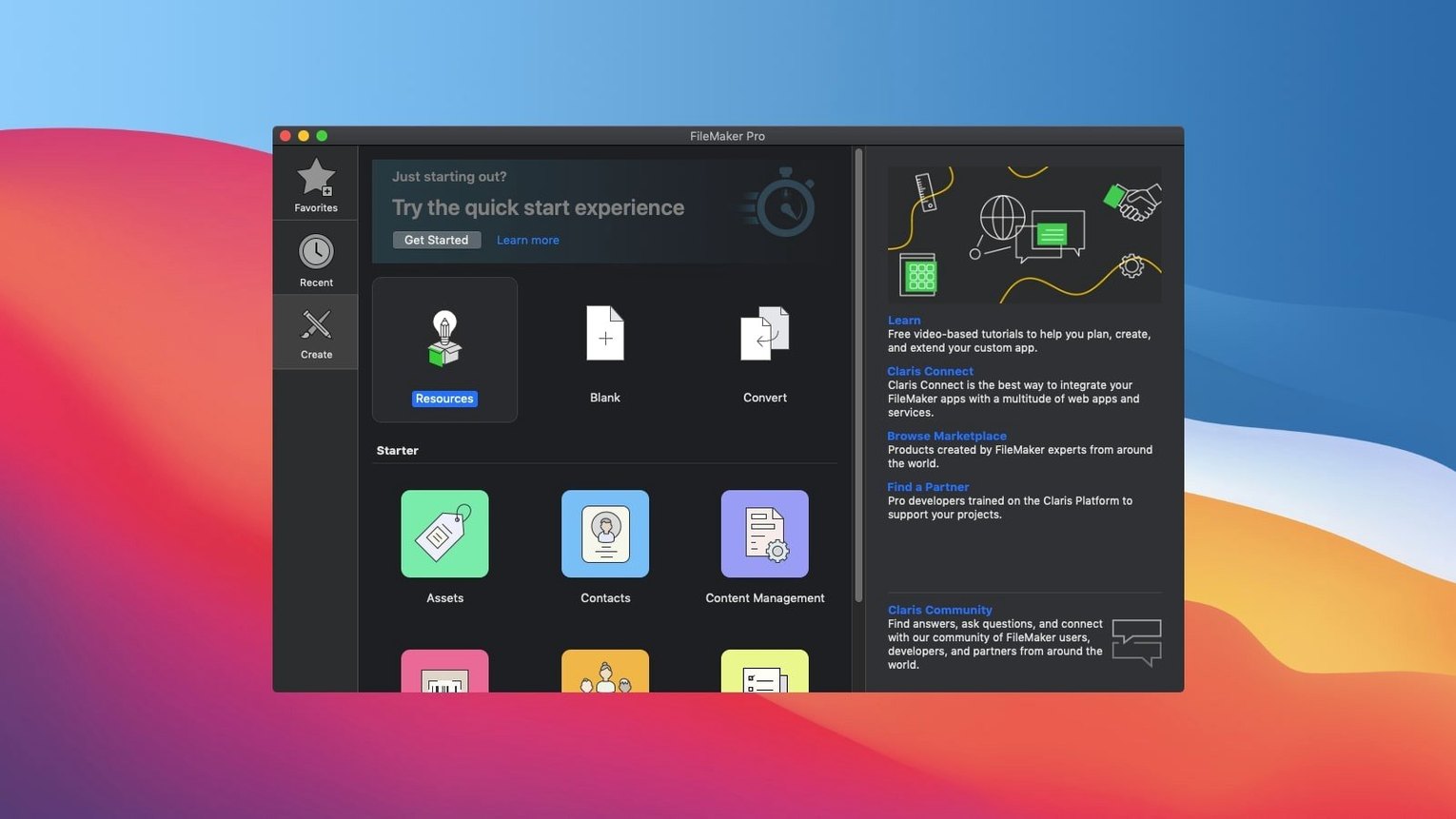
Newcomers sometimes treat FileMaker Pro like a pre-built app and wonder where the buttons are. It's more like a workshop than a finished product — you'll need to either build your app from a template or open one someone else made. Start with the built-in starter solutions for CRM or asset management; they give you a working structure to tweak.
Another common hiccup: sharing a file between Mac and Windows machines without checking field names for special characters. Stick to plain letters and underscores and you'll avoid cross-platform headaches. If you're trying a filemaker pro 19 download free from an older archive, know that version 21 opens files from recent versions without fuss, but really old files might need a one-time conversion pass. Some folks grab a FileMaker torrent or FileMaker Pro torrent to test the waters — just make sure you're opening files that match the architecture of your Mac, since this version runs on both Intel and Apple Silicon. A FileMaker Mac torrent or FileMaker Pro Mac torrent will work fine, and the built-in activation steps inside the package handle the setup, so you won't need to chase down extra pieces. Bottom line: treat it like a kitchen you're setting up, not a microwave meal, and the initial hour of poking around pays off fast.
Version 21.0.1 is all about starting to put AI to work inside your custom apps.
- Configure AI Account and Set AI Call Logging to connect and keep tabs on AI services
- Insert Embedding and Insert Embedding in Found Set to store and work with semantic data
- Perform Semantic Find to search your database using everyday language
- macOS 10.14 or newer
- Works on both Intel and Apple Silicon Macs
Questions I actually get
Can I use apps made by other people in FileMaker Pro?
Yes, you can open and use any custom application that was created with FileMaker Pro.
Notes from the tables 0
Sign in or pull up a chair to leave a note.
No notes on this one yet. They go up after I read them.