
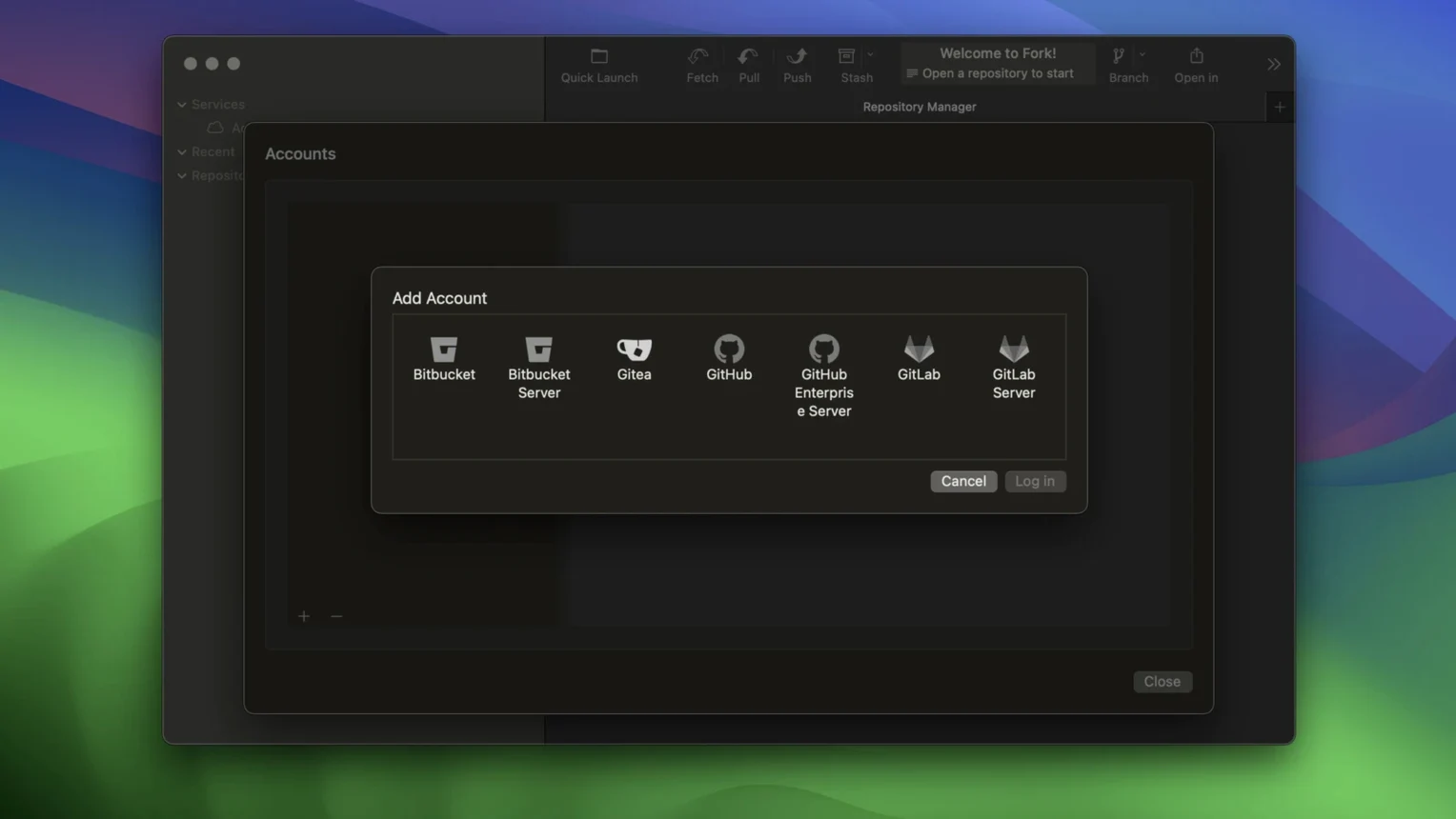
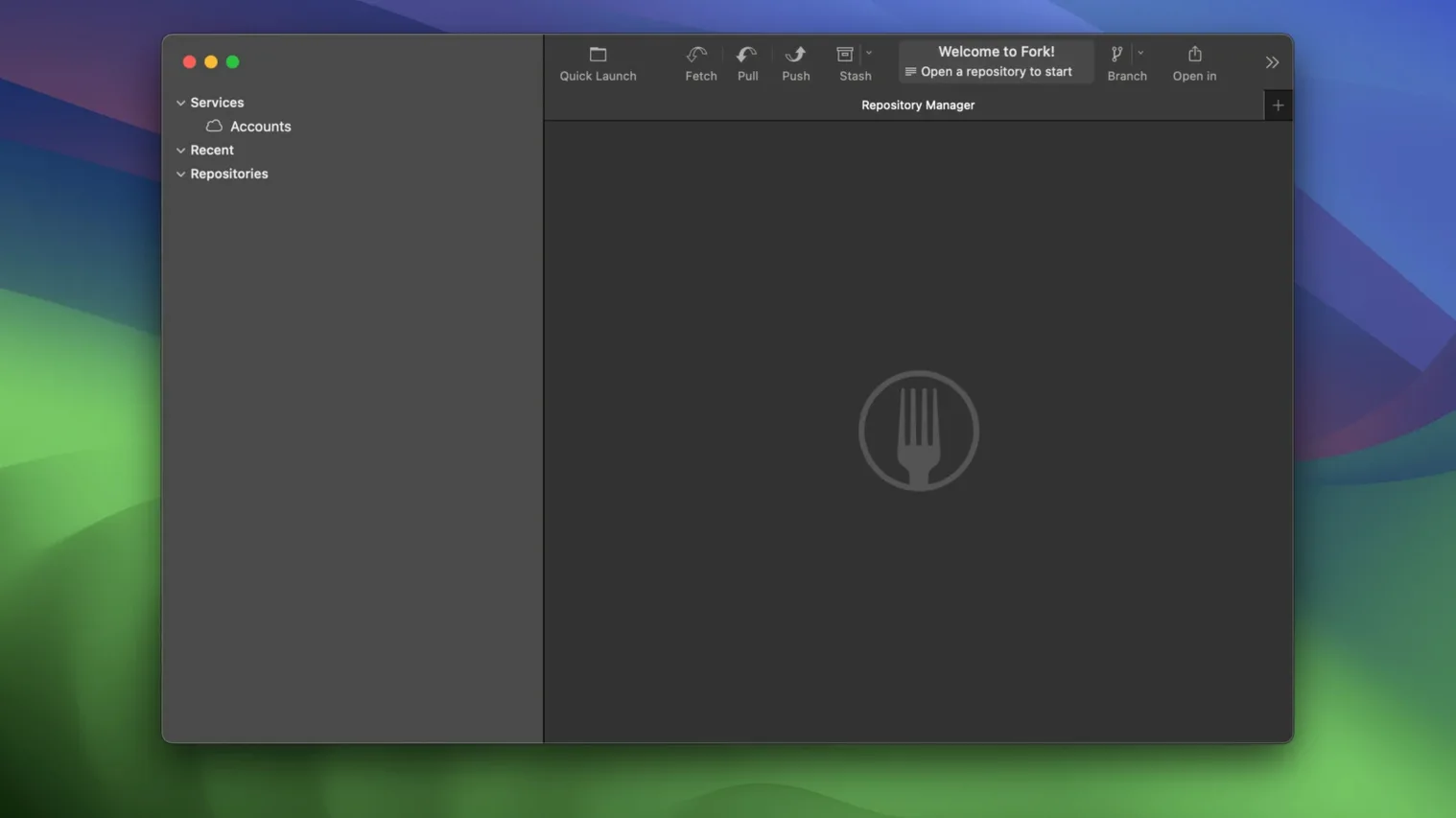
You know how some Git tools feel like learning a second language on top of Git itself? Fork goes the other way. It's a native Mac client that lays everything out so the pieces you need are right there — without burying them in menus. The left side holds your changed files, the right side shows exactly what's staged. It's a simple split, but once you work this way, going back feels clumsy.
Jump into any repo and stage partial commits
- Seeing who last touched a line without running git blame in the terminal
- Quick repository search and launch so you can jump into any project in seconds
- A side-by-side staging view that makes partial commits feel natural
- Runs natively on both Apple Silicon and Intel Macs, all the way back to macOS 10.13
AI commit messages are still settling in
- The interface is English-only
- Rename detection for tiny files was recently patched, so very small renames used to trip it up
- AI-generated commit messages are new and still settling in — backtick formatting quirks were just fixed
First days with Fork
Give yourself a few minutes to set up tabs the way you actually work. I keep one tab pinned to the main branch of whatever project I'm touching that week, another on a feature branch, and a third floating wherever I need it. The vertical tabs introduced in 2.70 make this easier — you can see more of them at once, which sounds small but saves real friction when you're switching between four or five repos.
One thing to do early: learn the quick-open shortcut. Typing a few letters of a repository name and hitting Enter beats digging through Finder any day. And if you've never used partial staging before, try it on your next commit. Clicking individual lines into the staged area instead of dumping the whole file feels odd at first, then it just feels right.
Speed and day-to-day feel
Fork starts fast and stays fast. I've thrown repos with over ten thousand commits at it and scrolling through history doesn't stutter. Memory sits around 200 MB with a couple of mid-sized projects open, which is reasonable. I haven't seen a beach ball yet, even during merge conflict resolution — the built-in resolver handles the usual <<<<<< mess without the app breaking a sweat.
The only slowdown I've noticed is the initial clone of a very large repository, where the progress bar can feel a bit optimistic. But once the repo is local, everything snaps. Stability on 2.70.2 has been solid through a full week of daily commits, rebases, and the occasional cherry-pick. No crashes, no hangs on quit, no corrupted state. It's the kind of quiet reliability that lets you forget the tool and just do the work.
Version 2.70 brings a few quality-of-life changes that matter day to day. Vertical tabs give you more room for long repository names. Cursor joins as an option for generating commit messages. And a crash when deleting a worktree from the terminal got squashed.
- macOS 10.13 or newer
- Apple Silicon or Intel processor
Questions I actually get
Does Fork work on older Macs?
Yes, it supports macOS 10.13 and later and runs on both Intel and Apple Silicon machines.
Notes from the tables 0
Sign in or pull up a chair to leave a note.
No notes on this one yet. They go up after I read them.