
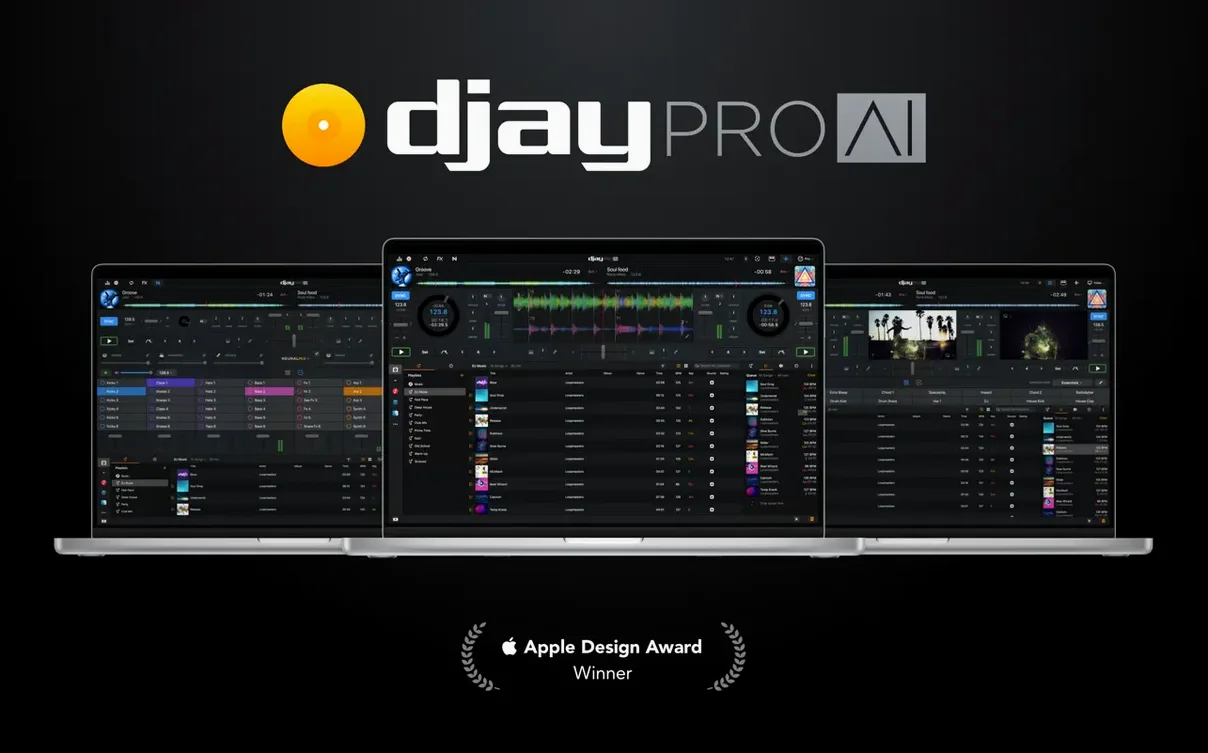
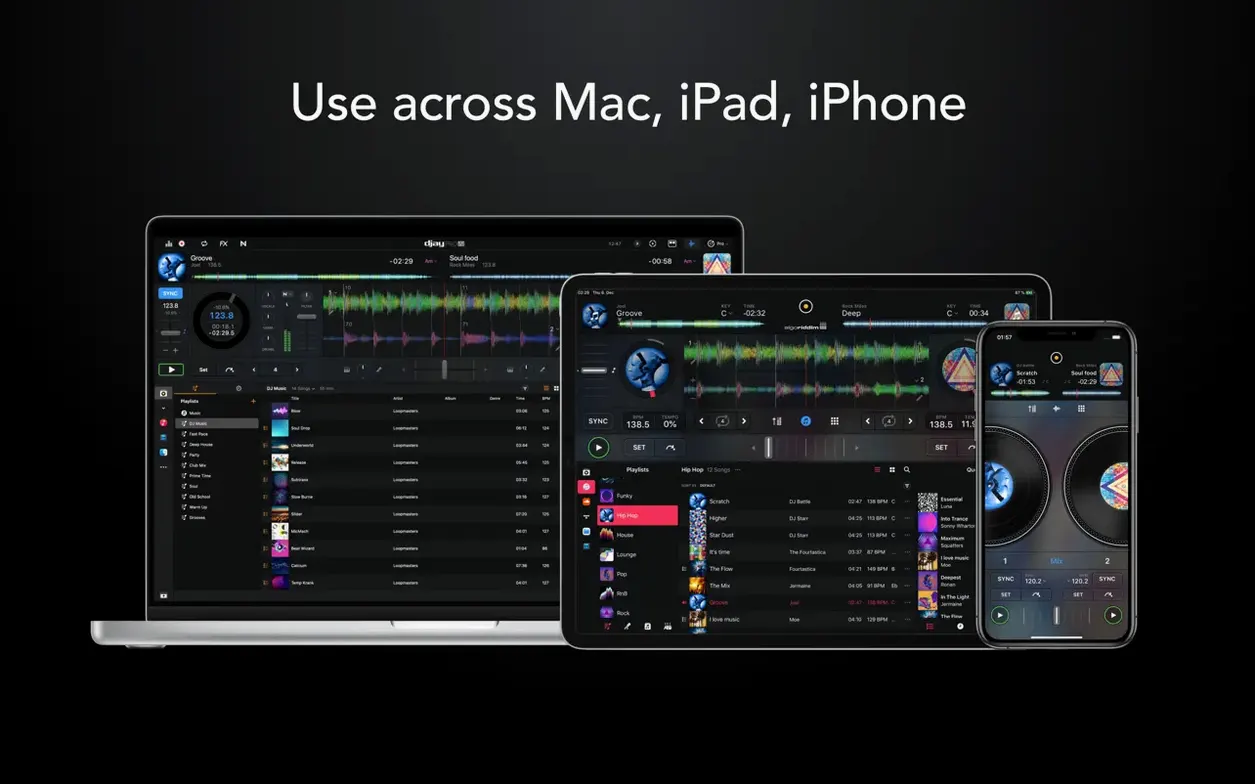
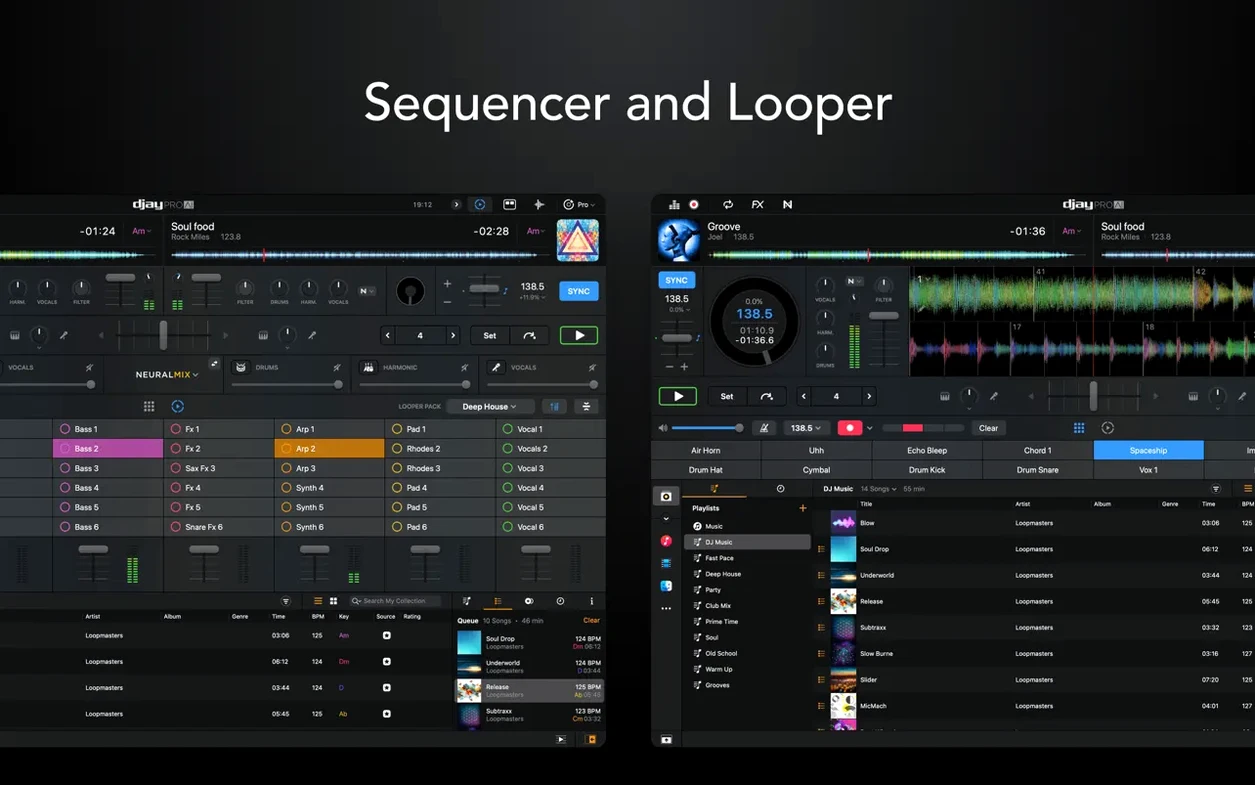
djay Pro by Algoriddim runs on any Mac running macOS 10.15 or later, with native support for both Intel and Apple Silicon machines. It turns your computer into a full live-performance rig without making you feel like you need an engineering degree to start your first mix.
Plug in any controller and just play
Don’t overthink the setup. The software recognizes over a hundred MIDI controllers out of the box, so your hardware usually lights up the second you connect it.
Pull a track apart with Neural Mix
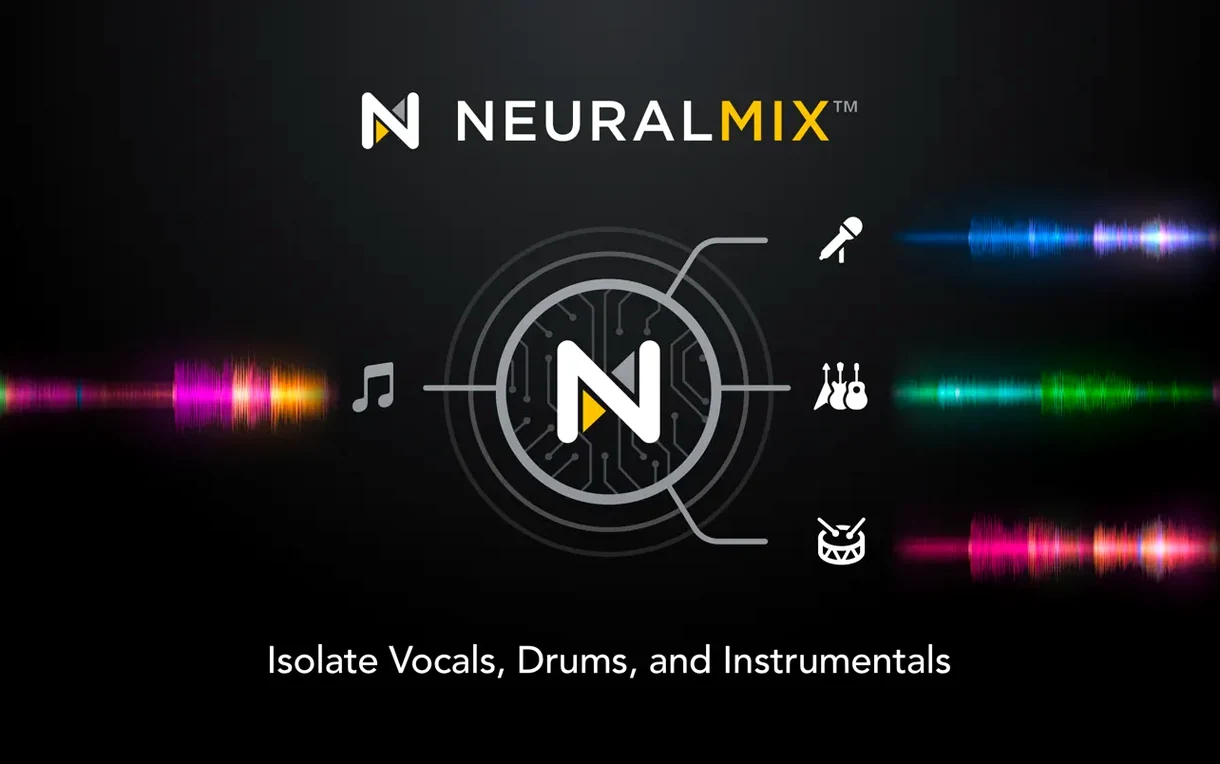
Hit the Neural Mix button and separate vocals, drums, and instruments on the fly — it’s the closest thing to handing individual stems to a sound engineer, except you’re doing it live with a fader.
Build a quick loop and layer something over it
The looper gives you up to 48 loops per track, which is more than enough to grab four bars, lock them in, and throw a beat or a bassline underneath while you hunt for the next track.
Start with two decks, not four
Most first-time users jump straight into four-deck mixing before they've learned how one deck behaves. Start with two decks. Get comfortable with the waveforms, the cue points, and the crossfader before you add complexity. Your ears need time to catch up with what the screen is showing you.
Another one: ignoring the gain staging. When you load a track, the waveform looks fine, so you push the fader up and wonder why the master output is clipping. Check the gain knob on each channel before you blend. A clean signal path saves your speakers and your recordings.
And the automix mode — people treat it like a crutch. It's not. Use it when you need to step away, but don't let it become your default. You're here to mix, not to watch the computer do the work. Spend ten minutes a day beatmatching by ear with the sync button off. It sticks.
How djay Pro fits with the rest of your setup
The app talks to macOS in ways that save you time. Your iTunes library and the Music app appear right inside the media browser — no exporting playlists, no dragging files around. Any playlist you built last week on your phone is sitting there waiting for you when you open djay Pro on the Mac.
Ableton Link support means you can sync the tempo with other apps running on the same machine or across devices on the same network. I've seen people run djay Pro on a MacBook while a friend builds drum patterns in Ableton Live on an iPad a few feet away. Everything stays locked to the same beat grid, no cables needed.
If you're recording a set and want to clean it up later, bounce the audio out and open it in GarageBand or Logic. The stems you separated live with Neural Mix can be recorded individually — pull just the drums from a track, drop them into a DAW project, and build something new around them. That workflow alone turns djay Pro into more than a performance tool.
Unplug and quit to fix a dead controller
Controller not responding after you plugged it in. Unplug it, quit djay Pro completely, reconnect the controller, then launch the app. Nine times out of ten the MIDI mapping reloads correctly on a cold start. If that doesn't work, check the MIDI settings pane — sometimes the controller shows up but isn't assigned as the active device.
Audio drops or crackles during a set. This usually points to the buffer size being too low for your machine. Open the audio preferences and bump the buffer up in small steps until the crackling stops. If you're on an older Intel Mac, close background apps you're not using — web browsers eat CPU cycles you need for real-time stem separation.
Neural Mix sounds muddy on certain tracks. The separation quality depends heavily on the source material. A dense rock track from the seventies won't separate as cleanly as a modern electronic production. Try it on tracks with clear stereo imaging and minimal reverb. If the vocal bleed into the instrumental channel bothers you, dial back the isolation fader instead of cutting all the way to zero.
Files not showing up in the media library. djay Pro reads what your Music app and Finder folders point to. If tracks are missing, check that the files haven't been moved or renamed since you added them. Right-click the library source and refresh it. Still nothing? Drag the folder directly onto the library pane — that forces a rescan.
Native screen support for RANE System One
Version 5.6.9 brought native display support for the RANE System One, which means the controller's screen now mirrors track info, waveforms, and cue points without needing a third-party mapping file. If you own that hardware, the integration feels tighter — less looking back and forth between the controller and your laptop.
The same update added MIDI actions for changing beat jump duration on the fly. Before this, you had to open a menu or use a fixed mapping. Now you can map a knob or a pair of buttons to cycle through jump lengths while a track is playing. Useful when you're teasing in a vocal phrase and want to tighten the jump from two beats down to one.
Playlist presentation on CDJs got a cleanup pass too. Browsing a long playlist on older Pioneer hardware used to feel sluggish — the scrolling and folder structure are snappier now, closer to what you'd expect from a native rekordbox setup.
If you're using motorized controllers, the cue point jumping behavior improved during scratching and platter spindown. That means you can scratch back to a cue point and have the audio pick up exactly where you expect it, even as the platter is still slowing down. A small fix on paper, but it makes a real difference when you're cueing fast during a routine.
A few nice touches for controller DJs in this one. RANE System One users get native display support, and the media library playlist view on CDJs is a lot cleaner now. You can also map MIDI actions to change beat jump duration on the fly.
- Added RANE System One integration with native display support.
- Added MIDI actions to change beat jump duration.
- Improved media library playlist presentation on CDJs.
- macOS 10.15 or later
- Apple Silicon or Intel 64-bit Mac
Questions I actually get
Does djay Pro work with my DJ controller?
Almost certainly. It supports hardware integration for more than 100 MIDI controllers and includes tools like Ableton Link for syncing gear.
Can I remove the vocals from a song in real time?
Yes. Neural Mix technology lets you isolate or remove vocals, drums, and instruments live while the track is playing.
How many audio effects come built in?
There are more than 40 built-in audio effects to shape your sound, alongside a 48-loop looper for on-the-fly remixing.
Notes from the tables 0
Sign in or pull up a chair to leave a note.
No notes on this one yet. They go up after I read them.
More from the AI Tools page
The whole page AI Tools Updated 5.1 GB
Luminar AI
1.5.5
AI Tools Updated 5.1 GB
Luminar AI
1.5.5
 AI Tools 1.8 GB
MacGPT
3.21
AI Tools 1.8 GB
MacGPT
3.21
 AI Tools 9 MB
MacWhisper
15.3
AI Tools 9 MB
MacWhisper
15.3
 AI Tools Updated 75 MB
superwhisper
2.18.5
AI Tools Updated 75 MB
superwhisper
2.18.5
 AI Tools Updated 43 MB
Topaz Gigapixel AI
1.3.5
AI Tools Updated 43 MB
Topaz Gigapixel AI
1.3.5
 AI Tools 372 MB
Topaz Photo AI
2.1
AI Tools 372 MB
Topaz Photo AI
2.1
 AI Tools Updated 36 MB
VideoProc Converter AI
8.12
AI Tools Updated 36 MB
VideoProc Converter AI
8.12
 AI Tools 254 MB