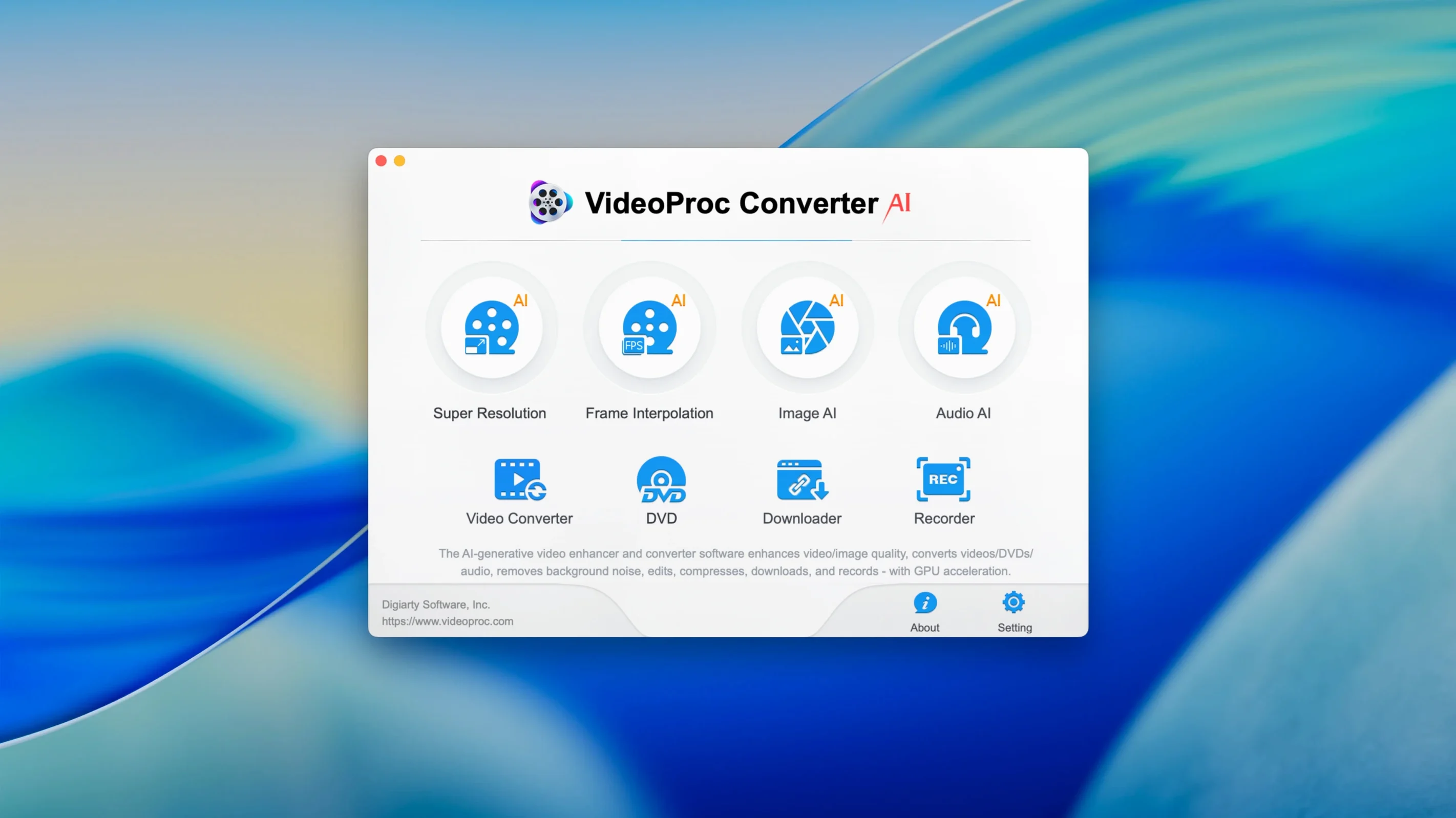
Requires macOS 10.15 or later
VideoProc Converter AI needs macOS 10.15 or later. It runs as a 64-bit app on both Intel and Apple Silicon machines, so the newer the Mac, the snappier the processing — especially when you lean on the AI upscaling tools.
Convert and download
It handles the big conversion jobs without fuss — video, audio, and photos — and the built-in downloader grabs clips from the usual spots. Version 8.12 tightened up that downloader performance too.
Record and clean up
The screen recorder captures your Mac desktop with voice commentary, while the AI denoising clears out grain and artifacts from older footage. You can speed up or slow down any clip from 0.1x to 2x with the quality holding steady, then share it out optimized for YouTube, Instagram, or TikTok.
Rescuing a shaky old camcorder clip
Here's a workflow I've run more times than I can count. You dig out a MiniDV tape from 2006, capture the footage, and realize every handheld shot looks like it was filmed during an earthquake. Here's how VideoProc Converter AI cleans it up in about ten minutes.
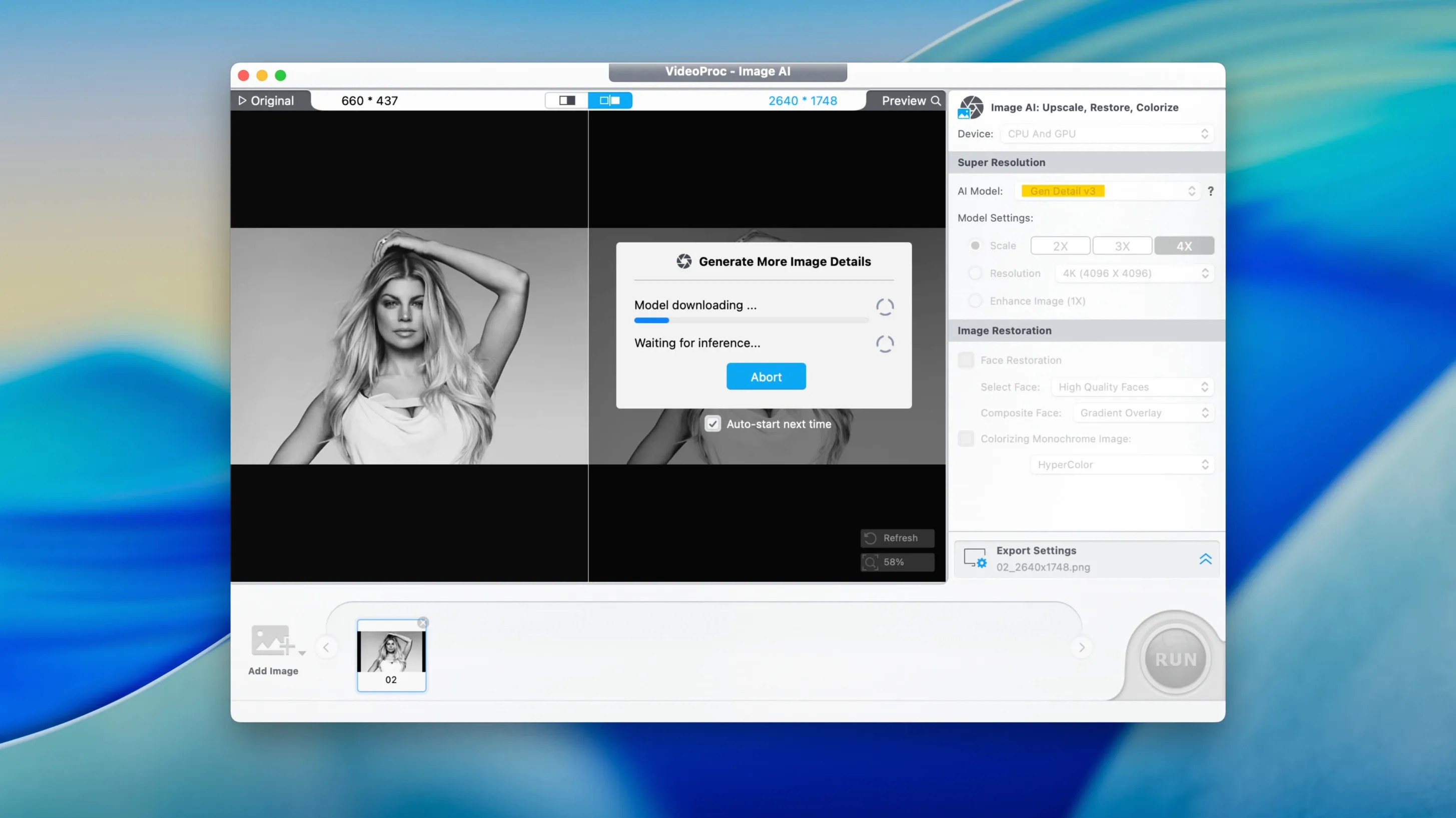
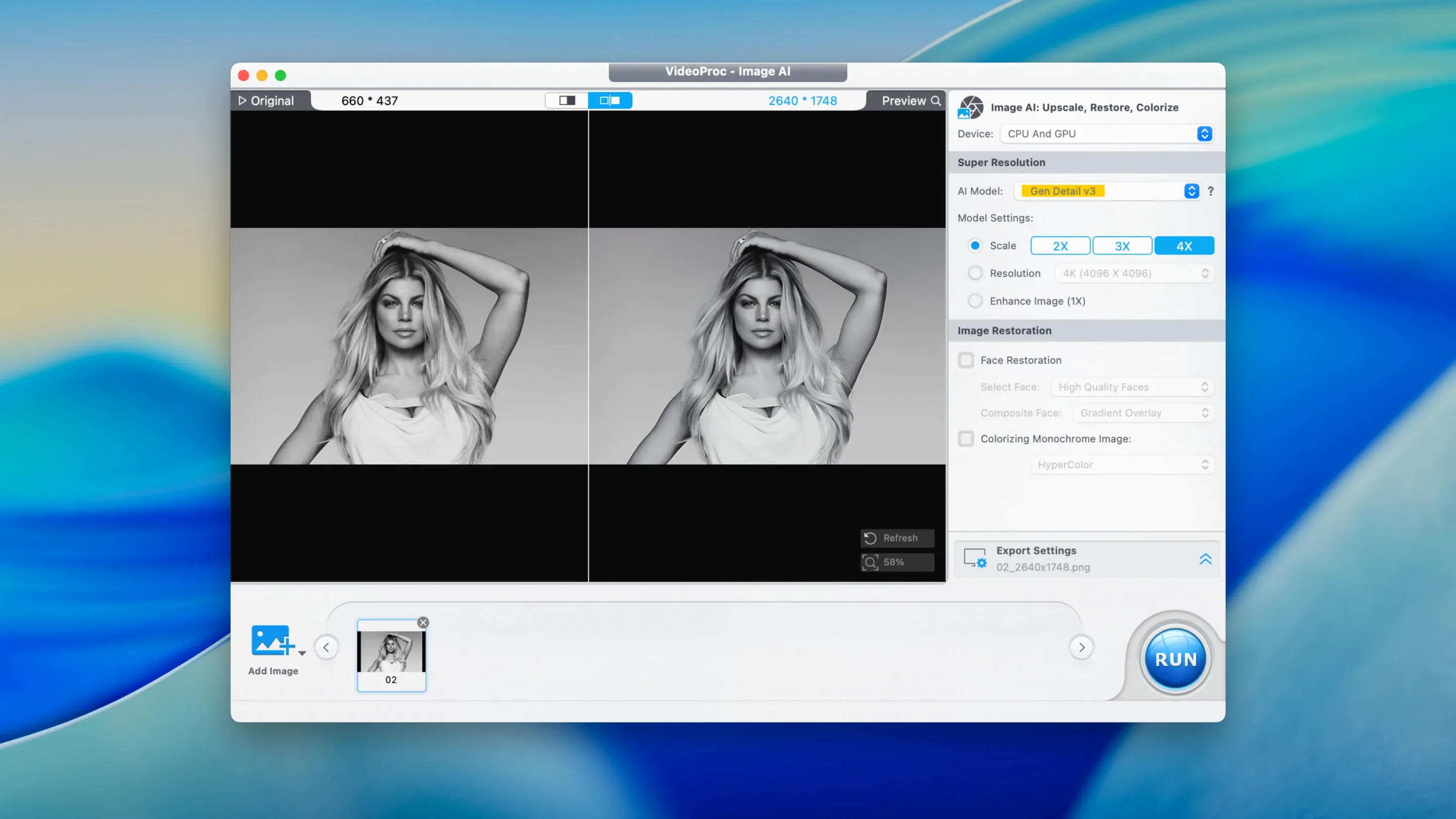
First, bring the raw DV file into the app. Head straight to the stabilization tool — it's under the same roof as the other AI fixes. Let it analyze the motion. On an M1 Mac the preview renders in real time, so you'll see the wobble smooth out as it works. Next, swing over to the denoise panel. Old DV footage has that chunky color noise in the shadows, and the AI model knocks it back without turning faces into wax. If the clip is standard definition, punch the upscale button to bring it to 4K. It won't invent detail that wasn't there, but edges tighten up and the whole thing looks passable on a modern screen.
Last step: trim the fat. Drag the start and end markers to cut the thirty seconds of floor shots, then export as HEVC for the file-size win. The hardware acceleration keeps the fan quiet the whole time.
A wedding videographer's Monday morning
Sarah shoots weddings on a Sony mirrorless, delivers highlight reels for Instagram, and sends full ceremonies to couples as MP4 files. Monday morning means three things: compressing the raw ceremony footage, pulling a sixty-second vertical clip for Reels, and extracting the vows as an MP3 for the couple's keepsake.
She drops the 40 GB ceremony file into VideoProc Converter AI, picks the YouTube-optimized preset which dials in the compression, and knocks it down to about 4 GB. The couple won't see the difference, and the file actually fits in a cloud share. Then she trims the recessional, crops to 9:16, and applies a 1.5x speed ramp to the walk-out. The slow-motion interpolation keeps it smooth — no choppy frame-doubling. Audio extraction is the easiest part: select the MP3 profile, hit run, and the vows are ready to email before her coffee gets cold.
The utility player between your main editing apps
VideoProc Converter AI isn't trying to replace a timeline editor like Resolve or Final Cut. Think of it as the utility player between apps. You might rough-cut in QuickTime, then hand the file over here for the heavy conversion or AI cleanup. The downloader feeds footage straight into the conversion queue — grab a reference clip from Vimeo, convert it to ProRes, and pull it into your main editor without a second thought. The screen recorder plays nicely with Mac's microphone routing, so you can grab system audio or a USB mic for tutorial voiceovers.
It also respects the Finder. Drag a folder of mixed formats onto the dock icon and it queues everything for batch conversion, keeping folder structures intact if you tell it to. Between the compression presets and the device profiles, you spend less time Googling "best export settings for iPhone 18" and more time actually shipping work.
Bottom line: it's the kind of app that earns its spot because it fills the gaps your main editor leaves wide open.
Version 8.12 is a leaner install — the disk image shrunk noticeably — and it's ready for macOS 27. The downloader got a performance bump, and the app now supports iPhone 18 footage.
- macOS 10.15 or later
- 64-bit app, runs on Intel and Apple Silicon
Questions I actually get
Can VideoProc Converter AI upscale old videos?
Yes, it includes AI upscaling to bring older footage up to 4K or 8K resolution while cleaning up noise and artifacts.
Notes from the tables 0
Sign in or pull up a chair to leave a note.
No notes on this one yet. They go up after I read them.