

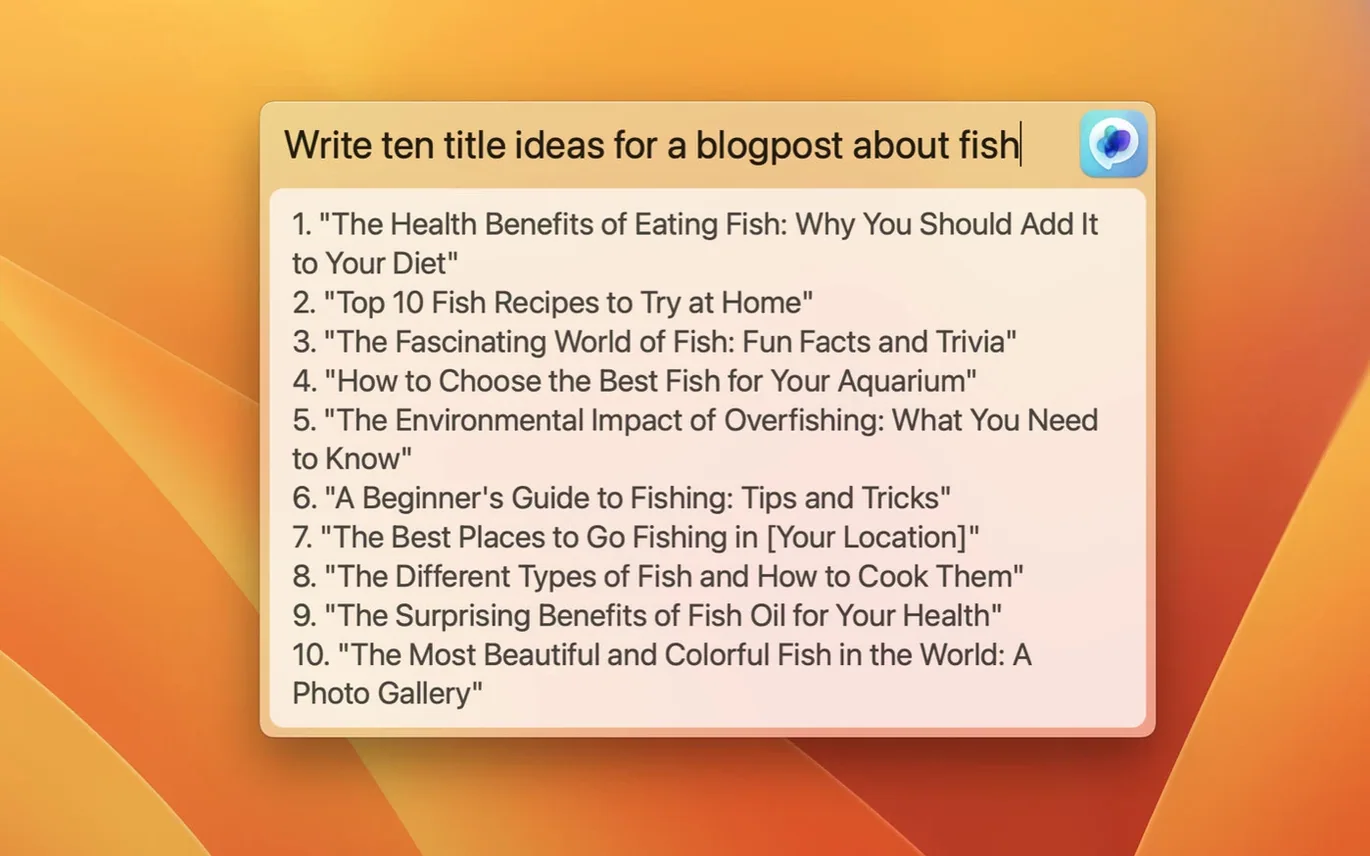
If you keep a browser tab pinned to ChatGPT, MacGPT puts the same tool in your menu bar. It loads the ChatGPT web interface, so you sign in with your OpenAI account and get to work without hunting for a window.
The shortcut that hides your browser
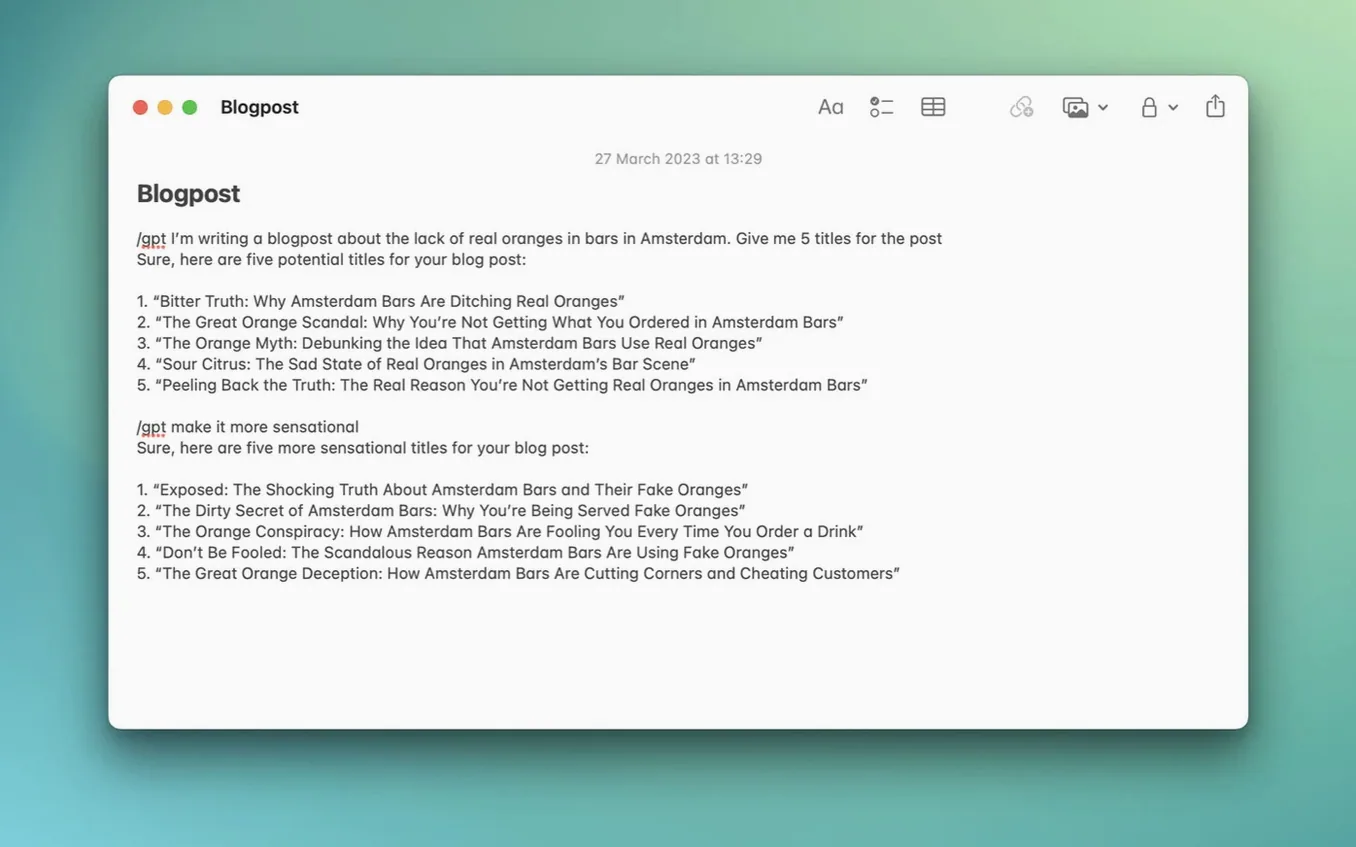
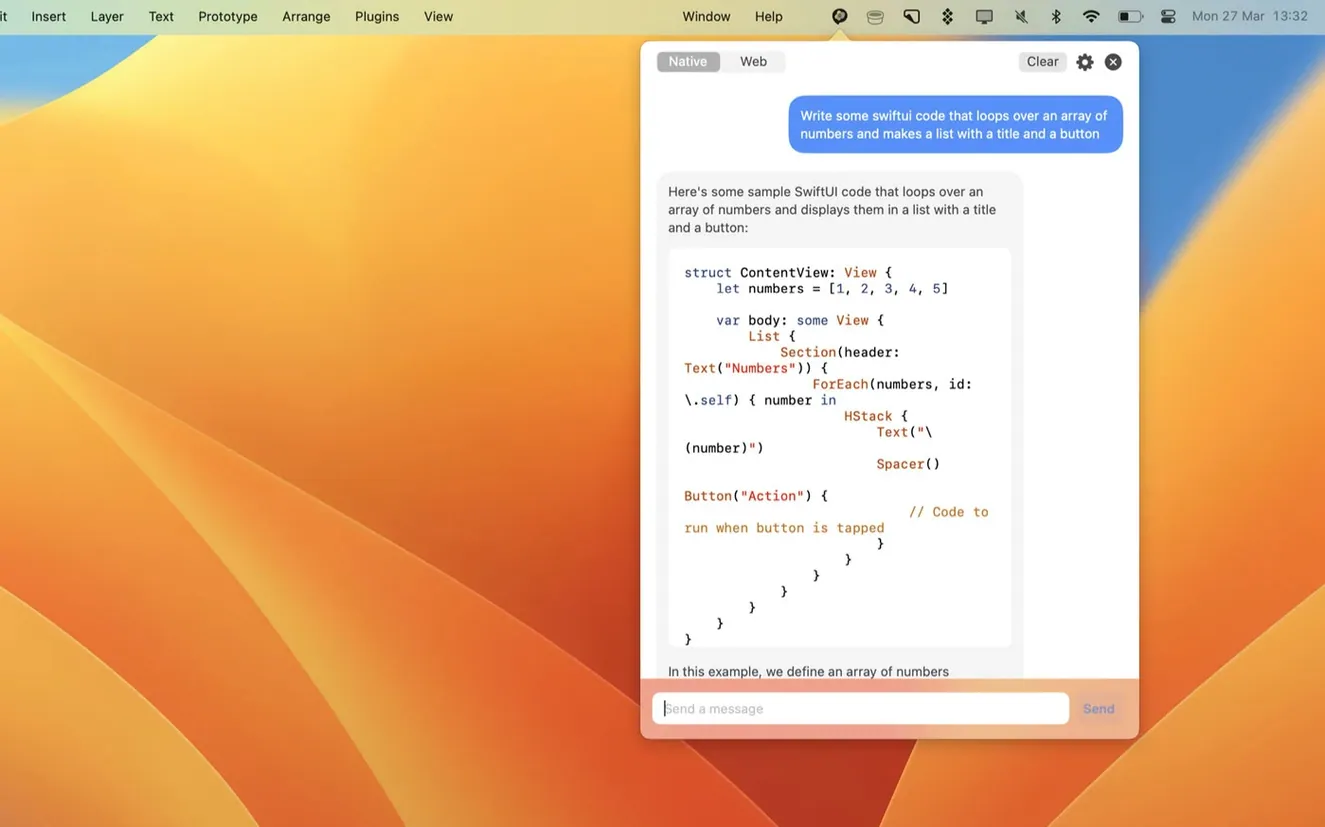
The first question is usually whether it replaces the website. It doesn't — it wraps the ChatGPT web interface in a small menu bar app. One click opens it, and you can assign a keyboard shortcut from settings. There is also an Inline feature for using ChatGPT inside text fields, which is handy when you are writing and do not want to switch apps.
Monterey or Ventura only
It supports macOS Monterey and Ventura. The app uses newer APIs, so those are the only supported systems. It runs on Intel and Apple Silicon. You can use it through the website or through the API with an OpenAI API key.
A workflow: rewrite a short email
Say a customer asks for a refund on a catering deposit. You don’t want to sound stiff, but you also don’t want to cave. Here’s how I’d handle it with MacGPT.
- Select the draft email in Mail or whatever you write in.
- Hit your assigned keyboard shortcut, then choose Inline.
- Type:
Make this shorter and friendlier, keep the no-refund part clear. - Read the rewrite, tweak one sentence, and send.
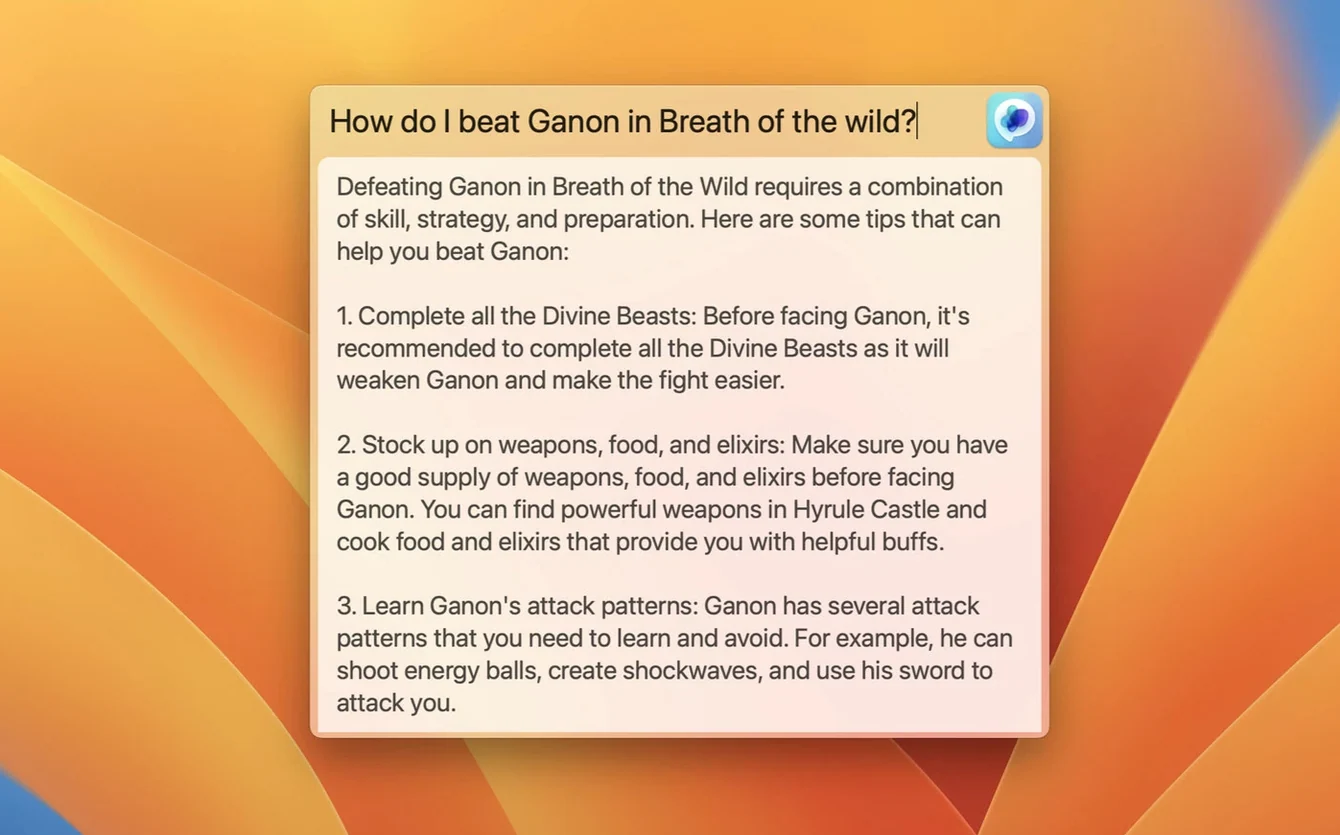
That whole loop takes under a minute. No tab switching, no copying the whole thread into a web page. When I need more room to think, I use the Global text field instead — it opens centered on screen, which feels less like a browser and more like a scratch pad.
One keyboard shortcut you'll actually remember
The defaults are fine, but three changes make the app feel like yours.
- Keyboard shortcut. The menu bar click is fine until you’re mid-sentence. Set a shortcut you’ll actually remember — one you don’t already use in your main apps.
- Web mode vs API mode. If you have an OpenAI API key, switch to API mode. The app can show clearer error messages when the key isn’t set up right, which beats staring at a silent failure.
- Appearance and launch behavior. Decide whether MacGPT should open at login. For a tool you reach for often, that small change saves a click every morning.
Faster than a pinned tab
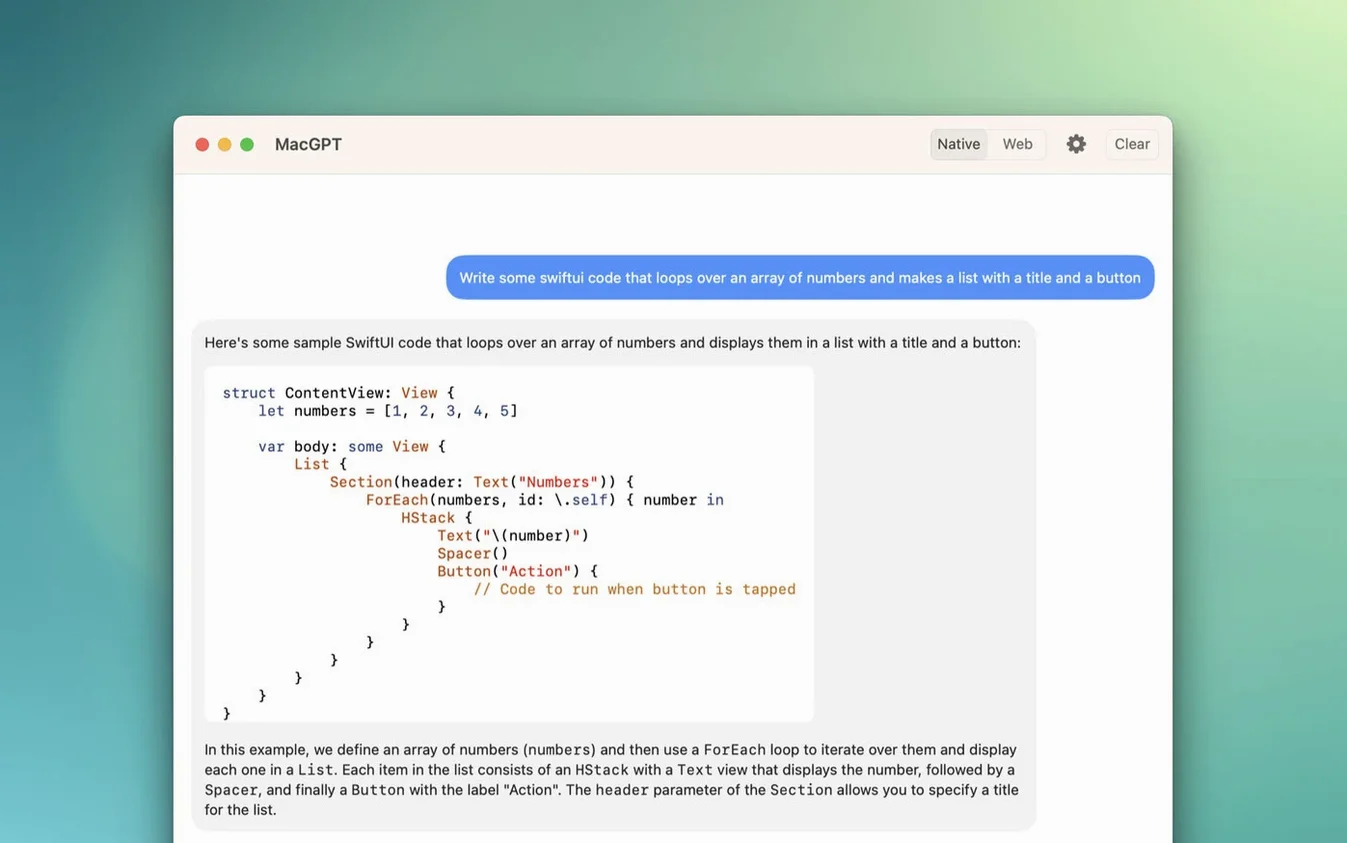
Next to a pinned browser tab, MacGPT is faster to summon. That’s its whole pitch, and it holds up. Next to a full ChatGPT desktop client, it’s lighter — no extra window chrome, no separate app to manage. The trade-off is that it depends on the ChatGPT web interface, so you get the same account limits and layout.
Compared with something like Raycast’s ChatGPT extension, MacGPT is more visual. Raycast feels like a command line; MacGPT feels like a small browser that lives in your menu bar. If you prefer typing a slash command and moving on, Raycast wins. If you want to see the conversation thread, MacGPT is the better fit.
Some folks search for a macgpt free download and then look for macgpt crack talk. The plain version from the developer’s site is the one worth keeping. It’s a small utility, not a suite — no reason to overthink it.
Version 3.21 adds support for a newer model.
- Added support for gpt-4o.
- macOS 12 Monterey or newer
- Intel and Apple Silicon supported
- OpenAI account credentials or an OpenAI API key
- Interface language: English
Questions I actually get
Does MacGPT require a ChatGPT account?
Yes, it uses your OpenAI account credentials for sign-in, or you can use an OpenAI API key.
Notes from the tables 0
Sign in or pull up a chair to leave a note.
No notes on this one yet. They go up after I read them.
More from the AI Tools page
The whole page AI Tools Updated 75 MB
Luminar AI
1.5.5
AI Tools Updated 75 MB
Luminar AI
1.5.5
 AI Tools 1.8 GB
djay Pro
5.6.9
AI Tools 1.8 GB
djay Pro
5.6.9
 AI Tools Updated 322 MB
superwhisper
2.18.5
AI Tools Updated 322 MB
superwhisper
2.18.5
 AI Tools Updated 43 MB
Topaz Gigapixel AI
1.3.5
AI Tools Updated 43 MB
Topaz Gigapixel AI
1.3.5
 AI Tools 372 MB
Topaz Photo AI
2.1
AI Tools 372 MB
Topaz Photo AI
2.1
 AI Tools Updated 36 MB
VideoProc Converter AI
8.12
AI Tools Updated 36 MB
VideoProc Converter AI
8.12
 AI Tools 254 MB
VoiceInk
1.74
AI Tools 254 MB
VoiceInk
1.74
 AI Tools 12 MB