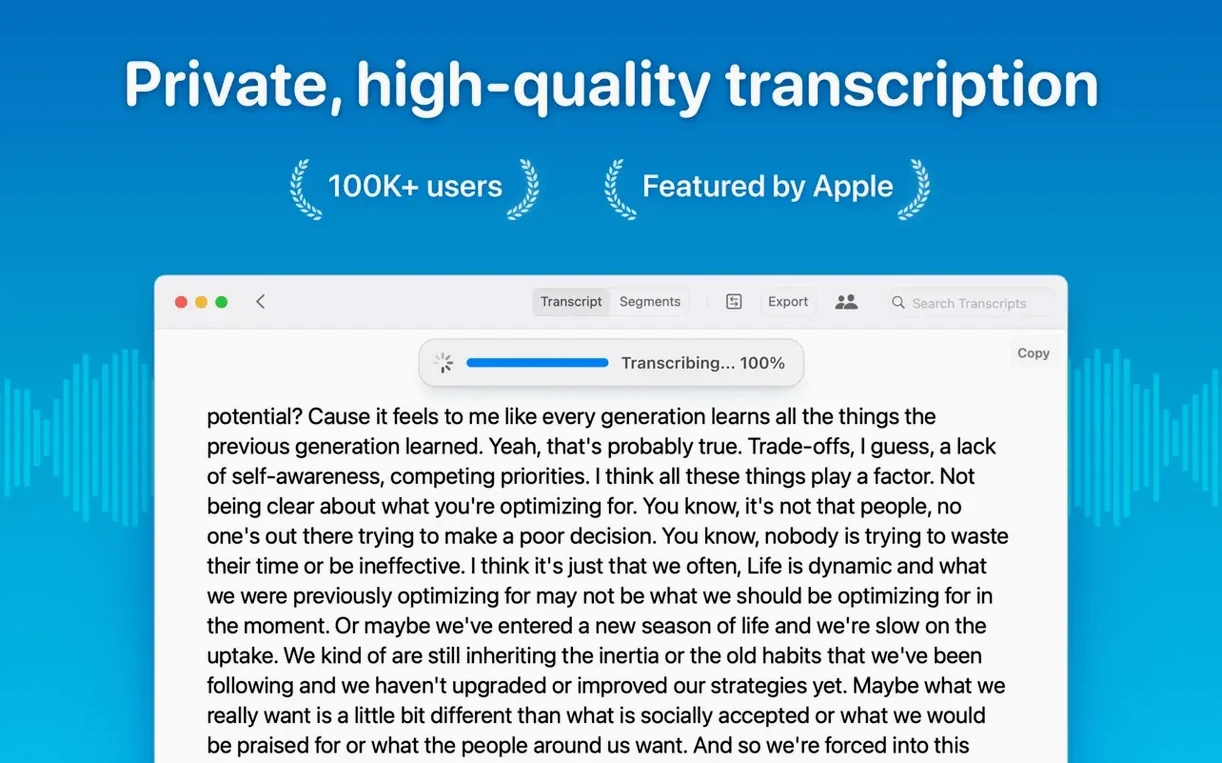
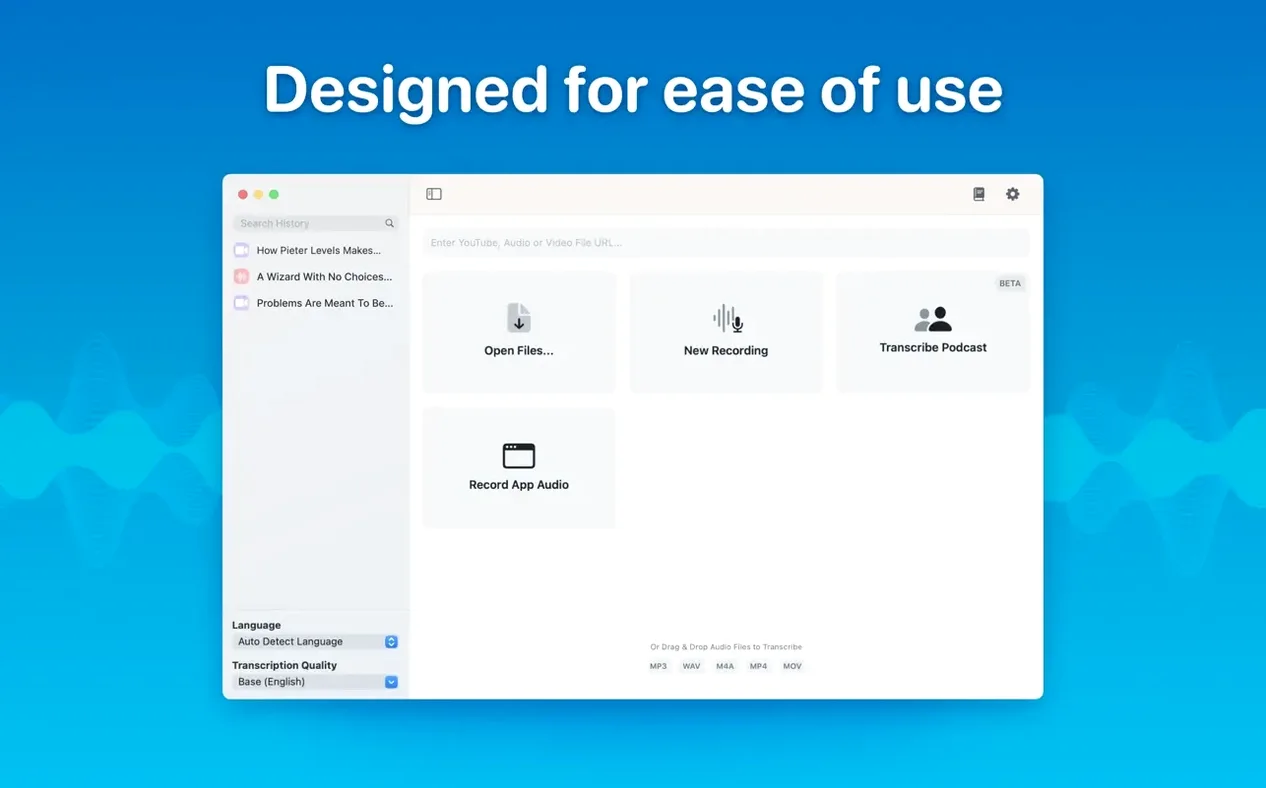
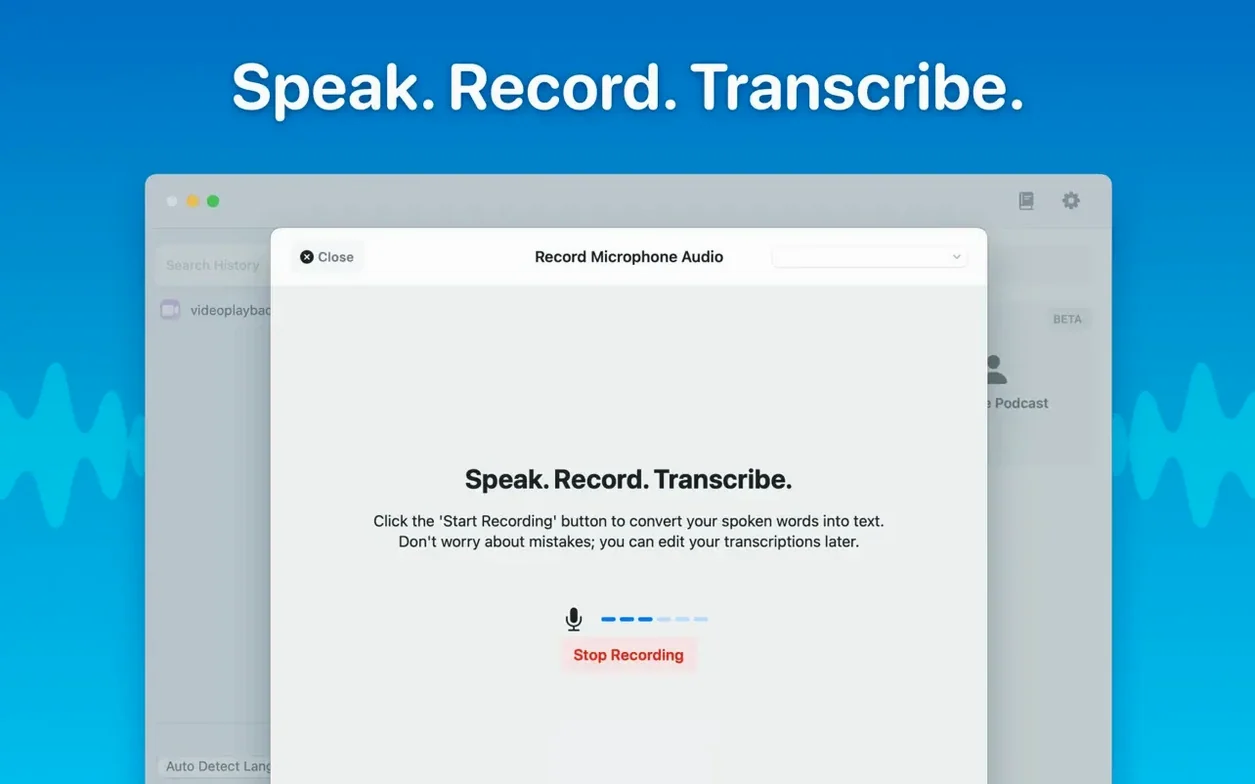
MacWhisper fits the kind of person who already has a folder of voice memos, a few long podcast interviews, and a meeting or two each week that really should have been written down. You drop a file onto the window, and the app gets to work. No uploads, no waiting in a queue — the transcription happens right on your Mac.
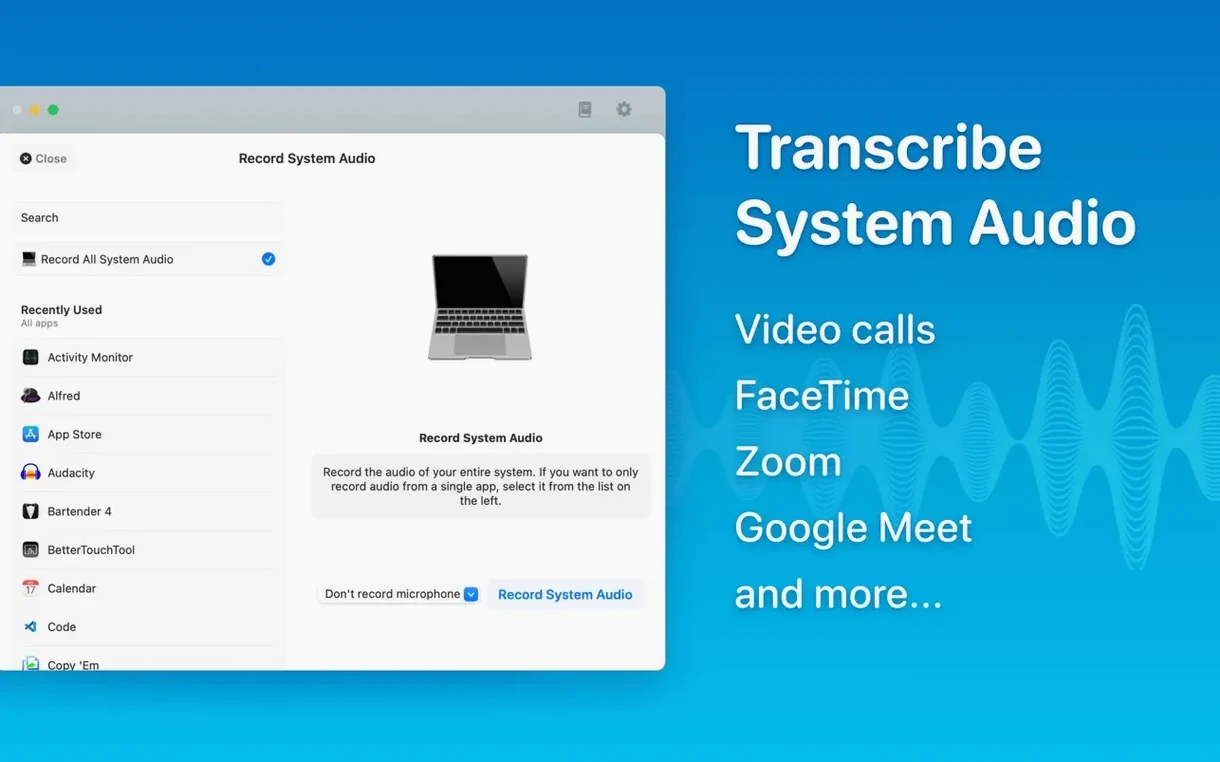
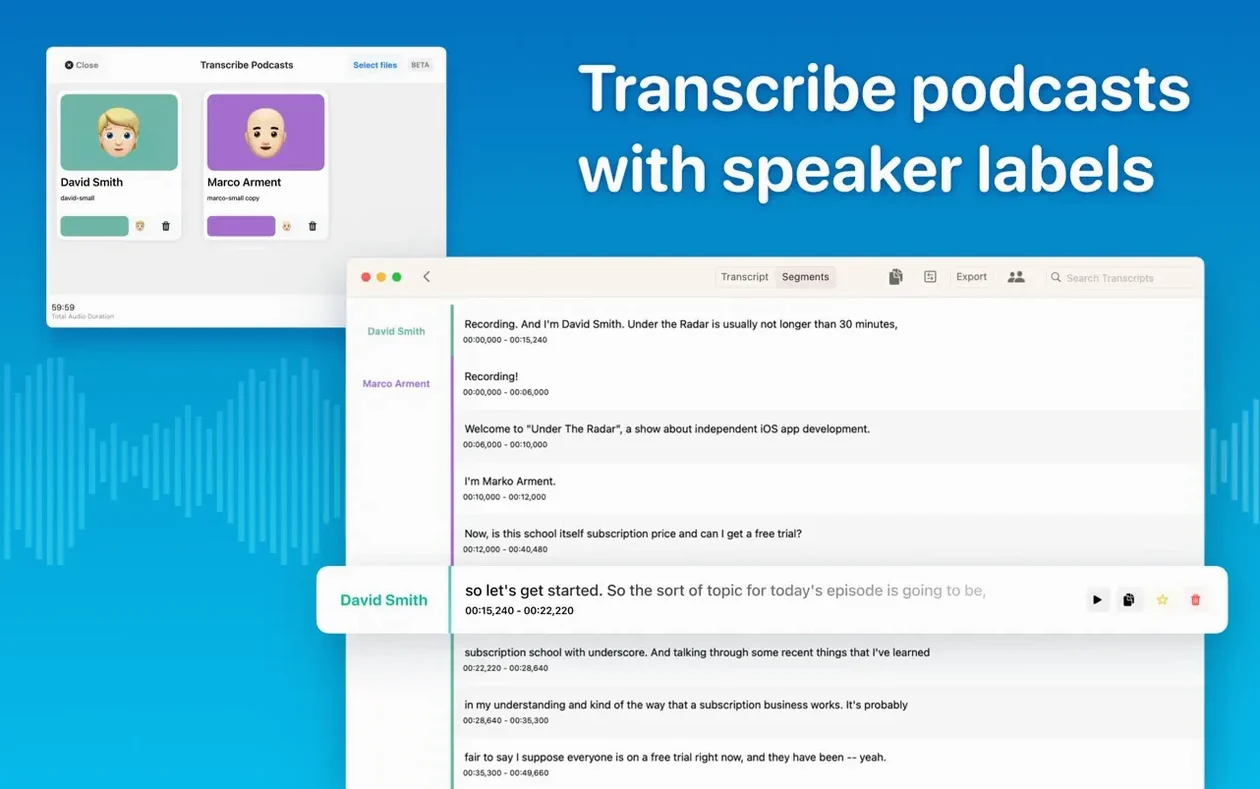
It handles the formats most people actually run into: mp3, wav, m4a, mp4, mov, ogg, and opus. If you record a meeting or a system audio source, it can capture that too. Speaker separation is the part I appreciate most with podcasts — it labels who said what instead of leaving you with a wall of text.
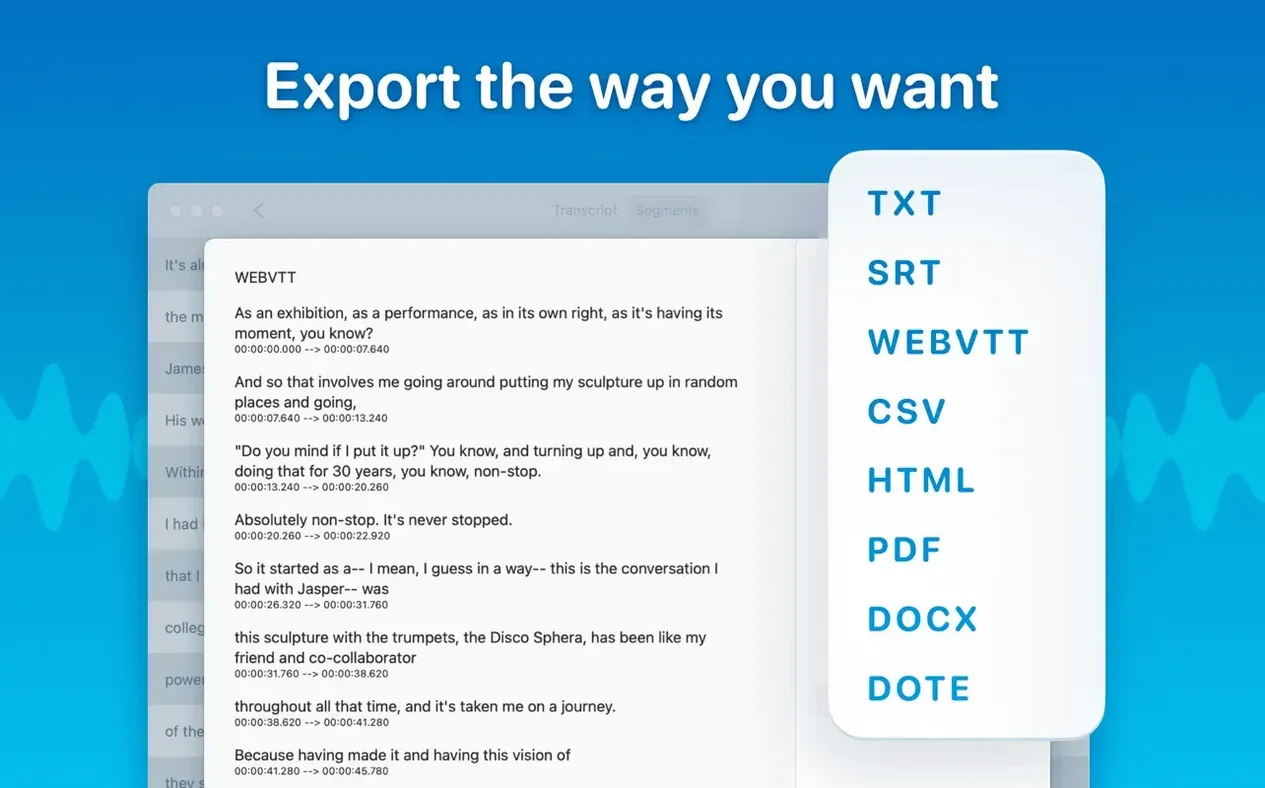
Batch transcription is there when you come back from a trip with an hour of recordings in five different files. You can export them all at once in several formats. Language detection is automatic, but you can also pin a specific language when you know what you're working with.
Model choice runs from Tiny up to Large-V3, which gives you room to balance speed against accuracy depending on how clean the audio is. Everything stays on the device, so a confidential client call doesn't leave your Mac.
Export settings to lock in before your first real file
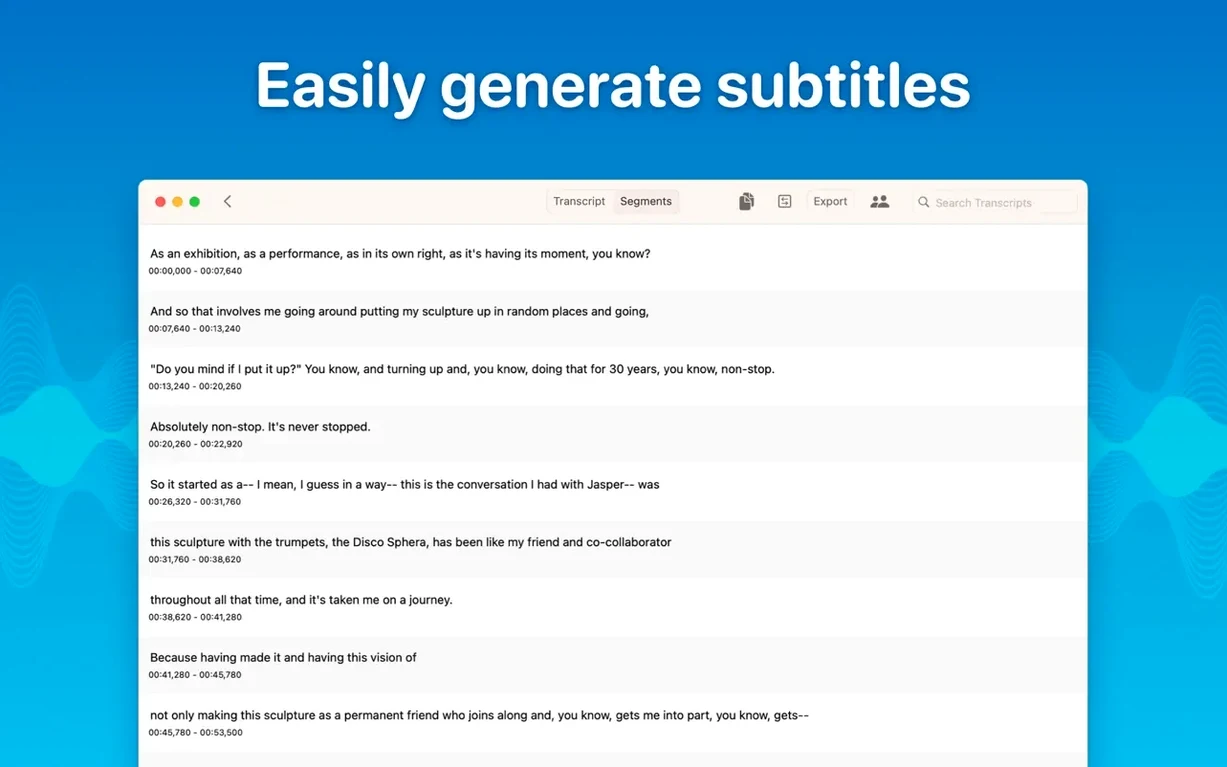
Pick a small audio file the first time — maybe a two-minute voice note. Let the app download whichever model it suggests. Once that's done, I'd jump straight into the export options before you need them for real. Go to settings and pick your default export format. If you do meeting notes, Word or PDF usually works. Podcast editors lean toward SRT or VTT for subtitles.
A couple of things that aren't obvious right away:
- You can drag a folder onto the window, not just individual files. It queues everything inside and works through them in one batch.
- Right-click any segment in the transcript to delete or edit it without touching the keyboard.
- Reading mode strips the interface down when you just want to review a long transcript — hit
Shift-Command-Fto toggle it. - If you're copying a snippet, select the text and press
Command-C— it copies clean, no timestamps unless you want them. - System audio transcription works for any app playing sound: webinars, video calls in a browser, you name it. Select the system audio source and start recording before the call begins.
A podcaster's afternoon
Imagine someone cutting a weekly interview show. They recorded a 45-minute conversation on a portable recorder, and the guest's side has a bit of room echo. They drop the wav file into MacWhisper, pick the Medium model for a first pass, and speaker separation kicks in a minute later. While the transcript builds, they skim the early paragraphs and mark the three quotes worth pulling for social media. They copy those as plain text, switch the export to SRT, and save the full transcript for their video editor. The whole thing — from drag to exported files — wraps up while coffee is still hot. No internet connection, no subscription page, no waiting on a service that's busy processing someone else's job. Some folks look around for a MacWhisper torrent or a MacWhisper Pro crack when they first hear about the app, and if you go that route, just make sure the model files land in the right local folder so everything runs smoothly. The local models sit in a folder on your drive, and the app doesn't phone home.
- macOS 14 or later
- Apple Silicon or Intel 64‑bit
Questions I actually get
Does MacWhisper work on Intel Macs?
Yes, it supports both ARM and Intel 64-bit Macs running macOS 14 or newer.
Notes from the tables 0
Sign in or pull up a chair to leave a note.
No notes on this one yet. They go up after I read them.