

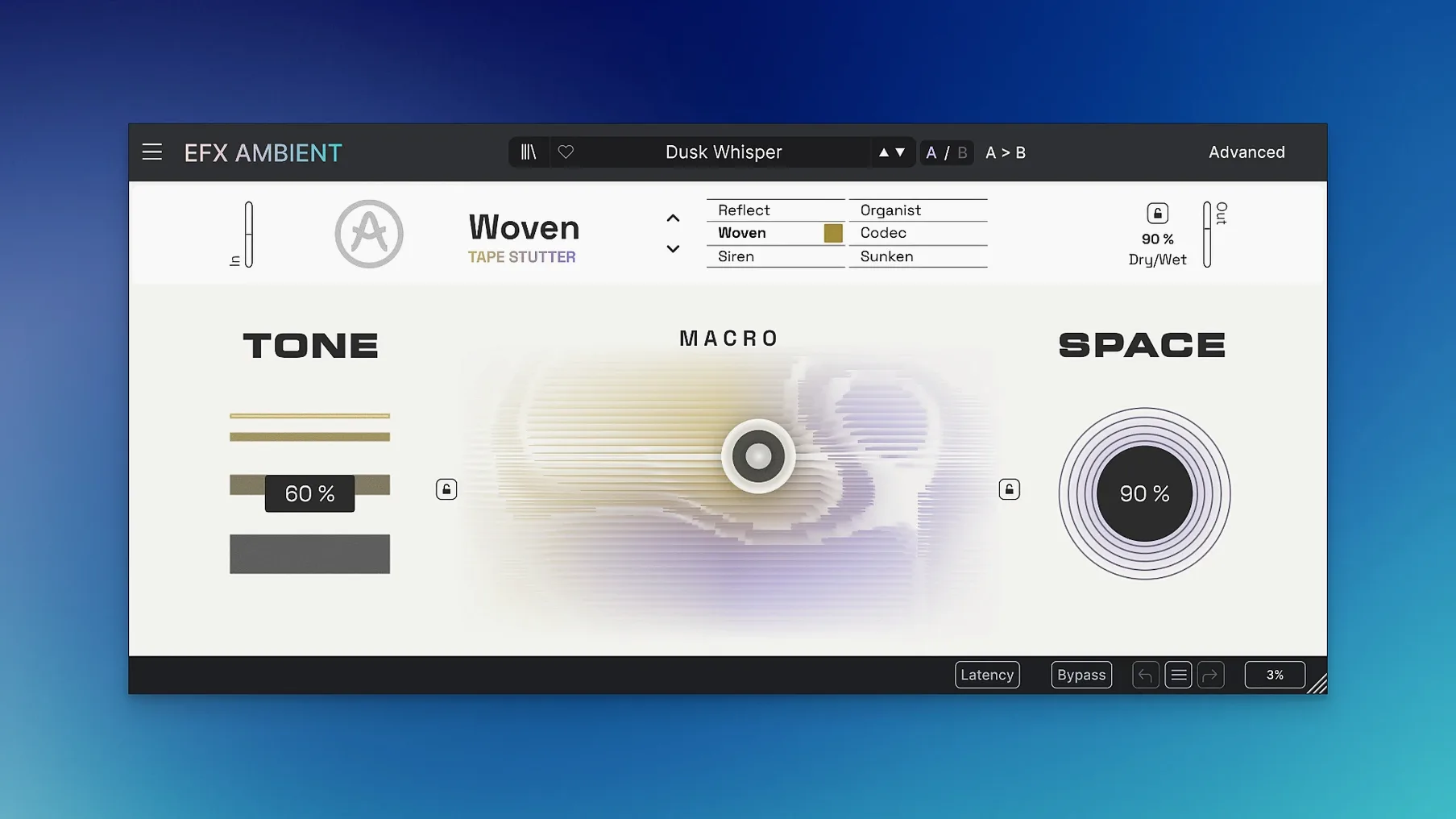
Version 1.0.0 appears, and it’s fully formed right out of the gate. No incremental fixes or catch-up patches — Arturia dropped this one as a finished thought. Efx AMBIENT is built for turning a dry signal into something that moves sideways, backwards, or dissolves into a soft fog. It’s not a reverb in the traditional sense, more a laboratory for space and motion.
Six ways to lose your place
The heart of the plug-in is a set of six modes, each bending time and tone in a different direction. Some push things into reverse playback, stretching tails behind a note like a tape run backwards. Others lean into detailed sound deformation — granular grit, strange harmonics — while a third group delivers the blurred, softened textures you’d expect from the name. You pick a lane, then steer with the 2D Macro control, dragging a single dot across a field to blend parameters on the fly.
Under the hood, kept simple
An Advanced panel sits one click away for anyone who wants to dig into the timing and feedback behavior, but the surface stays clean. Arturia describes the engine as a mix of spectral processing and Feedback Delay Networks tied into complex effect pathways — a mouthful that translates to this: you feed it a sound, and it returns something that feels like it was recorded in a place that doesn’t exist. Great for experimental sound design or transitions that need to feel unmoored.
Who this clicks with fastest
If you make ambient pads, cinematic beds, or the kind of transitions that need to feel like a room quietly rearranging itself, Efx AMBIENT earns its spot in the chain quickly. Sound designers get the most mileage — dropping a dry foley recording into the deformation modes can turn a door creak into a three-minute atmosphere. Producers working in film scoring or game audio will lean on it for tail textures, while experimental electronic musicians can treat it as an instrument in its own right, riding the 2D Macro live while a loop plays underneath.
It's less of a natural fit for someone who wants a predictable, set-and-forget reverb. This thing wants to be moved.
A pad, start to finish
Here's one way I'd put it to work in a session:
- Load a simple sustained chord from any soft synth — nothing fancy, just three notes held.
- Insert Efx AMBIENT on the track and pick one of the blurred texture modes.
- Drag the Macro dot slowly toward the upper right while the chord plays. The tail starts to smear and widen, losing its attack.
- Open the Advanced panel and push the feedback time up a little, so the wash hangs longer before it fades.
- Automate the Macro over eight bars, moving in a slow arc rather than a straight line. That's where the motion feels organic.
- Print the result to audio and reverse it in your DAW for a rising swell into the next section.
It's a ten-minute exercise that leaves you with something closer to a location recording than a synth patch.
First release, version 1.0.0. No prior versions to compare against — this is the starting line.
- macOS 10.10 or newer
- Intel or Apple Silicon Mac
Questions I actually get
What kind of sounds does Efx AMBIENT produce?
It creates ambient textures, reversed tails, and softened spatial effects using six modes that range from blurry washes to detailed sound deformation.
Notes from the tables 0
Sign in or pull up a chair to leave a note.
No notes on this one yet. They go up after I read them.
More from the VST Plugins page
The whole page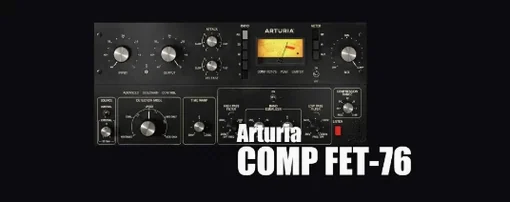 VST Plugins 450 MB
Arturia Emulator II V
1.6.2
VST Plugins 450 MB
Arturia Emulator II V
1.6.2
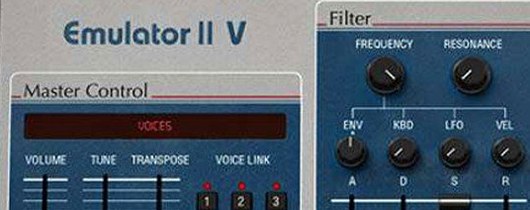 VST Plugins 700 MB
Arturia FX Collection
2026.02
VST Plugins 700 MB
Arturia FX Collection
2026.02
 VST Plugins 16.1 GB
Arturia Augmented Voices
2.0.2
VST Plugins 16.1 GB
Arturia Augmented Voices
2.0.2
 VST Plugins 4.8 GB
Arturia Mellotron V
1.9.3
VST Plugins 4.8 GB
Arturia Mellotron V
1.9.3
 VST Plugins 2.1 GB
Arturia Analog Lab V
5.12.0
VST Plugins 2.1 GB
Arturia Analog Lab V
5.12.0
 VST Plugins 4.4 GB
Arturia Pigments
7.0.1-6772
VST Plugins 4.4 GB
Arturia Pigments
7.0.1-6772
 VST Plugins 1.8 GB
Arturia Acid V
1.1.5
VST Plugins 1.8 GB
Arturia Acid V
1.1.5
 VST Plugins 542 MB