
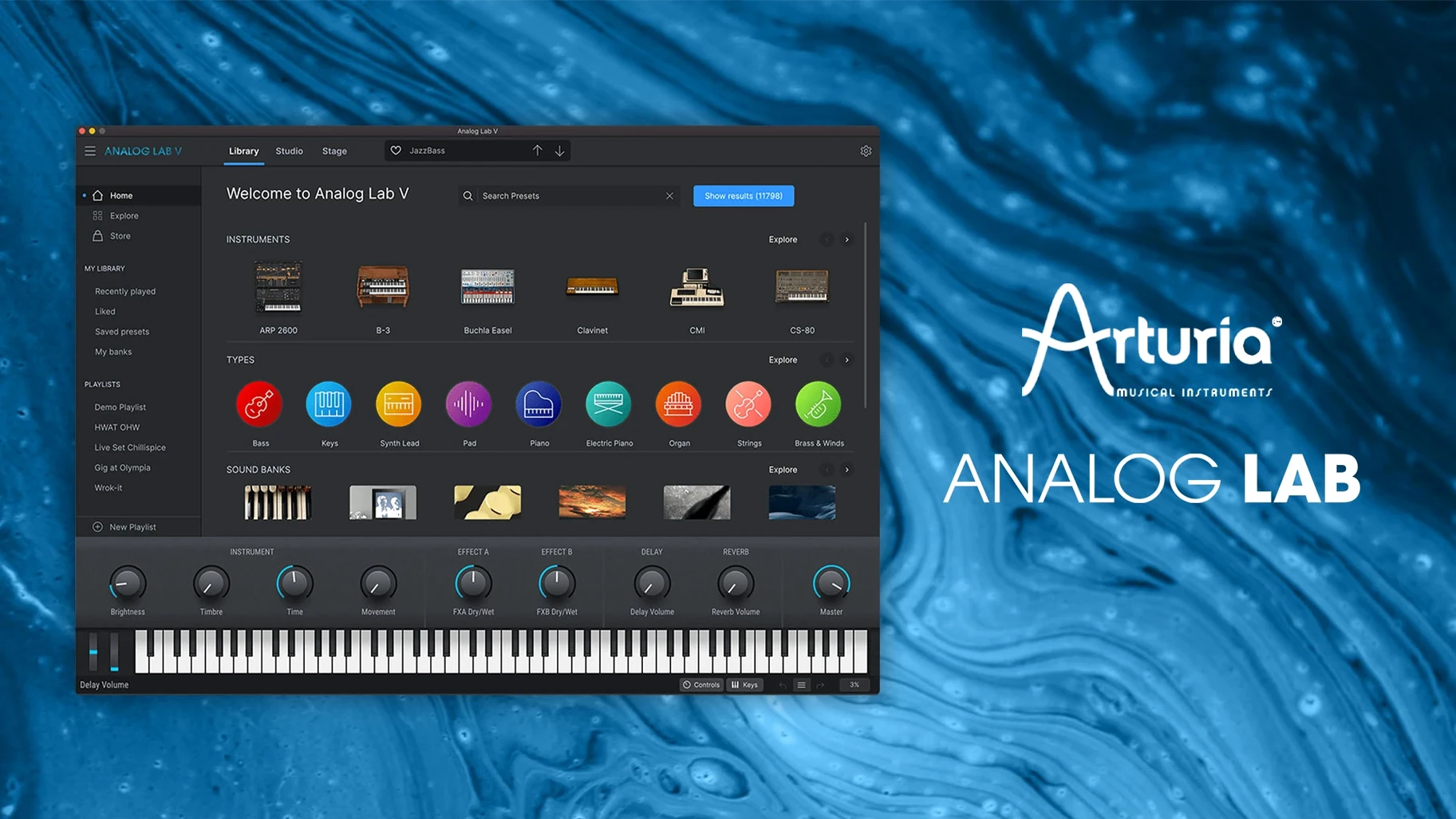
It runs on any Mac with macOS 11 or newer, Intel or Apple Silicon, as a standalone app or inside your DAW as an Audio Units, AAX, VST2, or VST3 instrument.
Pick a sound and play
Don't overthink the first session. Open the browser, type something simple like "bass" or "pad," and scroll until a preset name makes you curious. The integrated controls for brightness, timbre, and effects are right there, so you can shape the sound immediately without diving into a full synth interface.
Map the macro knobs
Once you land on a sound you like, grab the four central macro controls. They're pre-mapped to the most musical parameters of each preset, so a small twist can take a sound from polite to aggressive without any patch-design experience.
Layer two presets
Load a soft pad in one slot, then stack a plucky arpeggio from a completely different instrument family on top. Blending vintage string machine warmth with a modern shimmer is exactly the kind of happy accident Analog Lab V makes easy.
Settings I change first
Out of the box, Analog Lab V works fine. But a few tweaks in the preferences menu make it fit my brain better, and they take about ninety seconds to set.
- Audio buffer size. The default is usually 512 samples, which feels sluggish on a modern Mac. I drop it to 128 or 256. If you hear crackles, bump it back up — every system has its sweet spot.
- MIDI channel. By default it listens to all channels. If you run multiple keyboards or controllers, lock it to a specific channel so it doesn't grab notes from the wrong device.
- Preset volume matching. Turn this on. Without it, browsing presets is a workout for your ears and your monitor controller. Some patches whisper, others scream. This levels the playing field.
- Show tooltips. Leave them on for the first week. The macro knobs change their function per preset, and a quick hover tells you what you're actually adjusting.
- Standalone audio output. If you use the standalone app for practice or sound design, make sure it points to your interface, not the built-in speakers. I've embarrassed myself with that one.
Pick 12 sounds and stop auditioning
When a new instrument lands, the instinct is to audition every preset. That's fun but exhausting. Here's what actually helps me learn a plugin like this.
Build a tiny favorites list. Pick twelve sounds you genuinely like — not impressive ones, but sounds you'd use in a track tomorrow. Tag them as favorites. Now you have a quick palette to reach for instead of scrolling through thousands of presets when an idea is hot.
Limit yourself to one instrument type per session. Spend an evening with just the electric piano presets. Another with basses. Your ears start to hear the differences between models, and you'll remember where things live in the browser.
Test it in a real project early. Load a preset into a half-finished track instead of auditioning in isolation. A sound that feels thin soloed might sit perfectly in a mix, and vice versa. This is the fastest way to learn which presets you'll actually keep.
Save a blank template in your DAW. One track with Analog Lab V loaded, MIDI routed, nothing else. When inspiration strikes, you don't want to spend three minutes setting up. Double-click the template and play.
AU, VST3, AAX, and standalone in any DAW
Analog Lab V doesn't live alone. It's at its best when you treat it as part of a small ecosystem.
With your DAW. It shows up as four plugin formats, so it works in everything from Logic to Ableton to Pro Tools. If you own a V Collection license, the full instrument views unlock right inside Analog Lab V — you see the actual Jun-6 V or Mini V interface without opening a separate plugin window. That's a workflow win if you're tweaking deep parameters.
With Arturia's own hardware. If you have a KeyLab or MiniLab controller, the integration is already mapped. Knobs, faders, and preset browsing talk to Analog Lab V without any MIDI learn setup. It's the closest thing to a hardware synth experience I've found in a plugin.
With macOS MIDI features. The standalone app respects Audio MIDI Setup, so any class-compliant keyboard shows up automatically. On Apple Silicon Macs, the plugin runs natively — no Rosetta translation needed, which matters when you're stacking instances in a heavy session.
With your existing project files. This part is quietly important. If you upgrade from an older Analog Lab version, your projects still open with the same preset names. The plugin path stays consistent, so there's no "missing instrument" panic when revisiting old sessions.
Type “dark pad long” in the redesigned browser
The move to version 5 brought a redesigned browser that actually makes sense. The old one worked, but the new intelligent filtering lets you narrow by instrument type, sound character, and even playing style — type "dark pad long" and it understands what you mean. That alone cuts browsing time in half compared to version 4.
Apple Silicon support arrived and made a real difference. On an M1 or M2 Mac, multiple instances barely touch the CPU meter. Live performers running a handful of sounds simultaneously will notice the headroom immediately.
The macro control mapping got smarter too. Earlier versions sometimes mapped knobs to parameters that didn't change the sound much. The current build consistently picks the most expressive destinations, so a quarter-turn on the brightness macro actually does something audible every time.
One under-the-radar change: the preset recall is faster now. In version 4, switching between large patches could lag for a half-second. That's gone. For live players who change sounds mid-song, that half-second used to be the gap between chords — now it's instant.
- macOS 11.0 or later
- Intel or Apple Silicon Mac
Questions I actually get
Does Analog Lab V work without an Arturia keyboard?
Yes, it works with any MIDI controller or even just your computer's mouse and keyboard.
What plugin formats does it support on Mac?
Audio Units, AAX, VST2, and VST3, covering everything from Logic Pro to Pro Tools.
What kinds of presets are included?
The library spans vintage emulations and modern designs, drawn from Arturia's full instrument catalog.
Notes from the tables 0
Sign in or pull up a chair to leave a note.
No notes on this one yet. They go up after I read them.
More from the VST Plugins page
The whole page VST Plugins 542 MB
Arturia Augmented Voices
2.0.2
VST Plugins 542 MB
Arturia Augmented Voices
2.0.2
 VST Plugins 4.8 GB
Arturia Comp FET-76
1.7.1
VST Plugins 4.8 GB
Arturia Comp FET-76
1.7.1
 VST Plugins 450 MB
Arturia Efx AMBIENT
1.0.0
VST Plugins 450 MB
Arturia Efx AMBIENT
1.0.0
 VST Plugins 285 MB
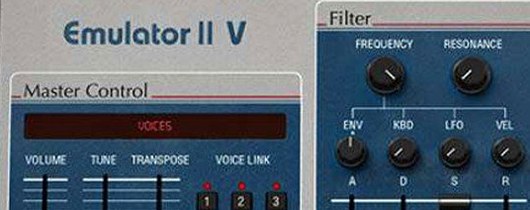
Arturia Emulator II V
1.6.2
VST Plugins 285 MB
Arturia Emulator II V
1.6.2
 VST Plugins 700 MB
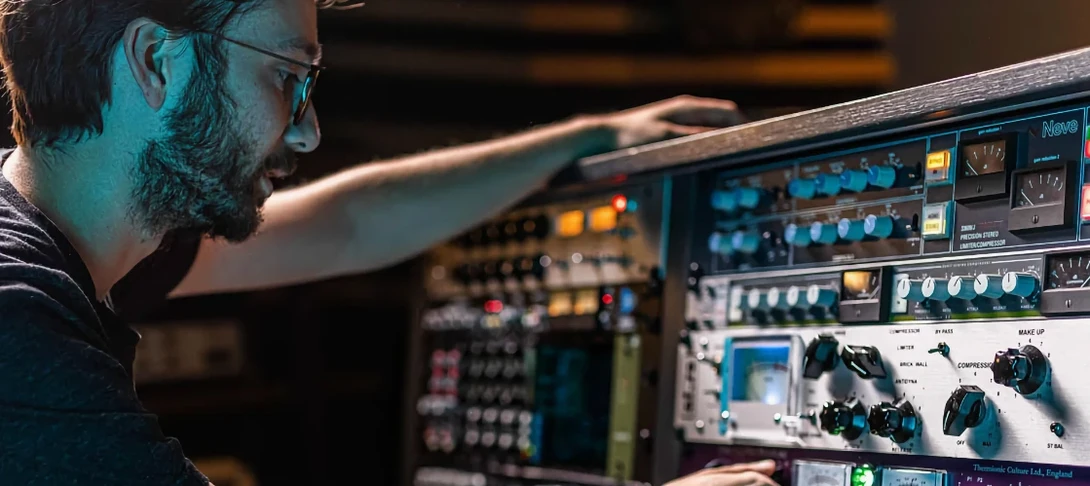
Arturia FX Collection
2026.02
VST Plugins 700 MB
Arturia FX Collection
2026.02
 VST Plugins 16.1 GB
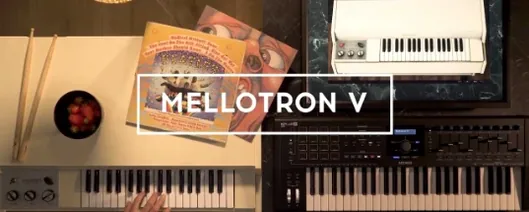
Arturia Mellotron V
1.9.3
VST Plugins 16.1 GB
Arturia Mellotron V
1.9.3
 VST Plugins 2.1 GB
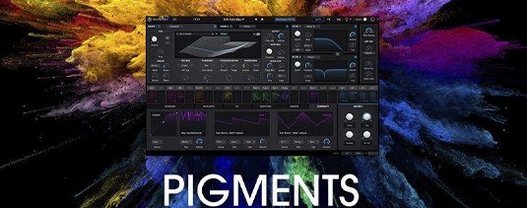
Arturia Pigments
7.0.1-6772
VST Plugins 2.1 GB
Arturia Pigments
7.0.1-6772
 VST Plugins 1.8 GB