
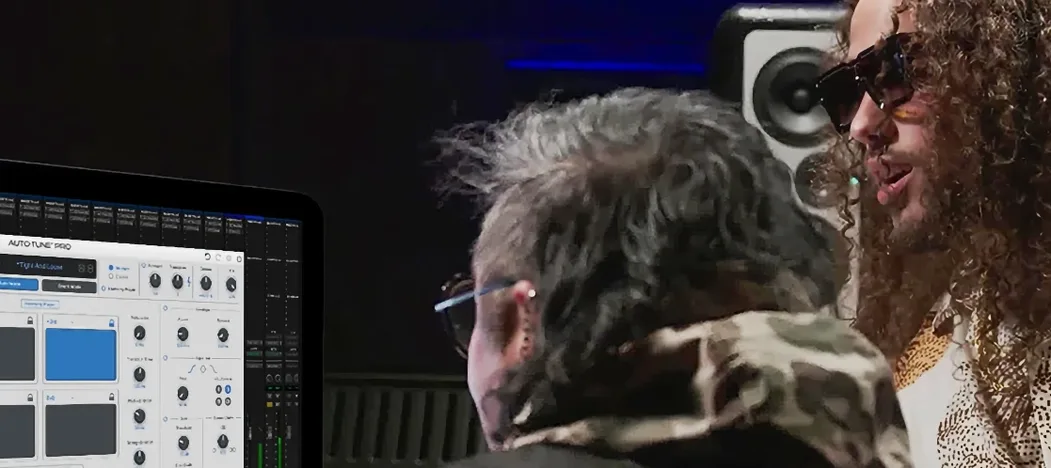
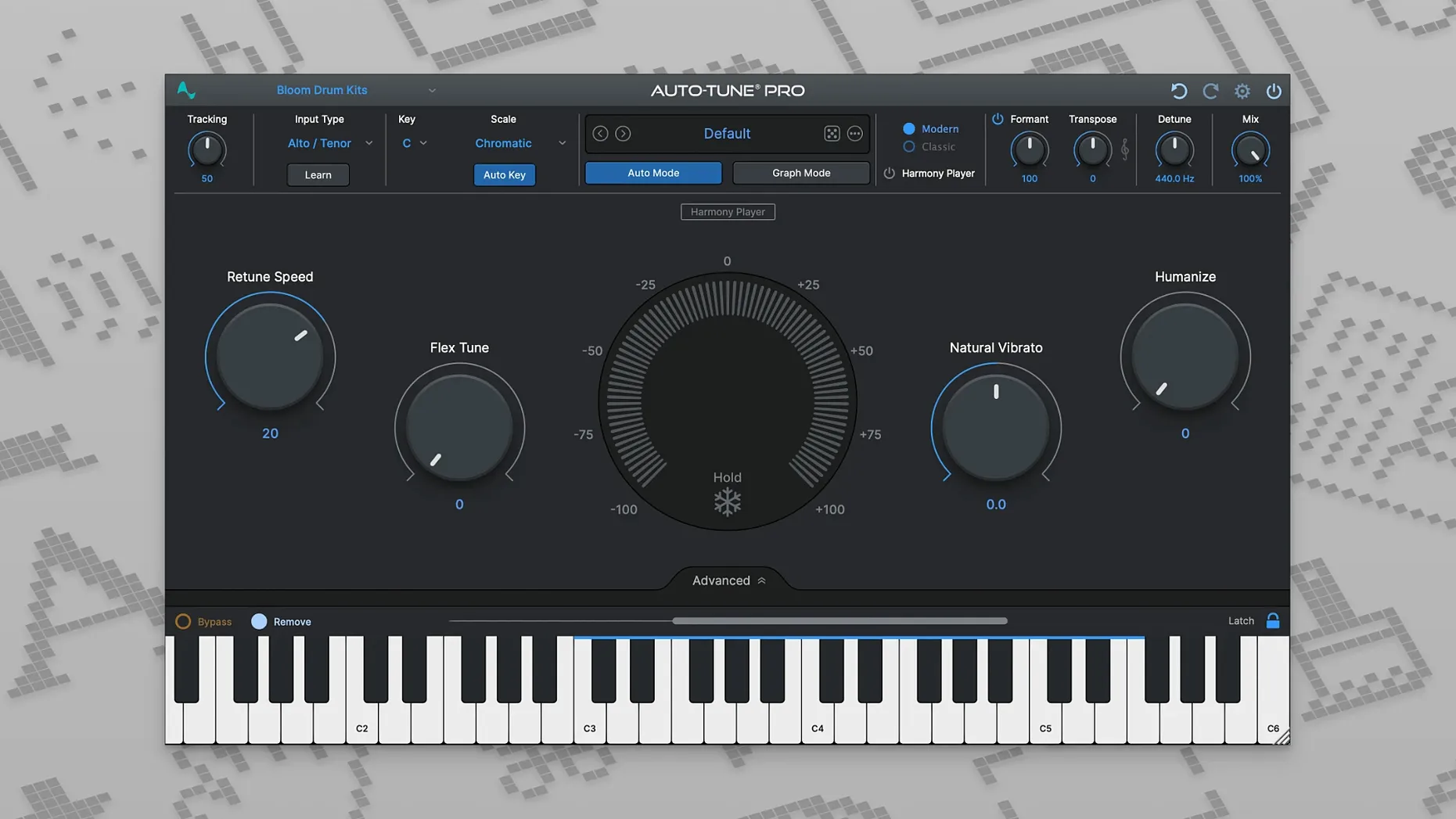
It runs on any Mac with Apple Silicon or an Intel processor, as long as you're on macOS 14 or higher, and it plays nice with 64-bit hosts. Auto-Tune Pro sits on a track insert for the obvious job—fixing a vocal that wandered off pitch—but it earns its keep on buses and in the editing workflow too. Here's where it fits in a typical session:
- Drop it on a lead vocal track for real-time correction during tracking or mixing.
- Use the ARA2 integration in Logic, Studio One, or Cubase to edit pitch right on the waveform without transferring audio.
- Place it on a backing vocal bus to tighten a whole stack of harmonies at once.
- Reach for the manual graph mode when you need surgical control over a single word or phrase.
- Keep it sitting on an empty effects return if you prefer to blend the tuned signal in parallel.
It handles the heavy lifting whether you need a transparent fix or that hard-tuned sound. Bottom line: it's as comfortable on a single track as it is across a group bus.
I'd head straight to the preferences and switch the Graph Mode display to show note names instead of piano keys. If you read music even a little, seeing "C#4" on a blip is faster than counting black and white rectangles. Next, bump the default buffer size in the plugin's own settings—not your DAW's—to something your machine handles without clicking. The factory default is conservative.
A session with Auto-Tune Pro
Say it's Tuesday and a vocal take landed on your desk. The singer hit the emotion, but the bridge wobbles. You pull up the track.
- Insert Auto-Tune Pro on the lead vocal channel. Set the key to D minor, leave the retune speed around 20 for now—fast enough to catch the wobbles, slow enough to keep the breathiness human.
- Loop the bridge. Watch the blue pitch trace scroll by. The word "stay" dips flat at the tail. One syllable, easy.
- Open Graph Mode. There's the blob for "stay," sitting stubbornly below G. You drag it up, let the curve snap to the note, and back off the retune speed on just that word so the transition doesn't chirp.
- Switch to Auto Mode for the verse. The singer's runs are clean, so you widen the flex tuning a touch and let the plugin do the policing—no need to redraw what's already working.
- Bypass, listen, un-bypass. The bridge sits right, and the verse still sounds like a person. You close the plugin and move on to the bass.
- macOS 14 or higher
- Apple Silicon or Intel 64-bit processor
- 64-bit host application
Questions I actually get
Does it work on Apple Silicon Macs?
Yes, it runs natively on both ARM-based Apple Silicon and x86 64-bit Intel Macs.
Which DAWs support the ARA2 integration?
The ARA2 workflow is supported in Logic Pro, Studio One, and Cubase/Nuendo for direct pitch editing.
Can I use it for real-time correction?
Absolutely, the plugin is designed to correct vocal pitch in real time during playback or recording.
Notes from the tables 0
Sign in or pull up a chair to leave a note.
No notes on this one yet. They go up after I read them.
More from the VST Plugins page
The whole page VST Plugins 9.2 GB
Ample Guitar M
4.1.0
VST Plugins 9.2 GB
Ample Guitar M
4.1.0
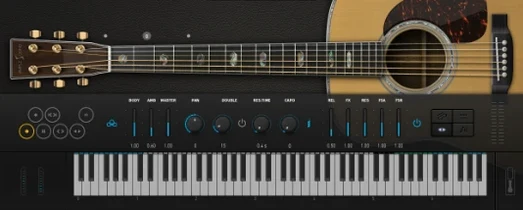 VST Plugins 5.2 GB
Arturia Acid V
1.1.5
VST Plugins 5.2 GB
Arturia Acid V
1.1.5
 VST Plugins 542 MB
Arturia Analog Lab V
5.12.0
VST Plugins 542 MB
Arturia Analog Lab V
5.12.0
 VST Plugins 4.4 GB
Arturia Augmented Voices
2.0.2
VST Plugins 4.4 GB
Arturia Augmented Voices
2.0.2
 VST Plugins 4.8 GB
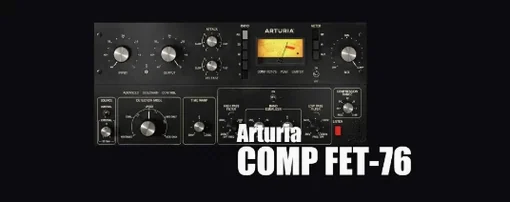
Arturia Comp FET-76
1.7.1
VST Plugins 4.8 GB
Arturia Comp FET-76
1.7.1
 VST Plugins 450 MB
Arturia Efx AMBIENT
1.0.0
VST Plugins 450 MB
Arturia Efx AMBIENT
1.0.0
 VST Plugins 285 MB
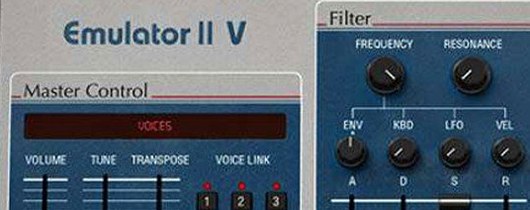
Arturia Emulator II V
1.6.2
VST Plugins 285 MB
Arturia Emulator II V
1.6.2
 VST Plugins 700 MB