You've just pulled a batch of RAW files off your camera and need to know if the tool you're eyeing will even launch on your machine.
Photomator — photo editor for Mac with AI-assisted adjustments.
macOS — requires Ventura or later.
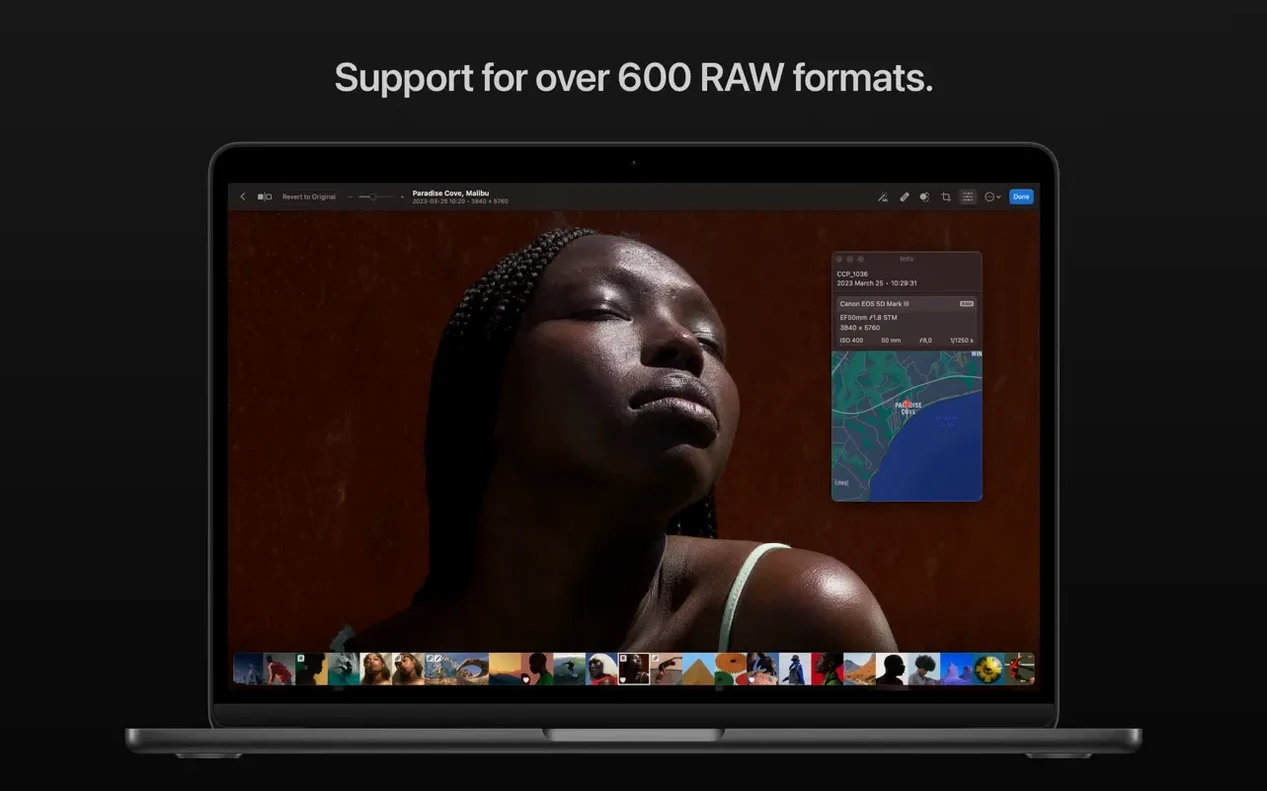
RAW support — over 650 formats, including Apple ProRAW and compressed Fujifilm.
Architecture — runs natively on Intel and Apple Silicon Macs.
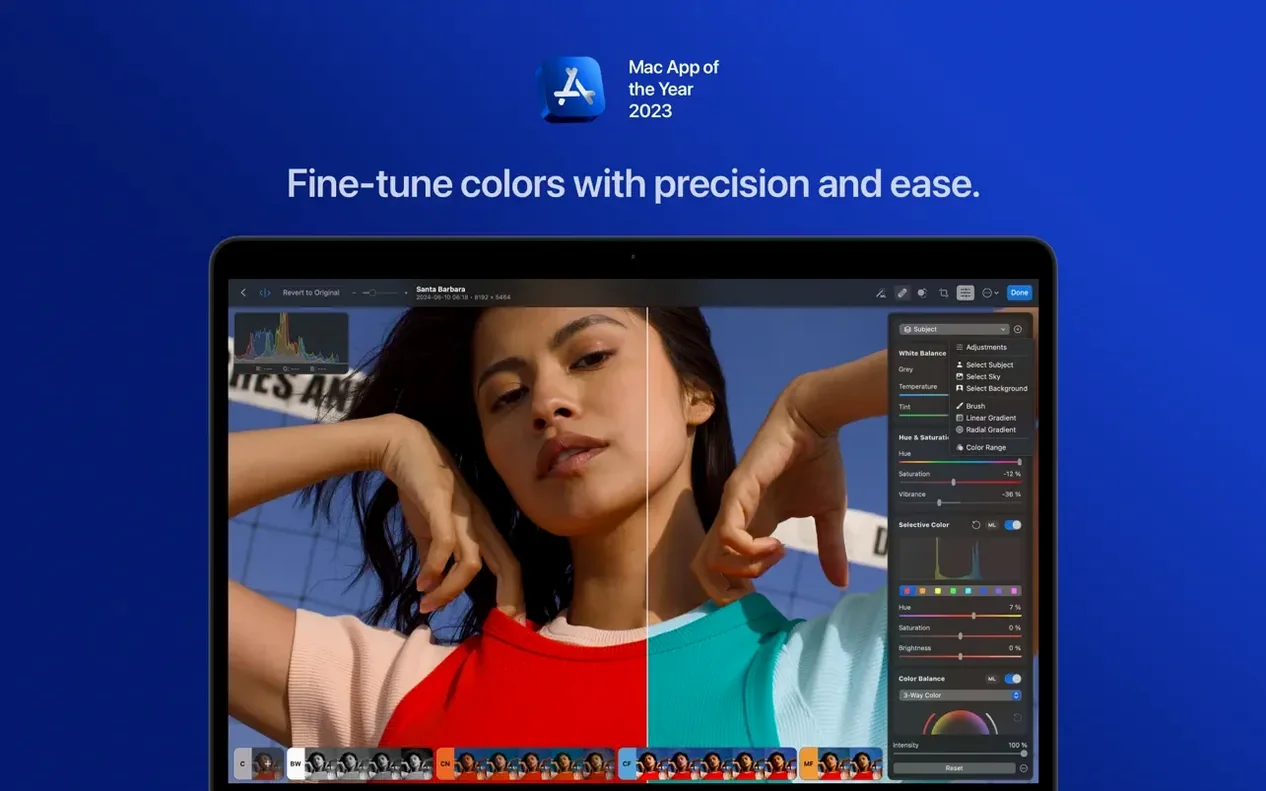
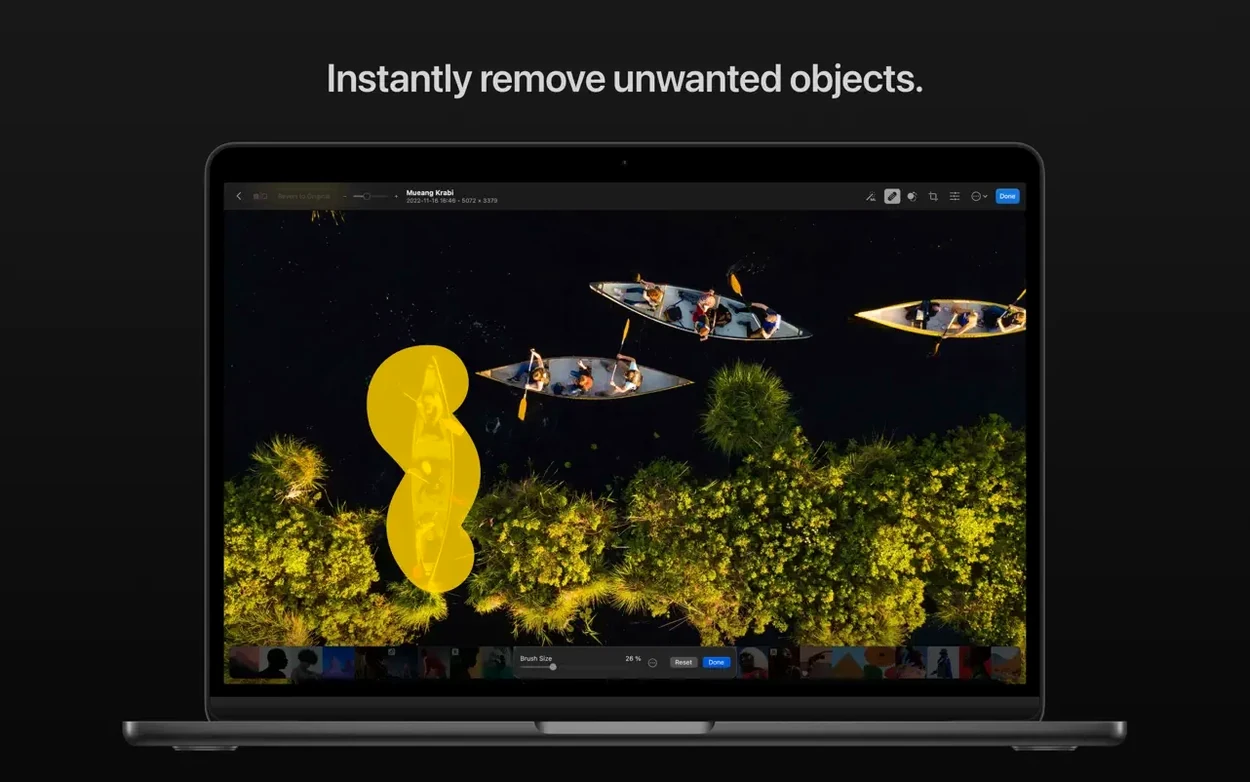
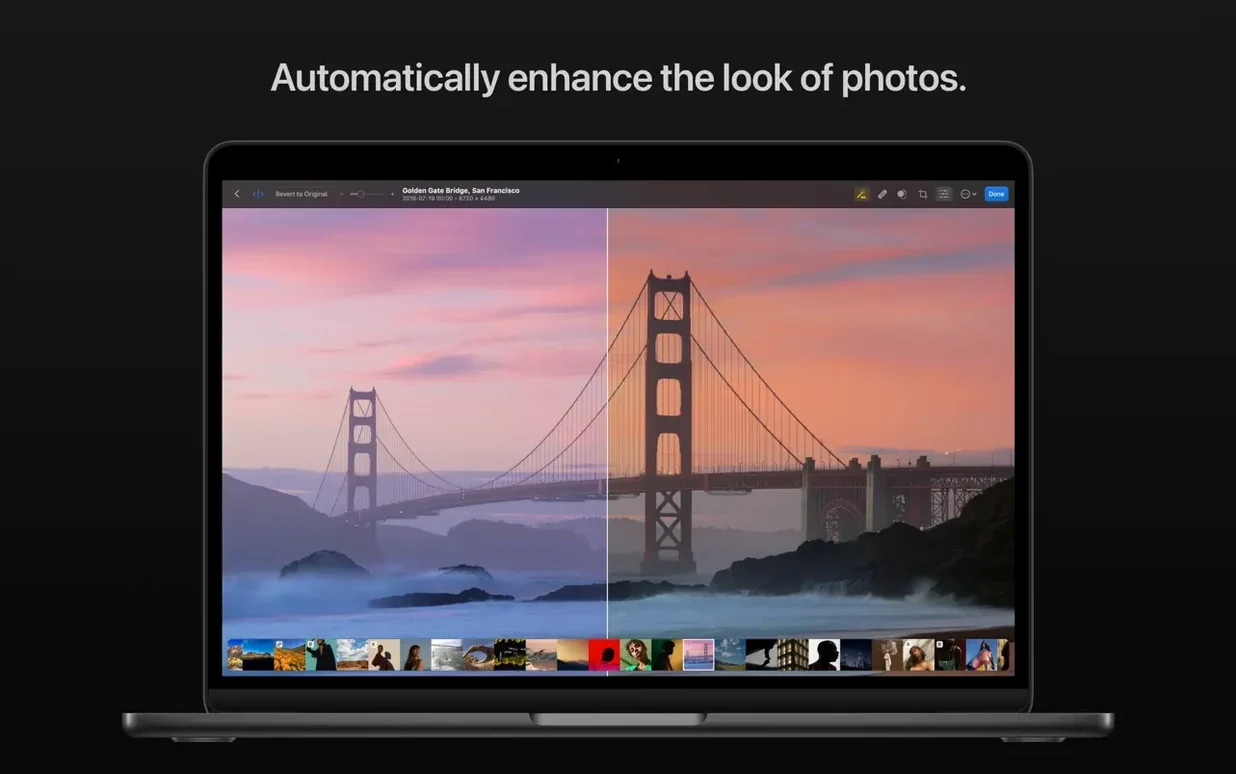
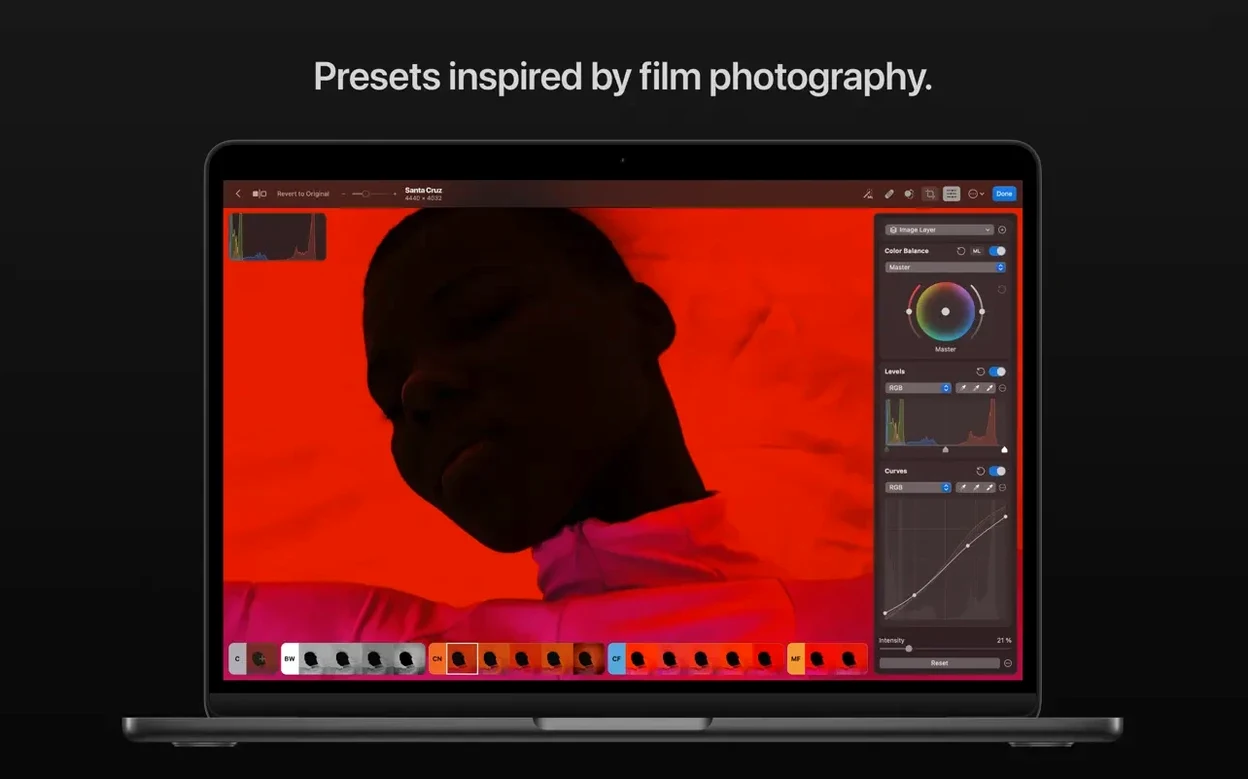
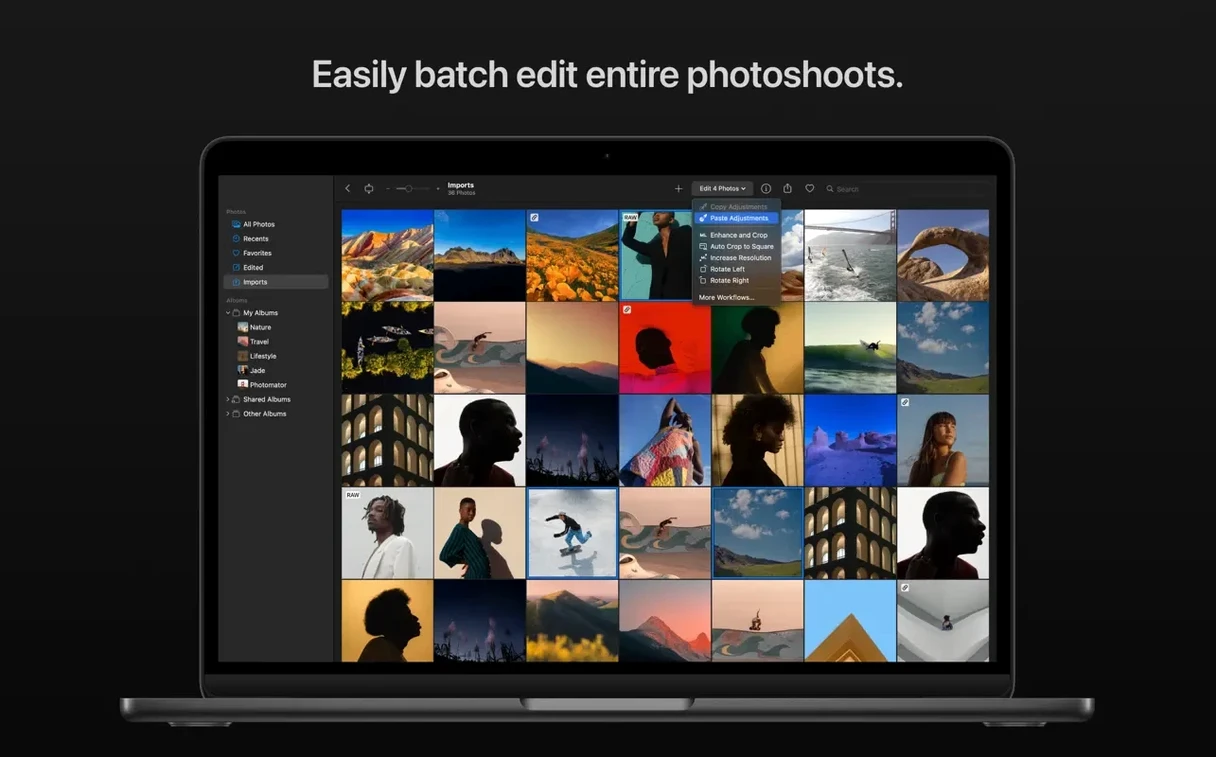
If your Mac is on Ventura or newer, you're in. Once it's running, you get a set of color adjustment tools, clone and repair brushes for cleaning up distractions, and a batch editor that handles RAW files alongside JPEGs or TIFFs in one pass. There's a Core ML-powered Denoise feature for cleaning up low-light shots, and you can copy edits from one photo and paste them onto a whole set. A match-look tool lets you grab the tone and color from a reference image and apply it elsewhere.
Bottom line: it's a capable editor that leans on your Mac's hardware, and the RAW compatibility list keeps expanding.
what’s really changed in 3.4.15
If you’re shooting with one of the newer bodies that dropped recently, this update is mostly about your camera actually being recognized. Sony Alpha ILCE-7M5 owners get compressed RAW support, and the same goes for the FUJIFILM GFX 100S II and GFX 100RF. Nikon shooters using the Z5II or Z50II now see their High Efficiency and High Efficiency Star RAWs open without a hiccup. Panasonic’s LUMIX DC-S1RM2 in High Resolution mode is welcome now too.
In everyday terms, it’s less of a feature splash and more of a quiet compatibility handshake — you plug in a card from one of those cameras, and Photomator simply knows what to do. The release notes mention bug fixes and performance improvements as well, and while the Pixelmator Team doesn’t spell them out, my experience with their updates is that small rough edges get sanded down without fanfare. A crop that felt a half-second sluggish last month might feel immediate now. A preset that occasionally previewed wrong on a wide-gamut display behaves itself. That kind of thing.
Apple Silicon speed from Metal and Core ML
Photomator leans heavily on Metal, Core ML, and Core Image, so the app feels like it belongs on a Mac in a way that cross-platform editors rarely do. On an Apple Silicon machine, Denoise finishes in a couple of seconds even on 45-megapixel files. You can scrub a White Balance slider and watch the image update with no stutter — the histogram moves in lockstep, not a beat behind. Memory use stays reasonable because the app offloads heavy lifting to the GPU and the Neural Engine rather than ballooning RAM.
Batch editing is where the efficiency really shows. Drag fifty RAW files into a queue, apply a preset or paste adjustments from a hero shot, and it chews through them without pinning your fans. You can keep browsing in Safari or answering mail while it works — the background processing doesn’t bring the system to its knees.
Stability has been uneventful in the best way. I haven’t seen a spinning beachball or a crash when jumping between the Repair tool and the AI Select Subject feature. The app doesn’t leak memory after long sessions, which matters when you’re deep into a wedding gallery and you’ve been editing for three hours straight.
Edits sync across Photos and iCloud Drive
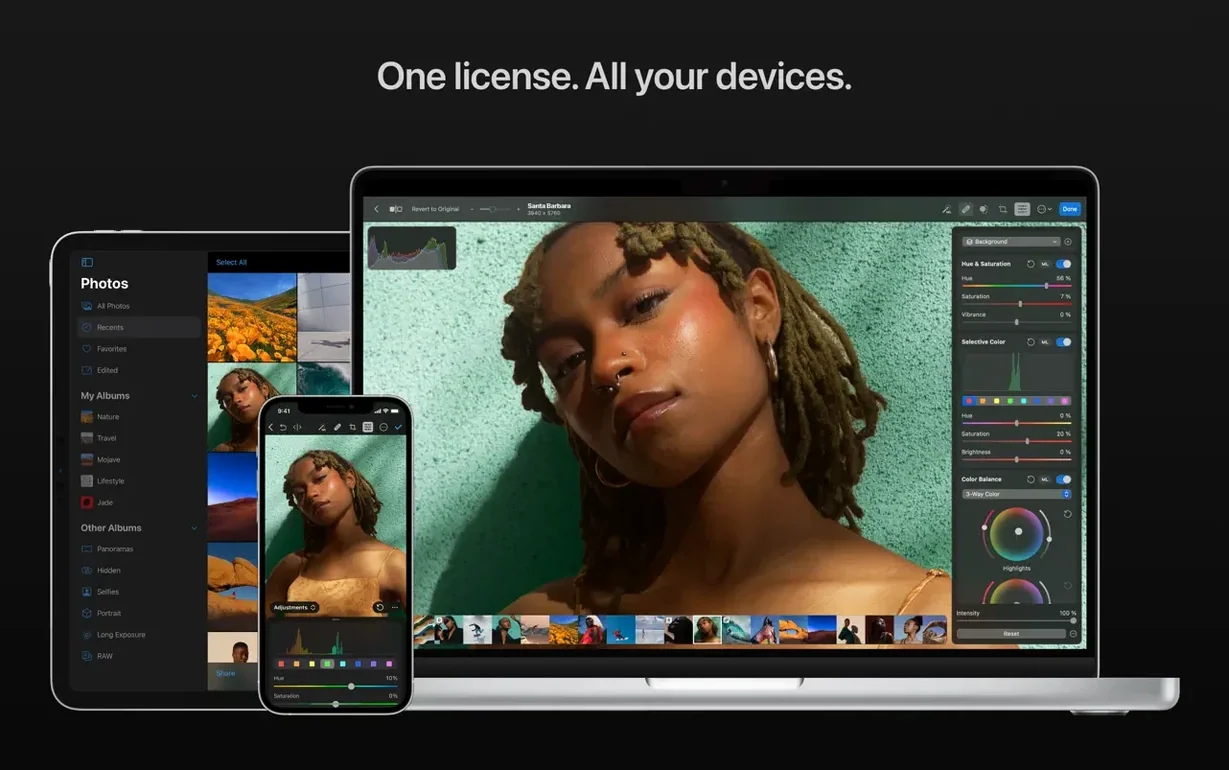
Where Photomator earns its keep is how it talks to the rest of macOS. Edits sync with the Photos app and iCloud Drive, so you can start adjusting a portrait on your Mac and pick it up on another device without exporting a thing. That’s not a gimmick — if your library lives in iCloud, the non-destructive edits just travel with the file.
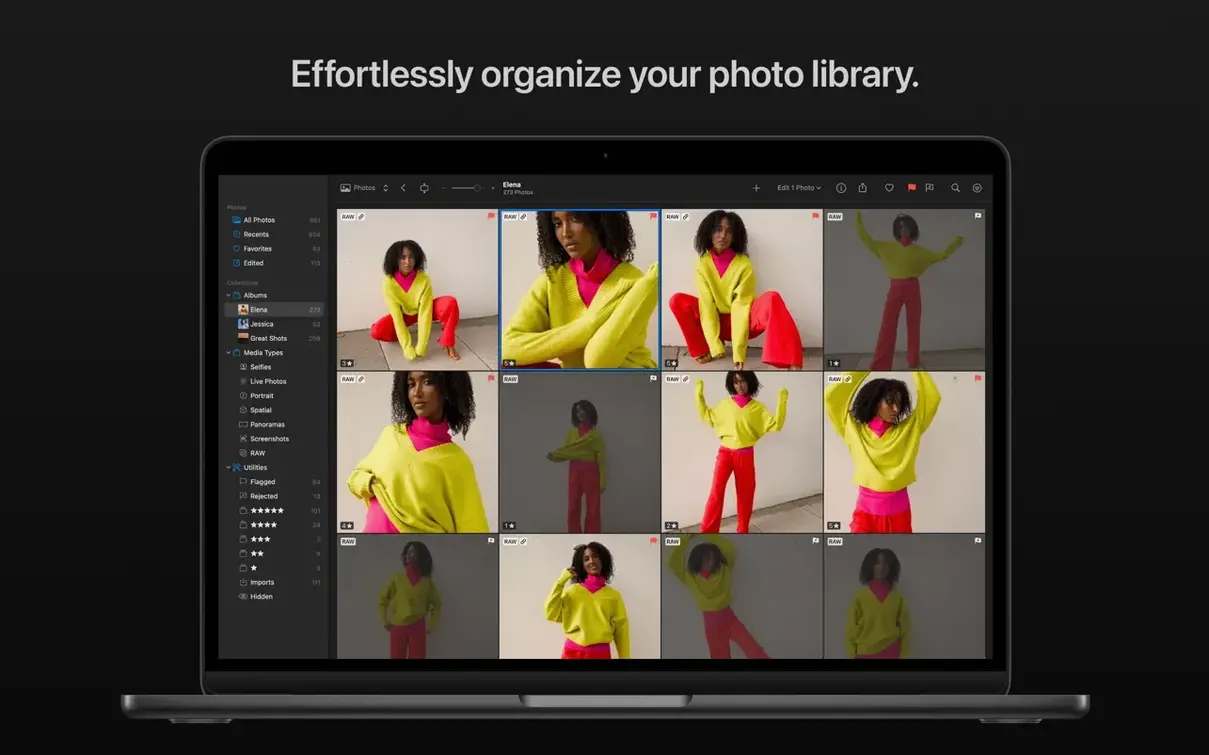
It also plays well with Finder. You don’t need to import into a catalog first; you can open a RAW straight from a folder, from a memory card, or from a desktop stack. For people who organize shoots with dated folders instead of managed libraries, that’s a real timesaver. Drag a selection of TIFFs and RAWs onto the dock icon and you’re editing in seconds.
On the sharing side, the standard macOS share sheet is right there, so sending a quick JPEG to Messages or dropping a finished edit into a Keynote slide is familiar. If you use Automator or Shortcuts, you can wrap batch operations into a workflow — resize a folder of images to a set width and apply a preset, all triggered by a right-click in Finder. It’s the kind of integration that reminds you this was built by people who live on the Mac, not by a team porting a Windows codebase.
A few new cameras got the nod, and the team cleaned things up under the hood.
- Compressed RAW support for Sony Alpha ILCE-7M5, FUJIFILM GFX 100S II, and FUJIFILM GFX 100RF.
- High Efficiency and High Efficiency Star RAW support for Nikon Z5II and Nikon Z50II.
- High Resolution mode RAW support for Panasonic LUMIX DC-S1RM2.
- Bug fixes and performance improvements throughout.
- macOS 13 or later
- Works on Apple Silicon and Intel 64-bit Macs
Questions I actually get
Which cameras got new RAW support in the latest version?
Photomator 3.4.15 added support for compressed RAW images from the Sony Alpha ILCE-7M5, FUJIFILM GFX 100S II, and FUJIFILM GFX 100RF, plus High Resolution mode shots from the Panasonic LUMIX DC-S1RM2.
Can I edit a mix of RAW and regular photos together?
Yes, the batch editing feature lets you adjust RAW photos alongside images in other formats all at once.
Notes from the tables 0
Sign in or pull up a chair to leave a note.
No notes on this one yet. They go up after I read them.