Most recording software feels like a digital tape machine. That’s fine for tracking a band, but if you build beats, sculpt synths, or perform live, you need tools that act more like an instrument. Bitwig Studio solves this by treating sound as something to create, not just capture. It’s a playground for electronic music that bridges the gap between studio work and on-the-fly performance.
- A modular workflow on multiple screens. You get three distinct workspaces for arranging, mixing, and editing. Drag them apart across monitors so launching a clip on one screen never distracts from your mixer or note editor on another.
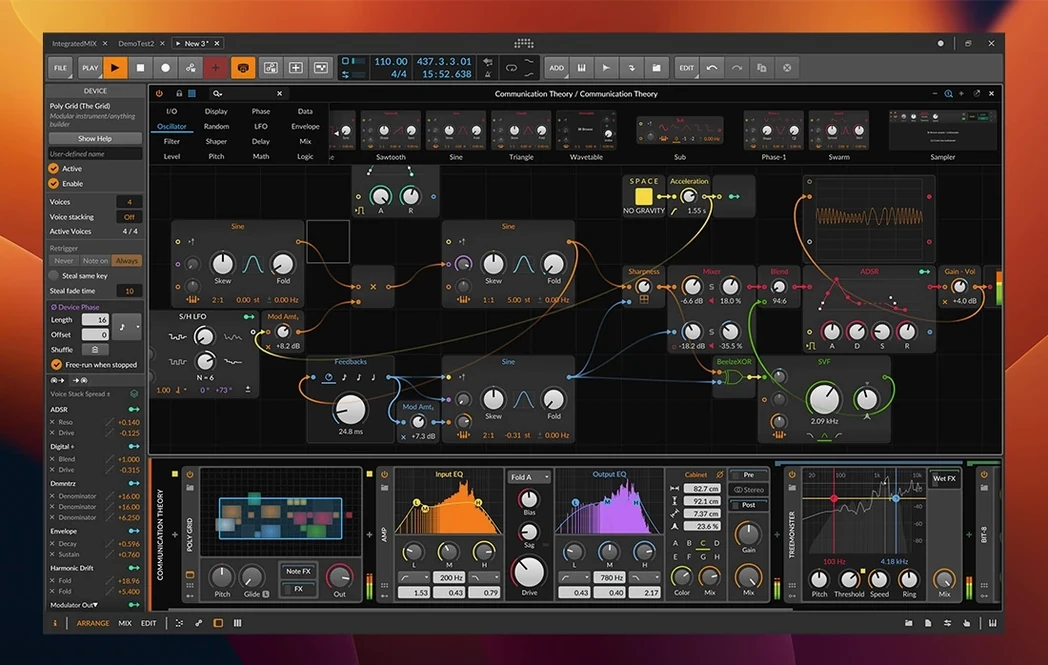
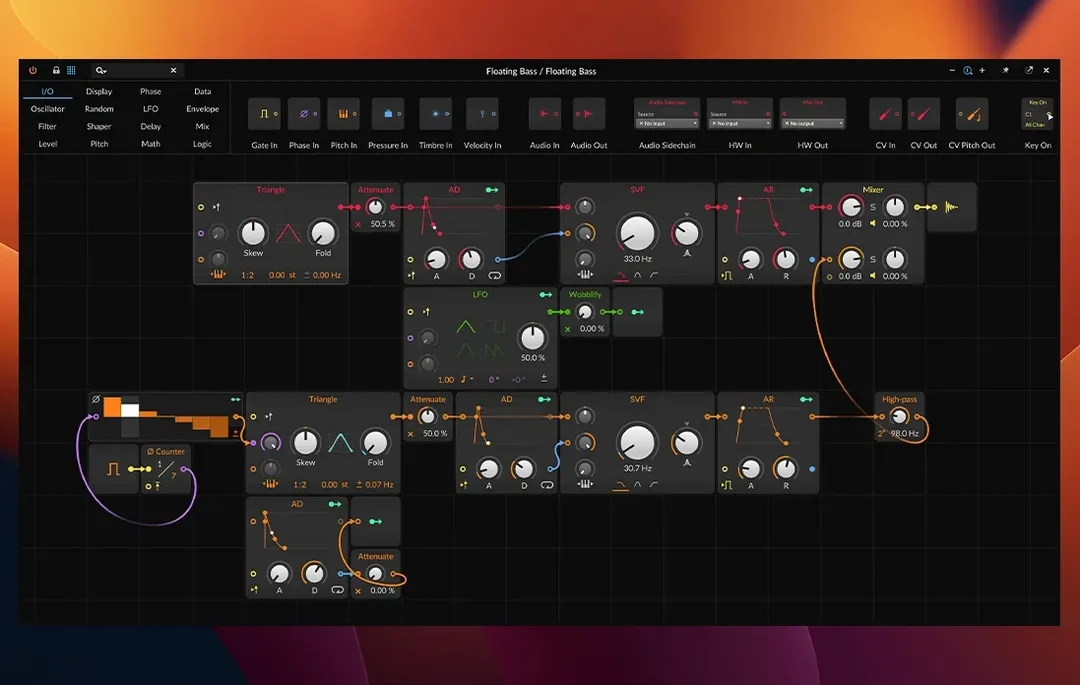
- Modulation that goes everywhere. The flexible routing system lets you map nearly any control source to any destination. It’s a sound designer’s workshop where audio signals and CV control voltages play by the same rules.
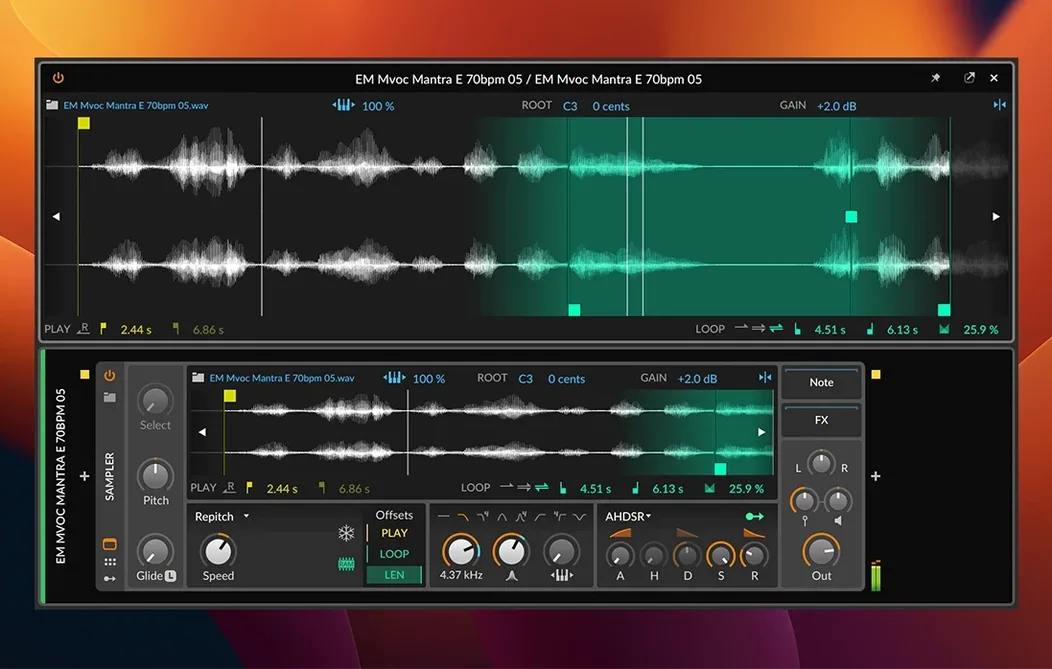
- A fully loaded sample engine. Version 6.1 radically overhauls the Sampler with new slicing tools and fresh Spectral and Fragments play modes, making it dead simple to turn a field recording into a playable texture.
- Nondestructive editing for every clip. The Detail Editor lets you tweak individual audio or MIDI clips without printing changes. It’s a forgiving way to experiment, knowing the original performance is always safe.
- Smart tempo and pitch detection. The update brings automatic detection, so dropping in a loose drum loop or melodic sample instantly syncs to your project grid with no manual warping required.
Bitwig Studio 6.1 runs natively on both Intel and Apple Silicon Macs. It’s a creative hub that listens for MIDI, sends clock signals to outboard gear, and stretches audio eight different ways. If you produce in the box but want the hands-on feel of a hardware rig, this is where you’ll want to set up shop.
Finding your feet in the first three days
Bitwig can feel wide open on day one. That's not a bad thing — it just helps to narrow your focus early. Here's what I'd suggest while everything is still fresh.
- Build one multi-monitor layout and save it. Drag the Arrange, Mix, and Edit panels onto different screens, then save that workspace as a template. You'll thank yourself later when a session starts and the view is already exactly how you think.
- Drop a loose drum loop into the Sampler first. The new tempo detection in 6.1 means you don't touch a warp marker. Just drag the loop in, switch to Slice mode, and play the chops from your keyboard. It's the fastest proof that the Sampler update is serious.
- Right-click a parameter and pick "Modulate." Follow that thread for ten minutes. Bitwig's modulation system is the kitchen itself, not a spice rack on the side. Understanding that early changes how you build everything.
- Map one hardware knob to a filter cutoff. Even a cheap MIDI controller will do. Bitwig's hardware mapping is quick, and feeling a parameter move under your hand locks in the instrument-like quality the software aims for.
A sound designer's first evening with the Sampler
Picture a sound designer who just grabbed a bitwig studio torrent after hearing about the 6.1 Sampler overhaul. She records three minutes of rain on a fire escape through her phone, drags the file in, and switches to Spectral mode. Within twenty minutes she has a glassy, tuned percussive bed that follows her project key — no slicing, no guesswork. She routes a slow LFO to the sample start position and suddenly the rain sounds like a worn-out tape loop. The kind of thing that would have taken an afternoon in an audio editor now lives inside one device, responding to MIDI, ready to perform. Bottom line: the tools don't get in the way of the spark.
The 6.1 release makes the Sampler a serious centerpiece with slicing tools and fresh playback engines. Automatic tempo and pitch detection also join the lineup, so dragging audio into a project lands in time and on key without manual detective work.
- macOS 12 Monterey or later
- Intel or Apple Silicon Mac
Questions I actually get
Is Bitwig Studio good for live performance?
Yes, it is built for the stage as much as the studio. Its clip-launching workspace and grid-based modulation make it ideal for triggering loops and tweaking sounds on the fly.
Does Bitwig support third-party plugins?
It does, and it also comes with its own set of instruments and effects that support CV/Gate and Clock signals for modular-style patching.
What macOS do I need for version 6.1?
Bitwig Studio 6.1 requires macOS 12 Monterey or a newer version of the operating system.
Notes from the tables 0
Sign in or pull up a chair to leave a note.
No notes on this one yet. They go up after I read them.