

Most Mac image viewers trip over themselves the moment you hand them a folder of archives. You just want to see what's inside a zip full of photos without unpacking half your drive. EdgeView steps into that gap and stays there, treating archives like any other folder in its file browser. It feels like the developer got tired of the extra clicks, too.
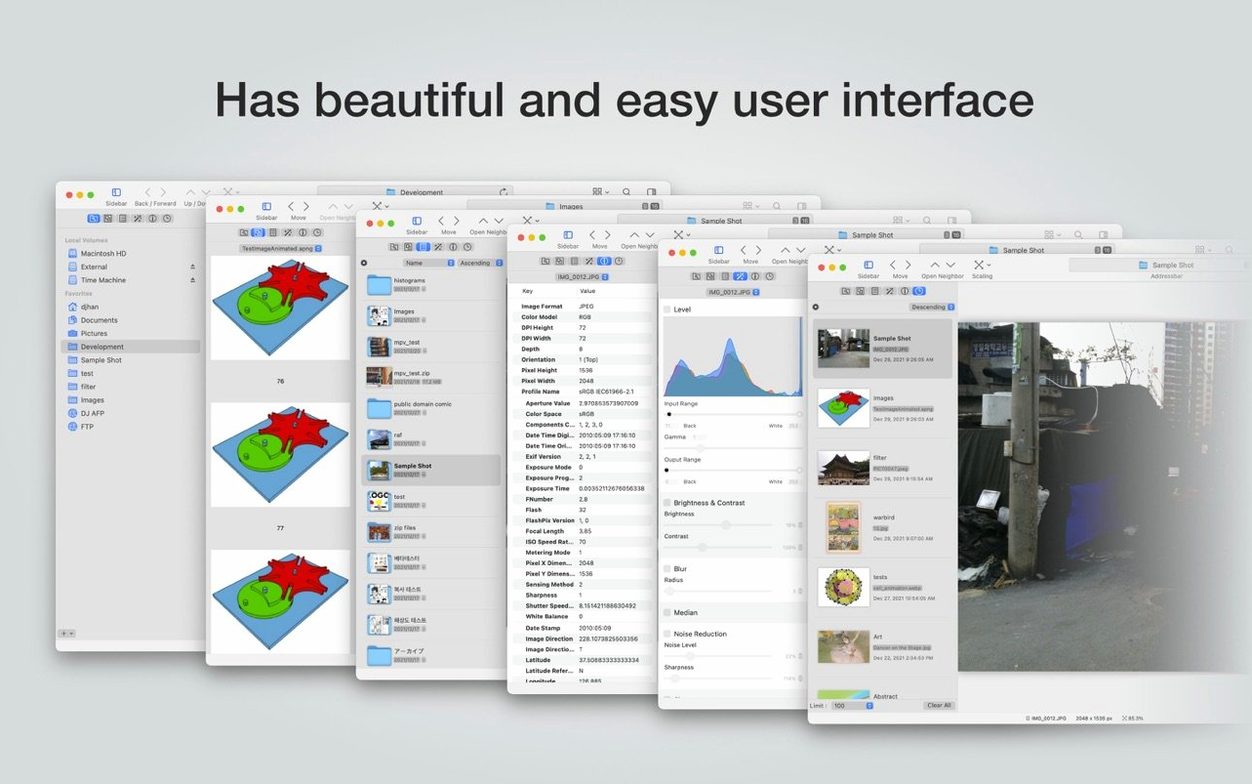
Beyond that, this is an app that rewards a closer look. You get the tools that matter when you're digging into an image rather than just glancing at it. The built-in magnifier lets you inspect details up close, and the histogram gives you a real read on exposure without sending the file out to an editor. For the organized, the file browser sorts by whatever criteria you choose, and the app remembers exactly where you left off in a file, restoring its state when you come back.
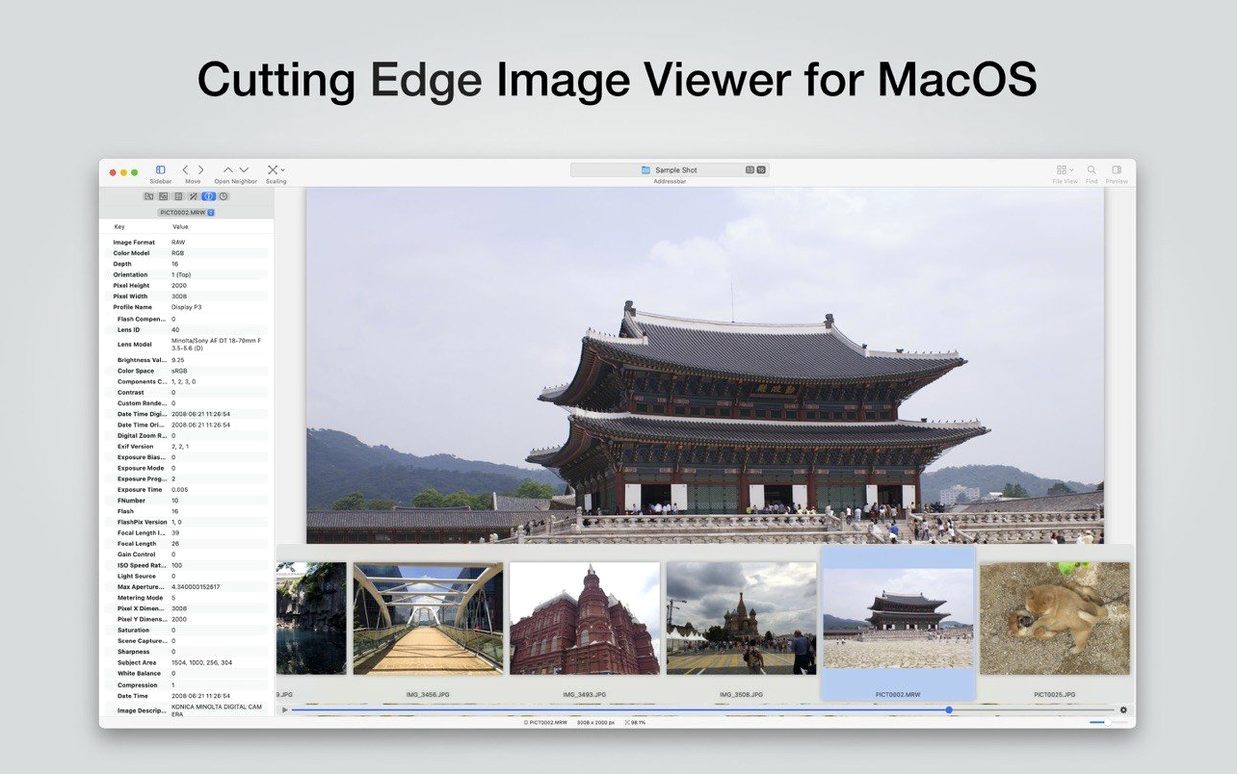
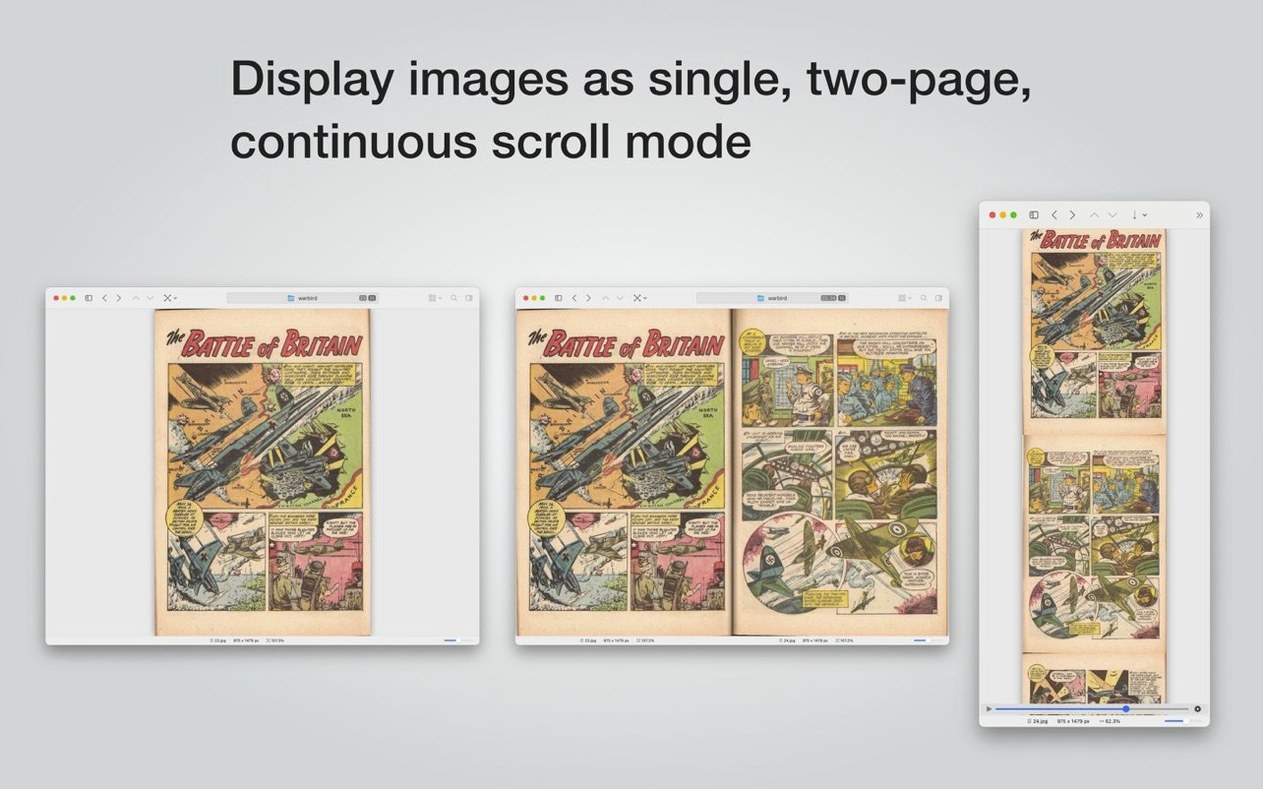
Everything around navigation respects an experienced flow. You can rotate and flip images with a key press, scroll through a sequence with the mouse wheel, and pinch-to-zoom with trackpad gestures. Selecting and copying just a portion of an image to the clipboard or saving it directly skips the usual crop-tool dance. The EXIF panel is there when you need the story behind the shot, and animated GIFs, PNGs, and WebP files play back smoothly without stuttering.
EdgeView doesn't try to be a photo library manager. It's a fast, direct window into your files—even the ones buried in archives—with the kind of practical depth that makes sense on a workday afternoon.
- macOS 11.5 or later
- Apple Silicon or Intel 64-bit
Notes from the tables 0
Sign in or pull up a chair to leave a note.
No notes on this one yet. They go up after I read them.