

Version 8.24 tightens up streaming, adds a new audio format, and raises the macOS floor to 10.13.
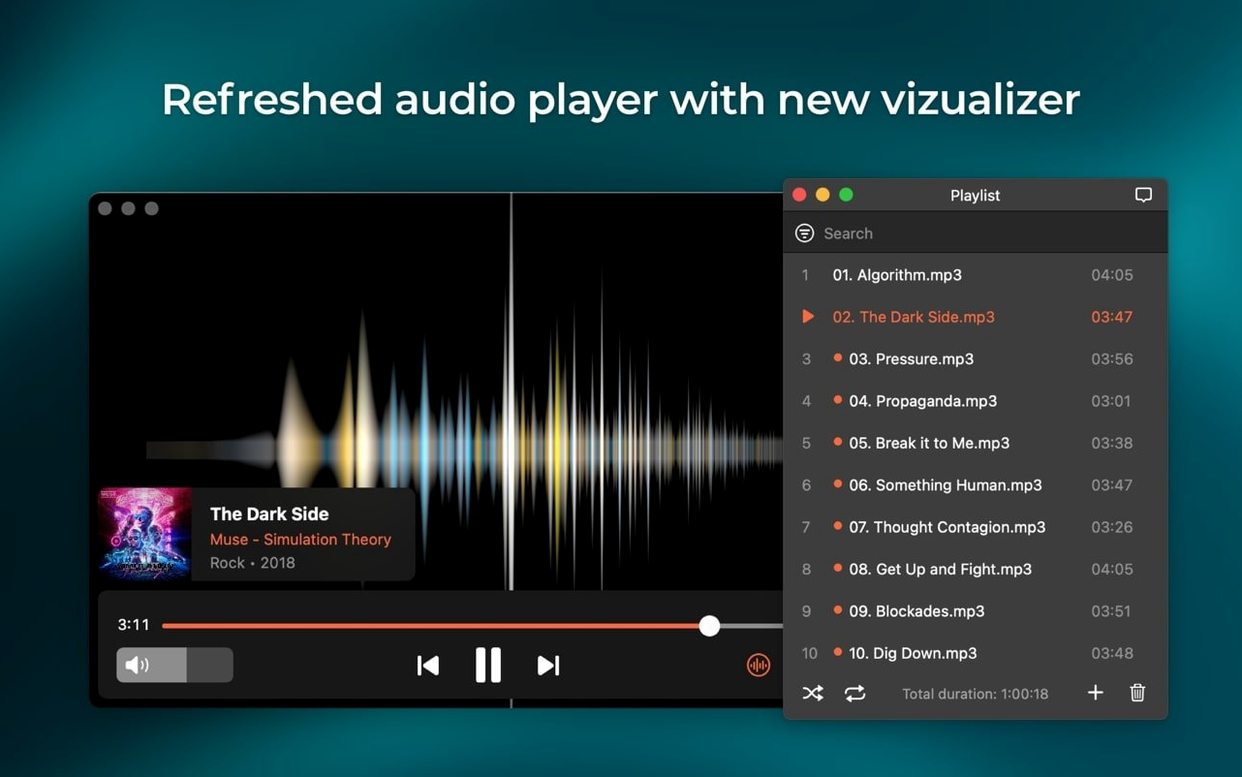
M4B support — the player now handles audiobook files, complete with chapter markers you can click through.
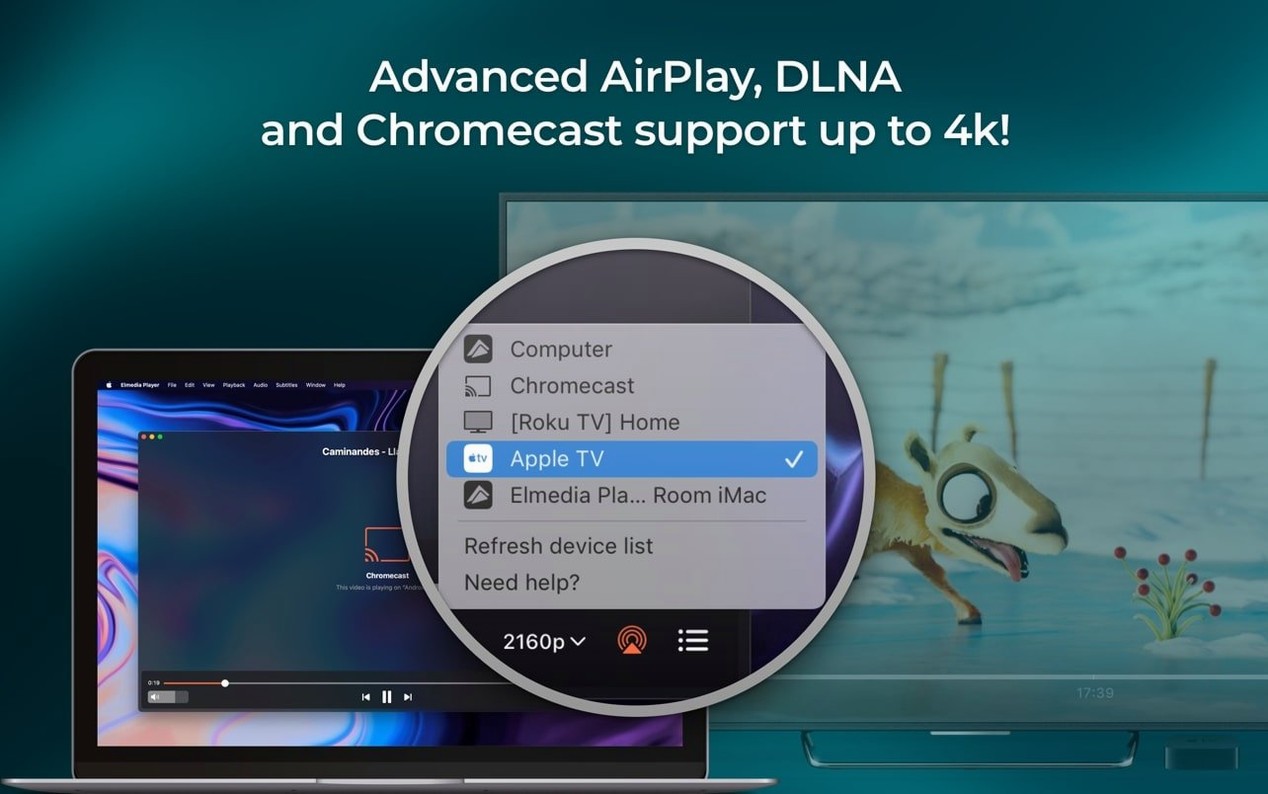
Streaming fixes — the device list opens without errors, Chromecast and smart TV targets connect more reliably, and the app actively prevents your Mac from dozing off mid-stream.
macOS 26 groundwork — compatibility improvements keep things running on the latest Apple betas.
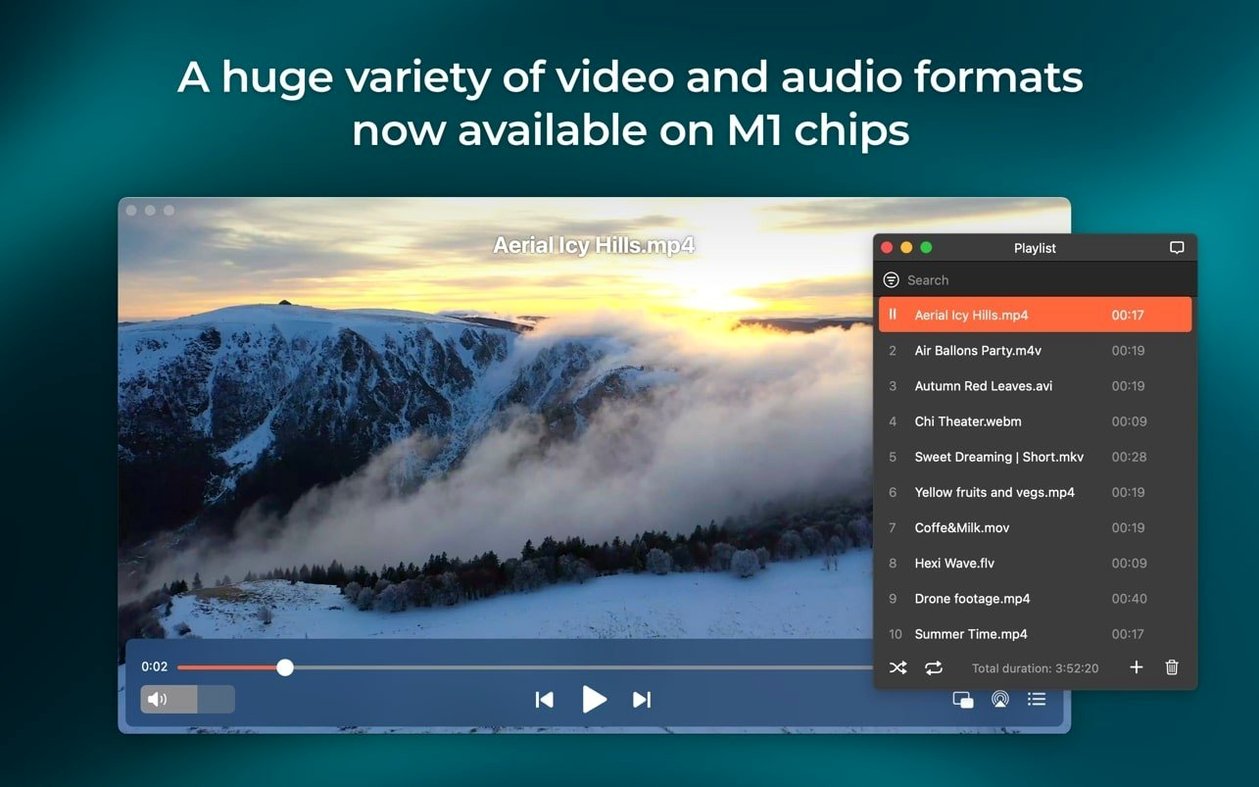
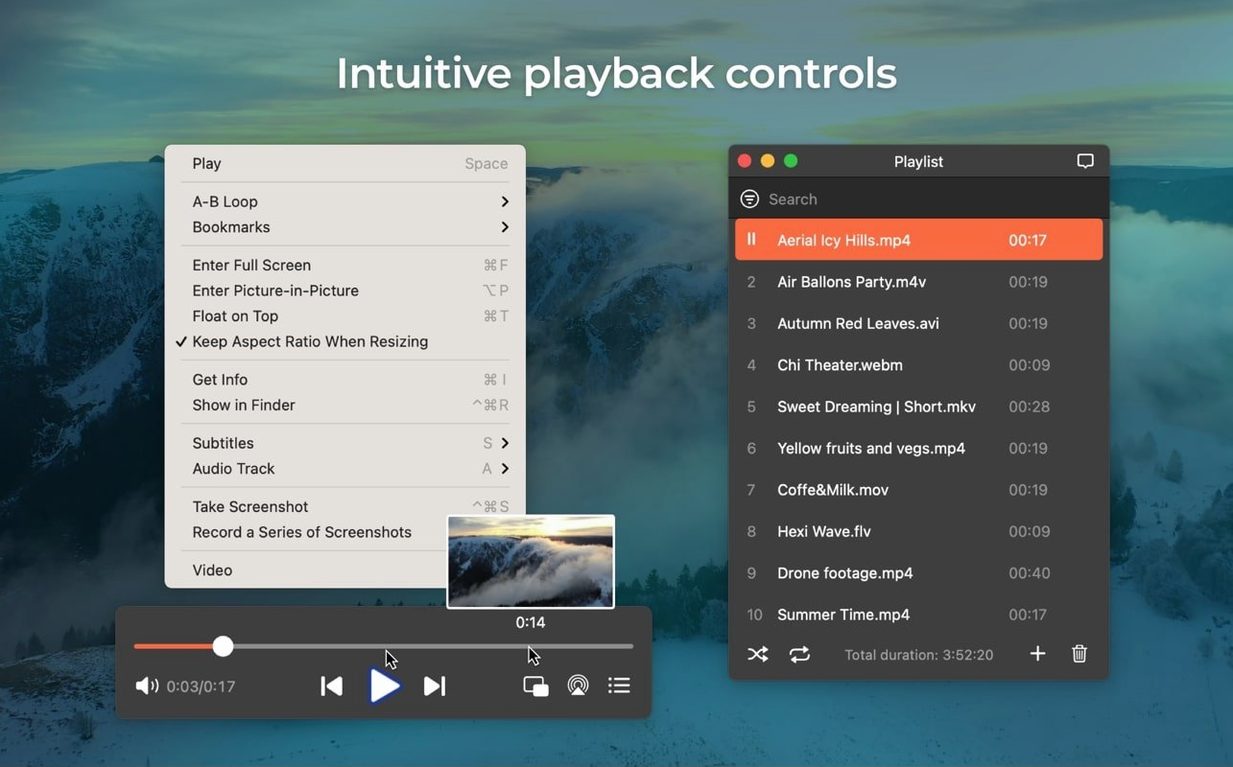
Everything else you’d expect from this Swiss Army knife of a player is still here: hardware-accelerated HD playback, AirPlay streaming between Macs, RTMP download capability, and screenshot saves in TIFF, PNG, or GIF. It chews through FLV, SWF, MKV, MP4, WMV, and a long list of other formats without complaint. Multi-channel audio output runs from stereo right up to eight channels if your setup calls for it.
Skipping the output device selector wastes half its power
Most of these come from folks treating Elmedia like a bare-bones QuickTime replacement. It does more, and a few habits trip people up.
Skipping the output device selector. The app can send audio to headphones, a soundbar, or an HDMI receiver with passthrough for AC-3 and DTS tracks. New users leave the output on "System Default" and wonder why surround sound never kicks in. Open preferences, pick your hardware, and enable passthrough if your chain supports S/PDIF or HDMI — it makes a real difference on DVD rips.
Grabbing screenshots without changing the format. Elmedia saves to PNG by default. That is fine for most things, but if you are pulling frames from a two-hour lecture, TIFF files will eat your drive alive. Set the format to what you actually need before you hit the shortcut.
Ignoring the built-in browser for online video. People copy a YouTube URL, switch back to Safari, then remember Elmedia has a browser tucked inside. Open it from the Window menu, navigate to the video, and playback stays inside the player — no tab clutter, no extra CPU burn from a separate browser session. If your elmedia player habits started with local files only, this one takes a week to become second nature.
Downloading when you meant to stream, and vice versa. The download button for online video sits right near the playback controls. I have watched friends click it by accident, then hunt through Finder for a file they never wanted saved. Check the download queue before you assume something broke.
A real workflow: pulling a lecture video and its audio track
Someone sends you a link to a talk. You want the video for later and the audio for the car. Here is the path I use.
- Open the link in Elmedia's built-in browser window. Let the video load and confirm it plays smoothly — hardware-accelerated decoding keeps HD streams smooth even on older Intel machines.
- Click the download button in the playback bar. The player grabs the stream, including RTMP sources that trip up browser extensions. Wait for the progress indicator to finish.
- Switch the download mode to extract audio only. Run it again on the same URL. Now you have an MP4 and an MP3 sitting in your output folder, both named clearly.
- If the talk was an M4B audiobook file instead of a stream, open it directly — chapter markers appear in the playback bar, so you can jump to sections without scrubbing blindly.
For local files, the same logic applies. Drag in an MKV of a conference panel, grab a PNG screenshot of a slide you need, and save it without ever opening Preview. The whole thing takes under a minute once the steps are muscle memory.
4K HEVC playback barely touches your Mac’s resources
After a few weeks with version 8.24, the thing that stands out is how little it demands. On Apple Silicon, playback of 4K HEVC files stays cool and quiet — the hardware decoder handles the heavy lifting, and the fans never spin up. On an older Intel MacBook Pro, the same file uses about 12% CPU, which leaves plenty of room for other apps.
Memory sits around 180 MB for a local MKV and climbs to roughly 220 MB when streaming to an AirPlay device. That is modest for a player that also handles downloads and format conversion under the hood. I have not seen a crash or a beachball during streaming in this build — the device-list bug fix from the release notes seems to have cleaned up the only real annoyance I used to hit when switching between a Chromecast and a set of AirPods.
One thing worth knowing: if you run an Elmedia Player Pro Mac crack from a source you do not trust, just make sure SIP is disabled and the code signature check is bypassed so the app launches without a hitch. A clean copy of 8.24, though, has been boringly reliable — the good kind of boring, where you forget the app is even running until you need to grab a frame or switch audio channels.
Bottom line: a maintenance release that fixes real annoyances and quietly adds a format people have been asking about.
A handful of practical changes in this update, headlined by M4B audiobook playback.
- Added support for M4B audiobook files
- Improved compatibility with macOS 26
- Improved preventing the Mac from sleeping while streaming
- Fixed streaming to certain devices
- Fixed errors when opening the list of devices for streaming
- macOS 10.13 or later
- Intel or Apple Silicon Mac
Questions I actually get
What audio formats can Elmedia Player handle?
It plays common formats like MP3, FLAC, and M4A, and version 8.24 added support for M4B audiobook files with chapter navigation.
Notes from the tables 0
Sign in or pull up a chair to leave a note.
No notes on this one yet. They go up after I read them.
More from the Mac Apps page
The whole page Mac Apps 320 MB
EdgeView
5.9.6
Mac Apps 320 MB
EdgeView
5.9.6
 Mac Apps Updated 143 MB
Eagle
4.0.0 build 11 20250627
Mac Apps Updated 143 MB
Eagle
4.0.0 build 11 20250627
 Mac Apps 110 MB
DynamicLake Pro
1.8
Mac Apps 110 MB
DynamicLake Pro
1.8
 Mac Apps 115 MB
Exposure X7
7.3.0
Mac Apps 115 MB
Exposure X7
7.3.0
 Mac Apps 551 MB
extraDock
4.3.23
Mac Apps 551 MB
extraDock
4.3.23
 Mac Apps Updated 7 MB
DVDFab
12.0.8.2
Mac Apps Updated 7 MB
DVDFab
12.0.8.2
 Mac Apps 413 MB
Duplicate File Finder Pro
8.5.2
Mac Apps 413 MB
Duplicate File Finder Pro
8.5.2
 Mac Apps 37 MB