

Hit the ‘R’ key to reject a blurry shot, ‘S’ to star a keeper. That’s the rhythm ApolloOne gets you into when you’re staring down a card full of RAW files. It’s built for culling, plain and simple, and it doesn’t ask you to import a single photo into a library first. You point it at a folder and get to work.
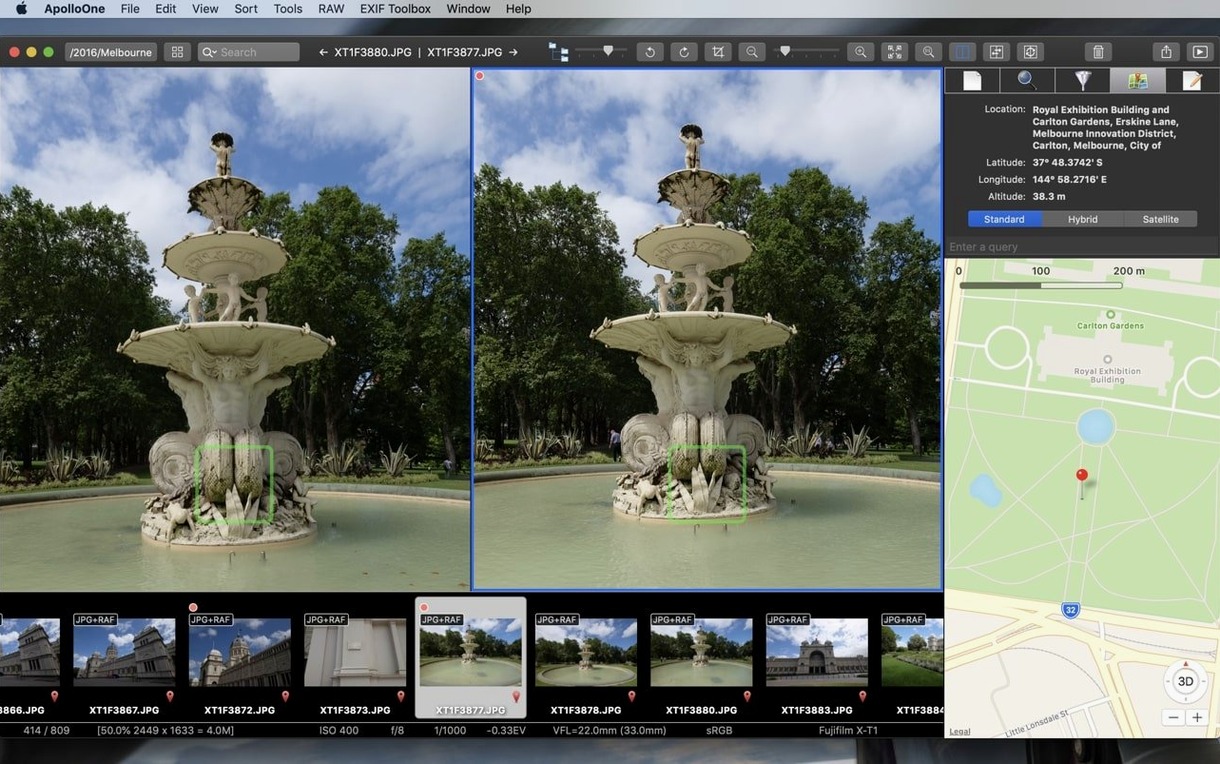
The real time-saver shows up when you’re trying to figure out why a shot missed. Toggle on the autofocus point overlay and you’ll see exactly where the camera locked on. No guessing, no zooming in and squinting. It’s a feature I wish I had back in my restaurant days, sorting food photos after a long dinner service.
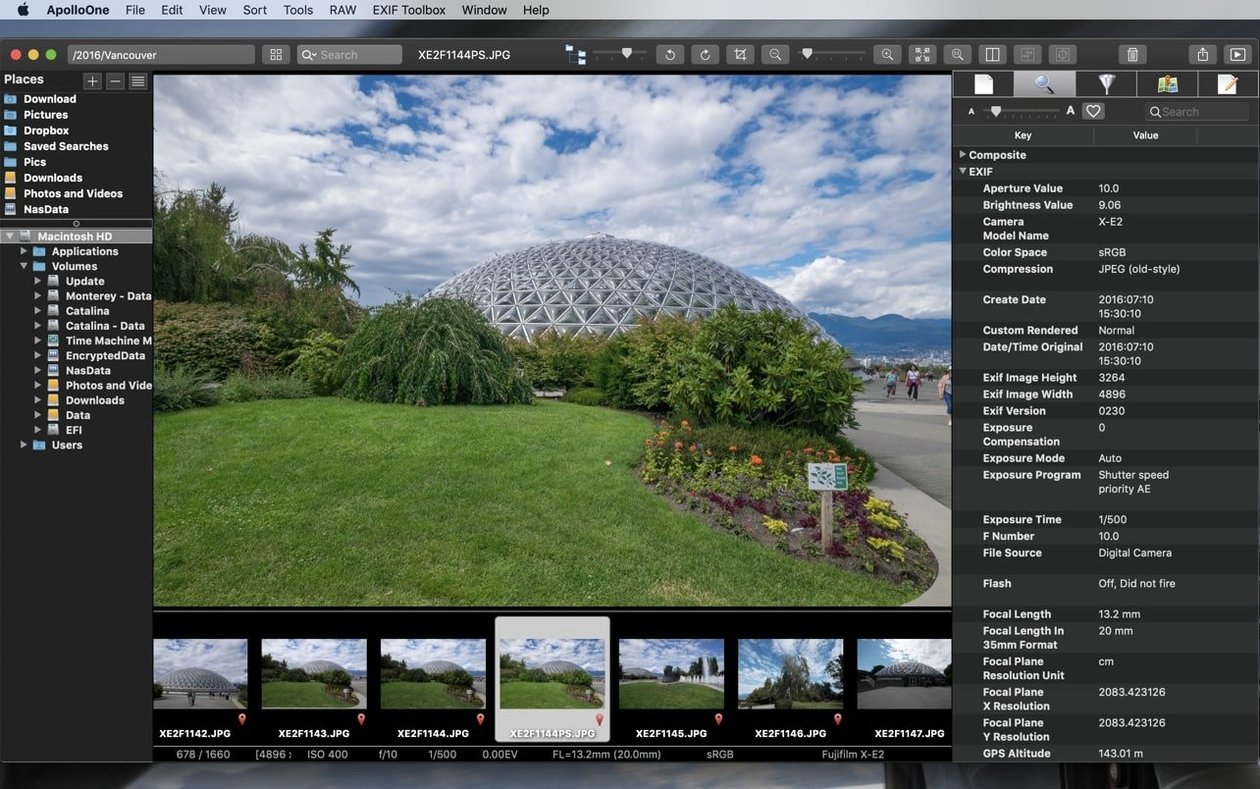
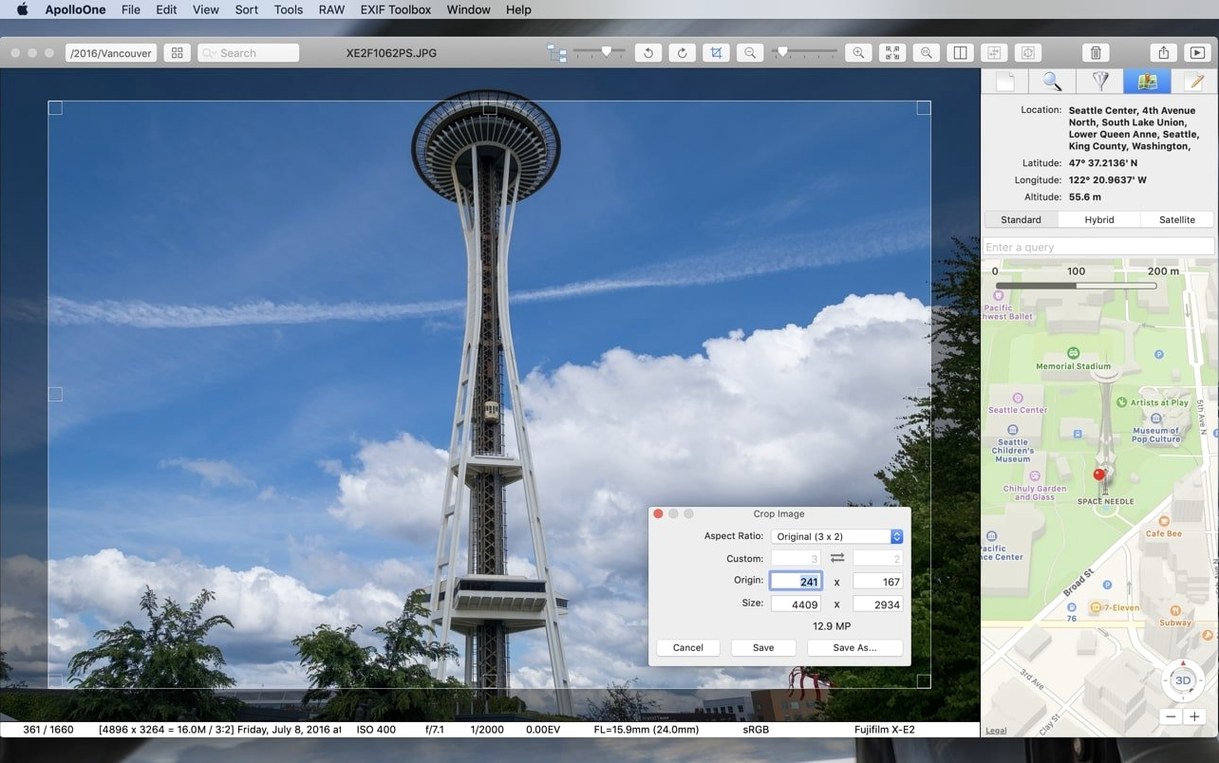
Once you’ve marked your picks, the metadata panel lets you add quick descriptions or copyright info before the files go anywhere else. Everything stays in your existing folder structure, so you’re not untangling a mess later.
Culling 400 market shots straight off the card reader
Last Saturday I came home with a card holding about 400 shots from a street market. Here’s how ApolloOne fit into the next hour.
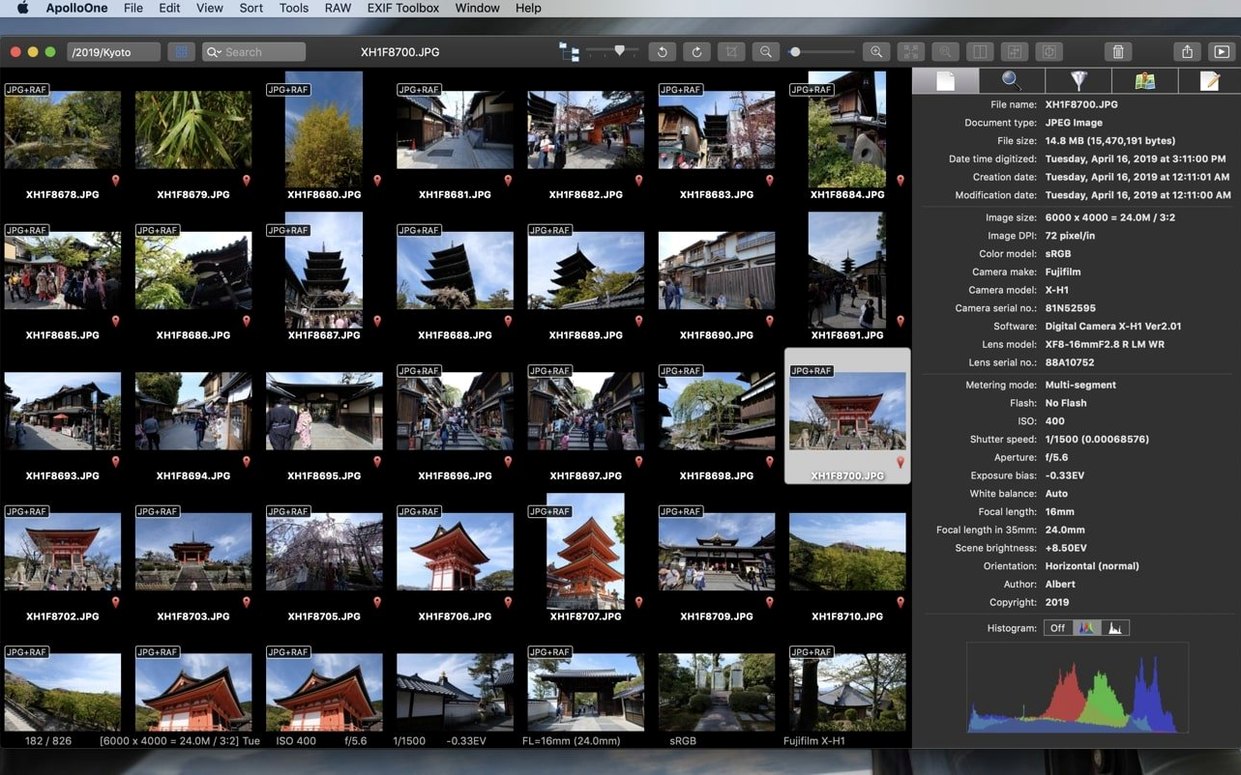
I opened the app and pointed it at the folder straight off the card reader — no import dialogue, no waiting. The thumbnails filled the sidebar in a few seconds. I hit F for full screen and started moving with the arrow keys. Right arrow, right arrow, pause. A vendor’s stall, but the focus landed on the crowd behind him. R for reject. The file gets a red tag and the view jumps to the next image without me lifting my hands from the keyboard.
Three keepers later I toggled the autofocus overlay on a shot of a dog catching a treat. The red squares sat exactly on the dog’s eyes. That one got S for five stars. By the time I’d worked through the whole set — maybe twelve minutes — I had 47 starred files and a clear reject pile I could delete or ignore later. I switched to the rated-only filter, selected all, and used the batch rename to add “market-2025-” in front of the sequence numbers. Done. The files never left their original folder.
No catalog required—just point it at your folders
People ask whether ApolloOne wants to take over their photo library. It doesn’t. There’s no catalog, no database, no “import or you can’t browse” wall. You navigate your own folders through the sidebar, exactly as they sit on your drive or memory card. If you already have a system of year-month folders, ApolloOne respects it.
Another common one: does it handle RAW files from a specific camera? During a normal workday I’ve opened Nikon NEF, Canon CR3 and Sony ARW files without the app blinking. It leans on macOS system-level RAW support, so if Apple’s engine reads your camera’s format, you’re covered. JPEG, HEIC, TIFF and PNG are all fair game too, and short video clips play inline without handing off to another program.
And yes, it runs on Apple Silicon natively. On my MacBook Air the fan never spun up during that 400-shot session, which is more than I can say for a few heavier editors I own.
Quarter-second RAW rendering on 45 MP files
Switching between RAW files in full screen feels immediate. There’s a brief moment where the sharp version snaps in — maybe a quarter-second on 45-megapixel files — but the preview is ready before I’ve moved my finger to the next arrow key. Thumbnail building on a folder of mixed RAWs and JPEGs takes a few seconds the first time you visit; after that it’s cached and nearly instant.
Memory use stays modest. With 400 images in the browser and full-screen previews running, I saw the app sit around 600 MB of RAM. That’s light enough to keep it open alongside a browser and a notes app without swapping. I haven’t had a crash in version 4.5.0, though I did notice that quitting with a very large metadata write pending can take an extra beat — nothing alarming, just a polite spinner for two seconds.
For a tool that handles culling, metadata and quick renaming in one window, it stays out of the way. That’s exactly what I want on a first pass: speed I don’t think about, and a window that doesn’t fight me.
Bottom line: a focused tool for the ruthless first pass.
- macOS 10.14 or later
- Works on Apple Silicon and Intel Macs
Notes from the tables 0
Sign in or pull up a chair to leave a note.
No notes on this one yet. They go up after I read them.
More from the Mac Apps page
The whole page Mac Apps 398 MB
Antivirus Zap - Virus Scanner
3.22.0
Mac Apps 398 MB
Antivirus Zap - Virus Scanner
3.22.0
 Mac Apps Updated 49 MB
Apple Keynote
15.3.1
Mac Apps Updated 49 MB
Apple Keynote
15.3.1
 Mac Apps 356 MB
Apple Remote Desktop
3.10
Mac Apps 356 MB
Apple Remote Desktop
3.10
 Mac Apps Updated 16 MB
Araxis Merge
2026.1
Mac Apps Updated 16 MB
Araxis Merge
2026.1
 Mac Apps 87 MB
ArchiCAD
29.2.1
Mac Apps 87 MB
ArchiCAD
29.2.1
 Mac Apps 5.1 GB
Artlantis
9.5.2.32853
Mac Apps 5.1 GB
Artlantis
9.5.2.32853
 Mac Apps 370 MB
Alfred 5 Powerpack
5.8.1
Mac Apps 370 MB
Alfred 5 Powerpack
5.8.1
 Mac Apps 6 MB