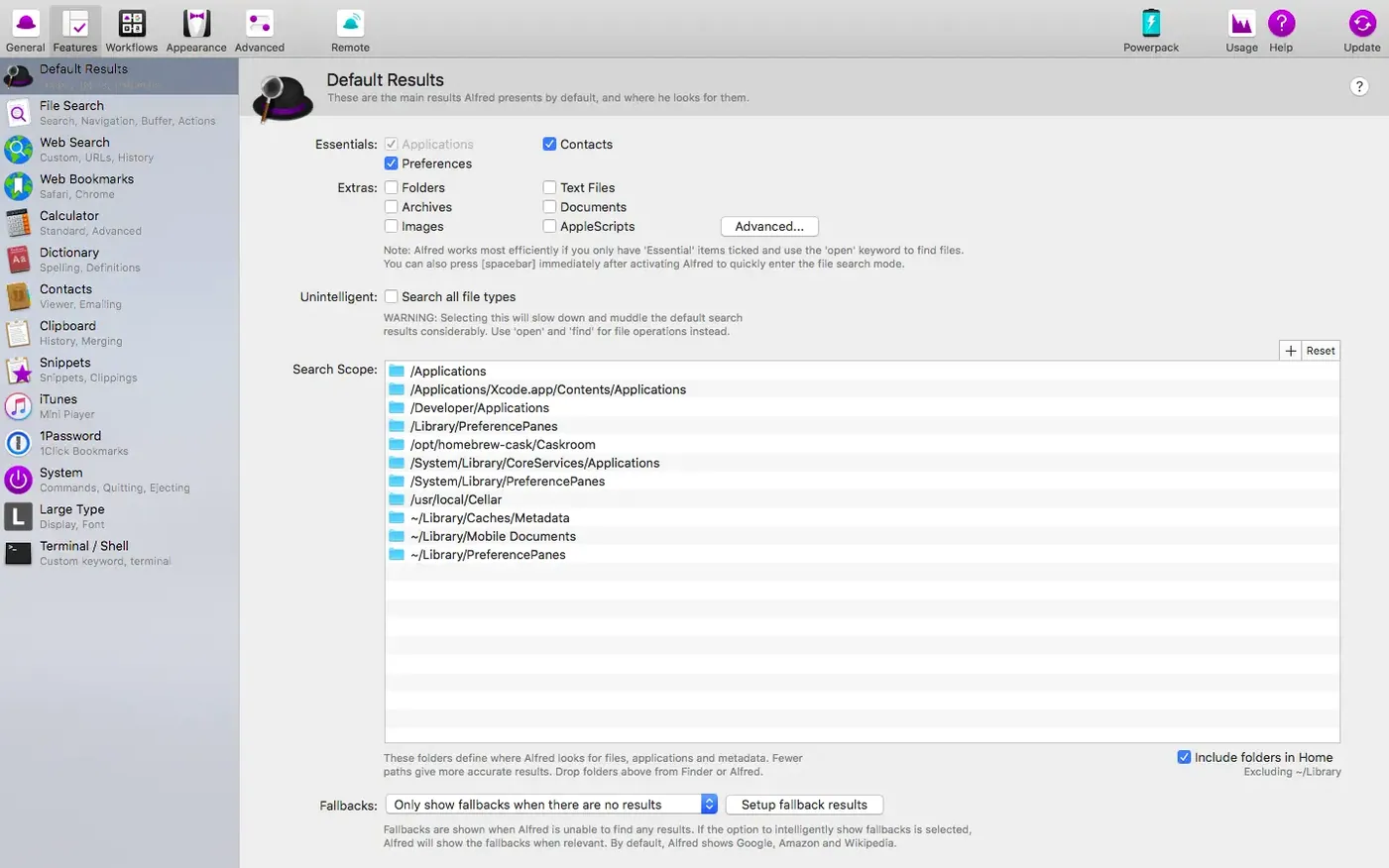
If you already use the free Alfred to find files and launch apps, you know it saves a few seconds here and there. The Powerpack turns that same search bar into a remote control for your Mac. Instead of just opening things, you can tell Alfred to do a string of jobs in one go — no scripting required. Here are three moves worth setting up right after you install it.
Search your clipboard history by typing
- Clipboard history. Open Alfred's preferences to Features > Clipboard History and tick the box. Now, press the hotkey you set and see every text snippet and image you've copied. You can search the list by typing, and paste without ever touching the mouse again. It is the single biggest time-saver in the pack.
- File navigation from anywhere. Start typing
~or/into Alfred and you are browsing your hard drive without a Finder window. Hit the right arrow on a folder to drill down, or start typing a file name to filter. You stop thinking about where something lives and just go there. - A simple workflow. In Preferences, go to Workflows, click the plus button, and choose Templates > Essentials > Keyword to URL. Give it a keyword like
map, paste a Google Maps URL with{query}as the search term, and save. Now typingmap romeopens the location in your browser. It is your first taste of chaining actions, and it takes under a minute.
These three tricks scratch the surface, but they show the pattern: pick a repetitive task, teach Alfred the steps, and shrink it to a few keystrokes. That is the whole idea.
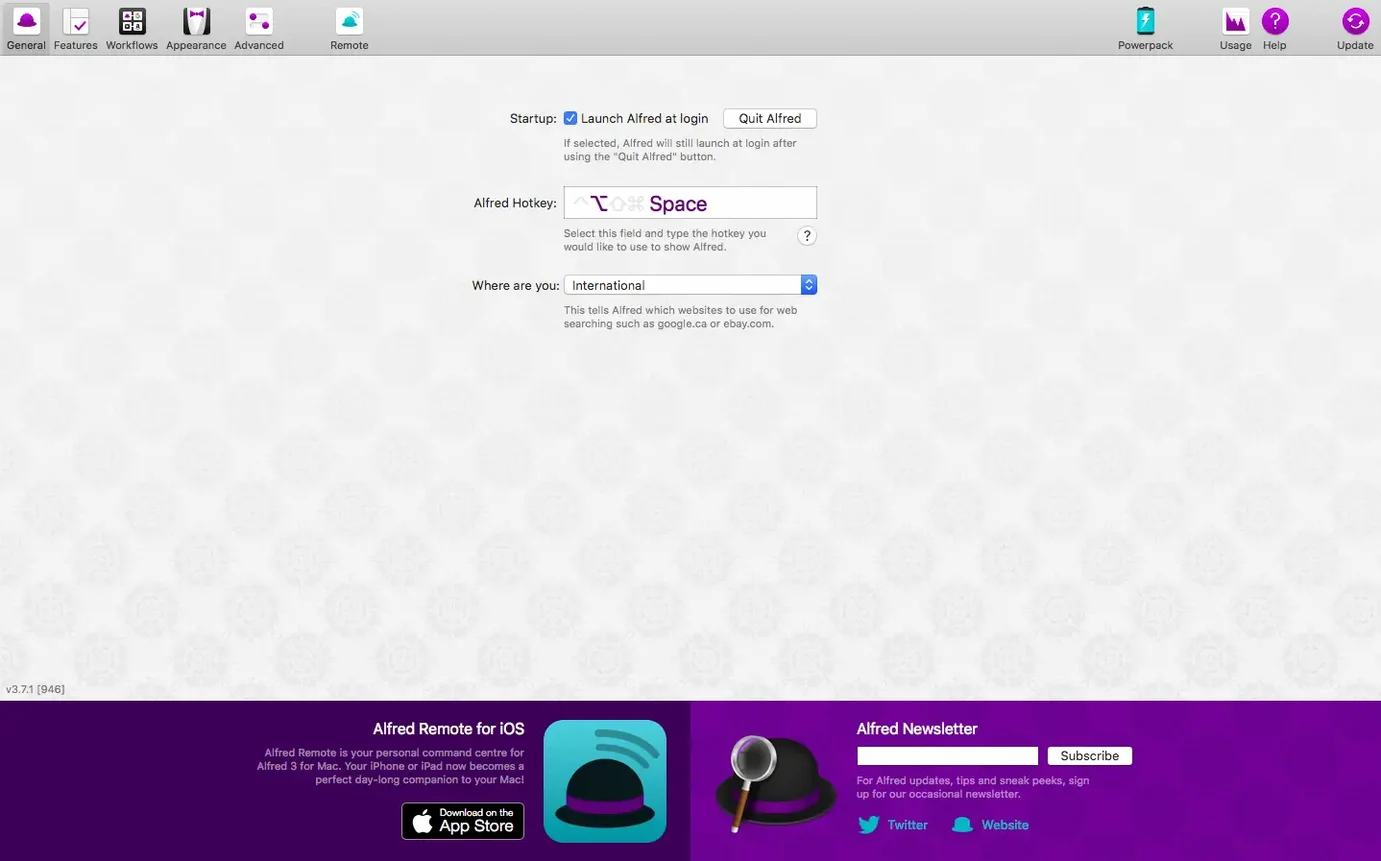
Version 5.8.1 is a tidy-up release that fixes a few search quirks. Chrome bookmarks search now pulls in everything, not just some. System Settings results for iCloud and General sections work correctly again on macOS 27. And the General preferences panel got a refresh for Light Mode.
- macOS 10.14 or later
- 64-bit Intel or Apple Silicon Mac
- Requires the core Alfred 5 application
Notes from the tables 0
Sign in or pull up a chair to leave a note.
No notes on this one yet. They go up after I read them.