
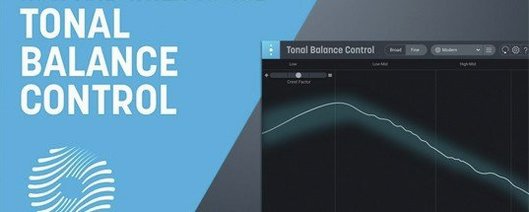
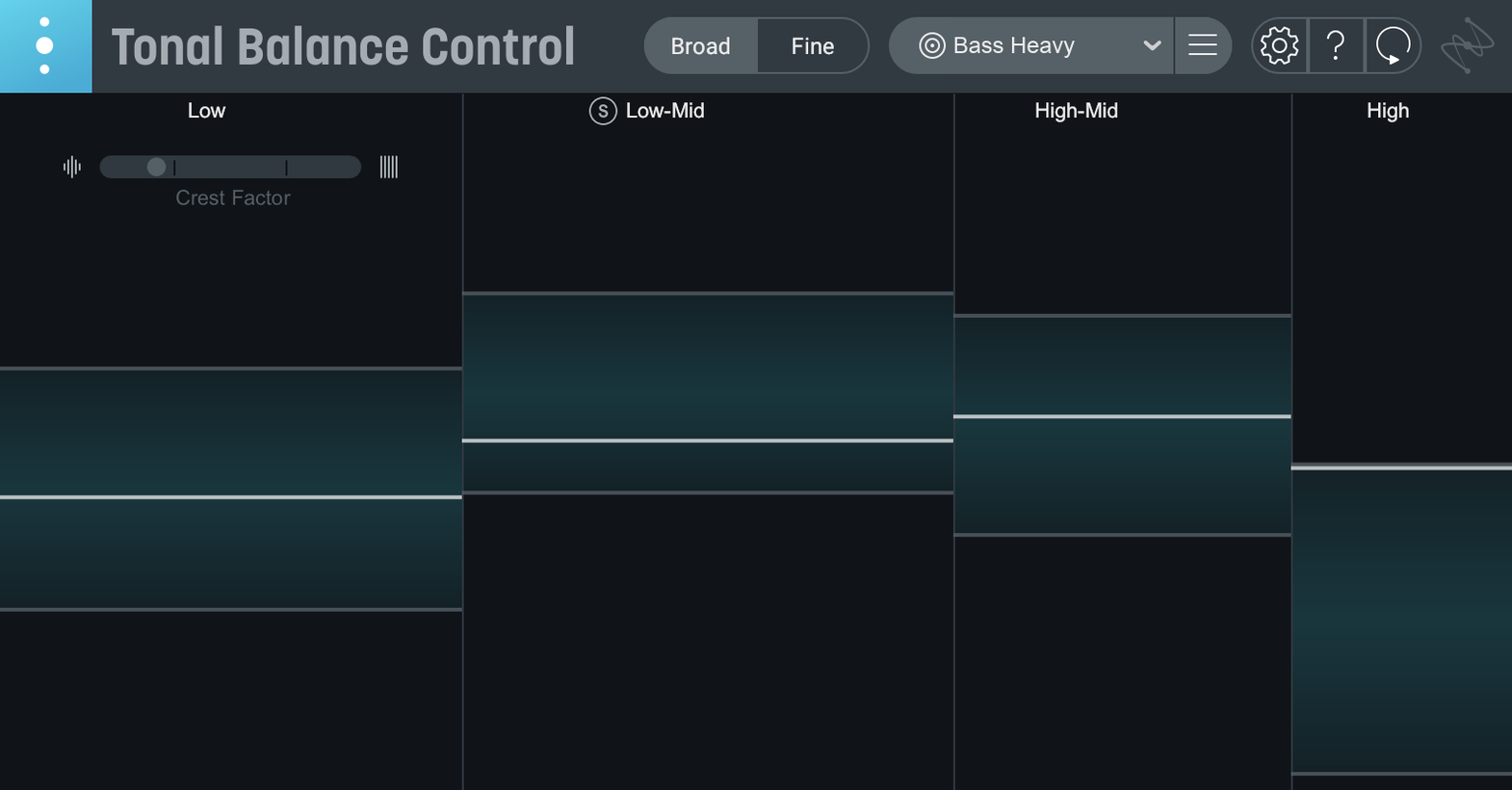
Tonal Balance Control 3 is an audio metering plugin that holds your mix up against genre reference curves so you can see, at a glance, where the energy is stacking up.
On the master bus for a broad view
Drop it on your stereo out to check the overall frequency contour against the included rock, pop, or hip-hop curves before you print a mix.
On a dialogue or vocal bus for midrange focus
Sliding it onto a dialogue stem lets you eye the new vocal balance meter, catching mud or brittleness that a solo button won't show you.
With the hybrid EQ for targeted fixes
When the curve dips too low in the low-mids, open the built-in hybrid EQ right there in the window and shape the problem band without leaving the analysis view.
Drag mixes into a standalone meter
The jump to 3.0.0 isn't a polish job — it's a rewrite. Three things land differently the moment you open it.
- It's a standalone app now. You can check a bounced file without firing up a DAW. Drag a mix onto the window, pick a curve, read the meters. That's it.
- The vocal balance meter is a second opinion. A strip at the bottom tracks how the vocal pocket sits relative to the full spectrum. If the voice feels buried, this meter usually shows you why before your ears put it into words.
- The hybrid EQ means fewer plugin hops. In version 2 you spotted a problem, then switched to an EQ in another slot. Now the EQ lives inside the same window. Click a band, drag, listen. One less chance to lose your train of thought.
The dynamics and stereo width meters are quieter additions, but they earn their keep on dense choruses where a mix can clamp down or spread out without you noticing.
The curve is a zone, not a trace
New users tend to chase the curve like it's a recipe. It's not. Here's what I see most often.
- Matching the line exactly. The curve is a zone, not a target trace. If your low end nudges a decibel above the line but the kick drum hits right, leave it.
- Picking the wrong reference. A folk ballad squeezed into the "Rock" curve will steer you toward a brittle top end. Switch the genre, listen again, then decide.
- Fixing everything in one instance. Tonal Balance Control watches the sum. If the bass and kick are fighting, adjusting a broad master EQ won't untangle them — it'll just tilt the whole curve. Fix it at the track level first.
- Ignoring the crest factor readout. A flat-looking curve with a low crest factor usually means the mix is getting squeezed too hard. The meters flag it, but beginners often stare only at the graph.
Move your EQ below this plugin
Things that trip people up, and what to do about them.
- The plugin doesn't see your Neutron or Ozone EQ. Tonal Balance Control talks to iZotope EQs that are inserted after it in the chain. Drag the EQ below Tonal Balance Control on the same track, or slot it onto an adjacent bus, and the handshake works.
- A custom curve sounds nothing like the reference track. If you load a reference file and the curve looks jagged, the analysis window was probably too short. Feed it the loudest section of the song — chorus or drop — not a quiet intro.
- CPU spikes on older Intel machines. The standalone app is lighter than the plugin in a busy session. Bounce a rough mix, open it in the standalone window, take notes, then hop back into the DAW.
- Vocal balance meter seems "off." The meter needs to know what's vocal and what isn't. If you're running Tonal Balance Control on a full mix rather than a vocal bus, it's guessing. For a cleaner read, slap Relay on your vocal tracks so the analysis can separate the signal.
Bottom line: version 3 turns what was a single-meter sanity check into a tighter command center. Use the curve as a suggestion, not a rule, and let the new meters catch what your ears might glaze over after a long session.
Tonal Balance Control 3 arrives as a fresh standalone app with extra eyes on your mix.
- Standalone desktop app so you can analyze audio outside your DAW.
- New meters for vocal balance, dynamics, and stereo width.
- A built-in hybrid EQ that lives inside the metering window.
- macOS Sonoma 14.7, Sequoia 15.4, or Tahoe 26.1
- Intel or Apple silicon Mac
Questions I actually get
Does Tonal Balance Control 3 work on Apple Silicon Macs?
Yes, it runs natively on Intel Macs and Apple silicon M-series Macs from macOS Sonoma 14.7 onward.
Can I bring in my old Tonal Balance Control 2 settings?
Version 3 supports a quick import from Tonal Balance Control 2, so you can pick up right where you left off.
Notes from the tables 0
Sign in or pull up a chair to leave a note.
No notes on this one yet. They go up after I read them.
More from the VST Plugins page
The whole page VST Plugins 2.1 GB
iZotope Neutron
5.2.0
VST Plugins 2.1 GB
iZotope Neutron
5.2.0
 VST Plugins 928 MB
iZotope Nectar
4.1.0
VST Plugins 928 MB
iZotope Nectar
4.1.0
 VST Plugins 545 MB
iZotope Insight
2.4.0
VST Plugins 545 MB
iZotope Insight
2.4.0
 VST Plugins
Kalifornia Dynamic KD Alkane
1.0.17.0
VST Plugins
Kalifornia Dynamic KD Alkane
1.0.17.0
 VST Plugins 270 MB
Komplete FX Bundle
2026.1
VST Plugins 270 MB
Komplete FX Bundle
2026.1
 VST Plugins 3.2 GB
Komplete Kontrol
3.5.4
VST Plugins 3.2 GB
Komplete Kontrol
3.5.4
 VST Plugins 785 MB
KORG Collection
1.0.3
VST Plugins 785 MB
KORG Collection
1.0.3
 VST Plugins 175 MB