
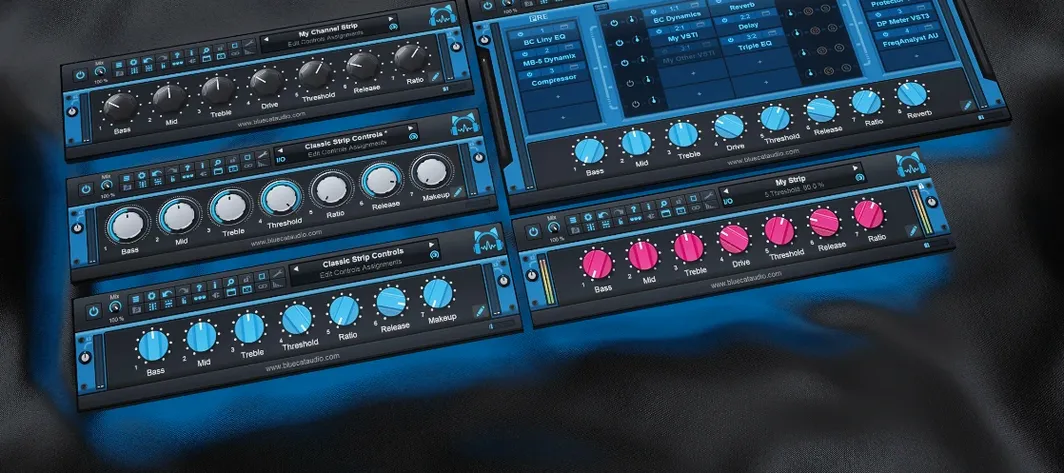
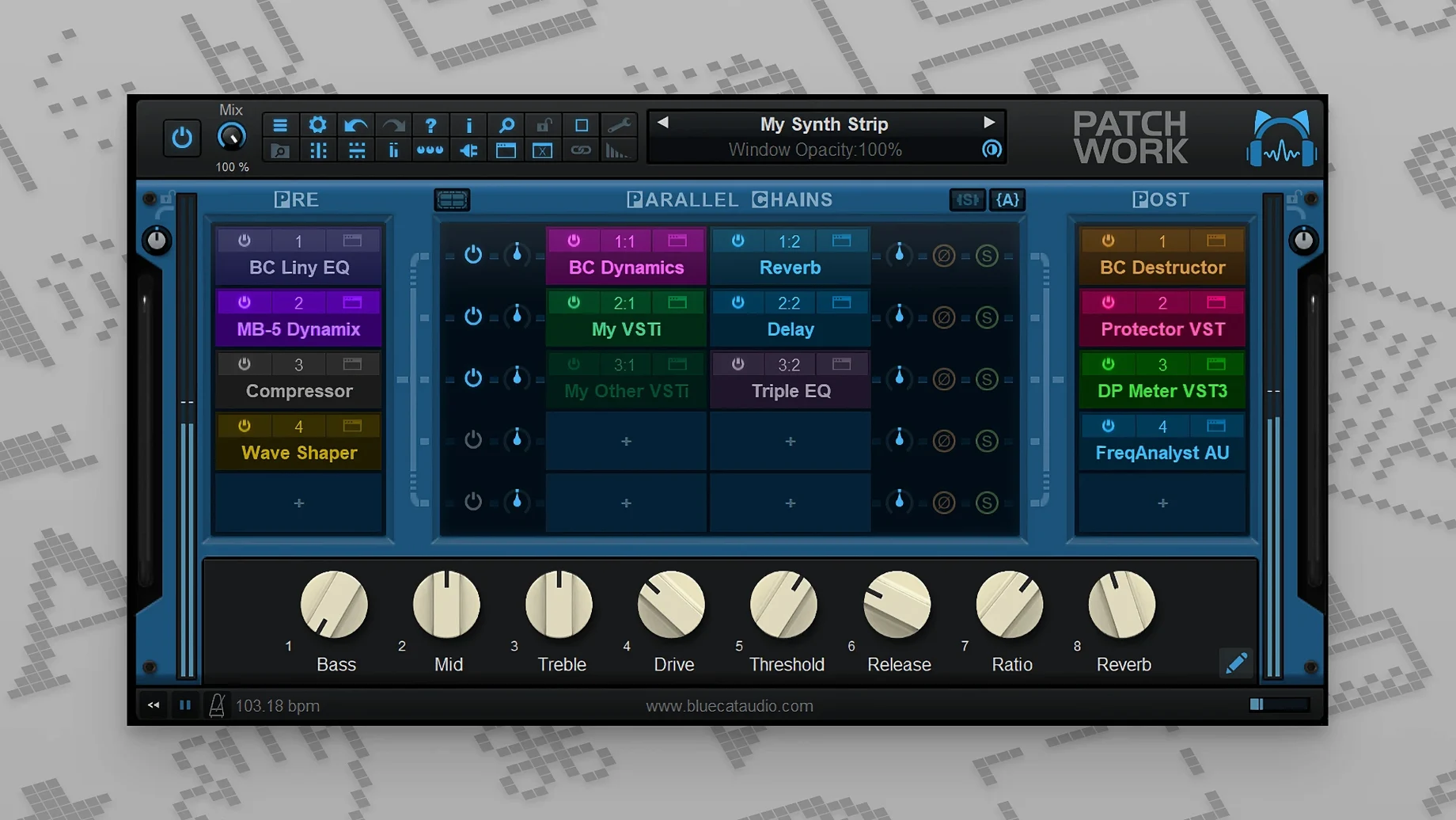
Start with the parallel chains. That’s where PatchWork earns its keep. You drop it onto a track, and instead of one effect, you get a rack you can load up with your own VST, VST3, or Audio Unit plug-ins. Stack them in series or split them into parallel paths — a clean compressor on one lane, a character delay on another, blending back together before the output.
Turn one insert into a multi-effect chain
- Turning a single insert slot into a multi-effect chain on tracks that need more than one processor.
- Building parallel processing setups on buses — dry and wet paths summed to taste.
- Loading third-party instruments and effects inside a DAW that only supports one plug-in format.
- Recording what comes out. The built-in recorder captures up to 16 channels, which is handy for printing stems or capturing live tweaks.
- Quick patchbay work. The presets browser finds sounds as you type, and you can drag plug-in interfaces straight from the file system.
Long chains add up in CPU load
- It’s a host inside your host, so very large chains with heavy plug-ins will ask more of your CPU.
- MIDI control got more flexible in recent updates, but complex parameter mapping still takes a few minutes to set up.
- The built-in plug-ins cover basic utilities. For anything beyond that, you bring your own collection.
Runs on macOS 10.9 through Apple Silicon
Can I run it on an older Mac? Yes. The requirement says macOS 10.9 or later, so plenty of machines still sitting in home studios qualify. It works on both Intel and Apple Silicon, which means your next computer won't leave it behind.
Does PatchWork add latency? On its own, almost none. The latency comes from the plug-ins you load inside it, same as if you inserted them directly on the track. There is no hidden processing buffer eating up milliseconds.
What happens to my plug-in collection if something crashes? PatchWork handles it gracefully. A misbehaving plug-in takes down only that slot, not your whole session. You can bypass the offender and keep working while you figure out what went wrong.
Will it scan all my plug-ins every time I open it? No. The scanner runs once, builds a list, and remembers. You can force a rescan when you add new ones, but day to day it just loads what you already approved.
Audio recorder captures up to 16 channels
The 2.75 release brought a few things I now rely on without thinking. The audio recorder sits right in the interface — arm it, hit record, and you are printing up to sixteen channels of whatever runs through the rack. I use it to grab a processed stem before I start tweaking, so I always have a fallback.
Copy and paste for whole effects chains arrived in the same update. If you build a guitar chain that works, highlight everything, copy it, and paste it onto another track. Save the chain as a preset, reload it next week. No rebuilding from scratch.
MIDI control also got wider. You can now assign a knob or button to bypass individual plug-ins or open their editor windows, not just turn parameters. For a live set, that means stomping a pedal to kick in a solo delay without touching the mouse.
Drag plug-ins straight from Finder
- Drag-and-drop interfaces. You can pull a plug-in window straight from Finder into PatchWork and it loads. No hunting through menus.
- Full-text search in presets. Start typing a sound name, and results narrow as you go. The browser filters saved chains instantly, which beats scrolling through a long list.
- AUv3 support. On macOS, those compact Audio Unit plug-ins from iPad developers show up and run inside PatchWork like any other format. Opens up a different ecosystem.
- Bypass by slot. Right-click any slot and toggle it off. Useful when you want to audition what a chain sounds like without the third compressor.
- Built-in utilities. There is a basic gain control, a phase inverter, and a few other tools that live inside PatchWork without loading external plug-ins. Simple, but they save a trip to the plug-in menu.
- macOS 10.9 or later
- 64-bit only, runs on Intel and Apple Silicon Macs
- English interface
Questions I actually get
Can I load Audio Unit plug-ins in PatchWork?
Yes, it can load third-party Audio Unit, VST, and VST3 plug-ins alongside its own built-in effects.
Does PatchWork run as a standalone application?
It does. A standalone version is included alongside the plug-in formats, so you can use it without opening a DAW.
What did the recorder add in version 2.75?
The release added a built-in audio recorder that captures up to 16 channels, along with extra MIDI event types for parameter control.
Notes from the tables 0
Sign in or pull up a chair to leave a note.
No notes on this one yet. They go up after I read them.
More from the VST Plugins page
The whole page VST Plugins 253 MB
Cableguys Snapback
1.1
VST Plugins 253 MB
Cableguys Snapback
1.1
 VST Plugins 37 MB
Arturia Pigments
7.0.1-6772
VST Plugins 37 MB
Arturia Pigments
7.0.1-6772
 VST Plugins 1.8 GB
Arturia Mellotron V
1.9.3
VST Plugins 1.8 GB
Arturia Mellotron V
1.9.3
 VST Plugins 2.1 GB
Arturia FX Collection
2026.02
VST Plugins 2.1 GB
Arturia FX Collection
2026.02
 VST Plugins 16.1 GB
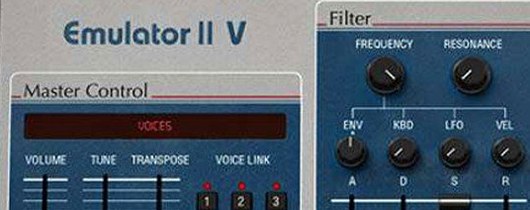
Arturia Emulator II V
1.6.2
VST Plugins 16.1 GB
Arturia Emulator II V
1.6.2
 VST Plugins 700 MB
Arturia Efx AMBIENT
1.0.0
VST Plugins 700 MB
Arturia Efx AMBIENT
1.0.0
 VST Plugins 285 MB
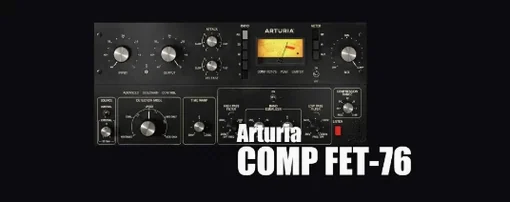
Arturia Comp FET-76
1.7.1
VST Plugins 285 MB
Arturia Comp FET-76
1.7.1
 VST Plugins 450 MB