
This build runs on Apple Silicon Macs. It was tested on macOS Sequoia with a Mac mini M4, so any recent M-series machine should handle it without trouble.
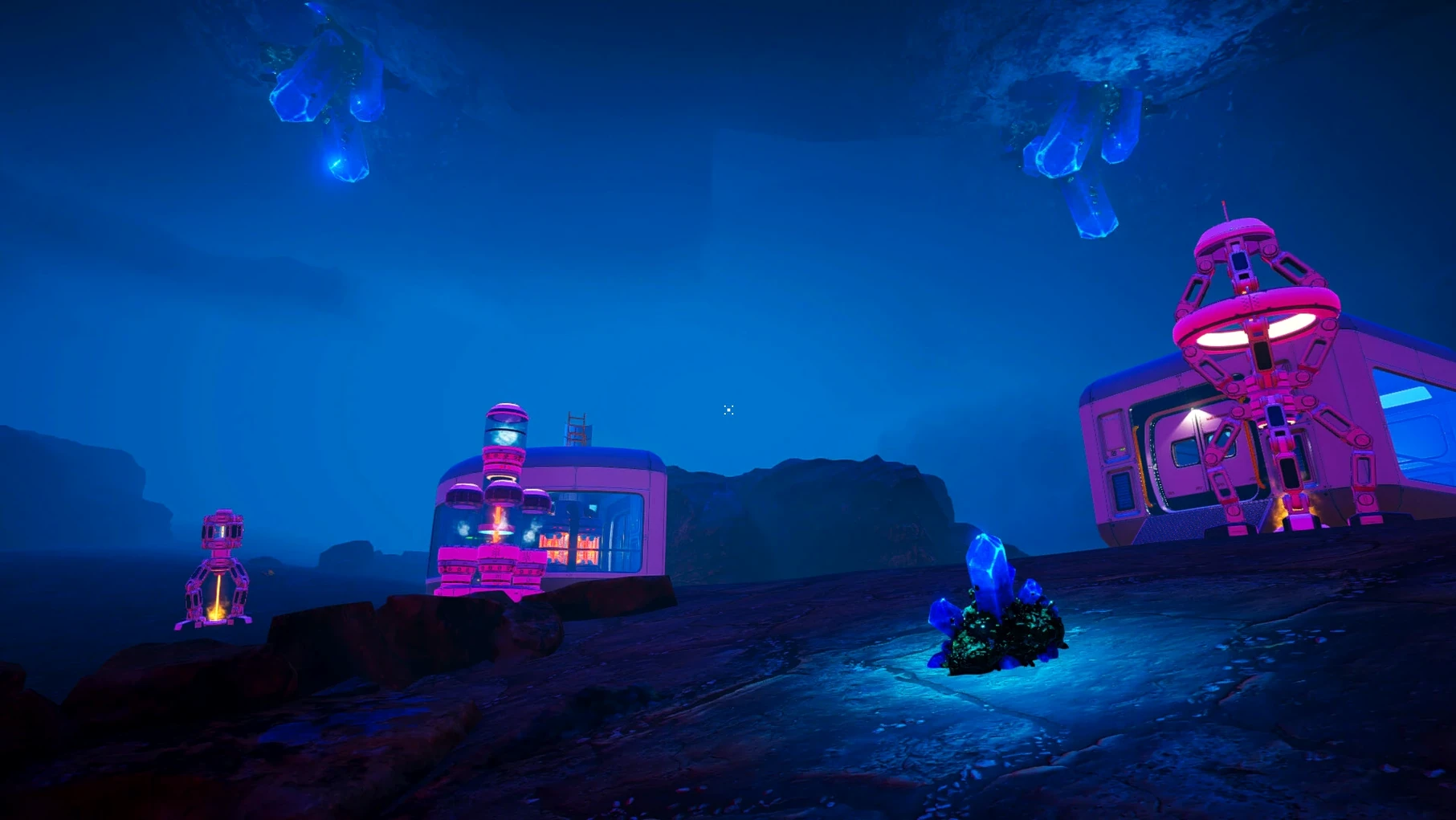
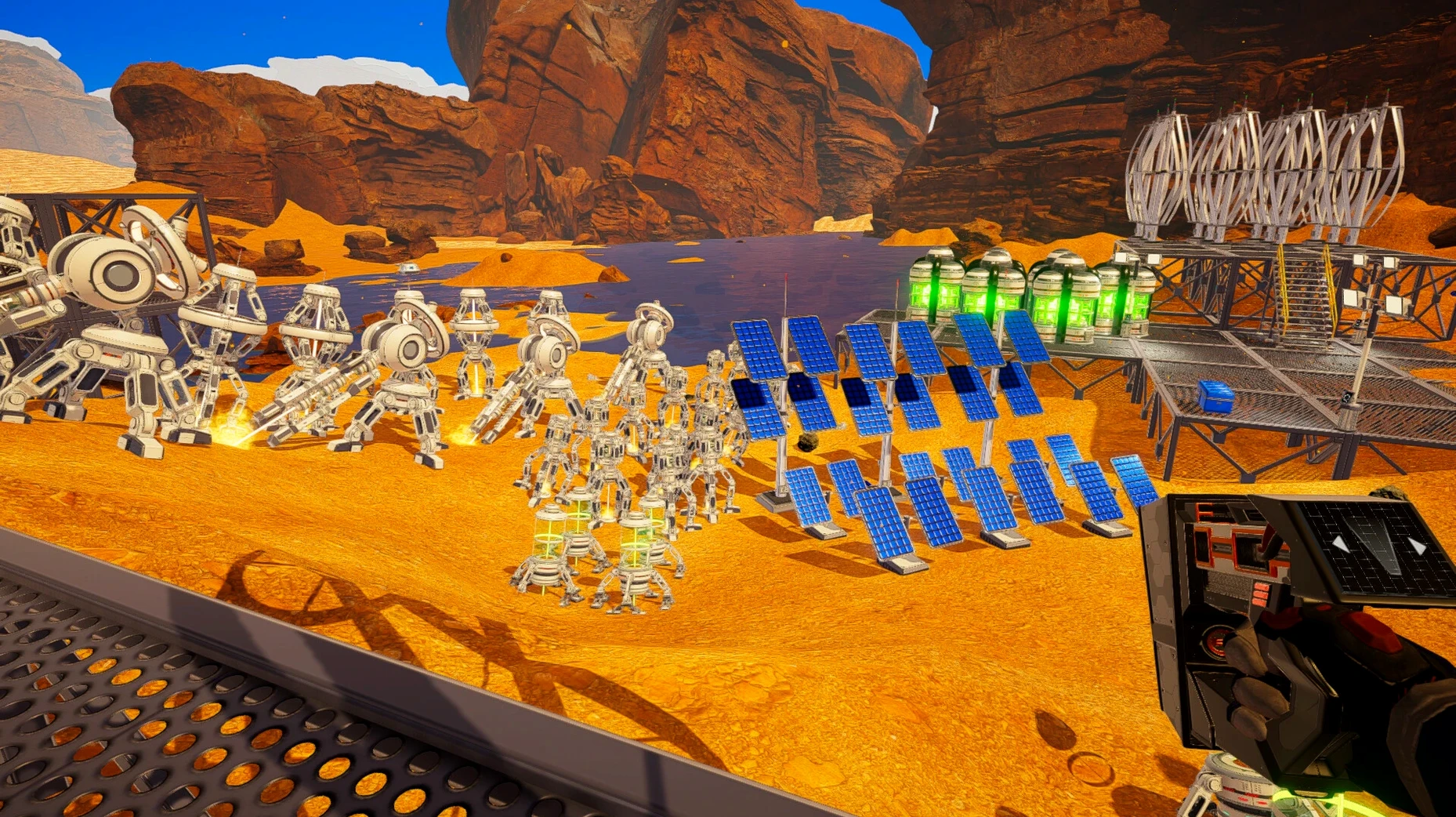
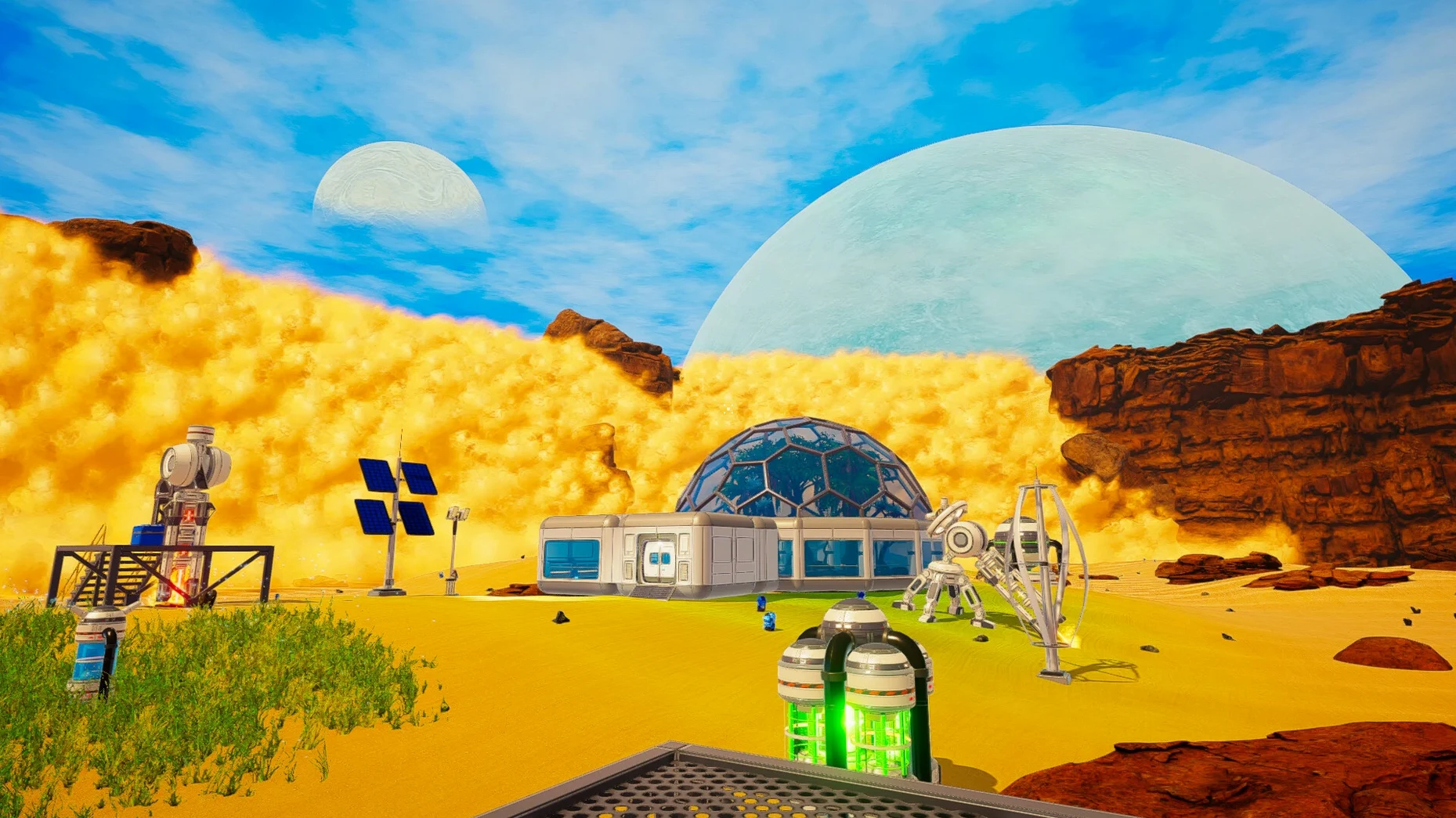
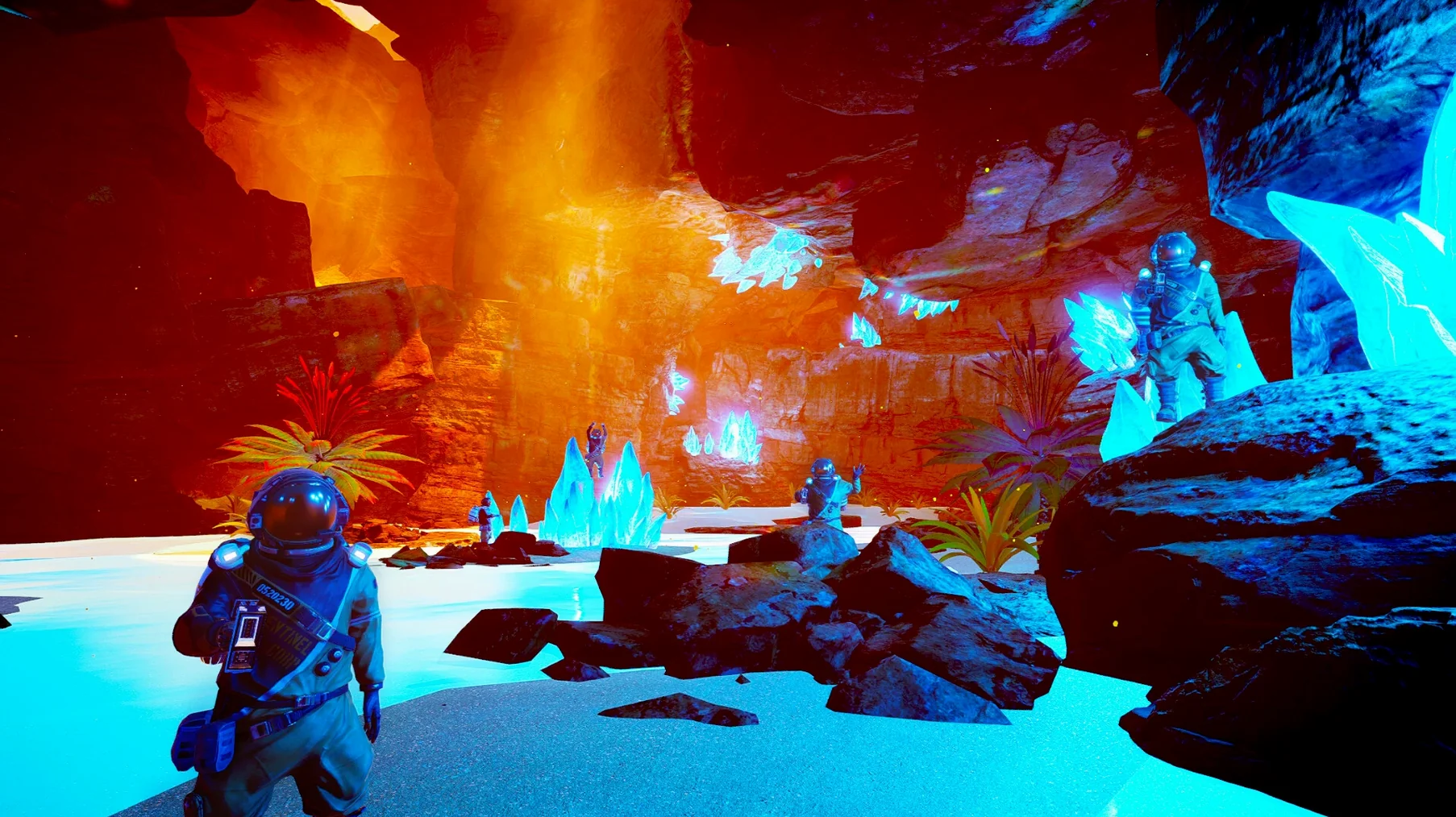
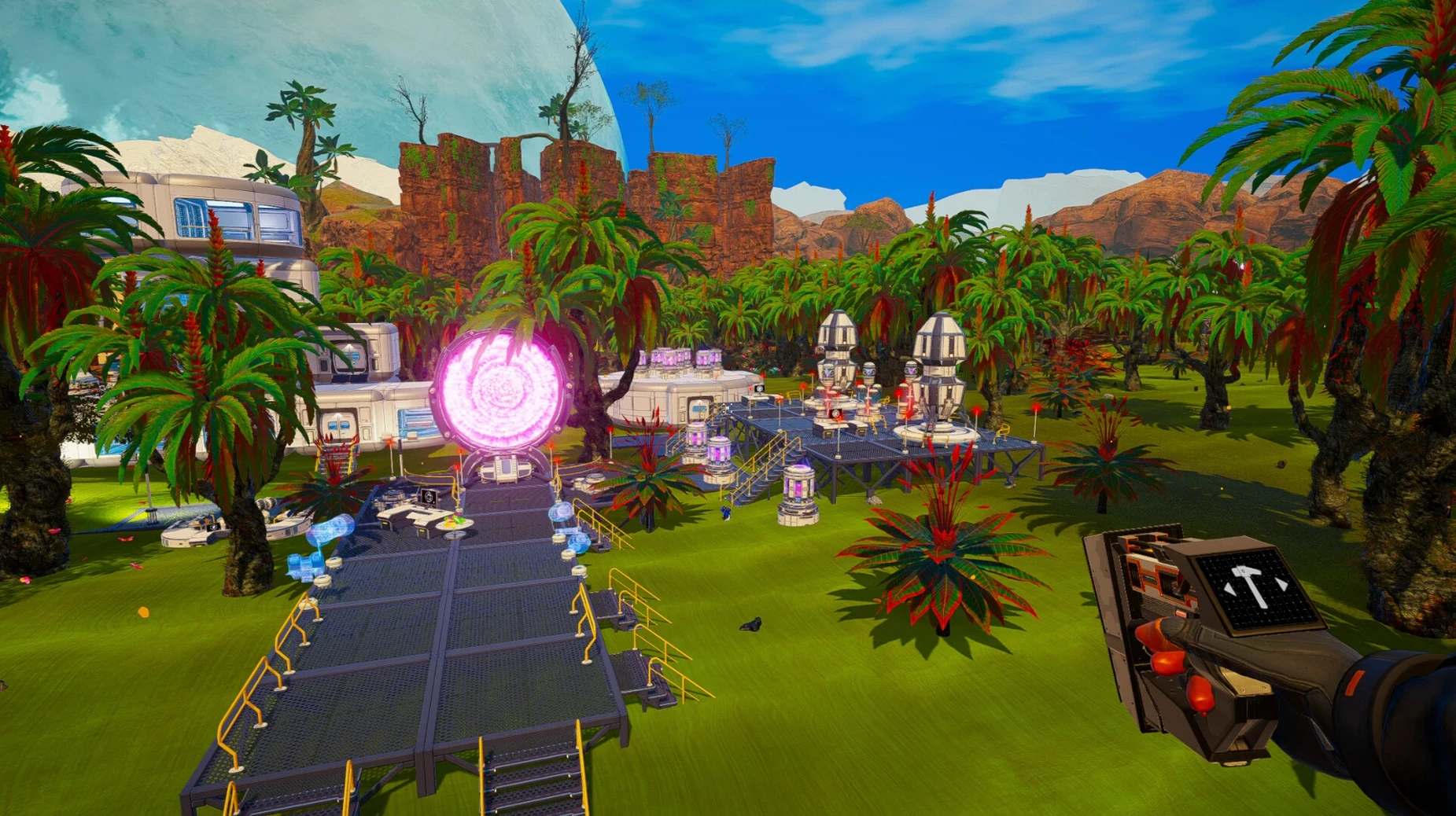
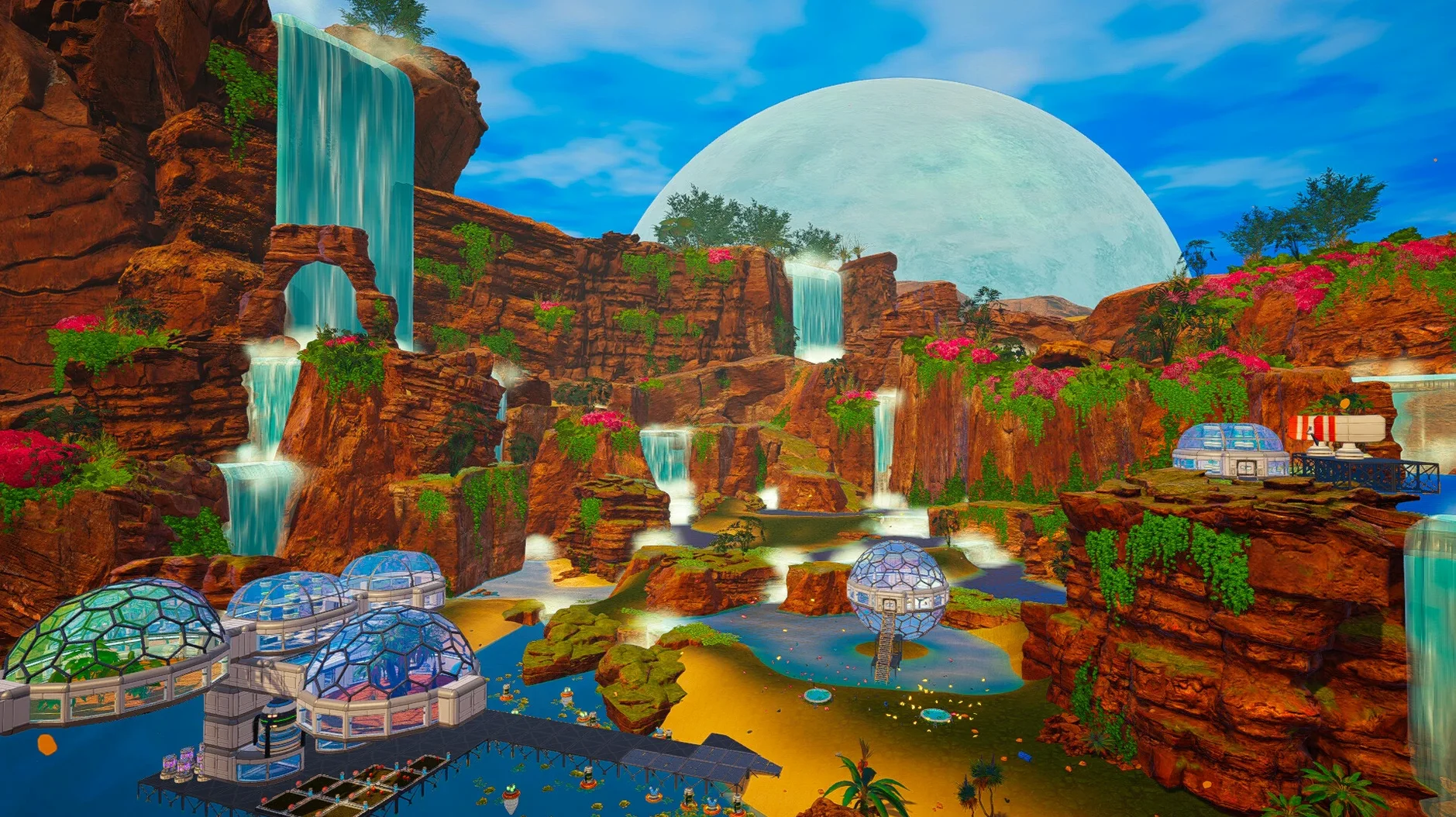
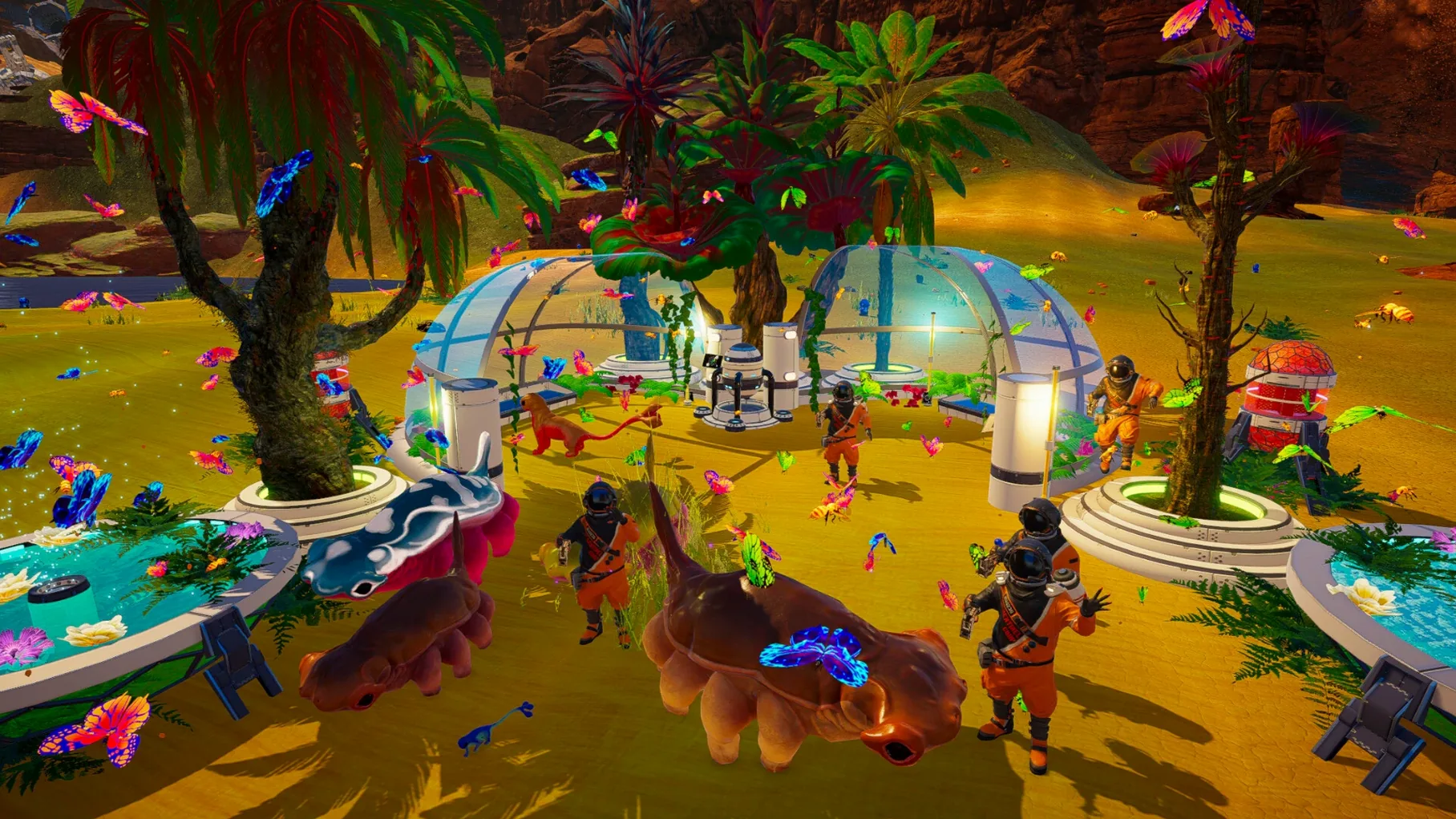
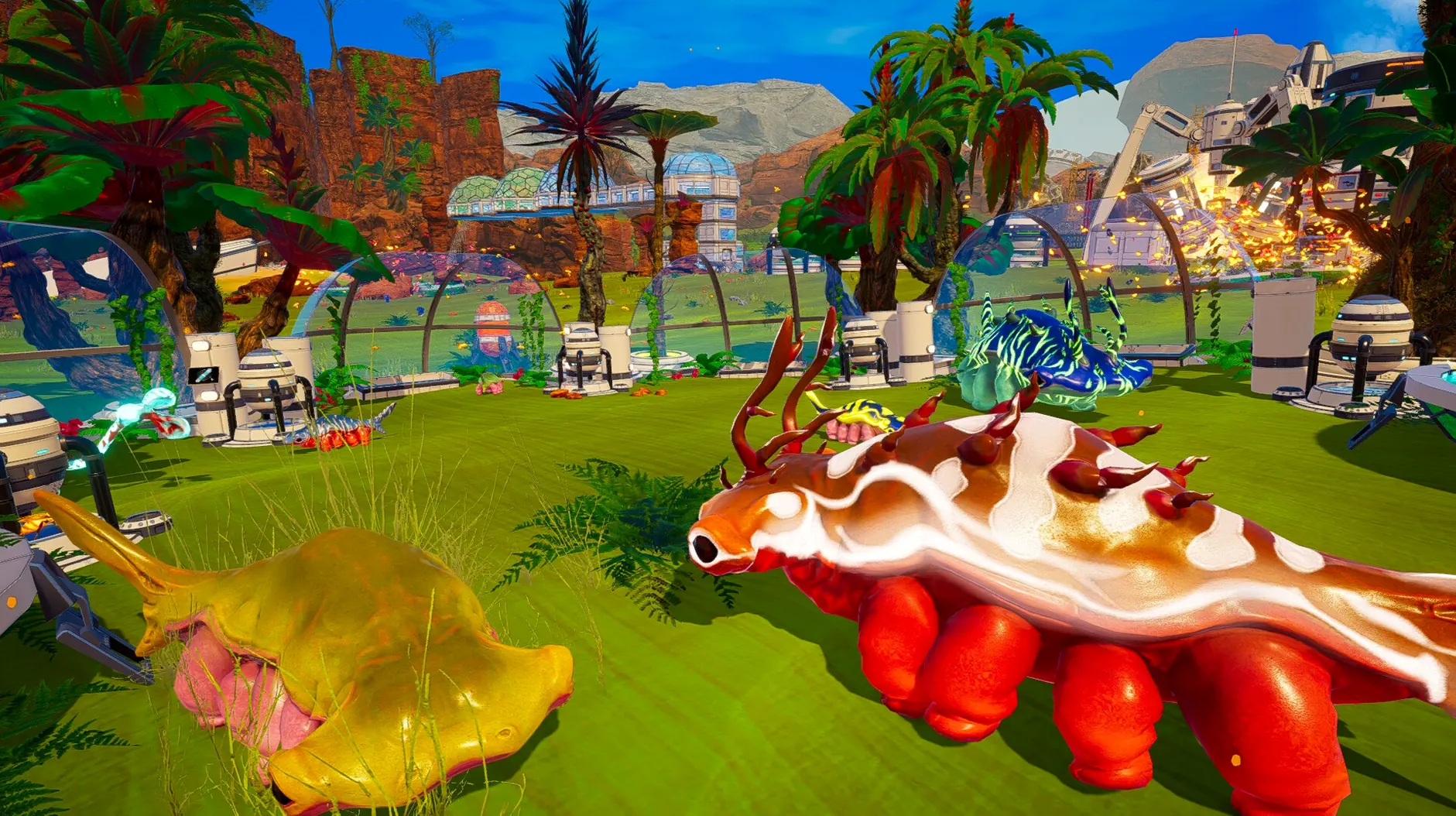
What is in the box is a full survival sandbox where you land on a barren planet and slowly reshape it. You keep an eye on thirst, oxygen, temperature, and health while you explore. Scavenge resources, build bases, and craft the equipment that lets you push further out. As your terraforming index climbs, the sky changes color, water appears, and plant life starts taking root. It feels less like a checklist and more like a place you are actually changing.
Ship wrecks are procedurally generated, so you never quite know what you will find when you spot a wreck on the horizon. There is also a creative mode if you want to build without the survival pressure, plus difficulty options that go from minimal all the way to hardcore. The game ships with English voice acting, and you can switch the interface to Russian, German, Spanish, French, Japanese, Korean, Polish, Portuguese, or Simplified Chinese in the settings.
The save files live inside the app bundle, which is worth knowing if you ever need to back things up. If the game throws an error on first launch, run the Fix file included on the disk image and that usually sorts it out.
Skip predators, just terraform
If you have played Subnautica, the rhythm will feel familiar — alone on an alien world, scanning wreckage, slowly turning a hostile environment into something livable. The difference is The Planet Crafter skips the predators and horror beats. Nobody is hunting you. The tension comes from running out of oxygen three ridges away from your base, not from what lurks in the dark.
Astroneer shares the terraforming theme, but it leans harder into co-op engineering and stylized visuals. The Planet Crafter is quieter and more methodical. You spend more time watching numbers climb — oxygen parts per million, millikelvins of heat — and less time reshaping terrain by hand. It scratches a different itch, closer to an idle progression game wrapped in a survival shell.
Against Satisfactory, it is no contest on factory complexity. The Planet Crafter does not do conveyor belts or efficiency ratios. What it does instead is make the planet itself your project. You are not building a factory — you are building an atmosphere.
Watch the index, not your iron stash
Most new players ignore the terraforming index screen for the first few hours. They treat it like background flavor while they hoard iron and build bigger rooms. In practice, the index tells you exactly which resource to chase next. If heat is lagging, more drills will not move the needle — you need heaters, and you need them spread out.
Another common stumble is building everything in one tight cluster. It feels safe, but later you unlock machines that work best with open sky above them and plenty of distance from other structures. Spreading out early saves a headache later.
Finally, people treat food like an afterthought until the hunger warning flashes. By then crops take real time to grow. Getting a couple of food growers running before you actually need them means you explore without that annoying countdown in the corner of the screen. Bottom line: watch the numbers, give your machines room, and plant early.
- Architecture: Apple Silicon
Questions I actually get
Can I change the language in The Planet Crafter?
Yes. The interface supports nine languages including Russian, German, Spanish, and Simplified Chinese. You change it in the game settings. English is the only spoken language.
What should I do if the game shows an error when I launch it?
Run the Fix file that is included on the downloaded disk image. That clears up the launch error on Apple Silicon Macs.
Notes from the tables 0
Sign in or pull up a chair to leave a note.
No notes on this one yet. They go up after I read them.
More from the Games page
The whole page Games 2.6 GB
The Sims 4
1.127.41.1030
Games 2.6 GB
The Sims 4
1.127.41.1030
 Games 78 GB
The Farmer Was Replaced
2026.04.21
Games 78 GB
The Farmer Was Replaced
2026.04.21
 Games 100 MB
Timberborn
1.1.2.4.52e959e.gm
Games 100 MB
Timberborn
1.1.2.4.52e959e.gm
 Games 1.1 GB
The End of the Sun
2.0.2
Games 1.1 GB
The End of the Sun
2.0.2
 Games 5.8 GB
The Elder Scrolls III: Morrowind
1.6.18.20
Games 5.8 GB
The Elder Scrolls III: Morrowind
1.6.18.20
 Games 2.4 GB
Tiny Bunny
2026.05.12
Games 2.4 GB
Tiny Bunny
2026.05.12
 Games 6.1 GB
Tomb Raider: GOTY
1.2
Games 6.1 GB
Tomb Raider: GOTY
1.2
 Games 17 GB