
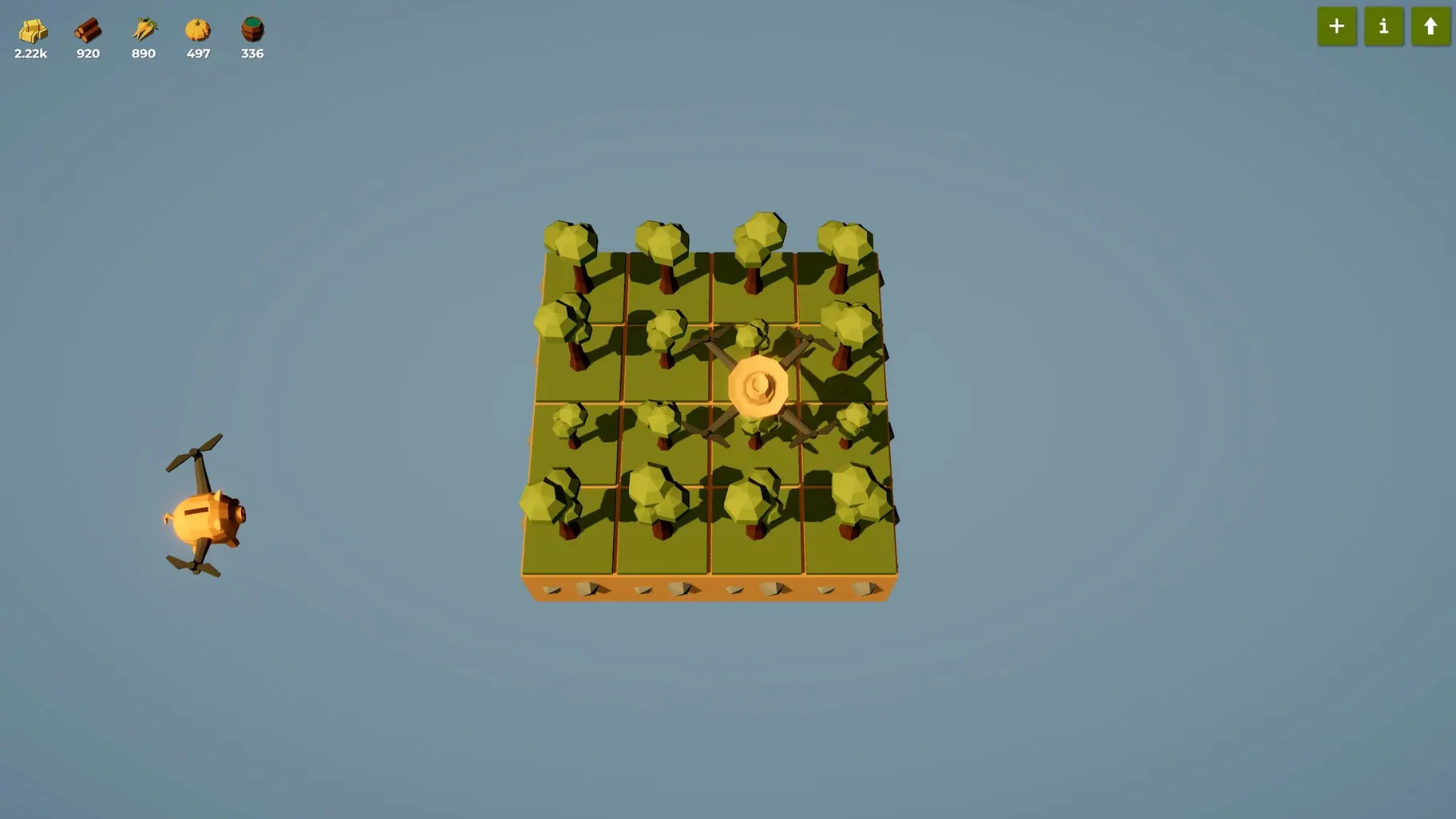
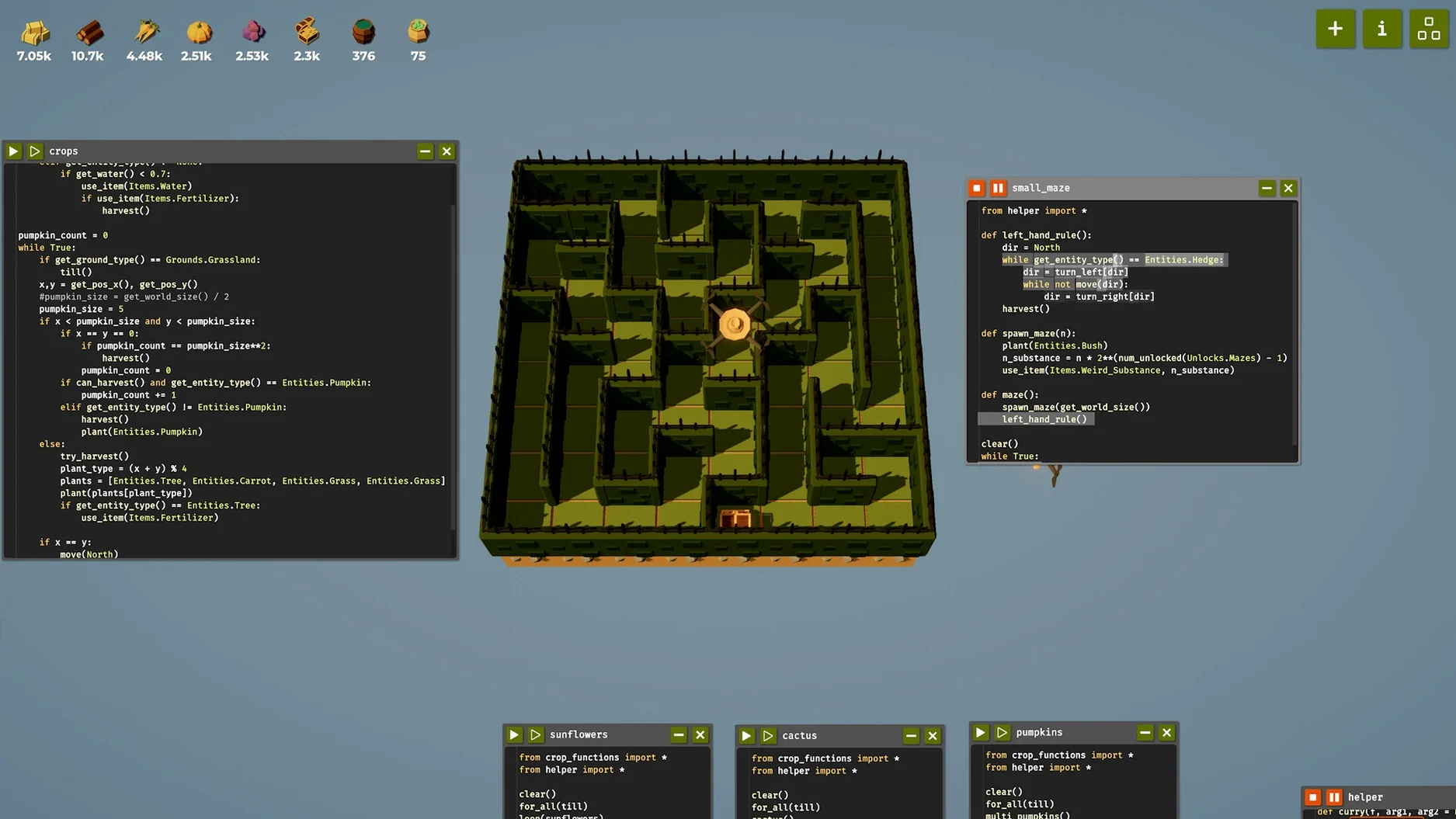
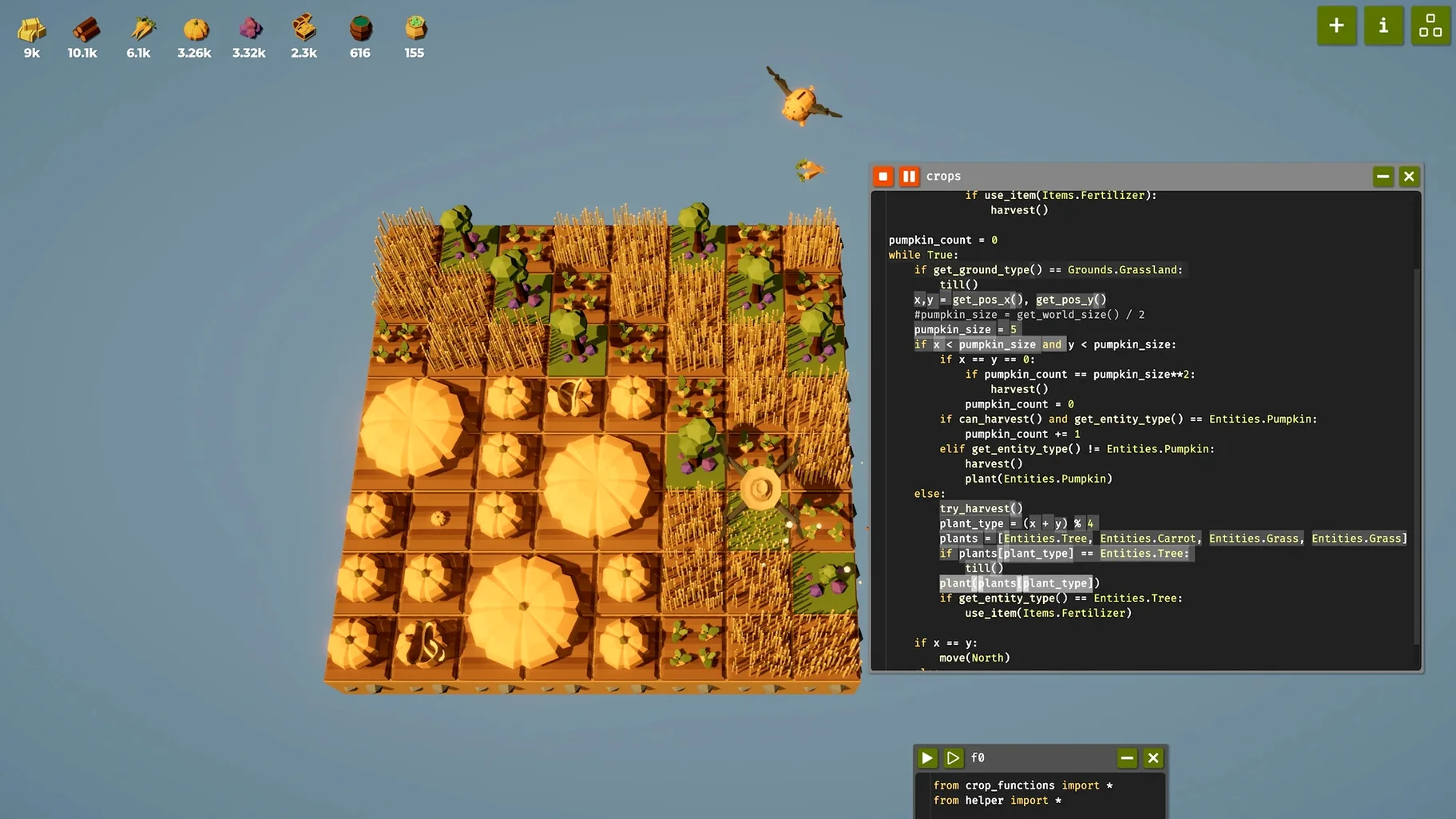
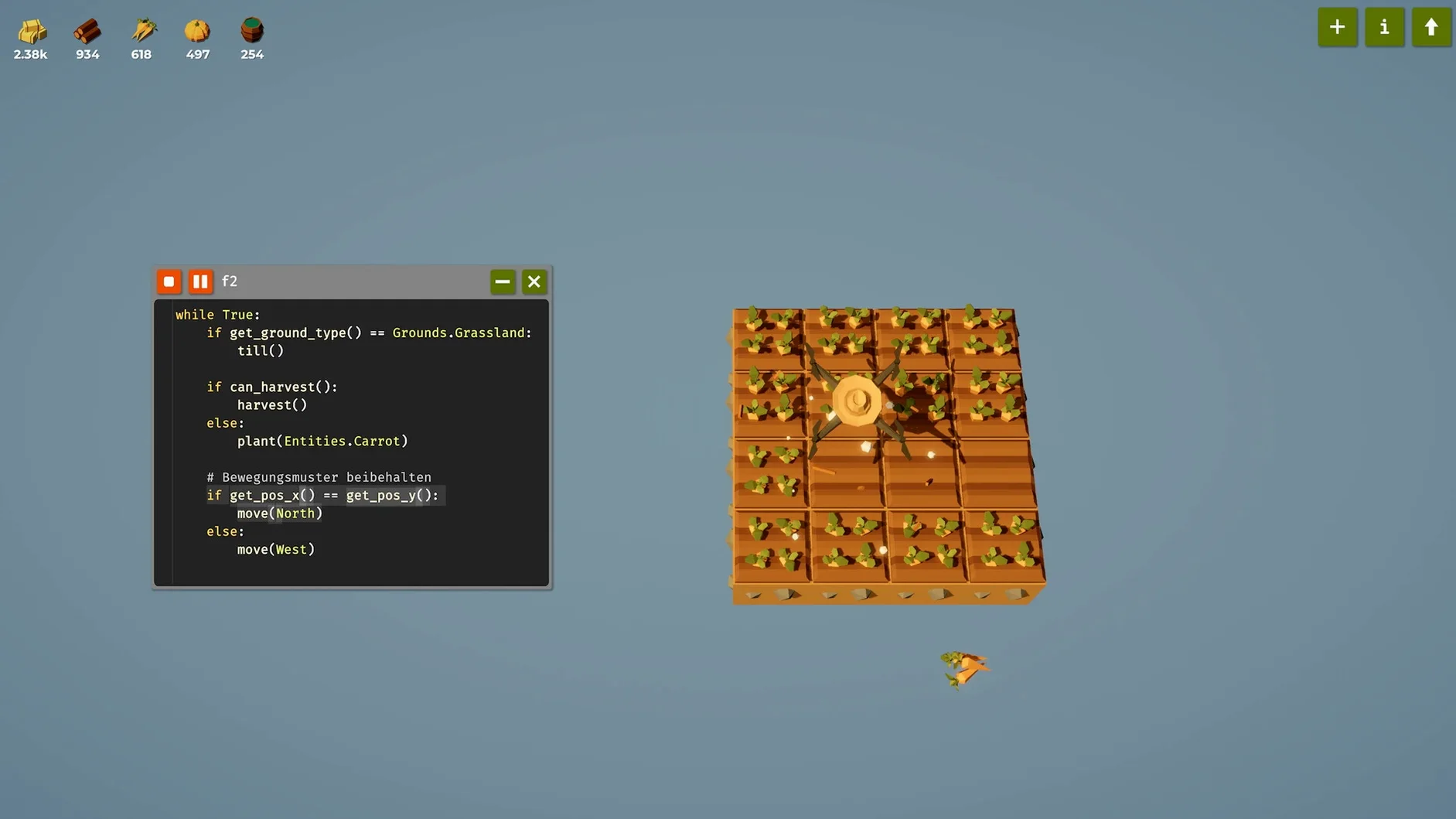
The jump to version 1.0 wasn't just a number change. It brought in multiple drones working at once, a completely reworked unlock tree, and a full sound overhaul that makes the whole place feel alive. You hear your little machines whirring around now, and there's a new music track to zone out to while you stare at a blinking cursor.
| Quick look | |
|---|---|
| Developer | Timon Herzog |
| Current version | 2026.04.21 |
| Languages | 11, including English, German, Japanese |
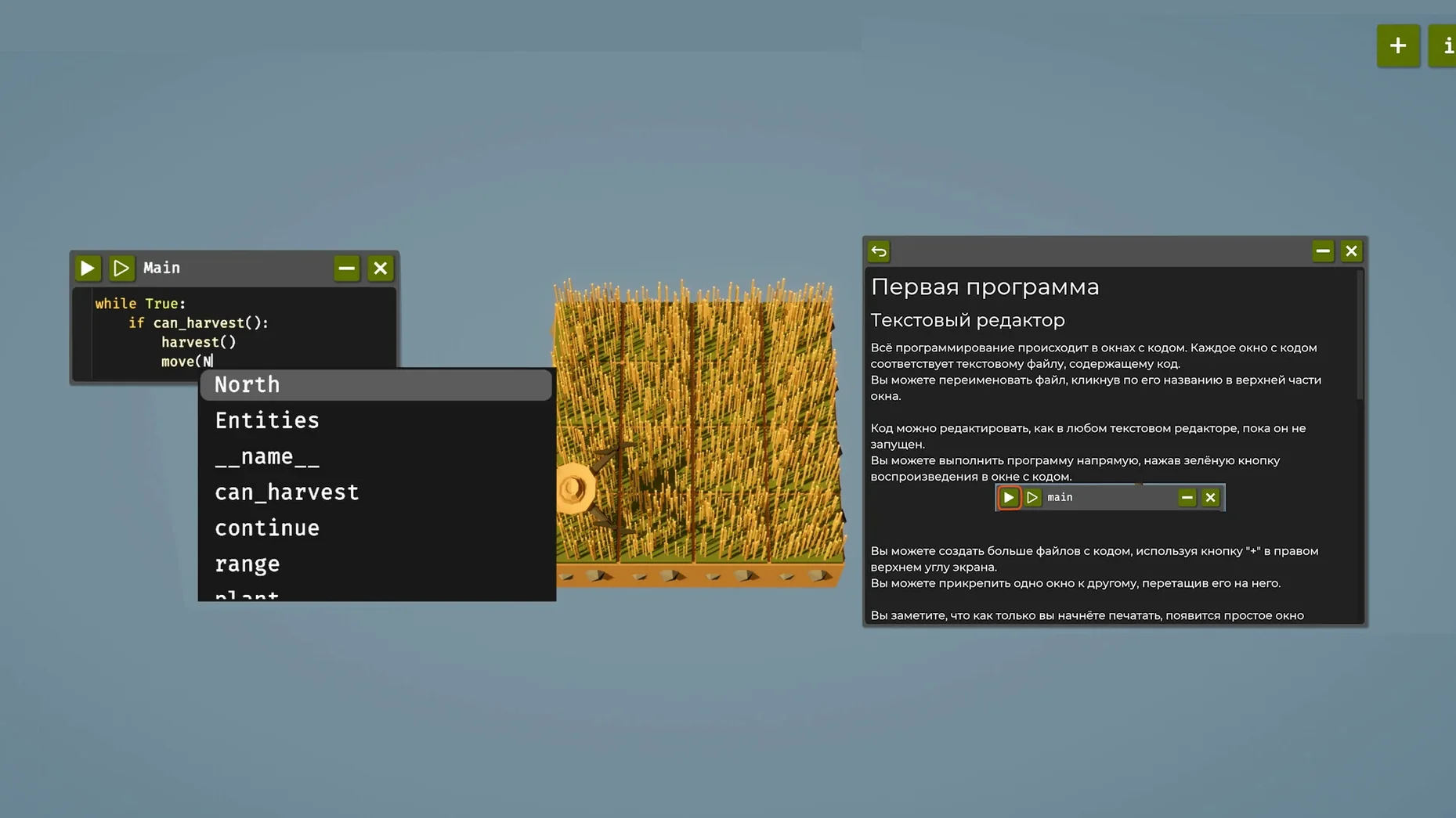
You start with a patch of dirt and a single drone. The game doesn't hold your hand — there are no tutorials popping up, just a code window and a problem. You type out instructions in a language that feels a lot like Python, telling the drone to plant seeds, water crops, or harvest. Hit run, and you watch your little helper buzz across the field. When it crashes into a fence because you told it to move left instead of right, you open the editor back up and fix the logic. That's the loop. Unlock a second drone and suddenly you're coordinating two actors on the same field, making sure they don't bump heads while splitting the workload. It's a persistent farm, so your code keeps working even when you're offline, and the .py files you write are saved right to your drive.
Assuming the drone reads your mind
Treating the drone like a smart assistant instead of a dumb but fast worker. It does exactly what you type — nothing more. If you forget to reset a variable before a loop, crops get watered twice and you burn through resources. Another classic: writing one giant block of code for everything. Break it into small functions early, even if it feels overkill for three rows of carrots. Your future self will thank you when you're managing six drones and a maze of irrigation.
- Skipping the File Watcher. Turn it on in settings, then edit in VS Code or your favorite editor. The game picks up changes instantly — no copy-paste dance.
- Hoarding resources. Unlock stuff. Sitting on a pile of hay doesn't help when a new drone would triple your output.
Spotlight already sees your harvest scripts
The game writes plain .py files to a folder on your Mac. That means Spotlight finds your farm scripts, and Time Machine backs them up without you thinking about it. Some players keep a second monitor with Terminal open, running their own little test harnesses alongside the game window. Others pipe the game's save folder into a Git repository so they can roll back when an "optimization" turns the wheat field into a parking lot. Nothing about the setup is required — it just works with whatever you already use.
If you've been looking to download the farmer was replaced for mac and you're coming from a coding background, the real joy is how naturally it slots into a real editor workflow. The game doesn't fight you on it.
Questions I actually get
Do I need to know Python to play?
Not at all. The game uses a simple, made-up language that looks like Python, and you figure it out as you go without any hand-holding.
Is the game split into levels?
No, it's one persistent farm where your automation keeps running and evolving — there aren't separate stages to move between.
Notes from the tables 0
Sign in or pull up a chair to leave a note.
No notes on this one yet. They go up after I read them.
More from the Games page
The whole page Games 5.8 GB
The Last Plague: Blight
0.12.7
Games 5.8 GB
The Last Plague: Blight
0.12.7
 Games 2.6 GB
The Planet Crafter
1.618
Games 2.6 GB
The Planet Crafter
1.618
 Games 3.7 GB
The Elder Scrolls III: Morrowind
1.6.18.20
Games 3.7 GB
The Elder Scrolls III: Morrowind
1.6.18.20
 Games 2.4 GB
The Sims 4
1.127.41.1030
Games 2.4 GB
The Sims 4
1.127.41.1030
 Games 78 GB
Timberborn
1.1.2.4.52e959e.gm
Games 78 GB
Timberborn
1.1.2.4.52e959e.gm
 Games 1.1 GB
Tiny Bunny
2026.05.12
Games 1.1 GB
Tiny Bunny
2026.05.12
 Games 6.1 GB
Terminator 2D: NO FATE
2026.07.03
Games 6.1 GB
Terminator 2D: NO FATE
2026.07.03
 Games 563 MB