
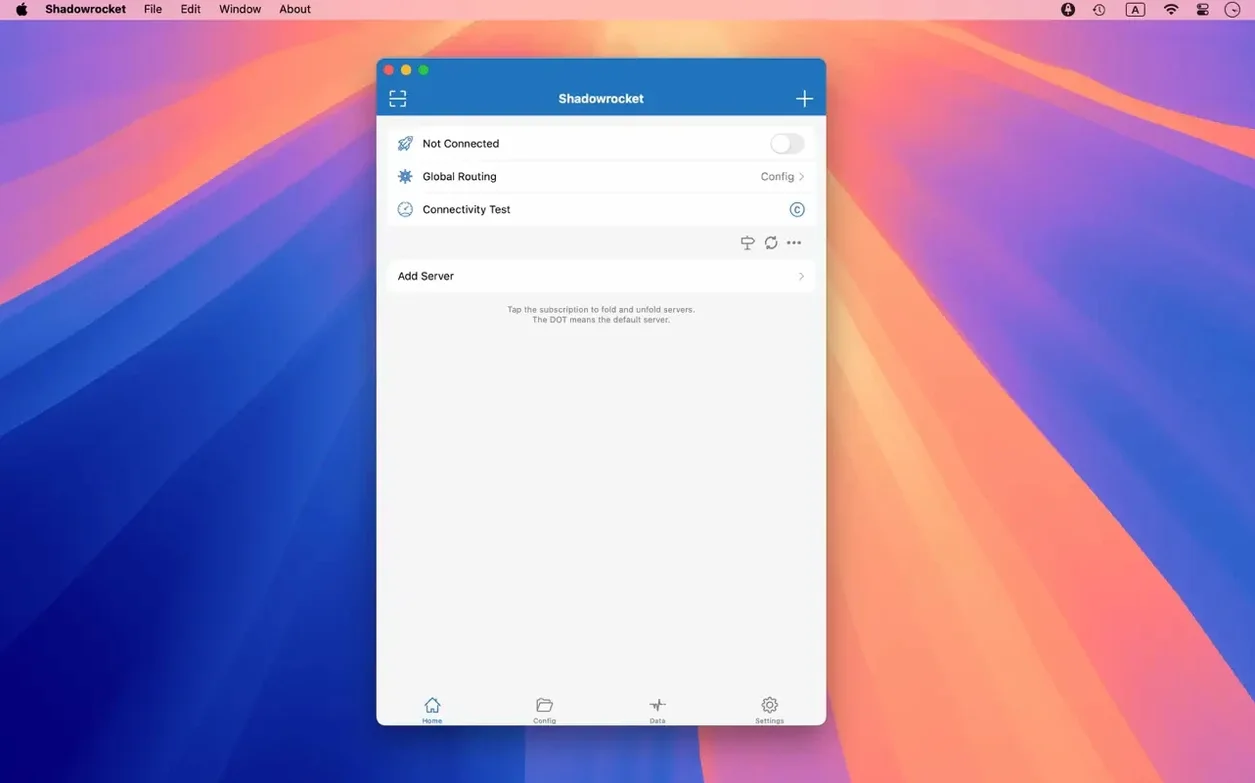
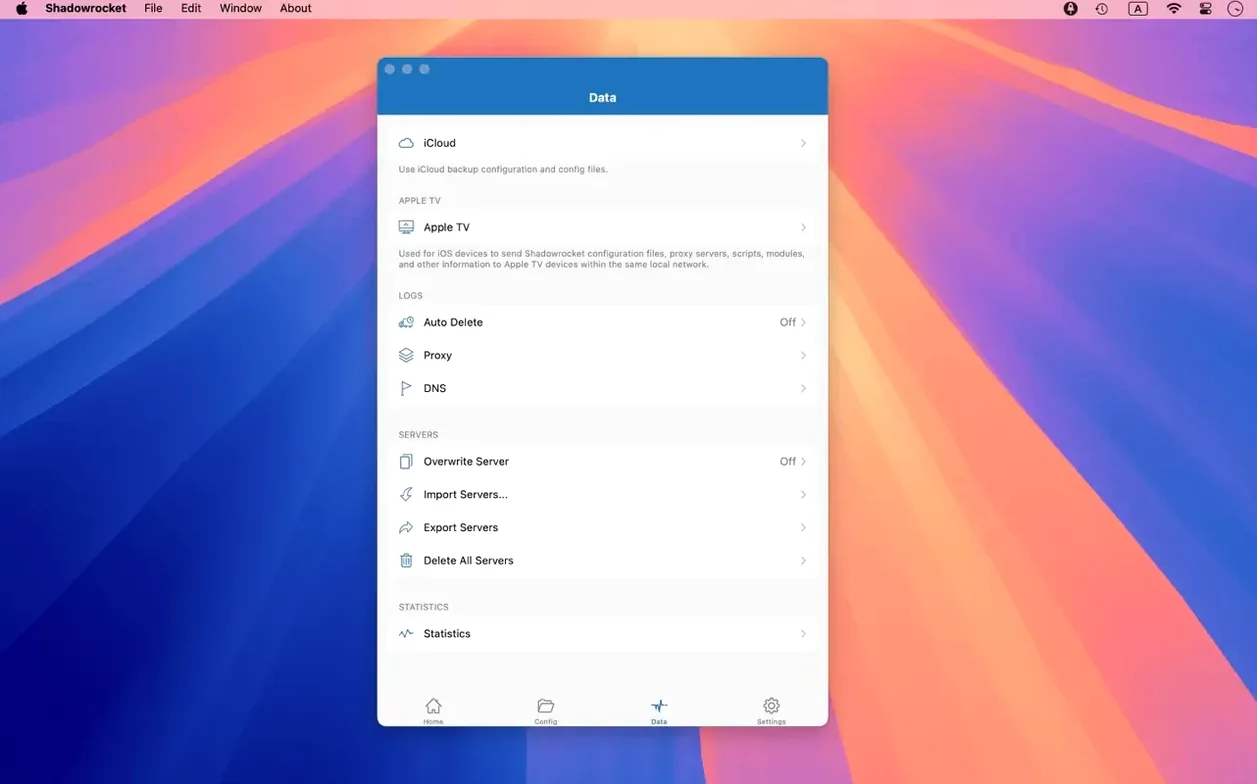
If you've ever used a VPN, Shadowrocket is a different animal—it's a proxy client that lets you write the rules for how your Mac's traffic gets routed.
First things to set up
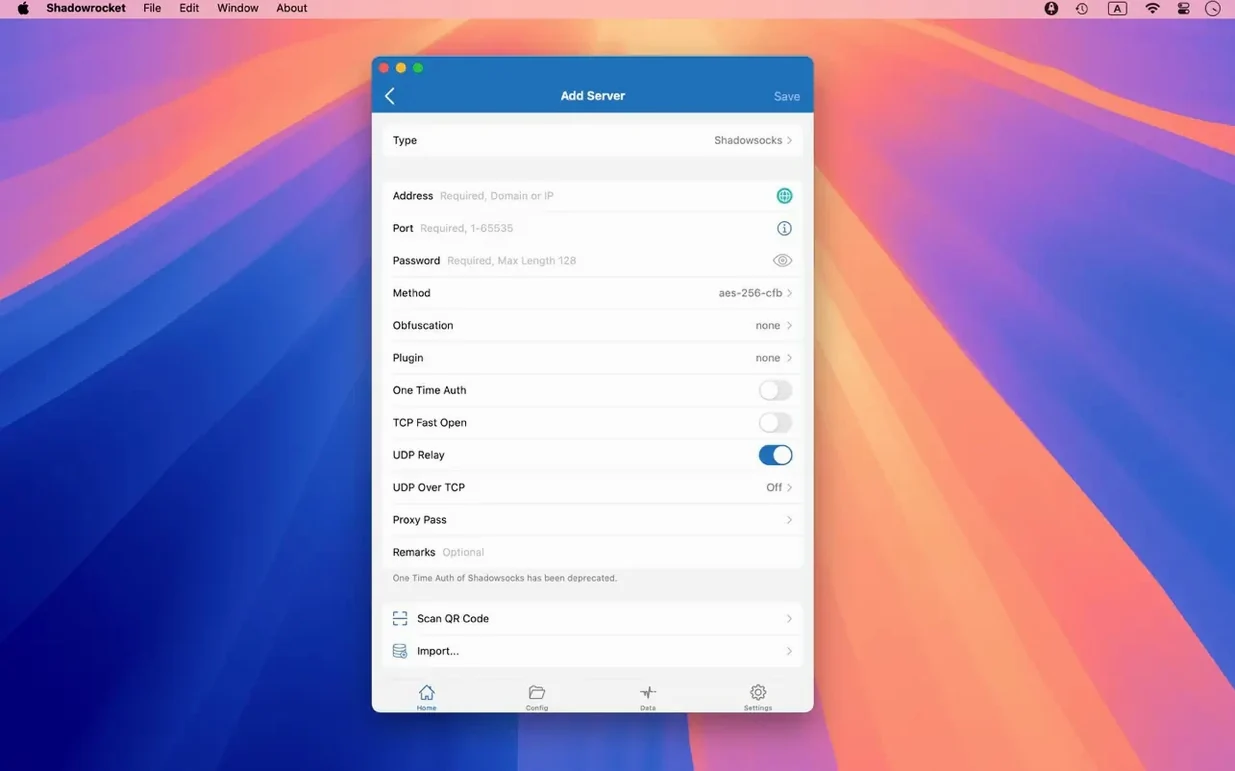
Proxy — the server that carries your traffic. Shadowrocket speaks Shadowsocks, V2Ray, and SOCKS5. You bring a server address from your provider, tap it in, and the app does the rest.
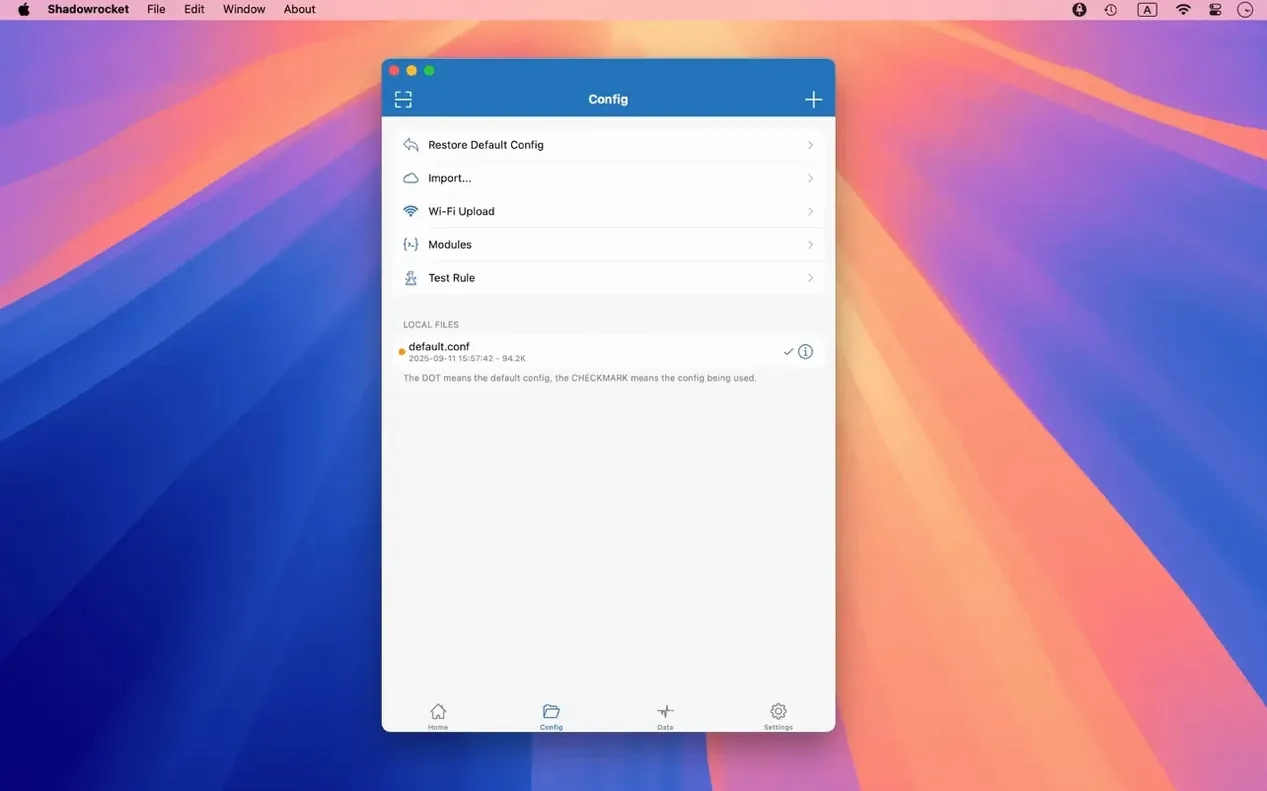
Rule — a line that says “send this through the proxy, leave that direct.” The real power is here. You can match by domain, domain suffix, keyword in the URL, CIDR IP range, or even GeoIP lookup. A newcomer should start simple: add a domain-suffix rule for a site that needs the proxy, and watch only that traffic get routed.
Script filter — a bit of code that decides routing on the fly. This is for later, but know it's there when a simple domain match isn't enough.
Plugin — extra transport layers like kcptun, cloak, gost, or v2ray. If your server needs one, you'll know. For your first test, keep it plain and skip plugins until the basics work.
Traffic meter — numbers for what's flowing where. The app can measure usage and speed on both your direct Wi‑Fi connection and through the proxy. Good for checking that your rule is actually catching traffic.
How Shadowrocket fits with other Mac apps
Shadowrocket doesn't sit in a corner by itself. It catches traffic from your browser, your mail client, your terminal, anything that speaks HTTP, HTTPS, or plain TCP. You don't configure each app separately. You tell Shadowrocket the rules once, and it decides what goes where.
A few things that work well together:
- Terminal and SSH. Some servers only accept connections from certain IP ranges. A rule that routes your VPS provider's IP block through the right proxy keeps your sessions from getting dropped.
- Mail.app and other native clients. They don't have their own proxy settings half the time. Shadowrocket intercepts their traffic without the app knowing anything changed.
- iCloud Drive. You can drop a rule file there on your phone, and your Mac picks it up. Same rules, two devices, no manual syncing.
- Safari and Chrome. Both get routed the same way. You don't juggle extension settings or per-browser proxy configs.
macOS system features don't fight it either. The menu bar icon shows connection status at a glance, and the app respects Dark Mode without you lifting a finger. If you use Focus modes or network locations, Shadowrocket keeps working across them all—it's just another layer in the stack.
A real workflow: routing one domain while leaving everything else alone
Say you need to reach a development server that only accepts connections from a specific country, but you don't want your whole Mac slowed down by routing Spotify and backups through the same proxy. Here's the step-by-step.
First, add your proxy server in the app. Give it a name that means something to you, like "Nuremberg VPS." Pick the protocol your provider uses, paste the address and port, and save it. Don't touch plugins yet.
Now head to the rules tab. Add a new rule, choose domain-suffix as the match type, and type the company domain of that dev server. Set the action to proxy. Pick "Nuremberg VPS" from your server list. That's one line.
Add a second rule above it. Match type GeoIP, country set to the one the server expects, action proxy, same server. This catches anything on that domain's infrastructure that uses a raw IP instead of a hostname.
Now add a final rule at the bottom: match type all, action direct. This is your safety net. Everything that didn't match an earlier rule goes straight to the internet with no proxy involved.
Turn the proxy on. Open a browser, visit the dev server. It loads. Open Apple Music, check your connection—it's direct, no proxy hop. The traffic meter confirms it: proxy traffic shows a few megabytes, direct traffic shows everything else.
Put the catch-all rule last, not first
Putting the final rule first. Shadowrocket checks rules top to bottom. If the first rule says "everything direct," nothing below it ever fires. Put your specific matches up top, your catch-all at the bottom.
Adding too many rules too early. Start with two or three. Test them. Watch the traffic log to confirm they're firing. A rule that matches nothing is just clutter—delete it until you actually need it.
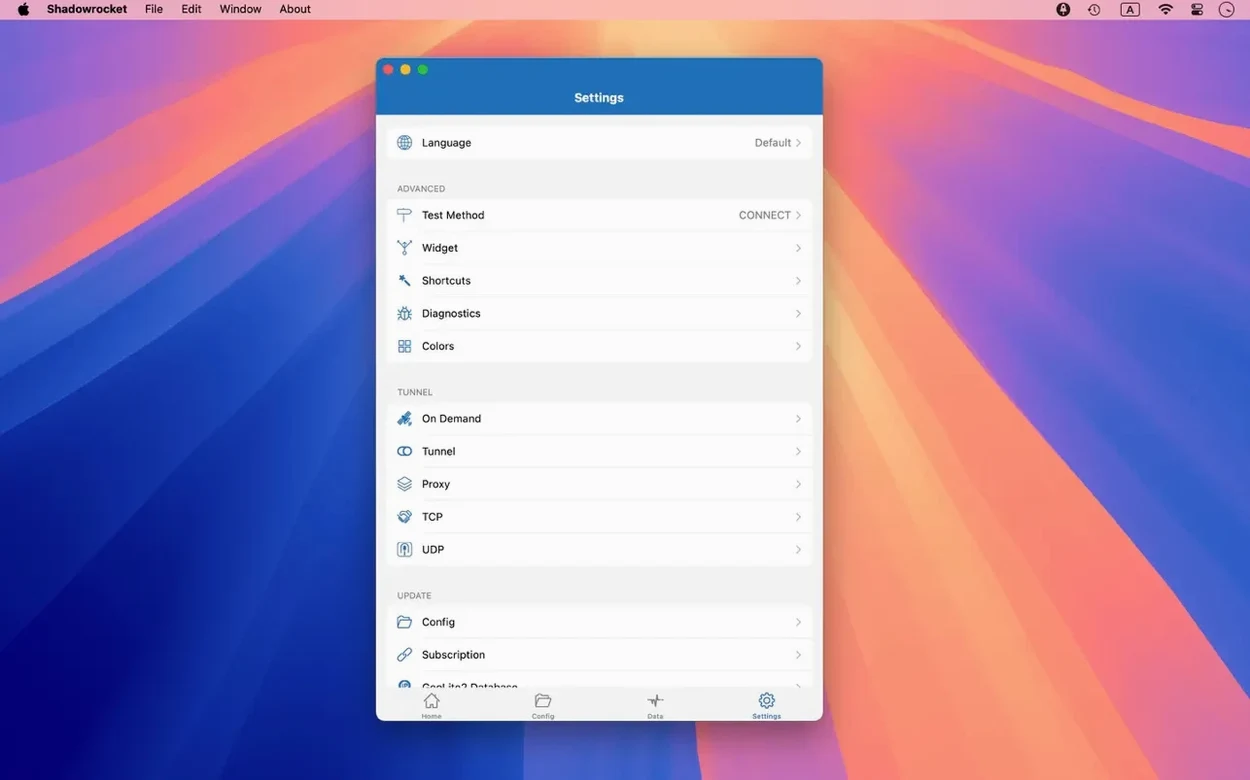
Skipping the DNS settings. If your proxy server is in another country but your Mac still uses your local ISP's DNS, you're leaking hostname lookups. Shadowrocket supports DNS over HTTPS, DNS over TLS, and DNS over QUIC right in the app. Point it at a resolver you trust.
Enabling HTTPS decryption without knowing why. The app can decrypt HTTPS traffic for inspection, but that's a troubleshooting tool, not an everyday setting. Turn it on when you need to see what a specific request is doing, then turn it off. Leaving it running adds overhead and complicates certificate trust on your Mac.
Ignoring the log view. The app records HTTP, HTTPS, and DNS requests as they happen. If a site isn't loading, the log shows you whether the request hit a rule, which server it went to, and what came back. It's faster than guessing.
A round of polish for the macOS interface. Bugs in the server tables, menu bar item, and Dock icon got fixed.
- macOS 10.15 or later
- Runs on Intel and Apple Silicon Macs
Questions I actually get
Can Shadowrocket decrypt HTTPS traffic on my Mac?
Yes, it can decrypt HTTPS traffic as part of its proxy handling, which helps with filtering and rule matching.
Notes from the tables 0
Sign in or pull up a chair to leave a note.
No notes on this one yet. They go up after I read them.