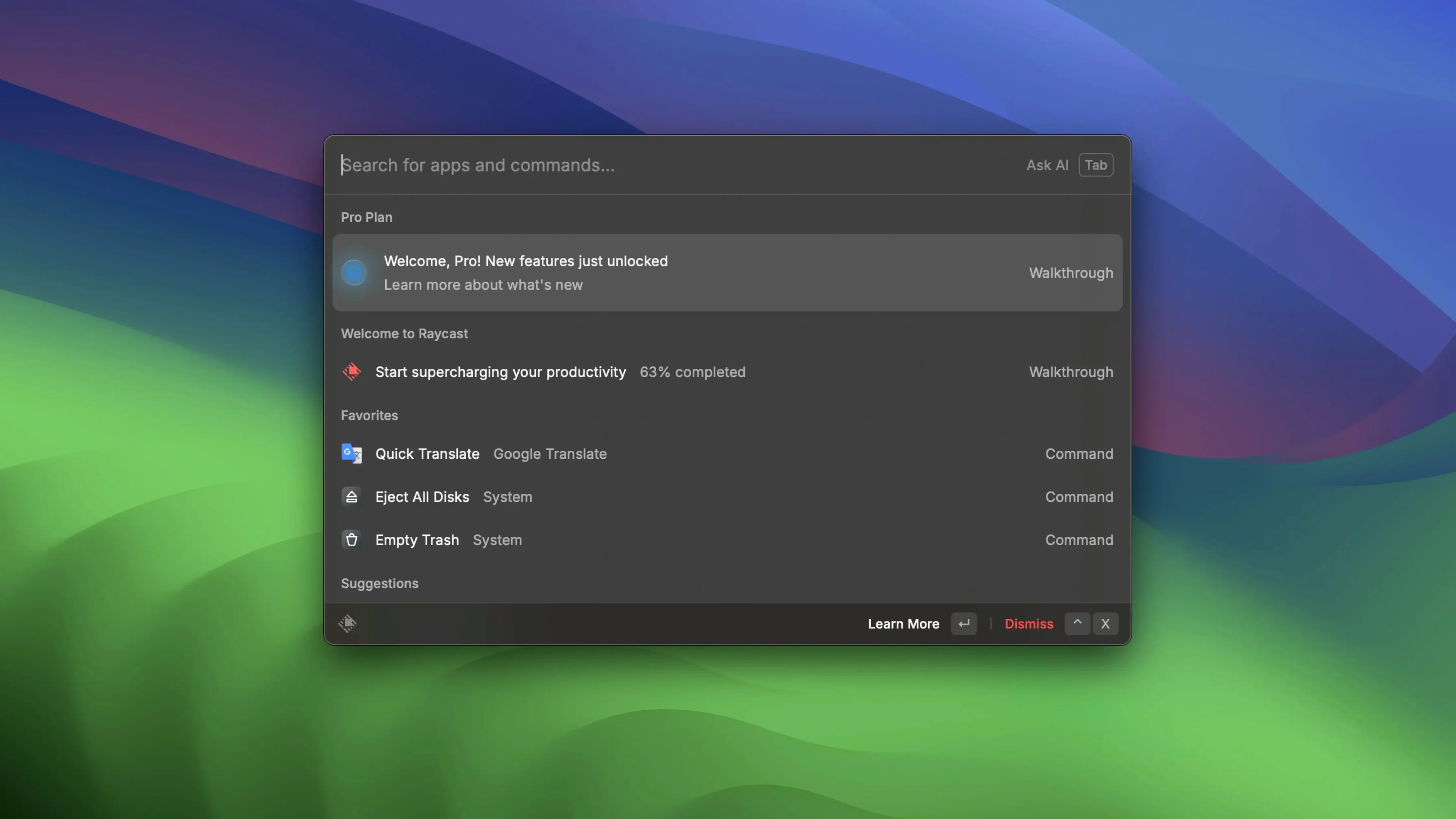
There are about 30 extensions loaded in my setup right now, and the whole thing still opens faster than I can move my hand from the keyboard to the mouse. Raycast is an extensible launcher for macOS — a command palette that lives behind a hotkey and lets you open apps, search files, run scripts, and connect to services without leaving the keyboard. You press Option+Space, type what you want, and hit Return. The app itself fades into the background.
| What it is | Who it's for |
|---|---|
| An extensible command palette that replaces Spotlight, app launchers, and a handful of menu-bar utilities | Anyone on macOS who would rather type two words than dig through folders or menus |
What makes it stick is how far the tentacles reach. Out of the box it searches local files, launches apps, and handles quick math. From there you bolt on what you need: Zoom integration for joining meetings without hunting for a link, custom script commands for repetitive chores, and quick links that open a chosen web page in your preferred browser. You build your own little command center one extension at a time. If you spend most of your day in front of a Mac and your fingers already know the keyboard, this is the kind of tool that quietly becomes muscle memory.
Calculator answers without an equals sign
Some of the best bits aren't listed on any feature page. The calculator, for instance — you just type a sum and the answer appears below it. Hit Return and it lands on your clipboard. No equals sign, no separate app, no thinking about it. Same goes for the clipboard history: if you've copied six things in the last hour, you can scroll through them without opening a manager. Just type what you remember and it surfaces the match.
A few other shortcuts I keep discovering months in:
- Type a file name and press Cmd+K to see every action you can take on it — open, show in Finder, copy path, share. The menu adapts to the file type.
- Drag a file from Finder onto the Raycast window and it offers to act on it immediately. Handy when your hands are already on the mouse.
- Floating notes stay on screen even when Raycast closes. Jot a phone number, keep it visible while you dial, then copy it or send it to Apple Notes in two keystrokes.
- Quick links aren't just bookmarks — you can assign a short alias, point it at a specific browser, and trigger it without opening a bookmarks bar or a new tab first.
None of these are flashy. They're the sort of things you don't notice until you sit down at someone else's Mac and suddenly everything feels sticky.
Fast enough to narrow results by your third keystroke
I've run Raycast alongside a dozen other apps for weeks at a stretch, and it rarely blips. The interface draws at the speed of a keystroke — by the time I've typed three letters, results are already narrowing. Launching an app or running a script feels instantaneous because the work is already done before you finish typing.
Memory use stays polite. With a moderate extension count — say twenty to thirty — the process sits comfortably under 300 MB. Earlier builds had a slow leak that crept up after days of uptime, but the current version holds steady even when I forget to restart for a week. CPU spikes are rare and brief, usually a half-second blip when an extension initializes. On an Apple Silicon machine the impact is invisible; on older Intel hardware the fans might spin for a second on first launch, then quiet down.
The thing I appreciate most is that Raycast never makes me wait. An app launcher that hesitates is worse than no launcher at all, and this one gets out of the way every single time. Even when I throw a messy query at it — half a file name, a typo, and a vague memory of which folder it was in — it sorts through the noise without stalling.
Raycast 2.5.1.0 just landed with the usual round of quiet bug fixes and general housekeeping under the hood.
- macOS 12 or later
- Apple Silicon and Intel 64-bit
Notes from the tables 0
Sign in or pull up a chair to leave a note.
No notes on this one yet. They go up after I read them.