

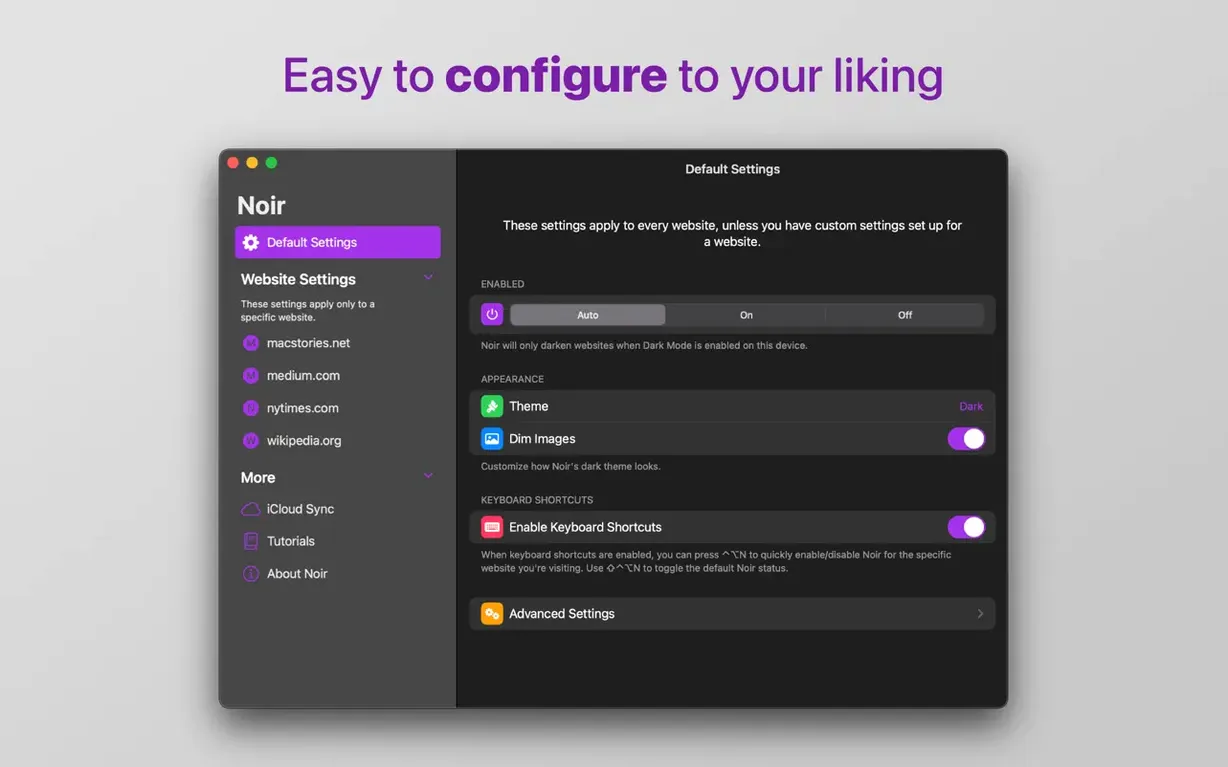
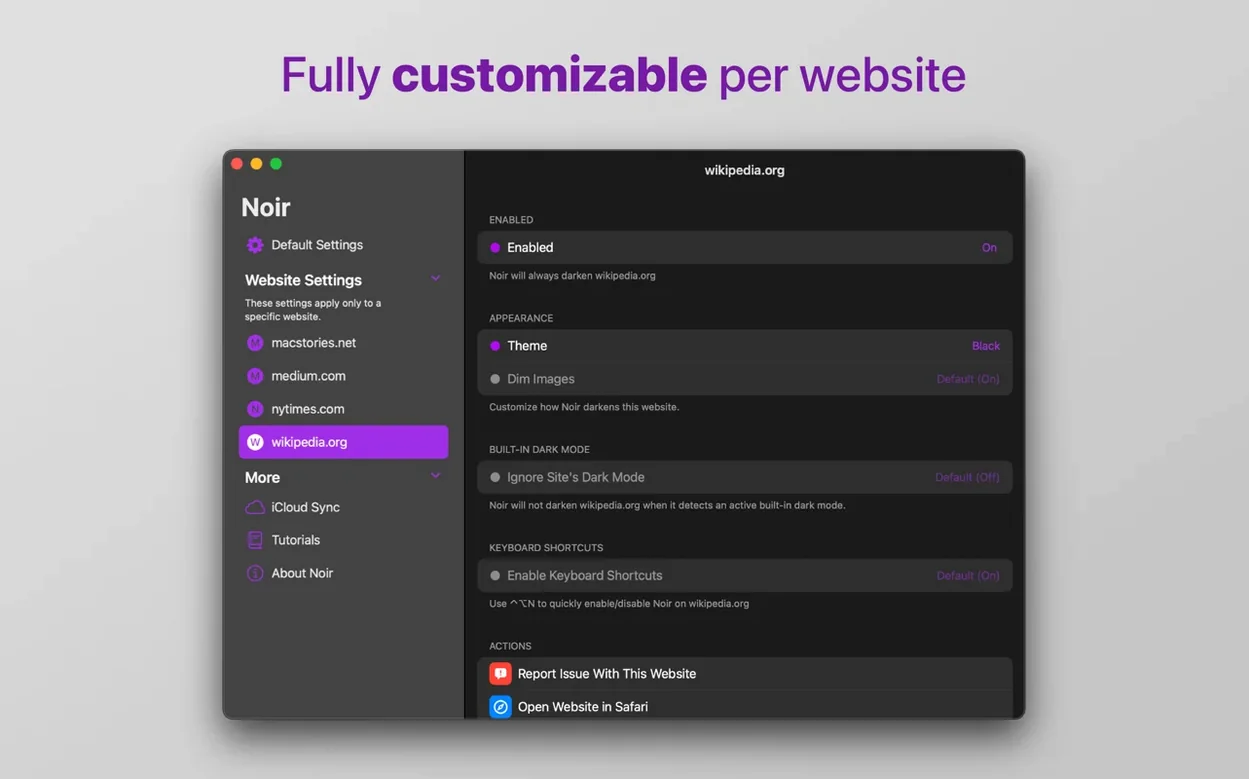
Page-specific toggling is the feature I reach for most. Sometimes a site already has a beautiful built-in dark theme, and layering Noir's stylesheet on top makes things look odd — muddy text, double-inverted images. So you flip Noir off for that domain and it remembers. You can also flip the logic and run Noir only on a handful of sites you choose, leaving the rest of the web alone. Either way, it takes two clicks and sticks.
The features that do the actual work
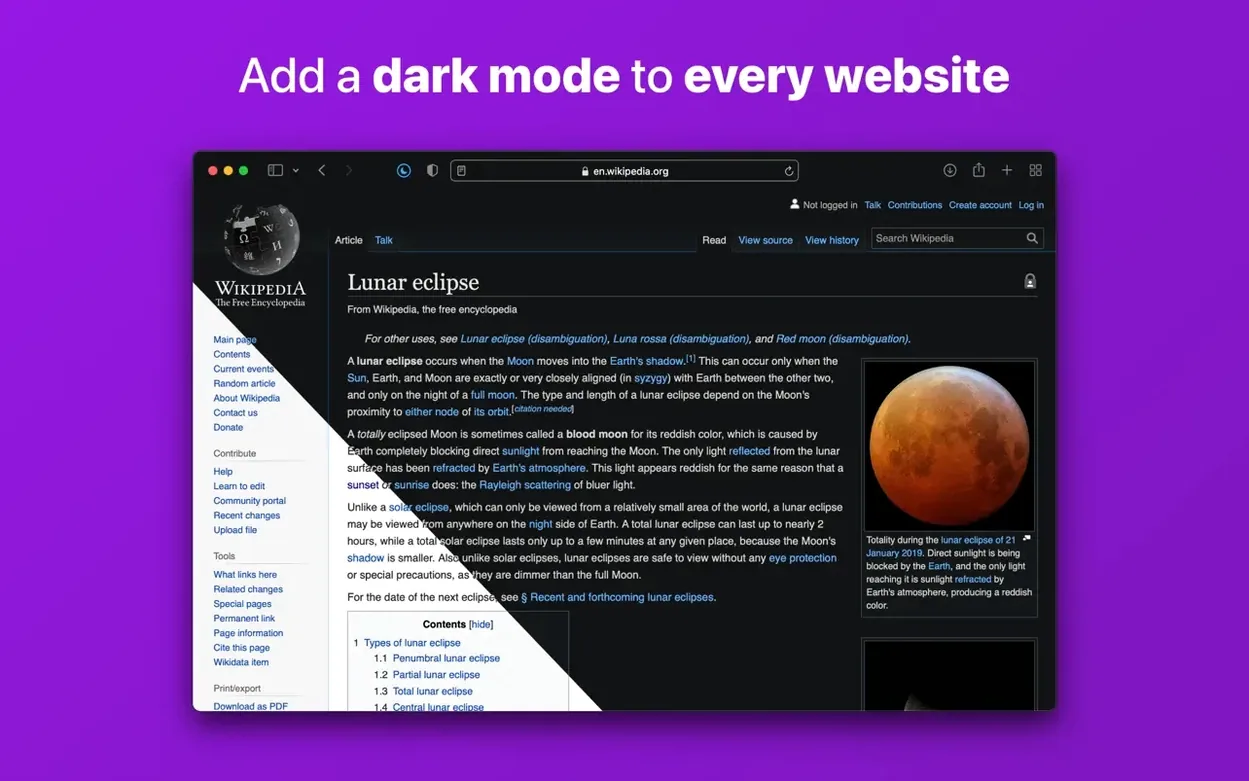
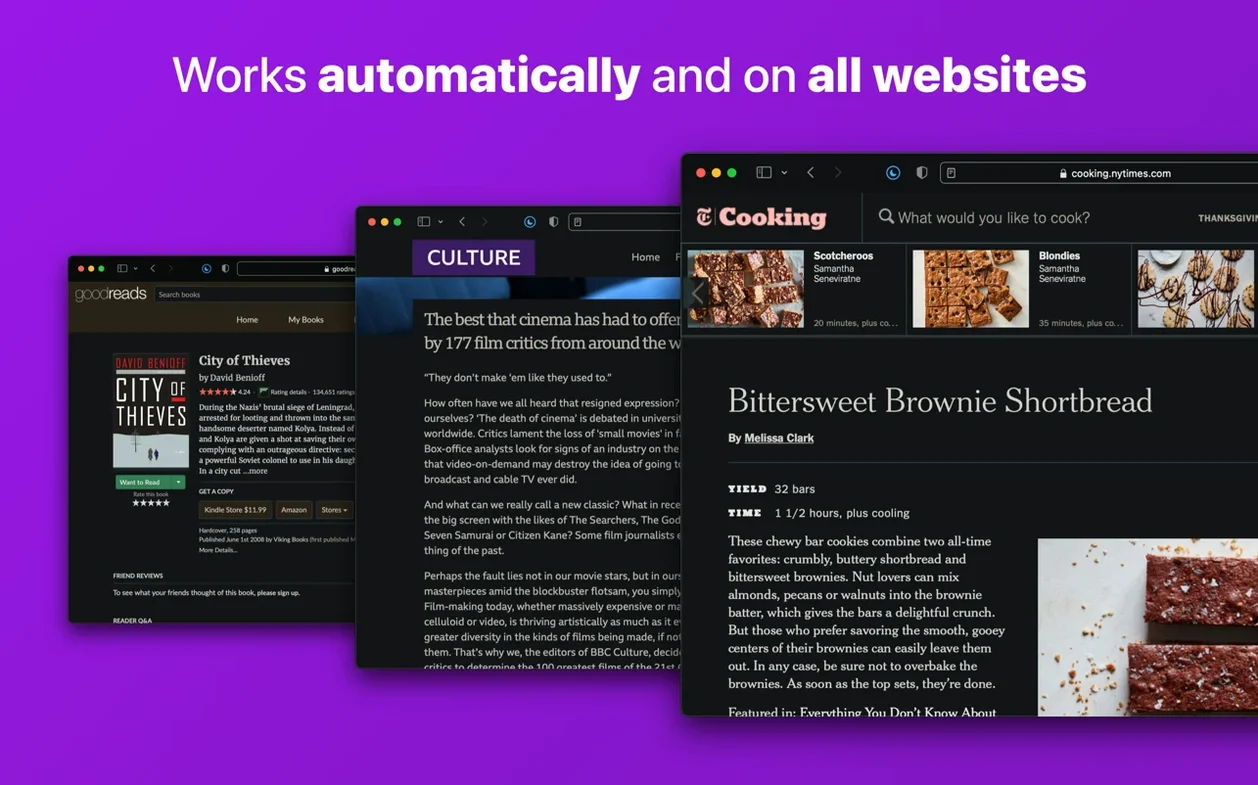
- Automatic everywhere — turns on dark mode for any site opened in Safari, no button-pressing required.
- Shortcuts integration — tie Noir into automations. Toggle dark mode when a Focus mode kicks in, or switch it off when you open a certain tab group.
- No data collection — the extension processes the page styling right on your Mac. Nothing phones home, nothing gets logged.
Late-night pages become readable before you notice
You install it once and mostly forget it's there. Late at night, you open a reference page that hasn't been updated since 2014 — blinding white background, tiny gray text — and it's already comfortable to read. No squinting, no hunting for a toggle. That's the whole job. Bottom line: it's a quiet utility that handles one thing completely, the way a good kitchen timer just counts down and beeps.
Judging it by one inverted hero image
The biggest one I see: people install Noir, open a site, and immediately judge it by a single page that looks a little off. A news site might have a hero image that gets inverted into something surreal, or a form field that turns dark gray on black. They assume the extension is broken and uninstall it. What they missed is the per-site toggle — two clicks and that domain is excluded forever. The tool isn't meant to be perfect on everything out of the box; it's meant to be adjustable.
Another common stumble is stacking Noir on top of a site that already ships its own dark mode. Safari respects the site's preference first, then Noir's stylesheet layers over it. You end up with double-processed colors that look washed out or strangely tinted. The fix is simple: disable Noir for that domain. If you browse a lot of developer blogs or modern web apps that already respect the system appearance, running Noir in "only on these sites" mode saves you from constant tweaking.
A late-night researcher's workflow
Picture a grad student pulling together sources at midnight. She has fifteen Safari tabs open — half are old university pages with zero styling updates since the Obama administration, a few are modern journal sites with proper dark themes, and two are Google Docs that she's editing live. Noir handles the crusty old pages automatically while she works. For the journals, she's toggled Noir off — their native dark mode already matches her Mac's night-shift tone. The Google Docs stay untouched because she added them to the disabled list weeks ago, after noticing that Noir made her highlighted text hard to read. She never opens Noir's settings panel anymore; the per-site decisions are baked in and synced through iCloud to her MacBook for morning editing sessions. It just works quietly in the background, exactly like a dark-mode extension should.
- macOS 12 or later
- Apple Silicon or Intel 64-bit Mac
Questions I actually get
Can I turn Noir off for specific websites?
Yes, you can disable Noir on selected sites, or set it to run only on specific sites while leaving everything else alone.
Does Noir collect my browsing data?
No, Noir does not collect any browsing data. All the processing happens locally on your Mac.
Notes from the tables 0
Sign in or pull up a chair to leave a note.
No notes on this one yet. They go up after I read them.
More from the Mac Apps page
The whole page Mac Apps Updated 36 MB
NotchBox
1.1.71
Mac Apps Updated 36 MB
NotchBox
1.1.71
 Mac Apps Updated 7 MB
NotchNook
1.6.2
Mac Apps Updated 7 MB
NotchNook
1.6.2
 Mac Apps 41 MB
Nik Collection
9.0
Mac Apps 41 MB
Nik Collection
9.0
 Mac Apps 3.5 GB
OmniGraffle Pro
7.26
Mac Apps 3.5 GB
OmniGraffle Pro
7.26
 Mac Apps 73 MB
OmniPlayer: MKV Video Player Pro
2.1.22
Mac Apps 73 MB
OmniPlayer: MKV Video Player Pro
2.1.22
 Mac Apps Updated 78 MB
NeoFinder
9.3
Mac Apps Updated 78 MB
NeoFinder
9.3
 Mac Apps 41 MB
Navicat Premium
17.3.12
Mac Apps 41 MB
Navicat Premium
17.3.12
 Mac Apps Updated 333 MB