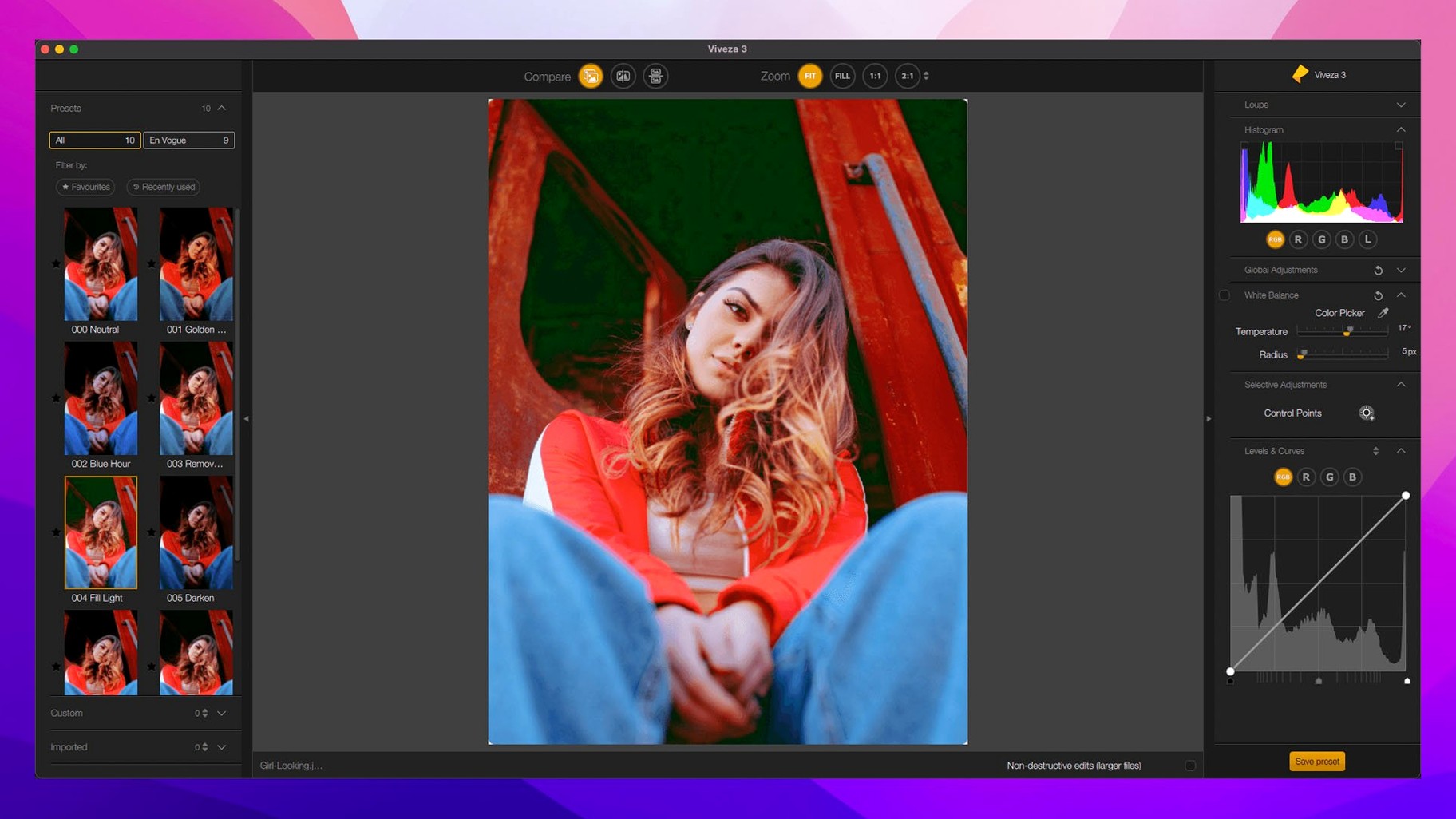
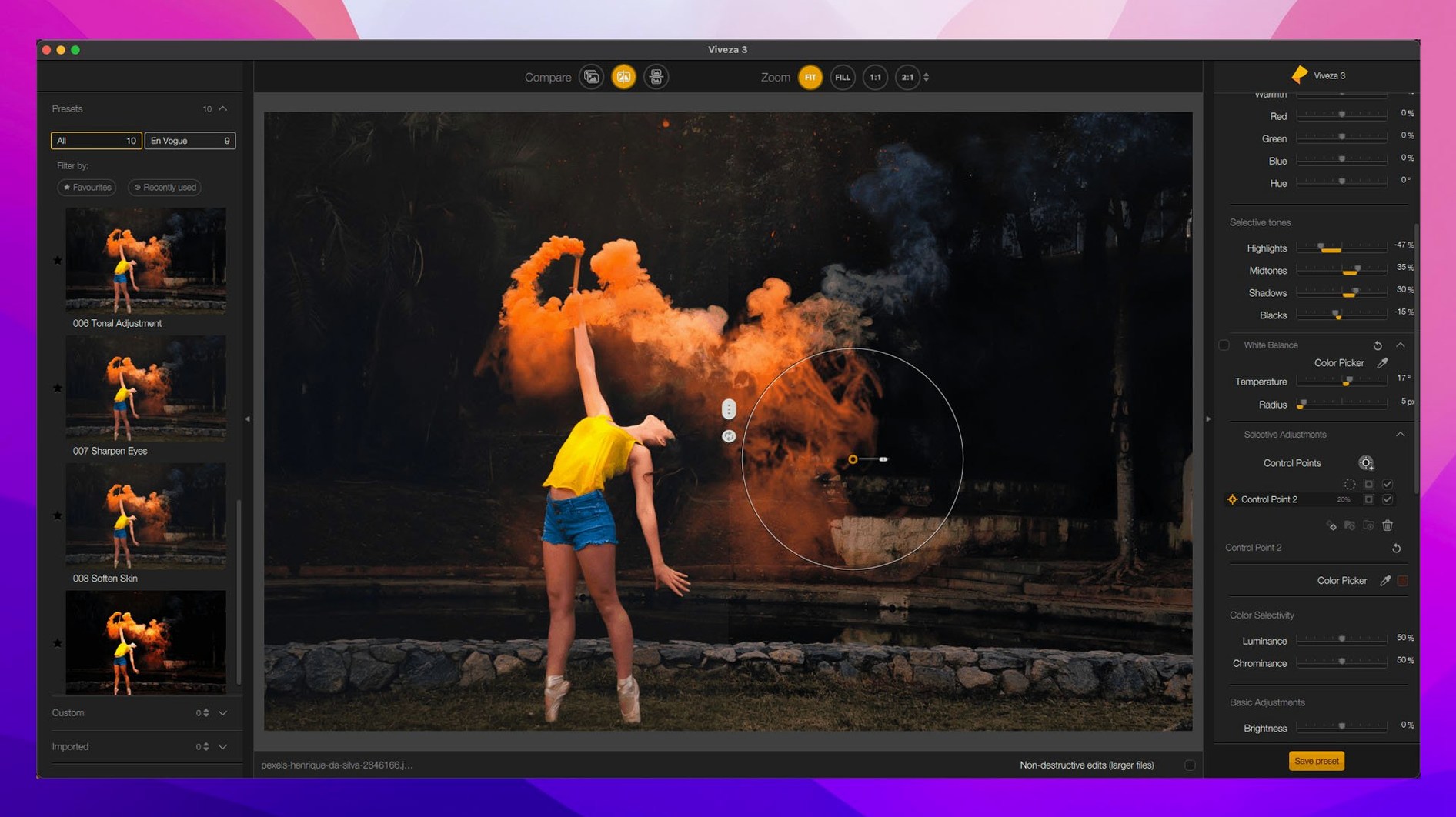
Nik Collection is a plugin suite that brings a set of specialized photo editing tools into macOS host applications.
Pushes pixels back to Photoshop, Affinity, or PhotoLab
It integrates with Photoshop, Affinity, and DxO PhotoLab. The standard file formats you throw at those hosts—TIFFs, JPEGs, and raw files from common cameras—are what it handles, feeding finished pixels back to your main editor.
What's the core toolkit?
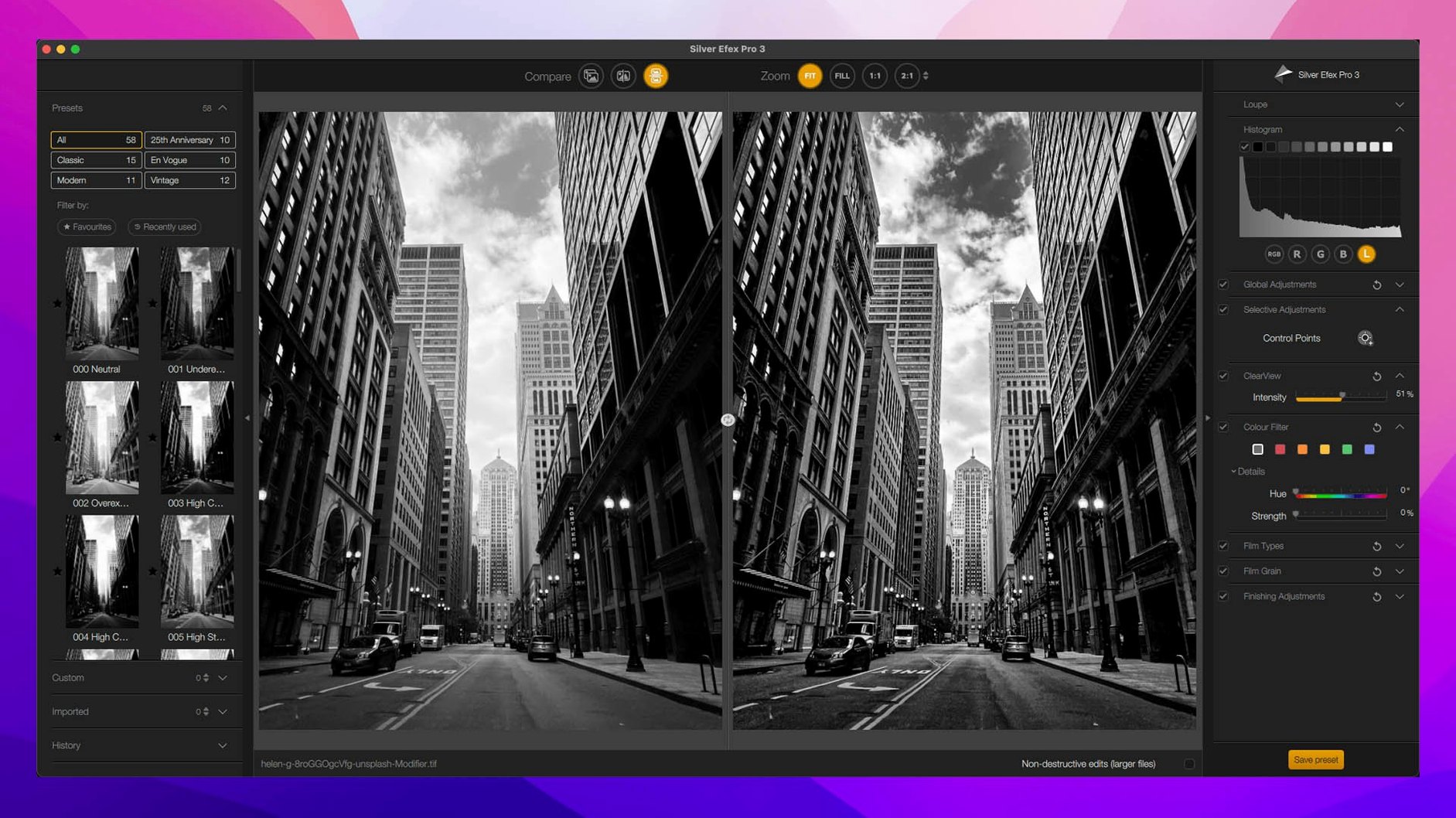
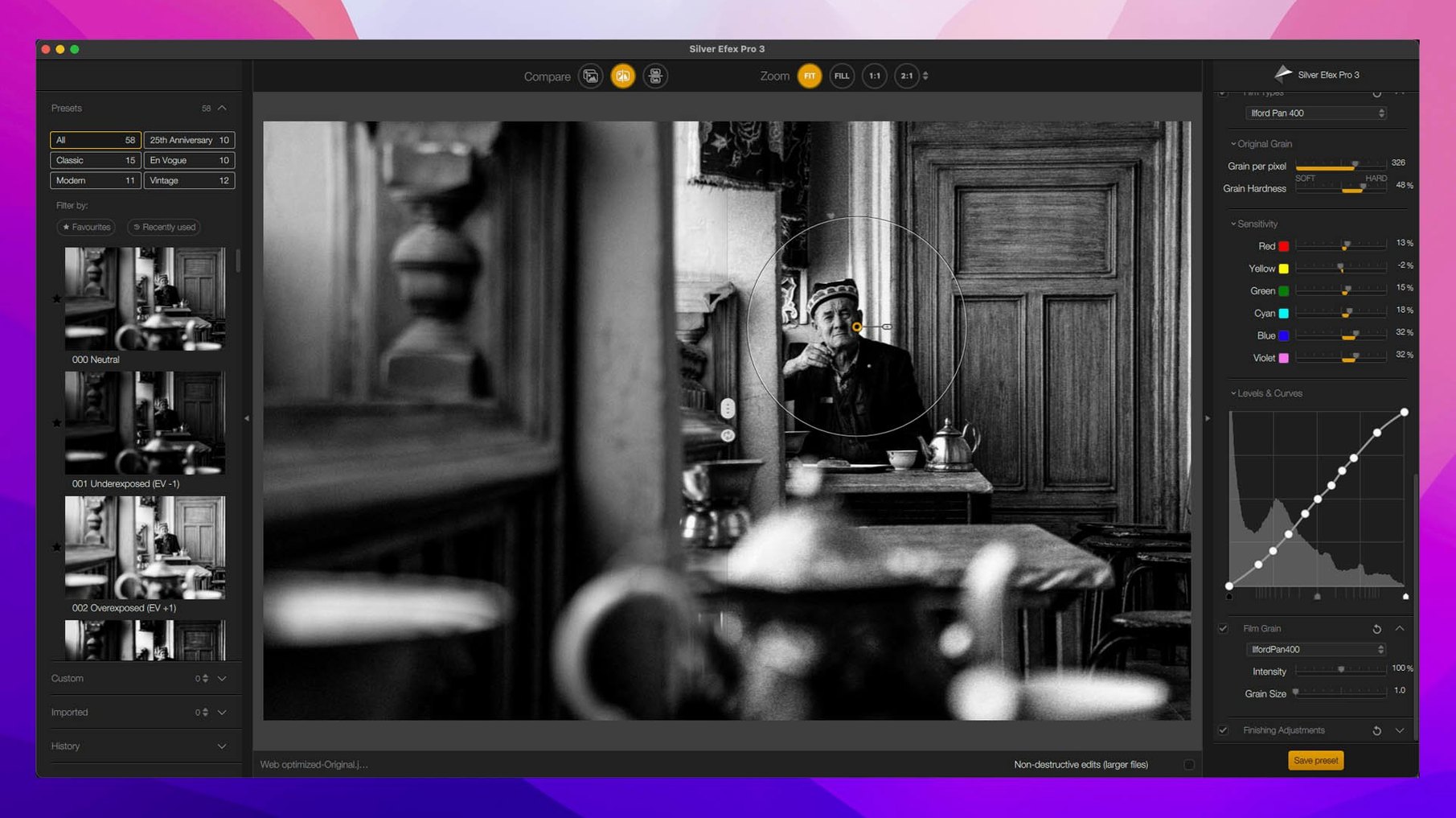
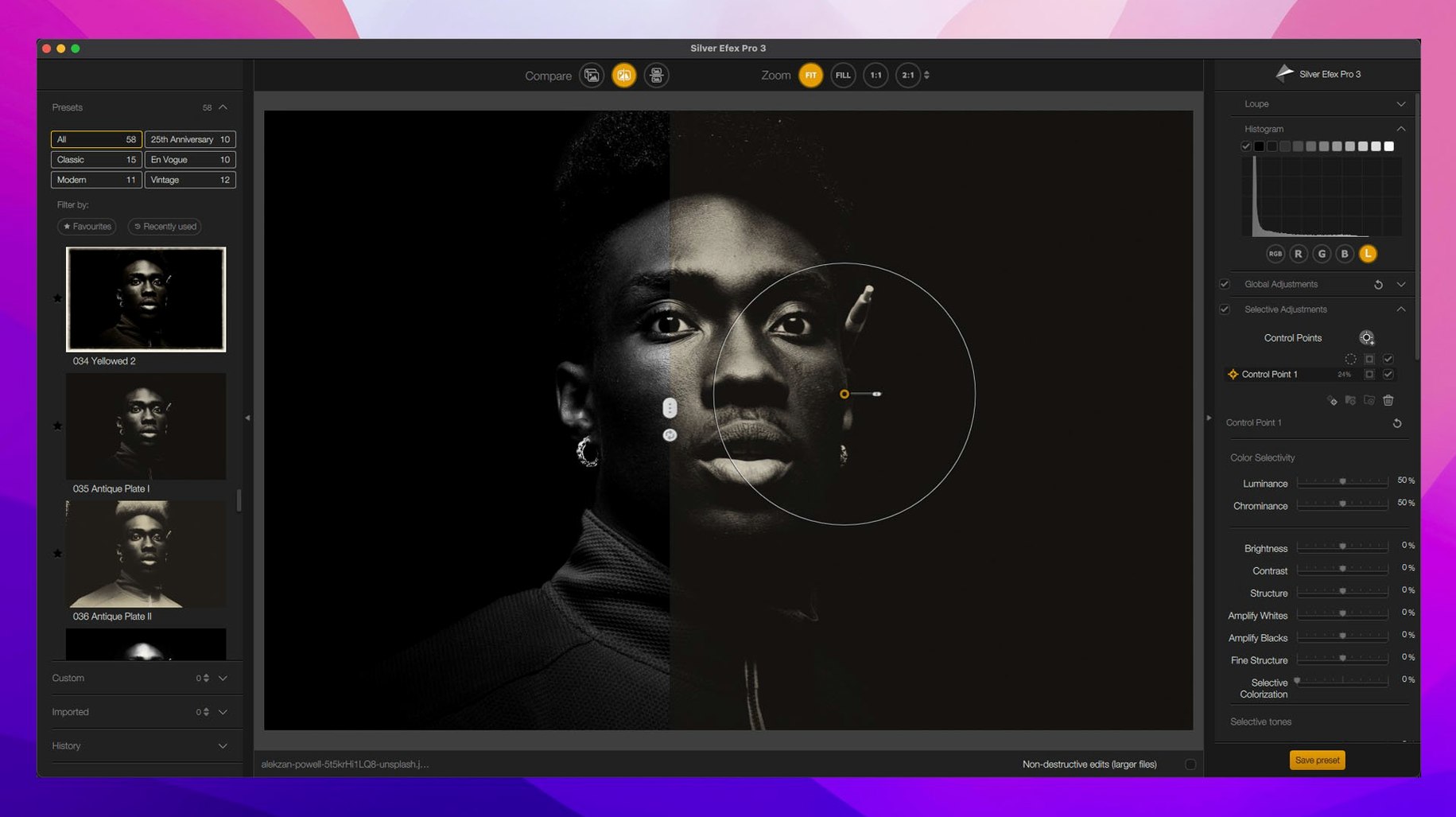
The suite includes eight plugins: Analog Efex Pro for old-camera looks, Color Efex Pro with its 52 filters, Dfine for noise reduction, HDR Efex Pro for merging exposures, Sharpener Pro with a live preview area, Silver Efex Pro for black-and-white work, Viveza for local color and light control, and Perspective Efex for fixing geometry.
How do local adjustments work?
Viveza uses control points—what DxO calls U Point technology—so you can drop a point on a sky or a face and adjust brightness, contrast, and saturation just in that spot without painting a mask. The new version also lets you copy and paste those adjustments between images.
What does Color Efex bring to the table?
It's the big effects workshop: 52 filters and 250 presets controlled through a Selective tool that applies a look exactly where you want it. The latest update adds a Color Grading tool and new effects like Chromatic Shift and Halation.
Default global effect can feel like a blunt instrument
Out of the box, the plugins default to applying effects globally — which is fine for a quick look, but not how most of us work day to day. A few early tweaks make the suite feel less like a demo and more like your own darkroom.
- Switch Sharpener Pro to display the preview at 100%. The default scaled view hides the real texture of the sharpening. At full resolution you see exactly what the output sharpening is doing to edges and noise, and you'll dial the sliders differently once you can.
- In Silver Efex Pro, turn off the structure boost on the default preset. The starting point applies a fair amount of structure across the whole frame, which can make skin look like sandpaper. Set it to zero, then bring it back selectively with control points on eyes, hair, or weathered surfaces.
- Set Dfine to measure noise automatically on a flat area you choose. The auto-profile is decent, but if you let it sample a patch of sky or an out-of-focus wall, the noise reduction respects detail in the rest of the image much better.
The small habit that pays off fastest: before you click a preset in Color Efex Pro or Analog Efex Pro, dial the overall opacity down to about 70%. Most presets are tuned to impress at first glance, not to sit quietly in a finished photograph.
For layer-savvy photographers who want specialized tools, not a new app
The sweet spot is photographers who already live inside Photoshop, Affinity, or DxO PhotoLab and want specialized tools without learning a whole new application. If you're comfortable working in layers and you understand that a plugin feeds pixels back to your host, the suite slots right into your workflow. Wedding and portrait shooters tend to lean on Silver Efex Pro and Viveza — quick black-and-white conversions and targeted skin and sky adjustments save a trip into heavier masking. Landscape and architecture photographers get the most from Color Efex Pro's tonal contrast and the new Depth Masks, which let you push haze or warmth into distant elements without painting a single stroke.
It's less suited to people who want a standalone editor, or who expect every plugin to work identically. Each one has its own interface quirks — Silver Efex Pro feels like a darkroom printer's tool, while Analog Efex Pro is more of a toy box. If that unevenness bothers you, the suite will feel scattered. If you like the idea of a drawer full of specialty tools, each sharp in its own way, that's where it fits.
Version 9.1.0 brings smarter masking and a few new creative tools to the table.
- Depth Masks and AI Masks for faster subject isolation
- A new Color Grading tool inside Nik Color Efex
- Three new effects: Chromatic Shift, Glass Effect, and Halation
- Copy and paste local adjustments between images
- macOS 13.3 or later
- Works on both Intel and Apple Silicon Macs
Questions I actually get
Does the latest version add any masking features?
Yes, the official release introduces Depth Masks and AI Masks to help isolate subjects and backgrounds more quickly.
Which languages does the interface support?
It ships in Russian, English, German, Arabic, Spanish, Italian, Traditional Chinese, Simplified Chinese, Korean, Dutch, Polish, Turkish, French, and Japanese.
Notes from the tables 0
Sign in or pull up a chair to leave a note.
No notes on this one yet. They go up after I read them.