

Eighty megabytes. That's roughly the download size, and it unpacks to a native Mac app — no Docker container, no virtual machine taking half your RAM. If you already have a terminal, a code editor, and a browser, Herd Pro slides in as the engine room for local Laravel work.
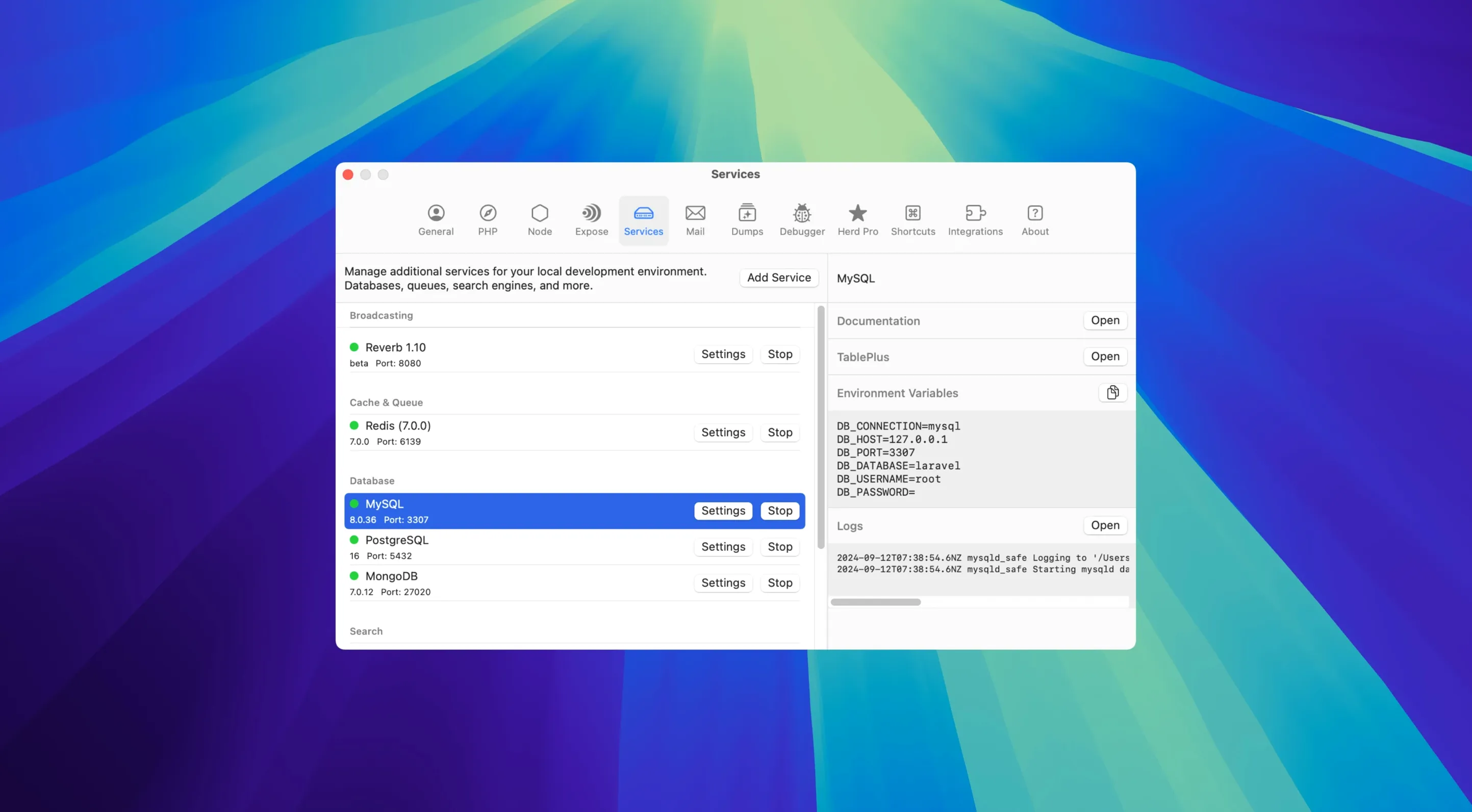
Menu bar control for MySQL, Redis, and more
- Managing the services your projects actually need. Start or stop MySQL, PostgreSQL, Redis, Meilisearch, and more from the menu bar instead of wrangling Homebrew.
- Catching debug output without hunting through browser tabs. It intercepts
dump()anddd()calls in a separate window with syntax highlighting. - Switching Node.js versions per project through the interface, not a version manager script.
- Serving local sites on
*.testdomains with zero config. - Xdebug that stays out of the way. It kicks in only when a debugging request is present, so your normal requests stay fast.
macOS-native Pro features on top of free Herd
- Pro features build on the free Herd foundation. The database management, dump interception, and Xdebug control are what separate it from the base version.
- It's a macOS-native tool (macOS 12 and up, Apple Silicon and Intel), so Windows and Linux colleagues will need a different setup.
- The interface speaks English only.
Command-line tools like php, composer, and laravel are available from any terminal window. Log search lets you filter by project and file, and history sticks around between requests — handy when you're retracing a bug that appeared two page loads ago.
Debug window now searches variables, queries, and jobs
The 1.28.0 release keeps things moving without shaking up your muscle memory. Recent updates have focused on making the debug window less of a wall of text and more of a searchable workbench — filtering by variables, database queries, jobs, views, logs, and HTTP requests is where the real time savings shows up.
- Filtering dump output by type means you stop scrolling past a dozen query logs to find one variable.
- Saved history between requests turns the debugger into a breadcrumb trail for multi-step bugs.
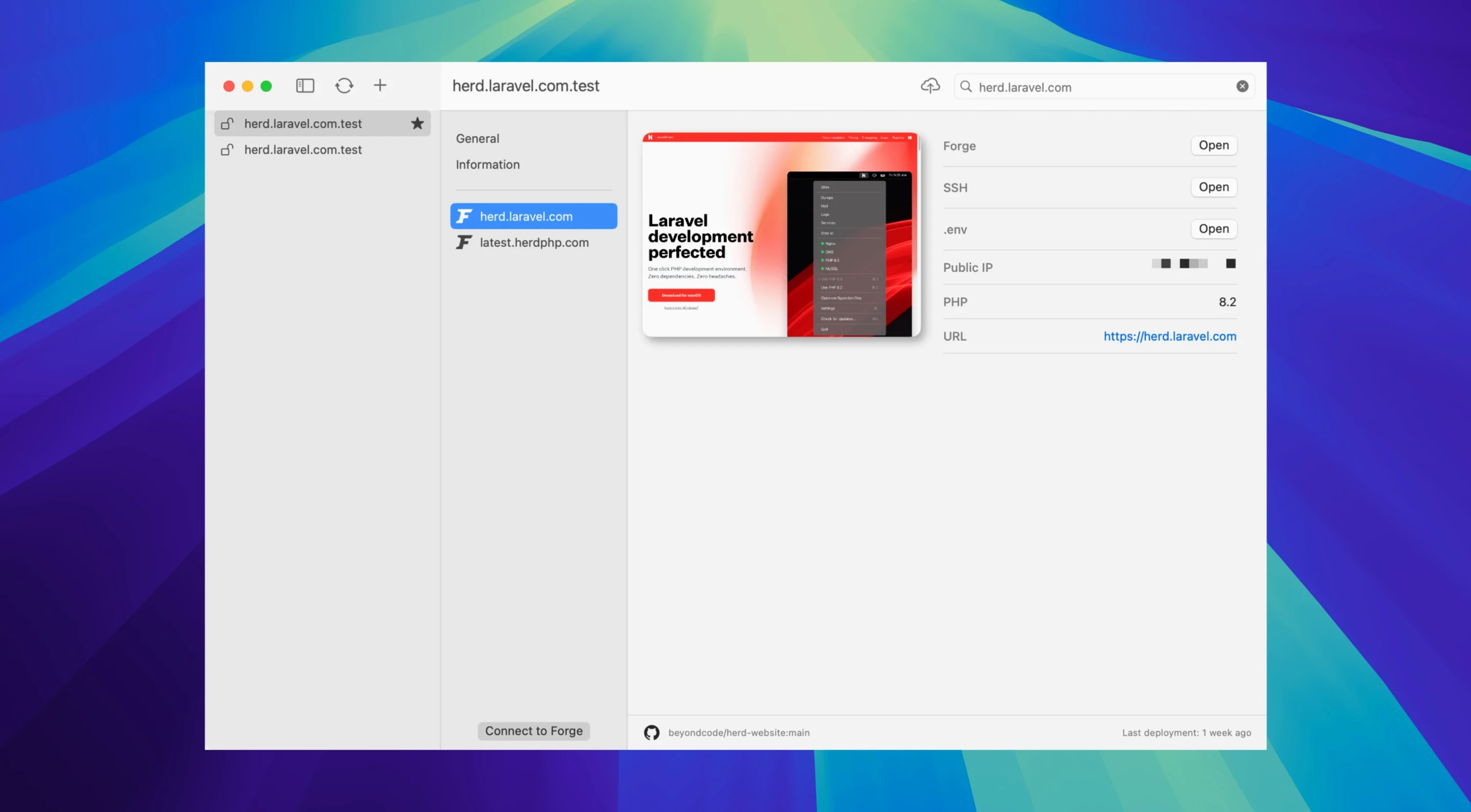
- Forge integration got smoother for pushing local work to a remote server without leaving your project folder.
Native services start in a second or two
Because Herd Pro runs natively instead of inside a container, the menu bar services feel like they belong to the Mac. Starting MySQL or Redis takes a second or two, not the thirty-second grind you get with heavier setups. RAM use stays modest — the kind of footprint you don't notice until someone asks what's running.
Xdebug-on-demand is the stability story worth mentioning. You get full debugging when you need it, and requests stay quick when you don't. That single setting quietly removes most of the "why is my local site slow today?" frustration.
Bottom line: the app behaves like a native Mac tool, not a ported workhorse.
- macOS 12 or later
- Apple Silicon or Intel Mac
Questions I actually get
What does Herd Pro add beyond the free version?
The Pro version adds database management, dump interception with syntax highlighting, Xdebug that activates only on demand, and log search with filtering by project and file.
Which databases can Herd Pro manage?
It can start and stop MySQL, PostgreSQL, MariaDB, Redis, Memcached, Meilisearch, Typesense, MinIO, and Laravel Reverb.
Notes from the tables 0
Sign in or pull up a chair to leave a note.
No notes on this one yet. They go up after I read them.