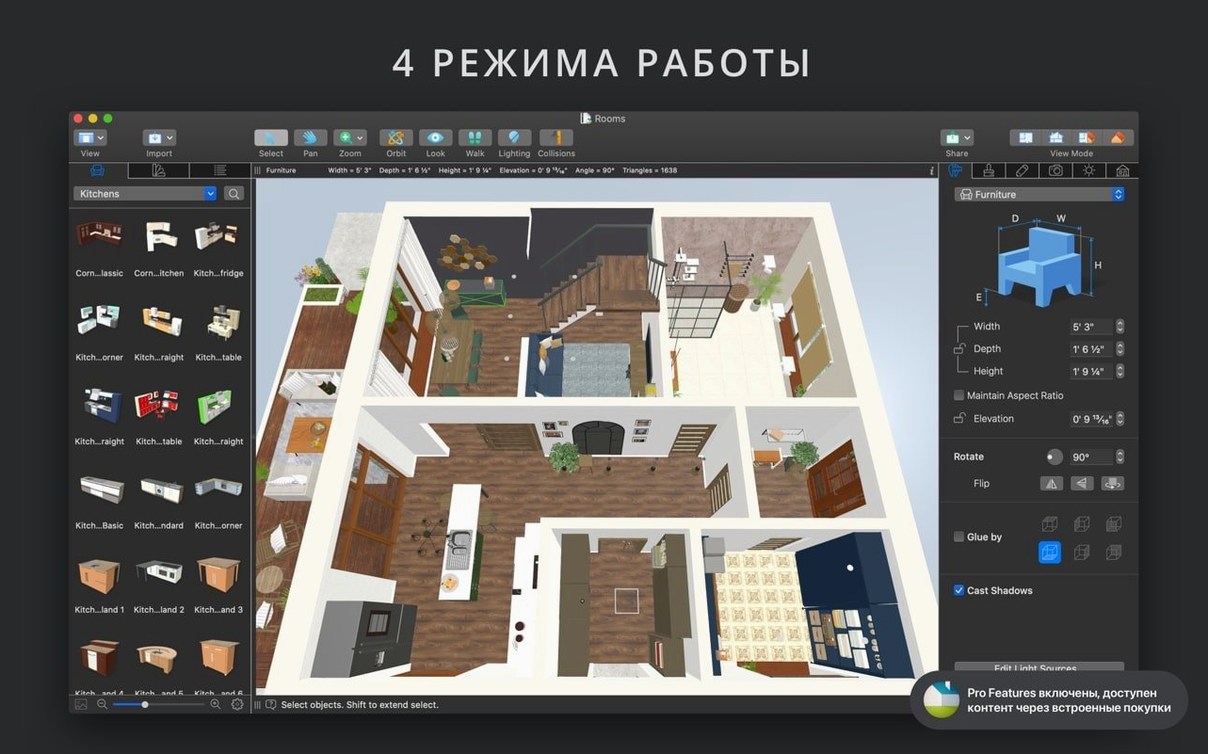
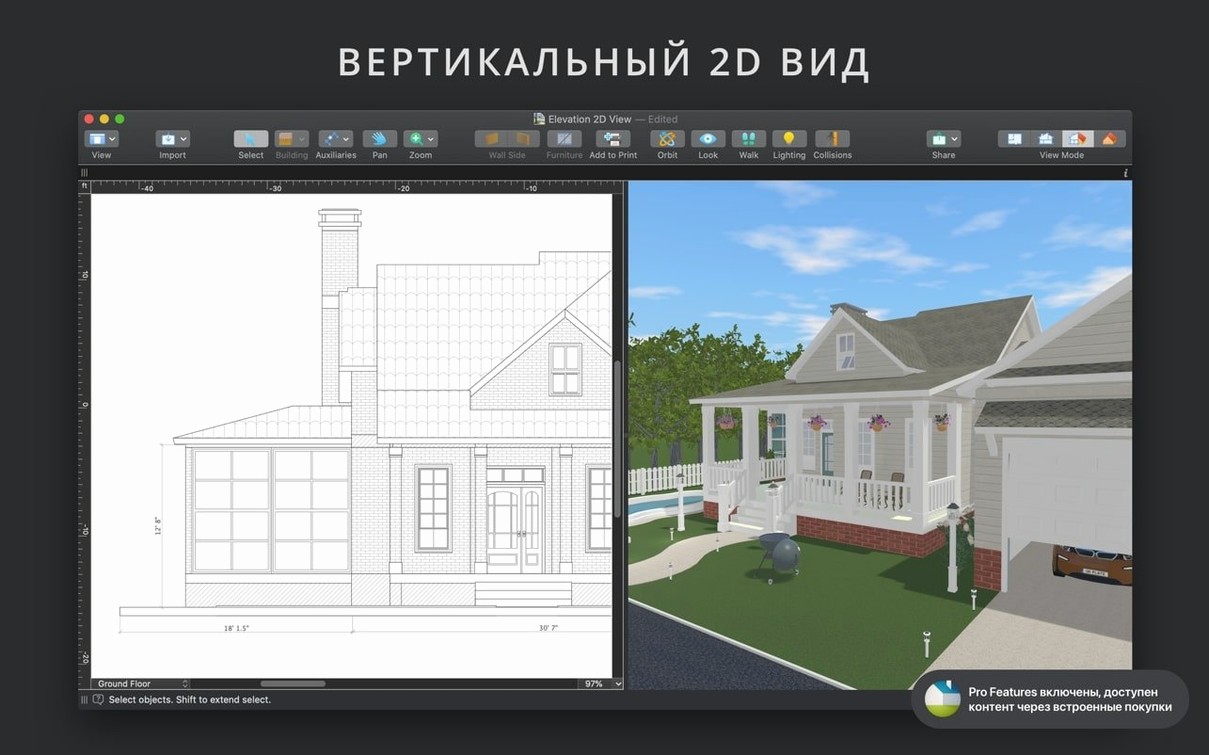
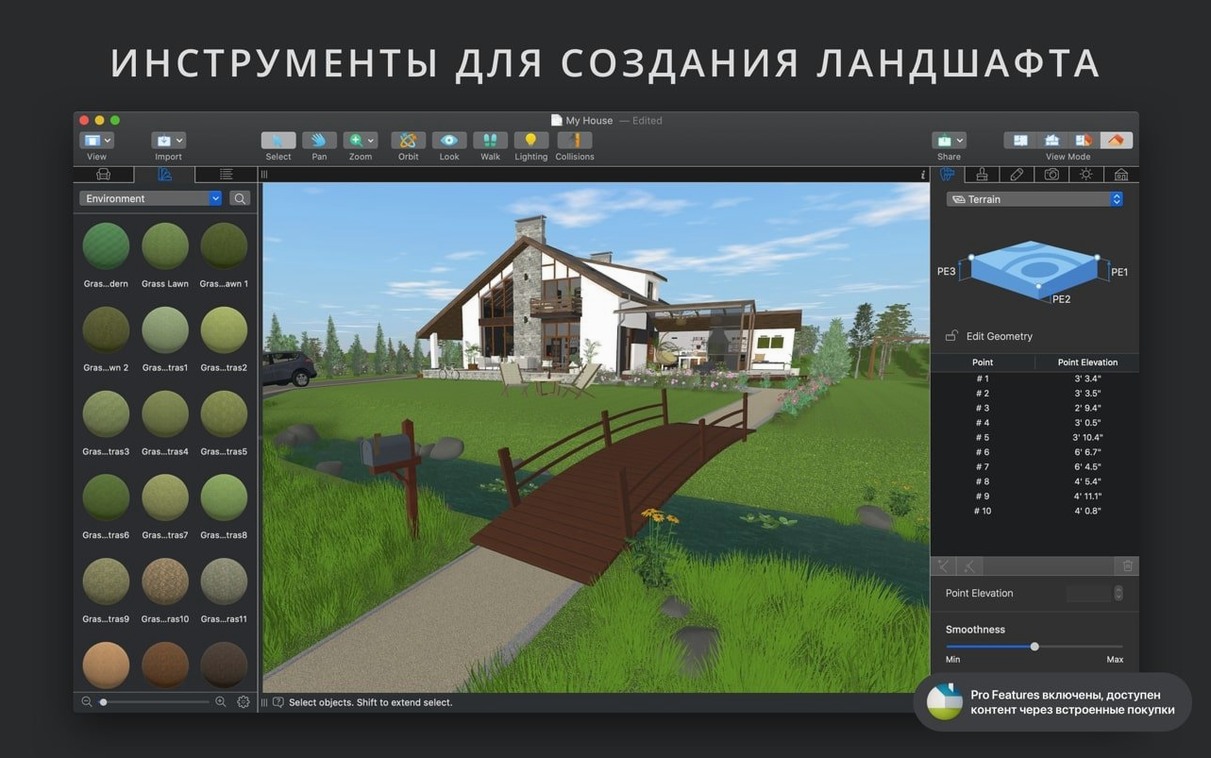
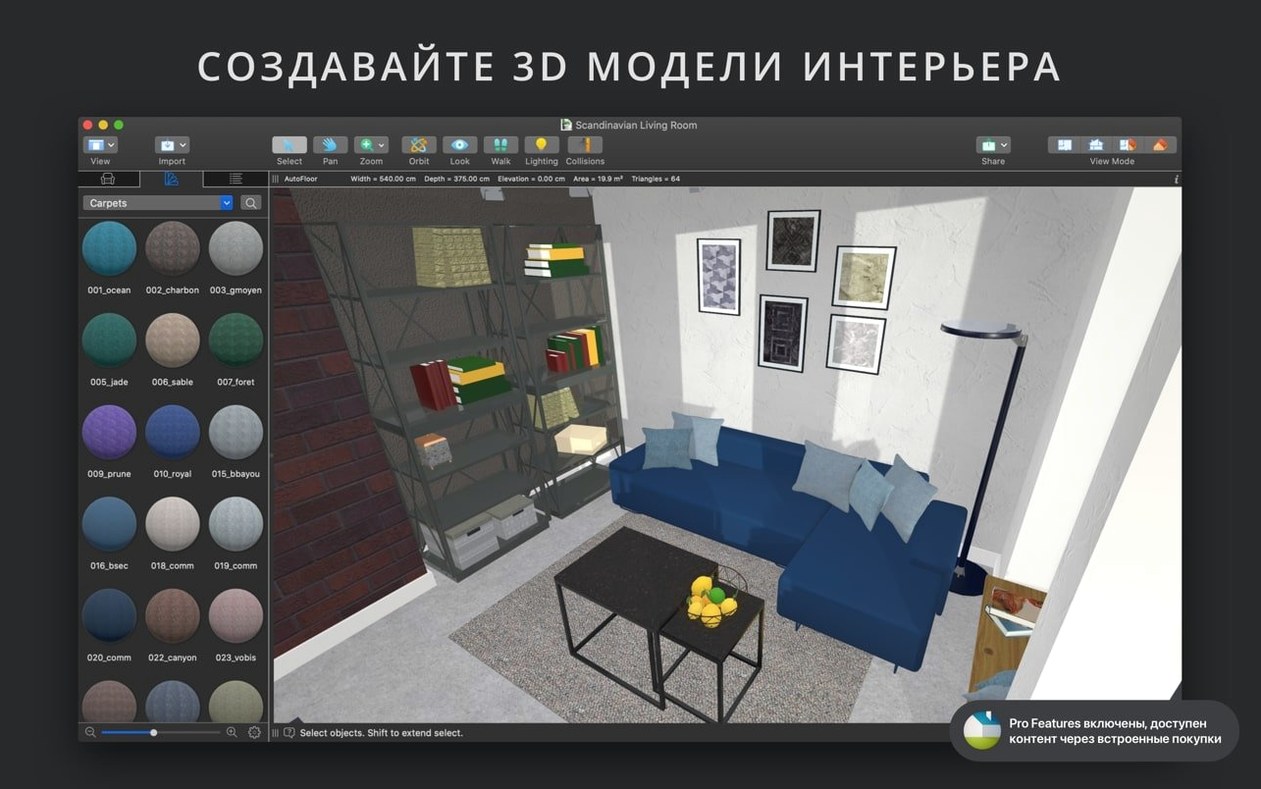
Twelve roof templates and an unlimited number of floors. That's where I start when a tool claims it can handle a whole-house design from the foundation up. Most apps get fiddly once you stack two stories and a dormer, so I pulled in a simple two-bedroom plan to see how the pieces fit.
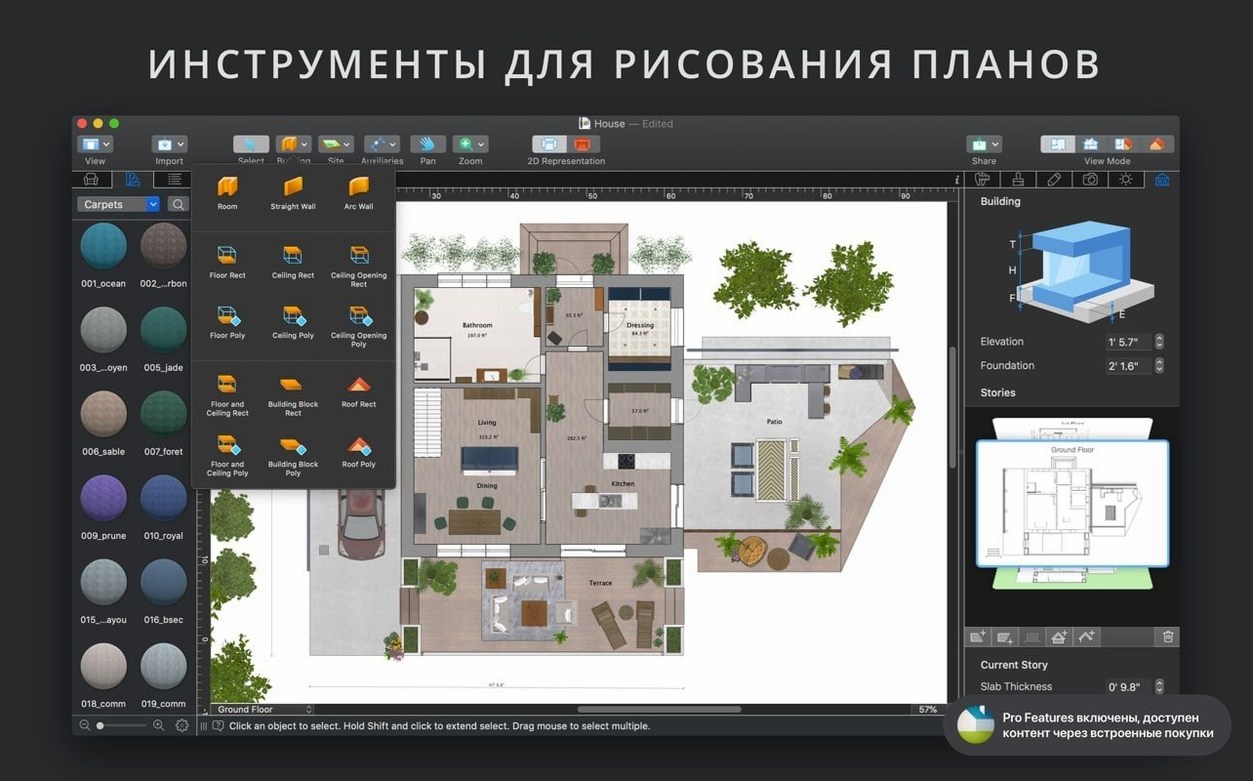
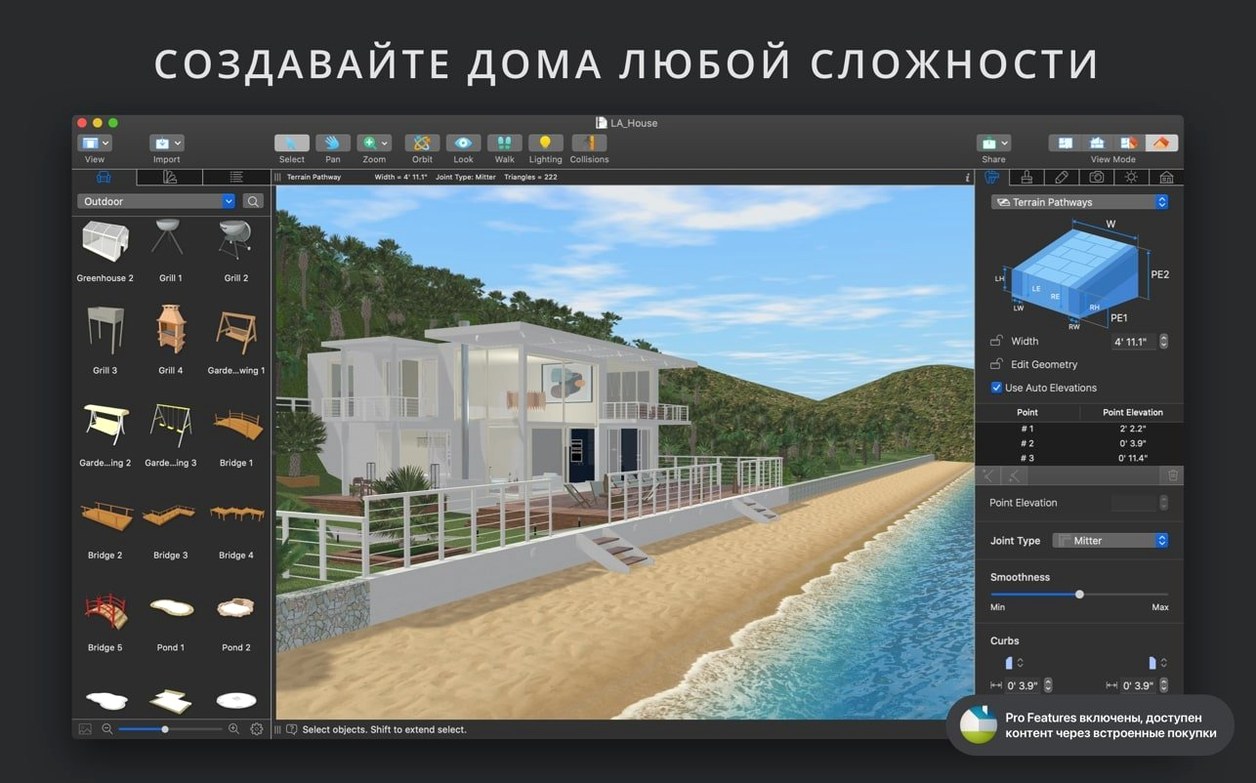
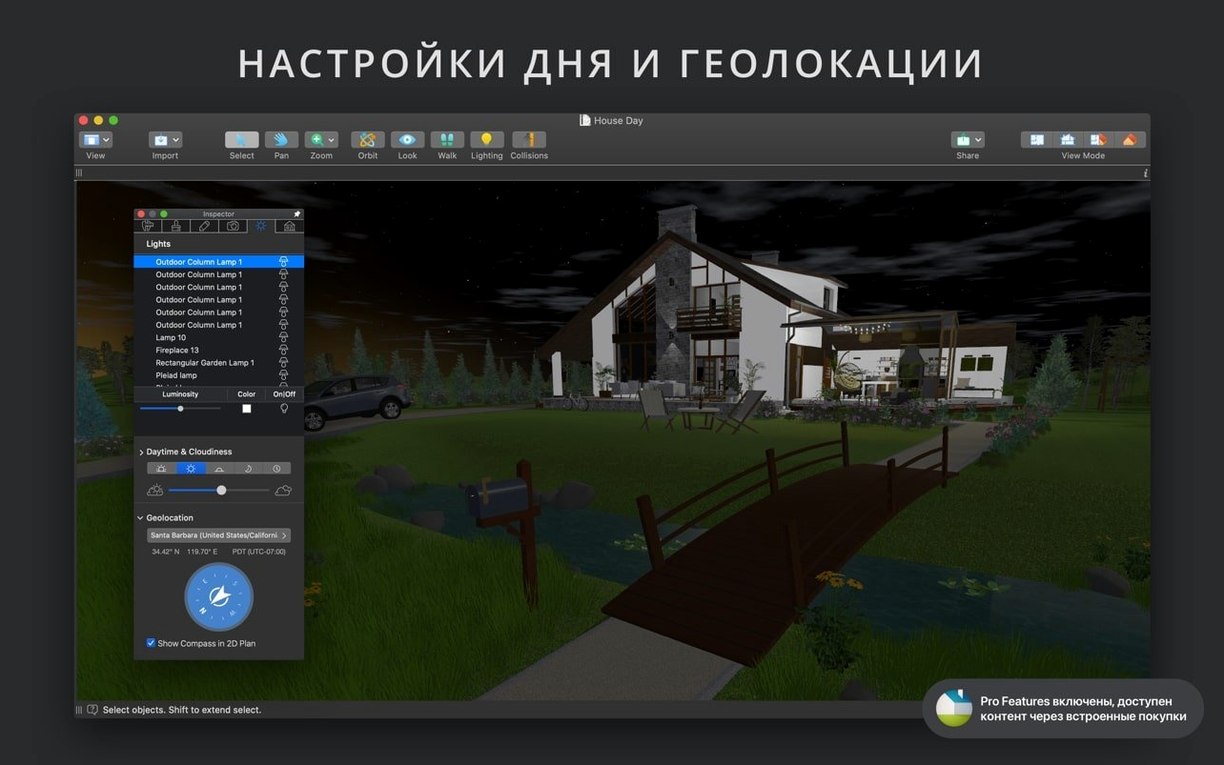
I built the ground floor walls first and dropped in some furniture from the built-in gallery. The app automatically showed each chair and cabinet as a neat outline on the 2D plan, which kept the workspace clean while I figured out the traffic flow. When I switched to the 3D view, I set the geolocation to a coastal town and nudged the time slider to late afternoon. The light fell across the kitchen counters exactly the way it does in my own place around four o'clock.
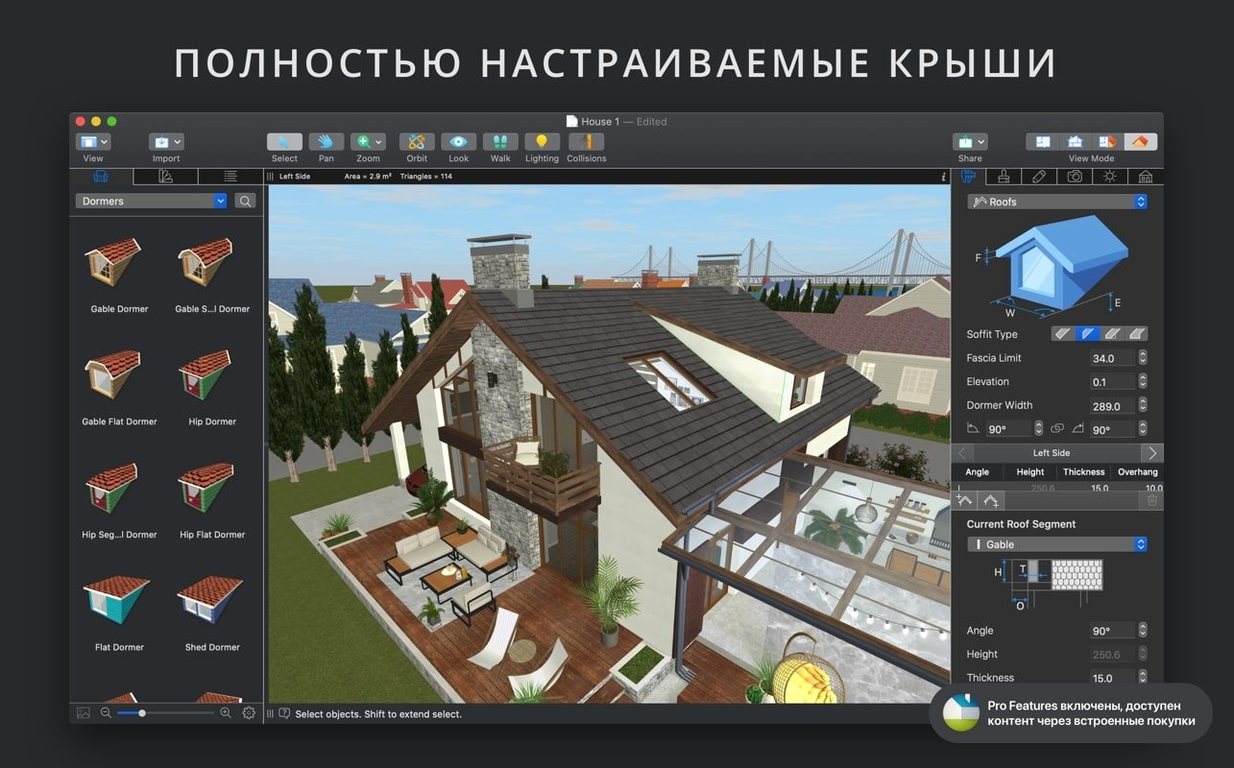
For the upstairs, I grabbed a few SketchUp models from the Trimble 3D Warehouse and dragged them straight into the project. The roof assistant gave me a gable shape with a couple of clicks, and I used a photo from my Finder as the surface material for the upstairs hallway rug. Being able to pull in OBJ and FBX files meant I wasn't stuck with only the objects that shipped with the software.
Bottom line: it handles real-world multi-floor planning without bogging down, and the real-time rendering lets you walk a client through a space while the sun moves across the room.
Fixing black SketchUp imports
A few things tripped me up in the first week, so I'll save you the same head-scratching. The biggest one was imported SketchUp models appearing black in the 3D view. The fix is almost always the light source editor — those models ship without internal lights defined. Open the editor, drop a couple of point lights near the object, and the whole thing wakes up.
Another gotcha: dimension lines that refuse to snap where you want them. Tap the G key to toggle smart guides on and off. Sometimes the snapping gets overeager and fights you, especially on curved walls. Turning guides off for a minute gives you manual control, then toggle them back when you need the precision again.
- Slow orbit in large three-story projects — drop the level-of-detail slider in the view menu. The 3D preview stays responsive while you reposition, then snap the detail back up for the final render.
- Corner windows not joining cleanly — draw the walls first, select both, and use the merge opening tool instead of placing the window on one wall segment.
- iCloud sync stalling between a Mac and an iPad — save a fresh copy of the project locally, delete the cloud version, then re-upload. Clears the sync cache every time.
Apple Silicon versus Intel performance
I've been running live home 3d for mac on both an M1 Mac mini and an older Intel iMac, and the difference is what you'd expect. Apple Silicon chews through the real-time 3D viewport without the fans ever spinning up. On the Intel machine, a two-story model with imported FBX furniture sits around 1.2 GB of RAM and the CPU nudges 40 percent during a walkthrough render. Not light, but perfectly workable for a machine that's pushing seven years.
The app hasn't crashed on me once across a dozen projects. I've left it open for three days straight with a complex landscape file loaded, and it picked up right where I left off. Autosave kicks in quietly — I never noticed it until I deliberately checked the version history.
Exporting a four-minute Ultra HD walkthrough video is the only task that makes the machine sweat. Give it a few minutes and don't expect to browse around the model while it's encoding. Once the video finishes, the app settles right back to idle. If you're working on a live home 3d pro free download from a trusted source, you'll get the same stability — the Pro rendering pipeline is the same engine, just with the resolution cap lifted.
- macOS 12 or later
- Works on Intel and Apple Silicon Macs
Questions I actually get
What file formats can I import into a Live Home 3D project?
You can bring in 3D objects from SketchUp, COLLADA, KMZ, FBX, OBJ, and 3DS formats, and use any image from your Finder as a surface material.
Notes from the tables 0
Sign in or pull up a chair to leave a note.
No notes on this one yet. They go up after I read them.