

You pop a memory card into the Mac after a morning shoot. A couple hundred RAW files from a Panasonic S5 IIX land in a folder. You could open them in half a dozen apps, but you want an editor that organizes well and lets you layer adjustments without baking anything in.
What host apps does it work with?
You can run Exposure X7 as a standalone Mac app, no other software needed. If you live inside Adobe tools, it also installs as a plug-in for Lightroom 6, Lightroom Classic CC, and Photoshop. That means you can round-trip a file from your Lightroom catalog into Exposure X7 for its masking tools, then send a TIFF right back to your library.
Which file formats and cameras are covered?
It handles standard image formats and a deep list of RAW profiles. The 7.3 update added native support for Panasonic Lumix G95D, Panasonic Lumix S5 IIX, and Sony Cyber-shot DSC-RX100M7 files. It also now opens HEIC photos from current iPhone models, so your phone shots get the same layered workflow.
What does the editing actually feel like?
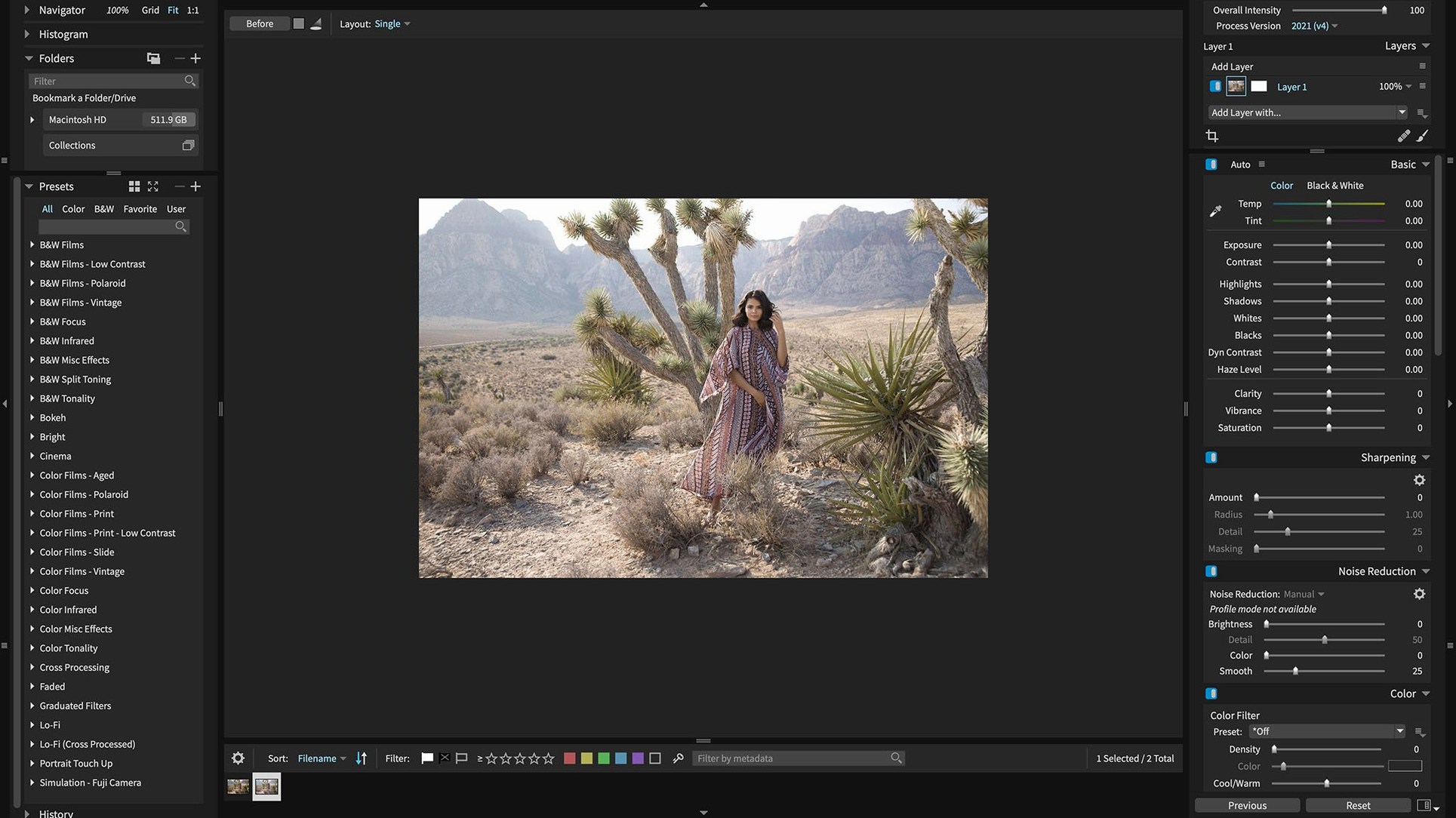
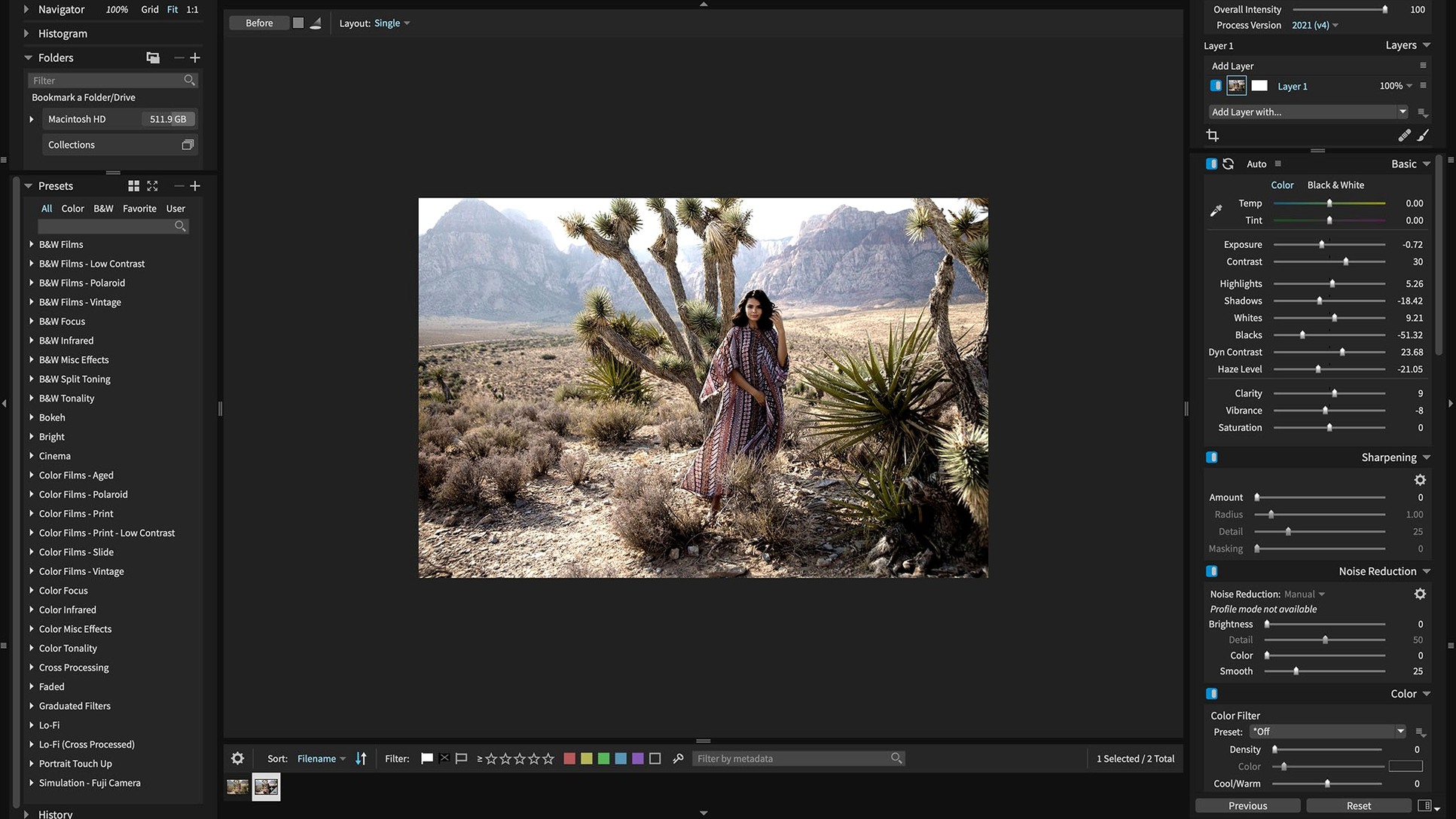
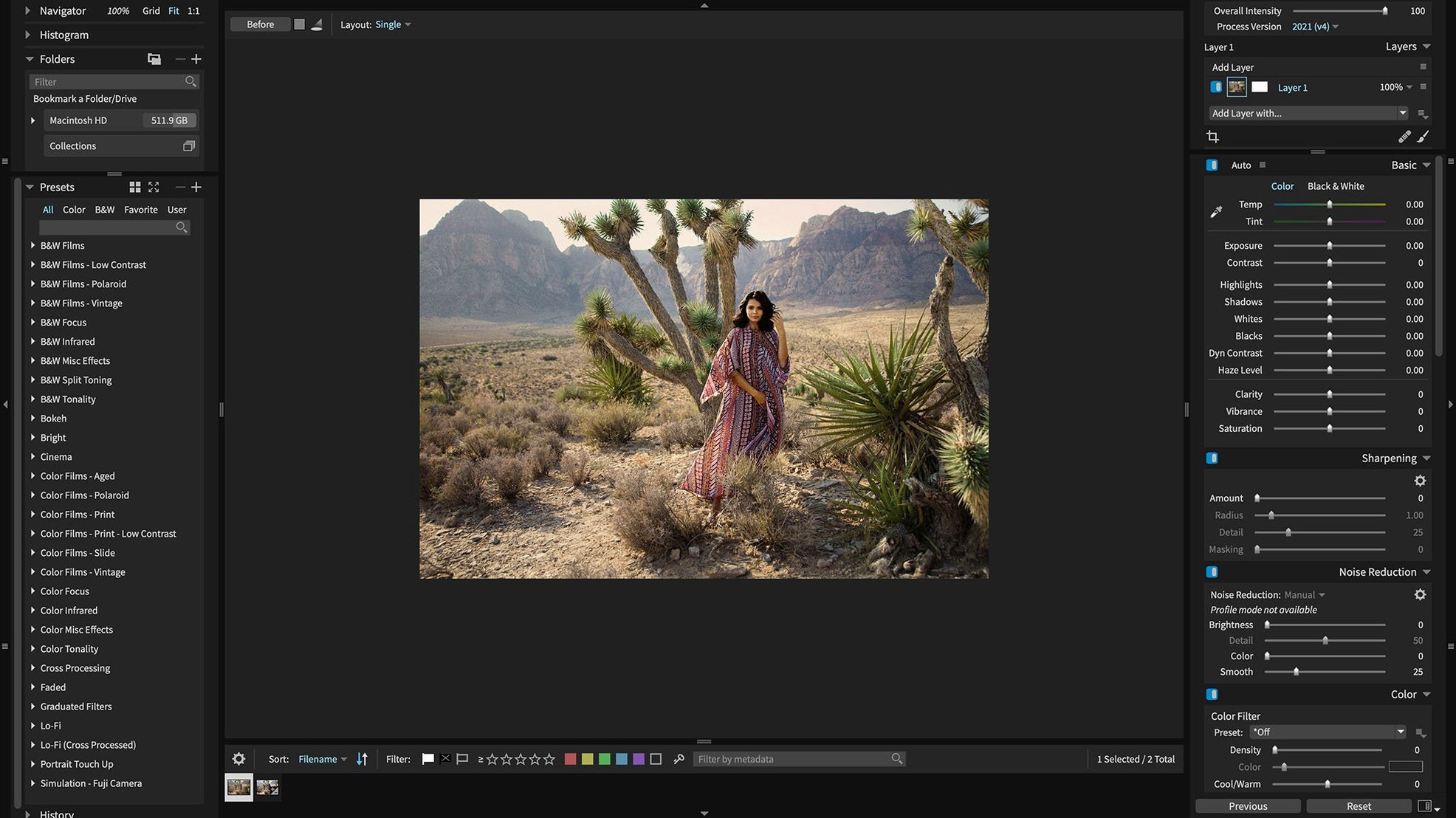
The toolset leans into non-destructive layers and 3D color masking that doesn't feel bolted on. You can pull a mask from a specific color range, feather it, and stack it with portrait retouching and automatic adjustments. GPU optimization keeps the sliders responsive on Apple silicon and Intel 64-bit Macs.
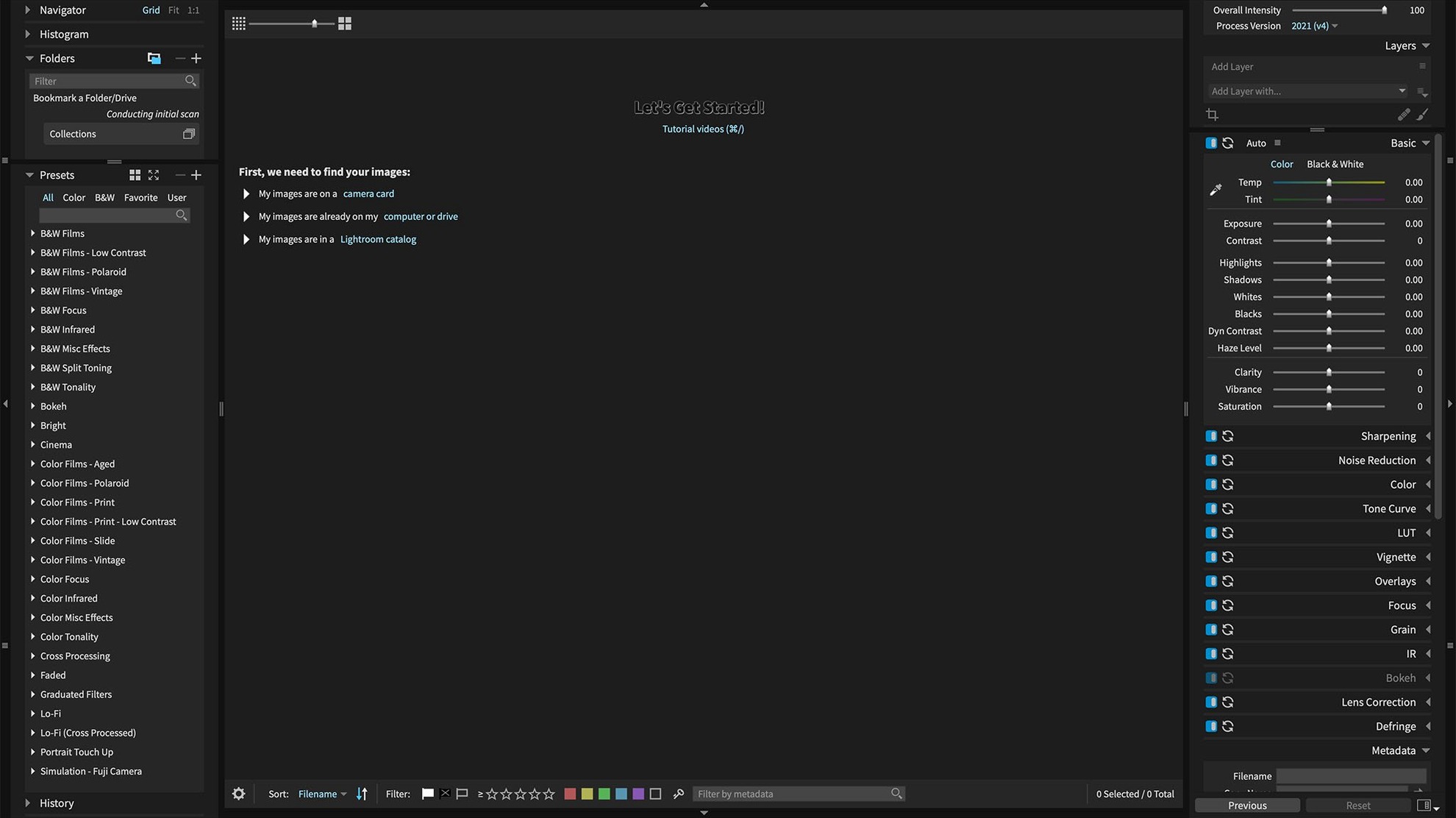
Take a quiet half hour on the first day to point Exposure X7 at your usual photo folders. It won't move anything. It just builds a catalog that remembers your keywords, collections, and smart collections. The real payoff comes later when you can pull up every photo tagged "blue hour" across three years of shoots without touching Finder.
Enable folder watching for new photos
New users sometimes drag a folder in and wonder why nothing appears. The catalog doesn't watch folders automatically unless you tell it to. Right-click the folder in the left panel and choose Watch for new photos. That's usually the fix.
Another snag happens with the plug-in connection. If Lightroom says it can't find Exposure X7, it's almost always a mismatch between Lightroom Classic and the plug-in version. The plug-in needs Lightroom 6 or Lightroom Classic CC. Reinstall the plug-in from Exposure X7's preferences, then restart Lightroom. That clears it nine times out of ten.
On an M1 or M2 Mac, the app feels snappy straight away. On an older Intel machine, you might see the loupe stutter with a heavy layer stack. Drop the preview quality one notch in preferences—the edits stay full-resolution, but the screen draw gets lighter.
Culling market shots from a memory card
You come back from a farmer's market with forty shots of produce stalls and candid portraits. The card dumps into a dated folder. You open Exposure X7 standalone and navigate to that folder in the library panel. A grid of thumbnails appears. You tap G to flag the keepers, then switch to the edit panel.
The first keeper is a portrait with mixed shade and sunlight. You open the 3D color masking panel and sample the skin tones. The mask isolates the face in a few seconds. You pull the midtone slider a touch warmer and add subtle sharpening just to the eyes with a second, smaller mask. The layers panel shows both masks stacked below a curves adjustment that brings the whole frame up a third of a stop. Nothing is baked in. If you change your mind tomorrow, you drag a layer off and the original RAW sits untouched underneath.
Another shot needs a different look. You browse the preset browser and land on a faded Kodachrome variant from the built-in library of over 500 presets. One click applies it. You tweak the grain amount, export a JPEG to a client folder, and keep moving. The session wraps with a smart collection that automatically groups the flagged files from today's folder. You didn't build it just now—you set it up once, weeks ago, and it still catches the new work.
Version 7.3.0 adds RAW support for a few newer cameras and opens HEIC photos from current iPhones.
- Expanded camera support for Panasonic Lumix G95D, Panasonic Lumix S5 IIX, and Sony Cyber-shot DSC-RX100M7.
- Added support for opening HEIC photos from current iPhone models.
- Refreshed Chinese, German, French, and Japanese translations.
- Fixed corrupt rendering of Sony A7 IV lossless compressed raw files.
- Fixed a crash when applying black and white film presets.
- Fixed a crash when opening the Quick Export menu after reordering export presets.
- macOS 10.13 or later
- Apple silicon or Intel 64-bit Mac
Questions I actually get
Can I use Exposure X7 without an Adobe subscription?
Yes. The app works as a full standalone photo editor and organizer on macOS.
Does the current version run on Apple silicon Macs?
Version 7.3.0 runs natively on Apple silicon and Intel 64-bit Macs with macOS 10.13 or later.
What languages is Exposure X7 available in?
The interface ships in English, German, and French, with refreshed translations in version 7.3.0.
Notes from the tables 0
Sign in or pull up a chair to leave a note.
No notes on this one yet. They go up after I read them.
More from the Mac Apps page
The whole page Mac Apps Updated 7 MB
Elmedia Player Pro
8.24
Mac Apps Updated 7 MB
Elmedia Player Pro
8.24
 Mac Apps 157 MB
Element 3D
2.2.3
Mac Apps 157 MB
Element 3D
2.2.3
 Mac Apps 320 MB
EdgeView
5.9.6
Mac Apps 320 MB
EdgeView
5.9.6
 Mac Apps Updated 143 MB
ff·Works
5.2.0.3.1.Rev1
Mac Apps Updated 143 MB
ff·Works
5.2.0.3.1.Rev1
 Mac Apps 70 MB
Eagle
4.0.0 build 11 20250627
Mac Apps 70 MB
Eagle
4.0.0 build 11 20250627
 Mac Apps 110 MB
File List Export
3.1.1
Mac Apps 110 MB
File List Export
3.1.1
 Mac Apps Updated 25 MB
DynamicLake Pro
1.8
Mac Apps Updated 25 MB
DynamicLake Pro
1.8
 Mac Apps 115 MB