

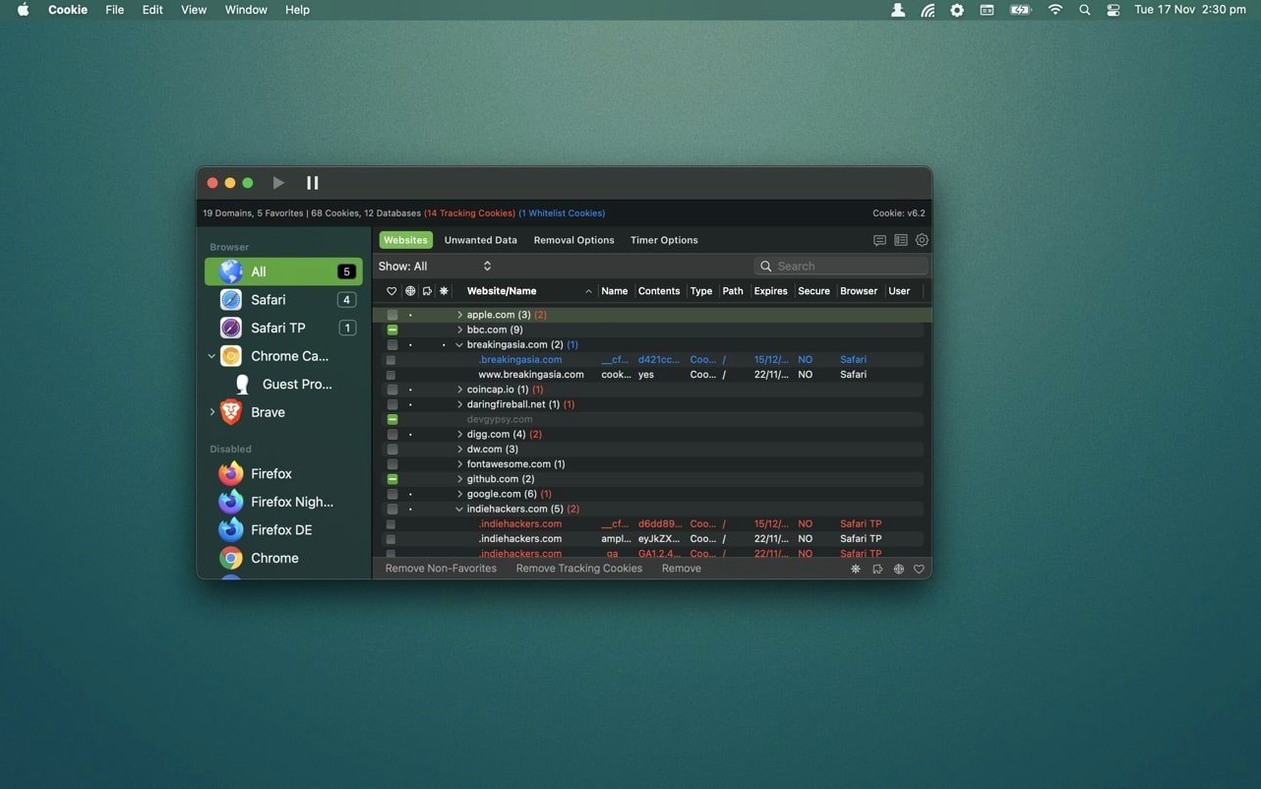
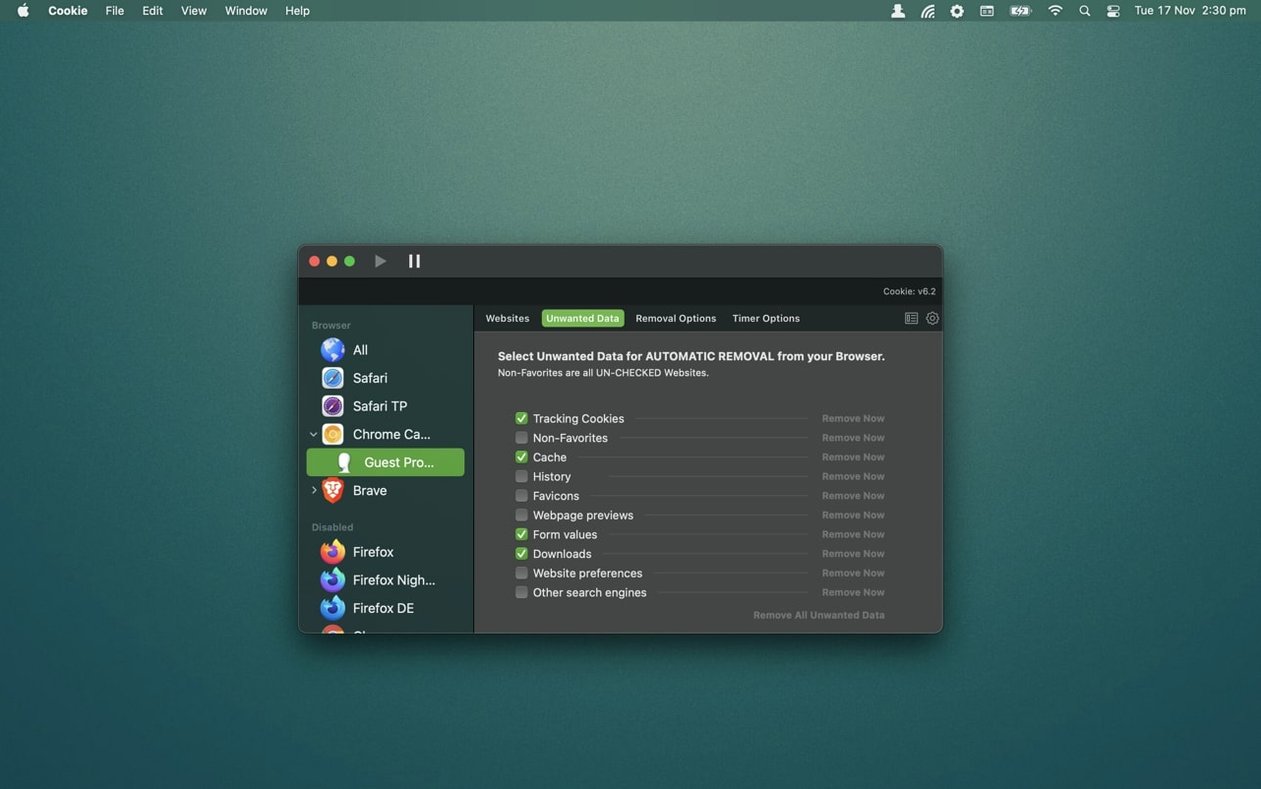
A Mac utility that gives you a single dashboard to see and sweep out the tracking bits websites stash on your computer.
- View everything at once. Cookie lists cookies, Flash data, and local storage in a single combined view. No digging through browser menus—you can sort by domain, name, or type and see exactly what each site is holding onto.
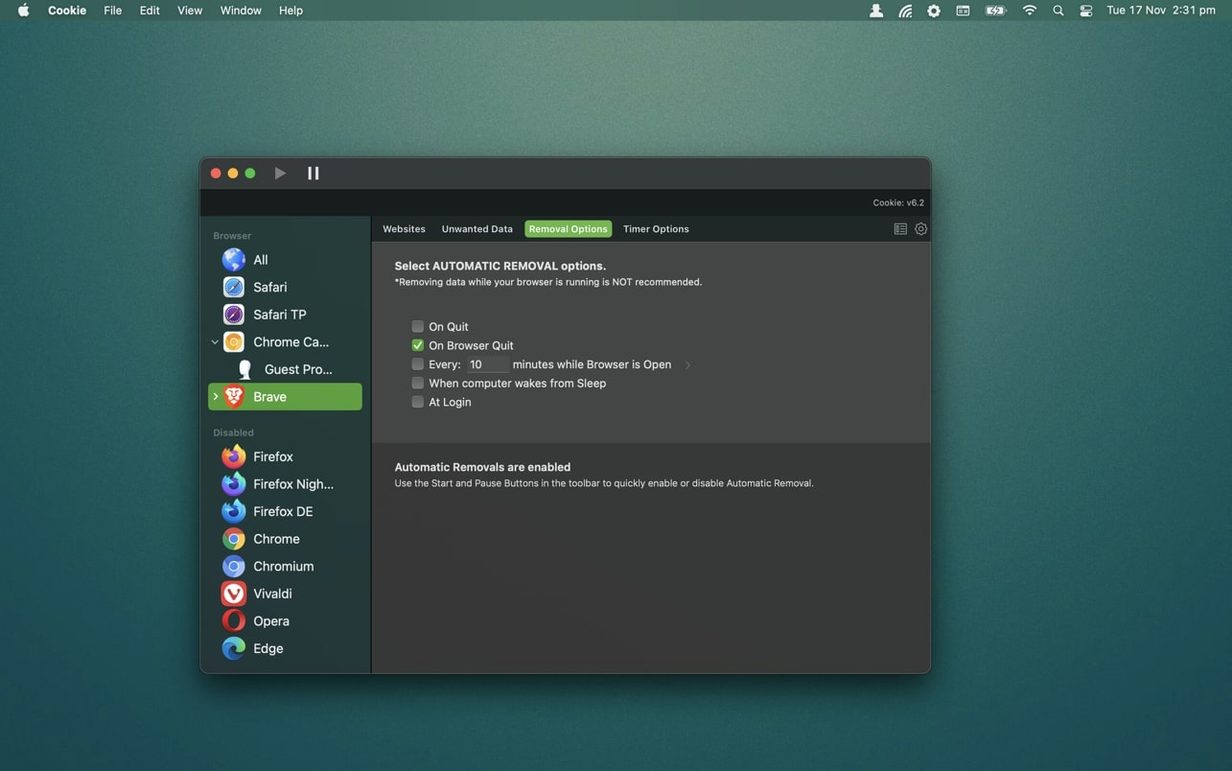
- Pick your cleanup triggers. Set deletion to run when you quit a browser, exit the app, wake your Mac from sleep, or on a custom repeating schedule. You can also trigger it manually with a hotkey whenever the mood strikes.
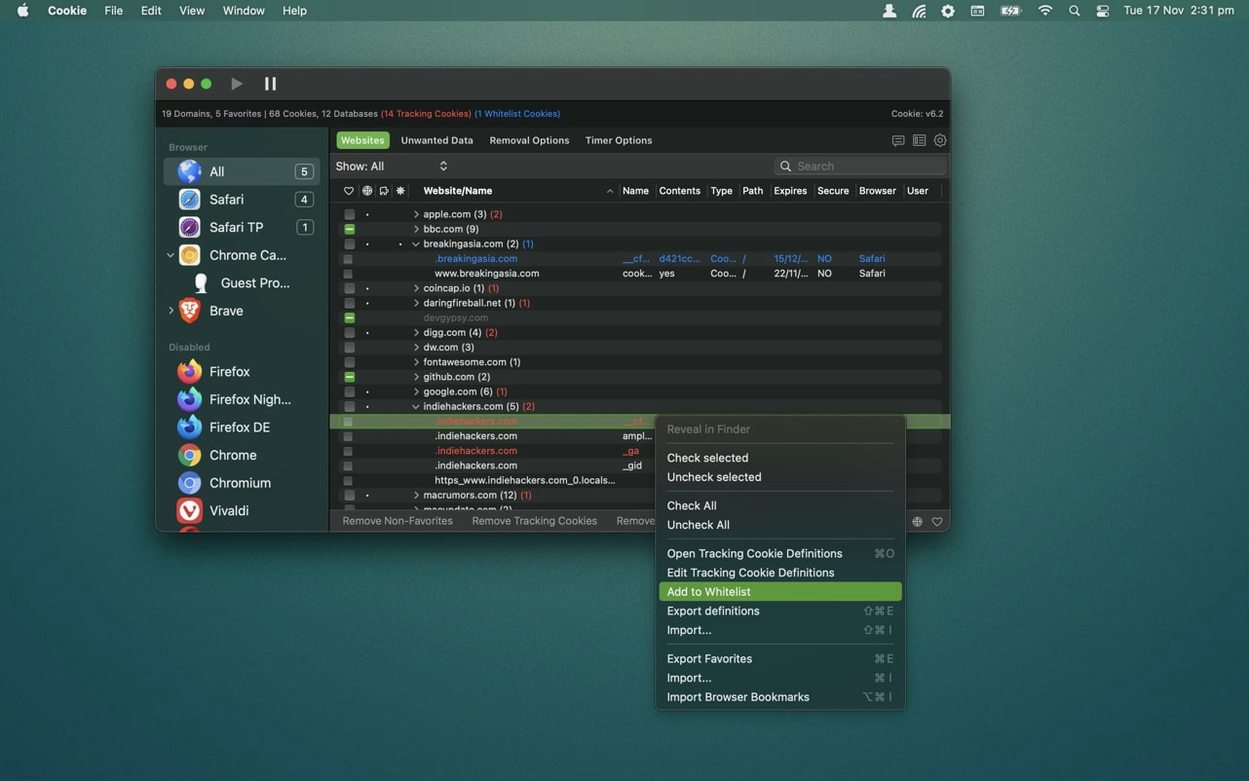
- Protect the cookies you actually want. Cookie keeps tracking cookies for domains you mark as favorites, so you stay logged in where it matters while junk from everywhere else gets cleared automatically.
- One place, every browser. It works with Safari, Chrome, Firefox, Edge, Brave, Arc, Vivaldi, Orion, DuckDuckGo, and a long list of niche and developer-channel variants. All that coverage without a separate tool for each one.
The app also handles browser caches and HTML5 storage, and includes custom definitions for tracking cookies so it knows what to target. Dark and Light themes are there to match your desktop. It consolidates what normally lives scattered across five different preference panes into one straightforward window.
Juggling 12 browser windows across two browsers
Imagine a freelance journalist working on a long feature about food safety. She has a dozen browser windows open across Chrome and Firefox — USDA databases, European food authority portals, forum threads, a few local news sites. She's logged into three research platforms, and those logins need to survive. Everything else — the ad trackers, the analytics scripts, the session cookies from sites she visited once — can go. With Cookie, she sets her research platforms as favorite domains and has the app sweep the rest every time she quits Firefox. Chrome cleans up on her custom 6 p.m. schedule. She doesn't spend five minutes per browser clicking through privacy dialogs; she closes the lid and the job is done.
Let it observe for 24 hours before setting rules
Getting started doesn't take long, but a few habits make the first week smoother.
- Watch the combined view for a day before you create rules. Let Cookie run without automatic deletion for 24 hours. Open the app a few times and scan what shows up per browser. You'll spot the obvious junk — and you'll notice which domains you actually care about.
- Favoriting beats whitelisting for most people. Add your email, banking, and work-login domains as favorites first. Cookie keeps tracking cookies within those domains by default, so you stay signed in while the broader cleanup runs. Individual cookie whitelisting is there when you need finer control, but favorites cover the common case with less fuss.
- Tie one trigger to browser quit, not just a schedule. A schedule is handy, but quitting a browser is the most natural cleanup moment. Enable deletion on browser exit for your main browser, and you'll never think about cookie management again — it just happens when you're done working.
- macOS 12 (Monterey) or later
- Runs natively on Apple Silicon and Intel Macs
Questions I actually get
Which browsers does Cookie support?
Cookie supports over two dozen browser variants, including Safari, Chrome, Firefox, Edge, Brave, Arc, Vivaldi, Opera, DuckDuckGo, and their beta, dev, and nightly editions.
What kinds of data can Cookie remove?
It can clear cookies, browser caches, browsing history, local storage, HTML5 data, and Flash cookies from your browsers.
Notes from the tables 0
Sign in or pull up a chair to leave a note.
No notes on this one yet. They go up after I read them.
More from the Mac Apps page
The whole page Mac Apps 122 MB
CorelCAD
2022.5 Build 22.3.1.4090
Mac Apps 122 MB
CorelCAD
2022.5 Build 22.3.1.4090
 Mac Apps 293 MB
CorelDRAW
27.2.0.135
Mac Apps 293 MB
CorelDRAW
27.2.0.135
 Mac Apps 2.1 GB
Commander One PRO
3.18.0
Mac Apps 2.1 GB
Commander One PRO
3.18.0
 Mac Apps Updated 53 MB
CrossOver
26.3.0
Mac Apps Updated 53 MB
CrossOver
26.3.0
 Mac Apps 285 MB
Coherence X
6.1
Mac Apps 285 MB
Coherence X
6.1
 Mac Apps 26 MB
Cocktail Sequoia Edition
18.7.1
Mac Apps 26 MB
Cocktail Sequoia Edition
18.7.1
 Mac Apps 3 MB
CloudMounter
4.18
Mac Apps 3 MB
CloudMounter
4.18
 Mac Apps 68 MB