

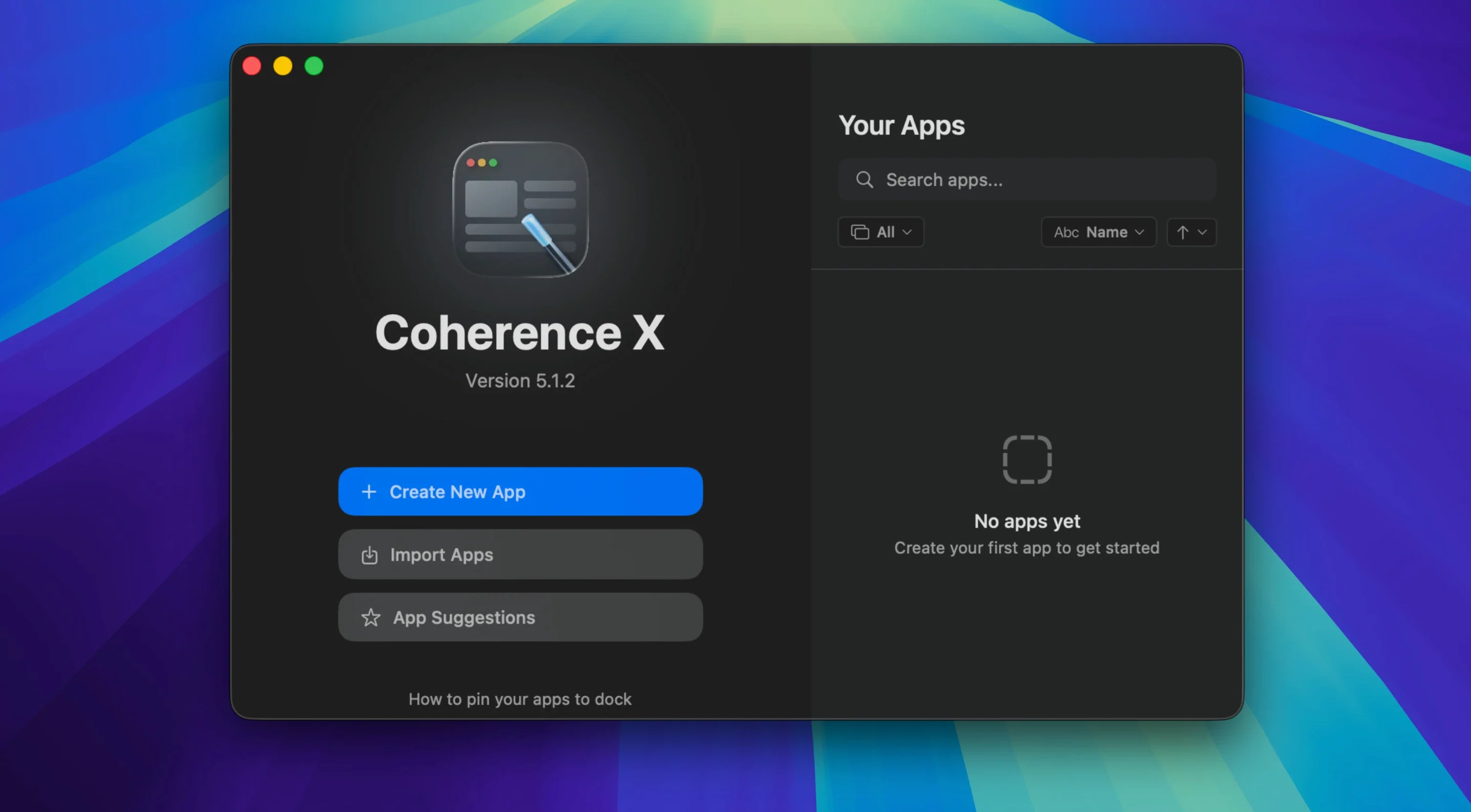
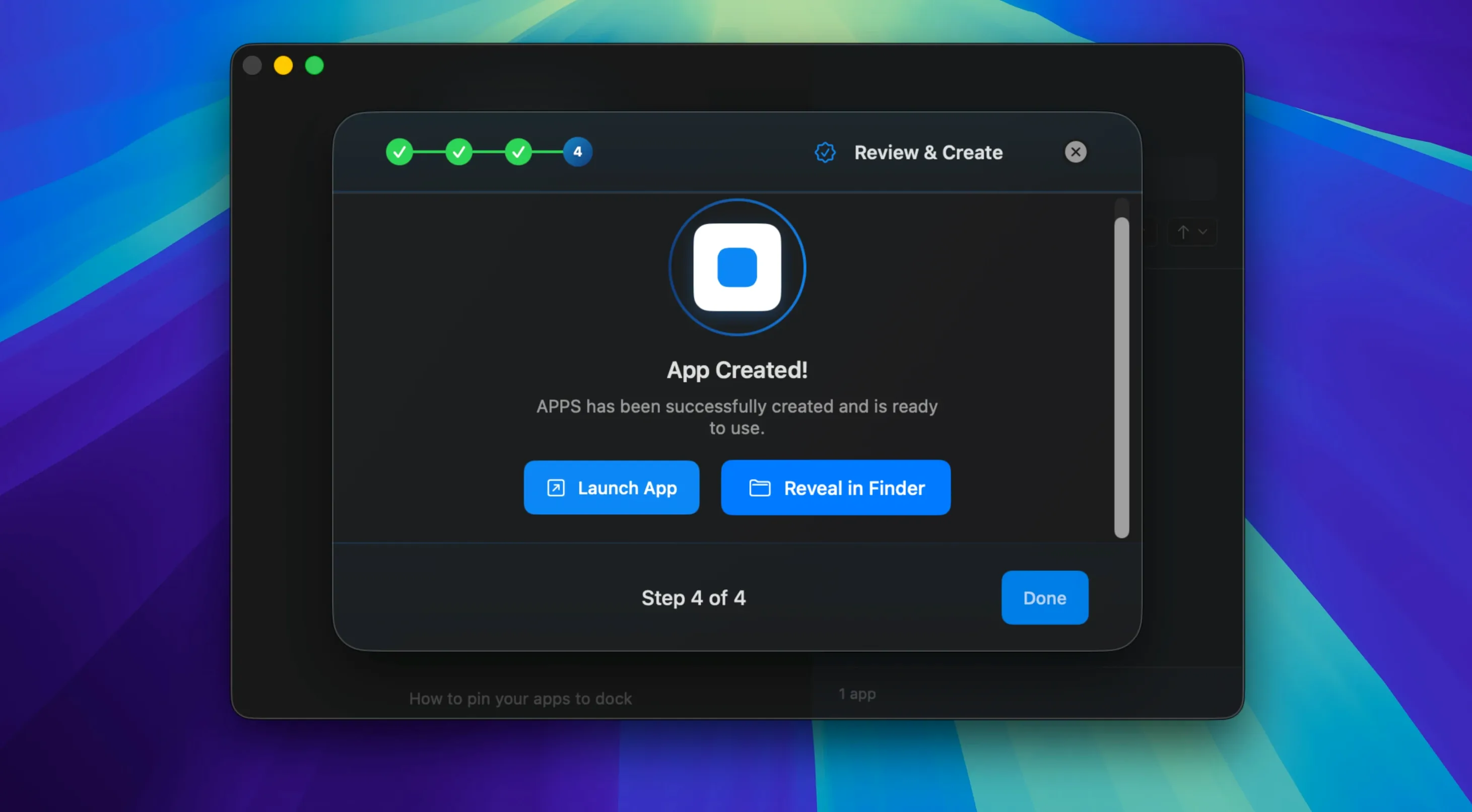
You might know the idea from Fluid—take a web page, wrap it in a frame, and call it an app. Coherence X runs with that same impulse but trades the old WebKit core for Chrome's engine, so every created app behaves like a modern browser. Version 6.1 tightens the fit: new routing rules now suggest a destination instead of leaving you to guess, and you can paste a handful of domains at once when you teach it where links should go.
What's new under the hood
Earlier versions made you rebuild an app just to change a color or fix a link rule. That friction is gone. Tweak the appearance panel or adjust routing, and the change sticks live—no rebuild, no waiting. The extension's "Manage in Coherence" button also got reacquainted with its home app, so it opens the right window more reliably, and you'll see a clear message now if the extension ever loses its connection.
The same drag-and-drop app creation at its core
The core recipe is still dead simple: drag a URL into Coherence X, pick Standard or Tabbed mode, and out comes a self-contained Mac app with its own Dock icon and memory space. You can dress those apps with Chrome Web Store extensions, run separate profiles for your work and personal logins on the same service, or flip on Incognito mode for a session that leaves no crumbs. Created apps can be exported and handed to a colleague, and the whole thing runs natively on Intel or Apple Silicon machines with macOS Ventura or later.
A morning news sweep in one tabbed app
Say you read three news sites every morning and hate juggling Safari windows while your coffee gets cold. Open Coherence X, drop the URLs for each publication into the same Tabbed app, and name it something natural like "Morning Read." Set it to restore tabs on launch, and now you have a single Dock click that brings back yesterday's lineup right where you left off.
Next, visit the Chrome Web Store from inside that app and grab a reader-mode extension and an ad blocker. They're confined to Morning Read—your main browser stays untouched. Give the app its own profile so it never mixes cookies with your personal Gmail, and pin it to the Dock. Tomorrow morning you'll click one icon, sip your coffee, and tab through the news like it's a custom newspaper.
First days with Coherence X
When you've just dragged the app into Applications and launched it, start small. Pick one service you live in—Slack, Notion, or your work email—and make it a Standard app. Live with it for a day before you build a fleet of them.
A few things that save early headaches:
- Name created apps something you'll actually search in Spotlight. "Work Gmail" beats "mail.google.com."
- Before exporting an app to share, check which extensions are bundled. The recipient inherits them all.
- If a link inside your new app keeps opening your main browser, open the routing panel and add the domain. Version 6.1 lets you paste several at once, so gather them from your bookmarks and be done in one go.
- Tabbed apps shine when a service has sub-tools—think Google Docs, Sheets, and Calendar as one window with tabs. Standard mode works better for a single focused tool.
- Incognito mode inside an app is handy for checking how a shared document looks to someone without your login, without opening a whole separate browser window.
Once you trust one app, clone it for your personal logins by duplicating the profile. That's the moment Coherence X stops being a toy and becomes the way you separate work from everything else.
Version 6.1 stops punishing you for changing your mind. You can now add several domains at once when setting up link routing, and new rules start with a sensible destination already suggested. Best of all, appearance tweaks and routing changes save immediately—no more sitting through a rebuild.
- macOS 13 or later
- Intel or Apple Silicon Mac
- Interface: English, German, Spanish
Questions I actually get
Can I use Chrome extensions inside a Coherence X app?
Yes. You can install and manage Chrome Web Store extensions directly inside any created app.
Notes from the tables 0
Sign in or pull up a chair to leave a note.
No notes on this one yet. They go up after I read them.
More from the Mac Apps page
The whole page Mac Apps 3 MB
CloudMounter
4.18
Mac Apps 3 MB
CloudMounter
4.18
 Mac Apps 68 MB
Commander One PRO
3.18.0
Mac Apps 68 MB
Commander One PRO
3.18.0
 Mac Apps Updated 53 MB
Compressor
5.3
Mac Apps Updated 53 MB
Compressor
5.3
 Mac Apps 122 MB
CleanShot X
5.0.1
Mac Apps 122 MB
CleanShot X
5.0.1
 Mac Apps 43 MB
Cookie
8.6.4
Mac Apps 43 MB
Cookie
8.6.4
 Mac Apps Updated 8 MB
CorelCAD
2022.5 Build 22.3.1.4090
Mac Apps Updated 8 MB
CorelCAD
2022.5 Build 22.3.1.4090
 Mac Apps 293 MB
CleanClip
2.4.6
Mac Apps 293 MB
CleanClip
2.4.6
 Mac Apps 23 MB