Over two dozen file actions, but the one that matters is hiding desktop clutter before the shutter clicks. CleanShot X is a Mac-native screen capture and recording toolkit that treats each job—grabbing a window, recording a demo, marking up a bug report—as its own small workflow.
Three features that change how you grab a screen
- Hide desktop icons automatically. Turn on the preference once and it sweeps the mess away before every capture, then puts everything back. No more dragging files to a folder first.
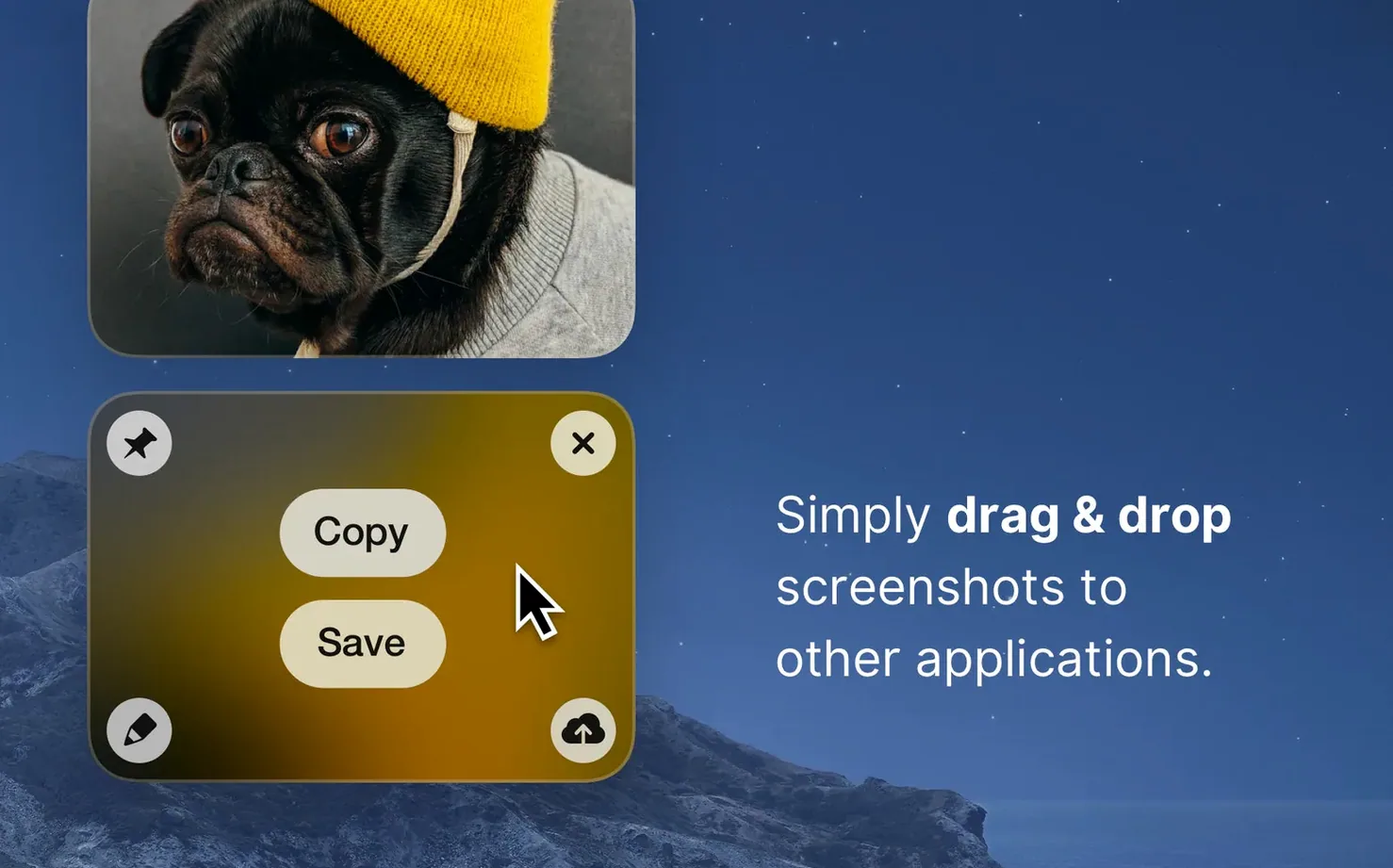
- Pin a screenshot above other windows. The floating thumbnail stays put while you switch apps, reference a design, or copy text from an image you grabbed ten minutes ago.
- Backgrounds that work for you. Drop a screenshot onto a solid color or an image background instead of the default transparency. Handy when a client expects a clean product shot, not a floating window.
Retina or standard, video or still
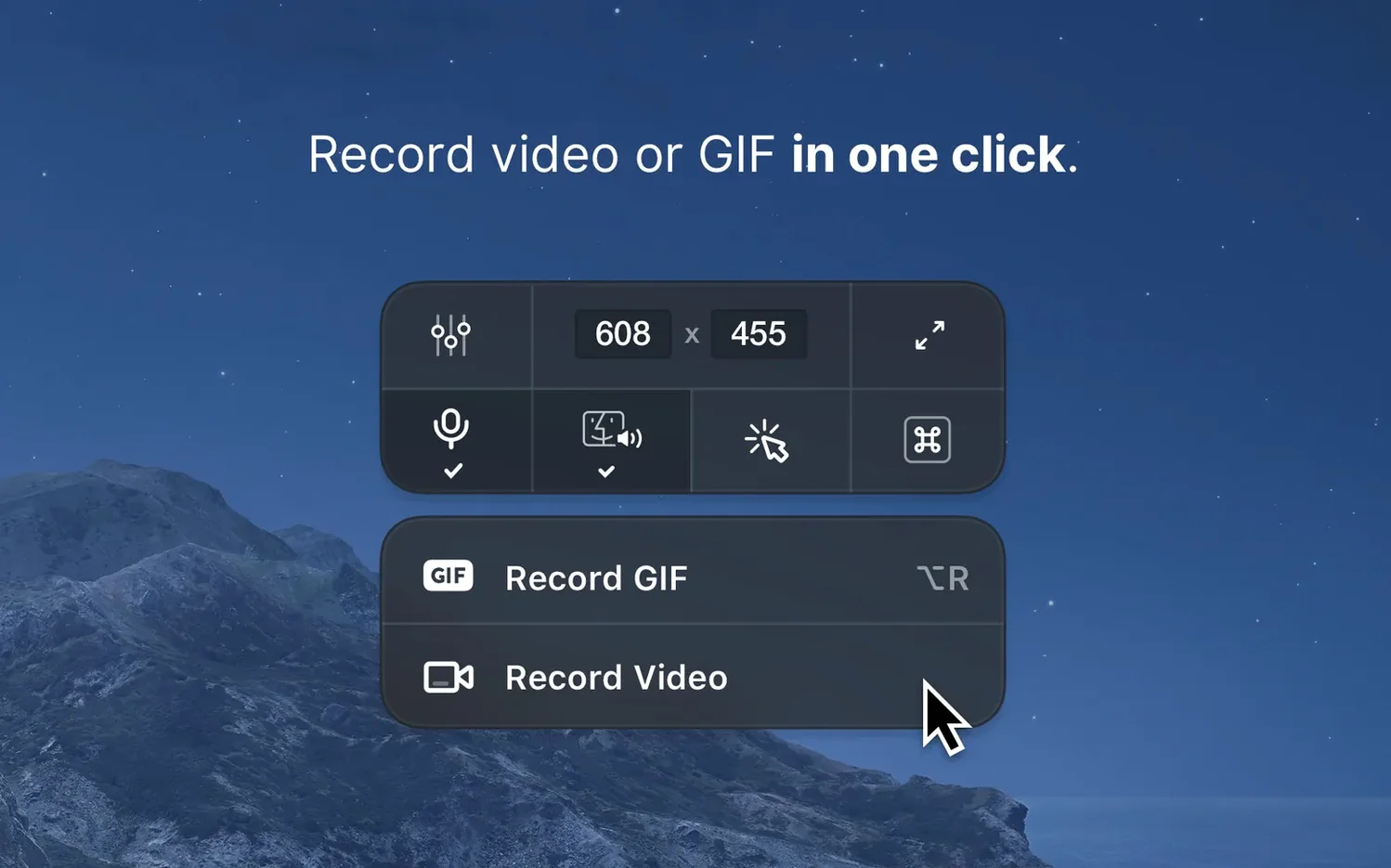
Screen recording lives inside the same overlay menu. You get the standard trim-and-share tools, plus a resolution toggle between Retina and standard so exported files don't balloon when you just need a quick walkthrough clip. The whole thing runs on Intel and Apple Silicon Macs back to macOS 11, and the 5.0 update laid the groundwork with a rewritten core—version 5.0.1 is polish on top of that.
Hands off to Messages or Mail instantly
CleanShot X doesn't try to be a photo editor or a full video suite, and that's exactly why it plays nice with what you already use. After you grab a screenshot, the share menu hands it off to Messages, Mail, AirDrop, or any app that registers as a share destination. The real time-saver is drag-and-drop from the floating thumbnail—drag a marked-up screenshot straight into a Slack message, a Notion page, or a Finder folder without ever saving a file to the desktop first.
macOS features like Continuity Camera and Universal Clipboard work alongside it without any friction. Record a demo on your Mac, trim it in the CleanShot X editor, then drop the clip into a Pages document that's open on your iPad via Handoff. The clipboard integration is equally straightforward: copy a pinned screenshot, switch to another Mac signed into the same Apple Account, and paste. It's the kind of small interaction that feels invisible until you rely on it.
Kill desktop notifications while recording
Out of the box, CleanShot X works fine. But a couple of toggles make it feel like it was built for your desk specifically.
- Turn off desktop notifications during recording. In the preferences under the Recording tab, there's a checkbox that silences banners and alerts while the red light is on. If you've ever recorded a walkthrough and had a notification banner float across the top ten seconds in, you already know why this matters.
- Set a default timer for area captures. By default, area capture is instant. Tuck a two-second delay into the settings and you get just enough time to position the crosshair exactly where you need it, especially when you're trying to grab a tooltip or a hover state that disappears the moment you click.
A bug-report workflow, from click to click
Say you spot a layout glitch in a web app and need to get it in front of a developer. Here's how the whole thing flows in CleanShot X.
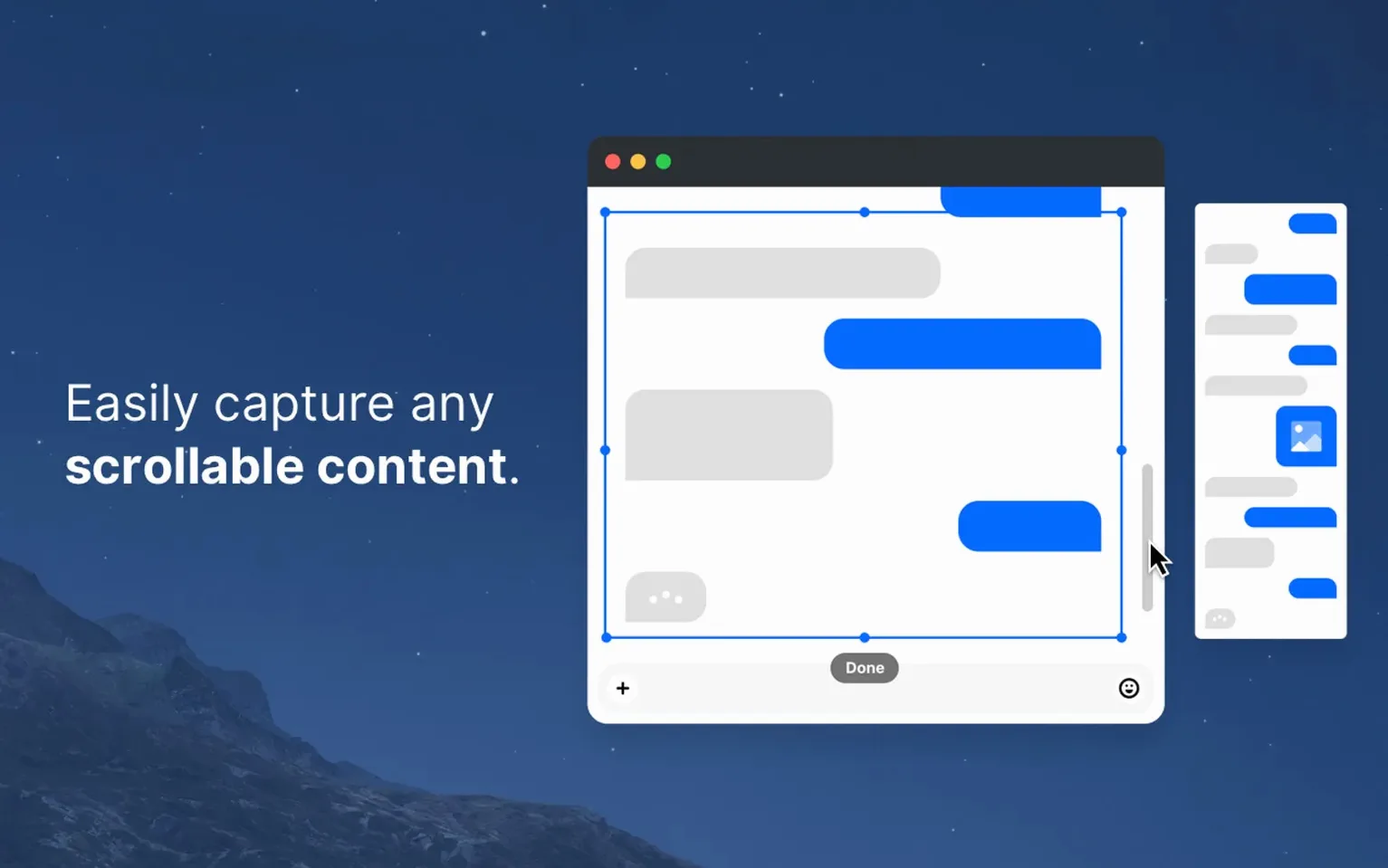
- Press the keyboard shortcut for Scrolling Capture and select the browser window. CleanShot X stitches the full page into one tall image, even the part below the fold.
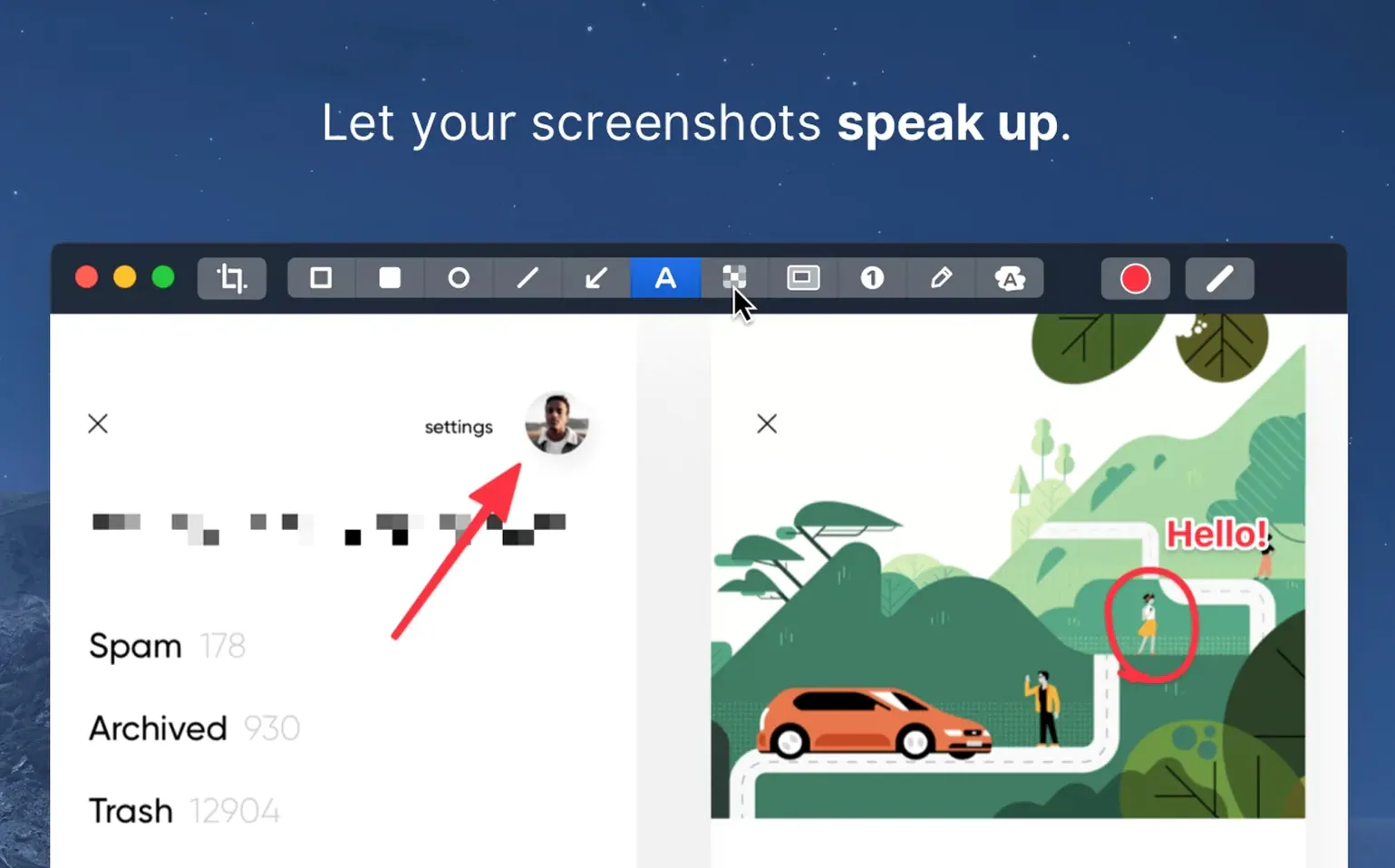
- The editor pops open automatically. Grab the rectangle tool and draw a red box around the broken element. Add an arrow pointing to it, then type a short annotation—something like "padding collapses at 768px width."
- Use the blur tool to hide a column of customer names sitting in the sidebar, because nobody needs to see live data in a bug ticket.
- Click the pin button in the toolbar. The screenshot floats above your browser while you open Linear or Jira in the background.
- Type the ticket title, then drag the pinned image straight from your screen into the bug report's attachment area. No file dialog, no Downloads folder detour.
Once you've sent the ticket, unpin the screenshot and it's gone. The whole thing takes under a minute, and the only file that ever hits your disk is the one attached to the ticket. For a cleanshot x for mac workflow, that's about as lean as it gets.
Version 5.0.1 is a housekeeping release—minor bug fixes and small improvements that tighten up the major 5.0 rewrite from September.
- macOS 11 or later
- Works on Intel and Apple Silicon Macs
Questions I actually get
Does CleanShot X work on older Macs running Intel processors?
Yes. CleanShot X supports both Intel and Apple Silicon Macs as long as you're on macOS 11 or later.
Notes from the tables 0
Sign in or pull up a chair to leave a note.
No notes on this one yet. They go up after I read them.