
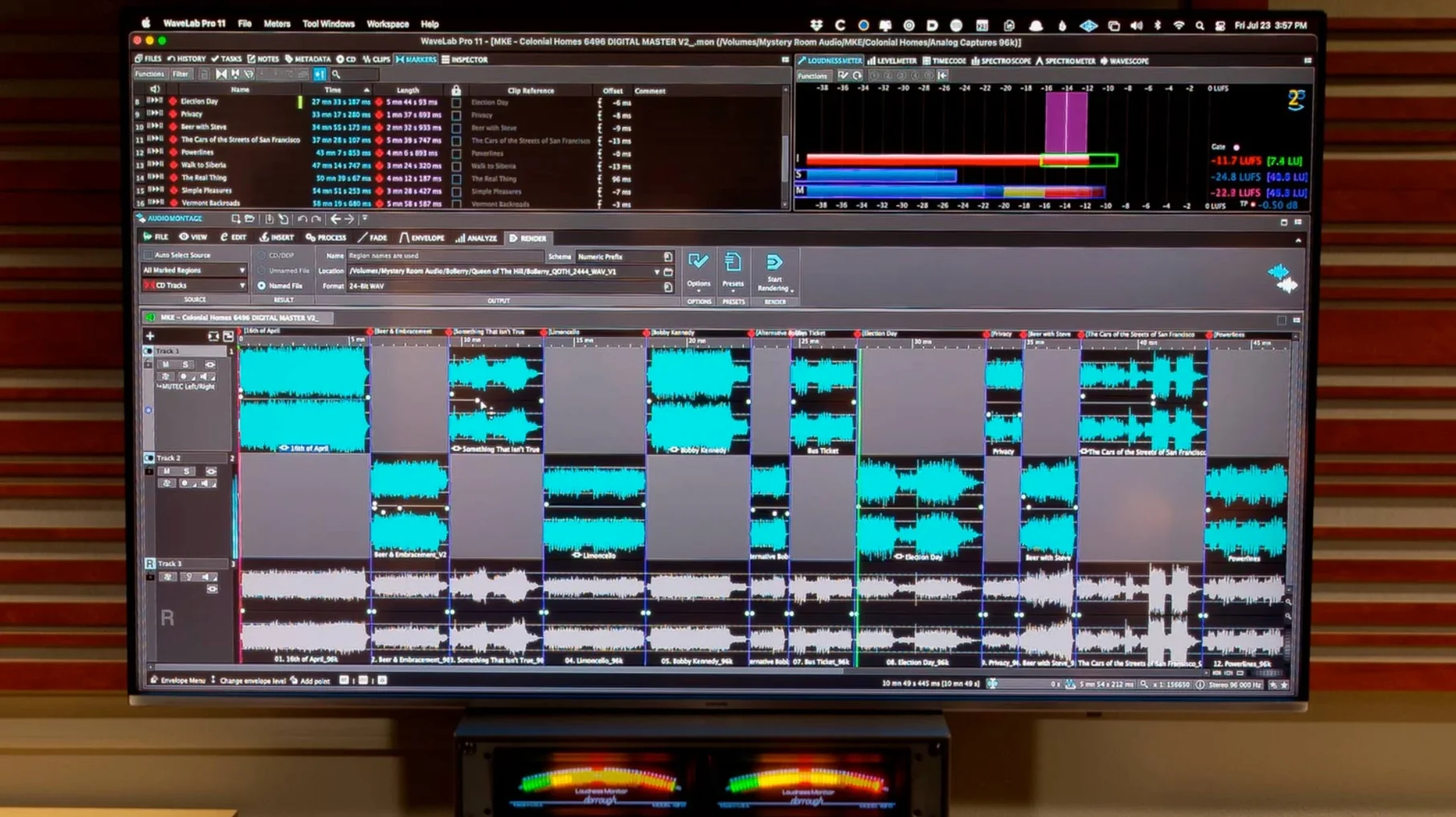
Post engineers, mastering studios, and anybody who needs a finished track to translate everywhere—that’s who reaches for WaveLab Pro. Before you hear a single processor, it’s worth knowing how it slots into a real session.
ARA plug-in — WaveLab shows up inside Cubase 13, Nuendo 13, Reaper 7, and Studio One 6.5. No bouncing, no round‑tripping. Clip gain, fades, and edits travel back and forth instantly.
Audio transfer — Ranges can be sent to other apps with or without effects printed on them, so a raw edit and a processed version can exist in two places at once without extra exports.
File and montage sync — When you click a clip in the montage, the source file opens at the same spot. Navigation stays locked, which cuts down hunting time on long-form projects.
Dolby Atmos — Master montages now accept channel‑based surround files. Binaural monitoring can load a personal HRTF profile, so headphone checks reflect your own spatial hearing instead of a generic curve.
Waveform scaling — Peaks resize automatically to the visible area. You see the transient detail that actually fits the screen, not a squint‑inducing blob.
Runs native on Apple silicon, no Rosetta needed
People want to know if it runs natively, not through a translation layer. On Apple silicon Macs, WaveLab Pro fires up as a native app — no Rosetta middleman. On older Intel machines, it runs as you'd expect. Either way, macOS 13 is the floor, so anyone still parked on Monterey needs to update first.
The other big question is whether it plays nice with an existing plug-in folder. WaveLab scans AU and VST3 formats, same as your DAW. If a plug-in already validates in Logic or Cubase, it almost always appears in WaveLab's rack without extra fuss. The one exception is older 32-bit stuff — those are long gone, and WaveLab won't pretend otherwise.
And yes, people hunting a wavelab for mac solution often ask if it's a standalone or a plug-in. It's both. The full application runs on its own, and the ARA version slides into supported hosts when you need mastering tools inside a mixing session.
Silent montage fix: check Audio Connections first
The most common head-scratcher is a silent montage right after opening. Nine times out of ten, the audio device switched to a different output than your monitors — check Options > Audio Connections before touching anything else. WaveLab doesn't always follow the system-wide output you set in macOS Sound preferences.
Another hiccup: plug-in windows that pop up behind the main workspace. That happens when you run multiple screens with different resolutions. The fix is in View > Plug-in Window Management — tell it to keep windows on the same display as the main editor, and the hide-and-seek stops.
If binaural monitoring sounds off in the Dolby Atmos section, it's usually an HRTF mismatch. Steinberg includes a generic profile, but loading your own — if you have one from a previous measurement — makes a noticeable difference. Drop the profile into the Atmos monitoring preferences, not the general audio settings.
Occasionally a user who grabbed a wavelab mac torrent or an unofficial package runs into missing component errors. That's almost always a damaged preferences file. Trash ~/Library/Preferences/WaveLab Pro 13 and restart — the app rebuilds a clean set on launch.
How WaveLab fits with other apps and macOS
WaveLab talks to DAWs through ARA, but it also works as a straightforward external editor inside Logic Pro. Assign it in Logic's audio preferences, and selecting "Edit in WaveLab" sends the file over, keeps it in sync, and brings it back when you save. No extra routing, no real-time bounce.
On the macOS side, the app respects Core Audio natively, so aggregate devices and multi-channel interfaces show up as expected. Audio Units plug-ins scan from the standard system folders. Quick Look integration isn't built in, but you can drag a file from Finder straight onto the montage track list — the same gesture you'd use in Final Cut or Premiere.
For collaboration, WaveLab exports montages that reference source files rather than embedding everything. If you share a project folder with another Mac running WaveLab, the montage opens with all edits intact as long as the relative file paths stay the same. Pair it with iCloud Drive or a shared server, and two engineers can trade a montage back and forth without re-linking every clip.
The toolset covers a full mastering run—EQ, dynamics, restoration, metering—but it’s the handshake with your DAW that keeps the workday moving.
Two practical additions landed in 13.0.30.
- Dolby Atmos master montages can include channel‑based surround files instead of only object‑based audio.
- Binaural monitoring supports loading a personal HRTF profile, so headphone spatial checks match your own ears.
- macOS 13 or later
- Apple Silicon and Intel Macs
- Interface: English
Notes from the tables 0
Sign in or pull up a chair to leave a note.
No notes on this one yet. They go up after I read them.
More from the VST Plugins page
The whole page VST Plugins 259 MB
VocalNet
1.0.4
VST Plugins 259 MB
VocalNet
1.0.4
 VST Plugins 669 MB
XLN Audio Life
1.2.3
VST Plugins 669 MB
XLN Audio Life
1.2.3
 VST Plugins 442 MB
XLN Audio XO
1.8.10-2026.09.04-Complete
VST Plugins 442 MB
XLN Audio XO
1.8.10-2026.09.04-Complete
 VST Plugins 2.3 GB
Xpand!2
2.3.1
VST Plugins 2.3 GB
Xpand!2
2.3.1
 VST Plugins 1.2 GB
Valhalla DSP Bundle
2025.12
VST Plugins 1.2 GB
Valhalla DSP Bundle
2025.12
 VST Plugins 61 MB
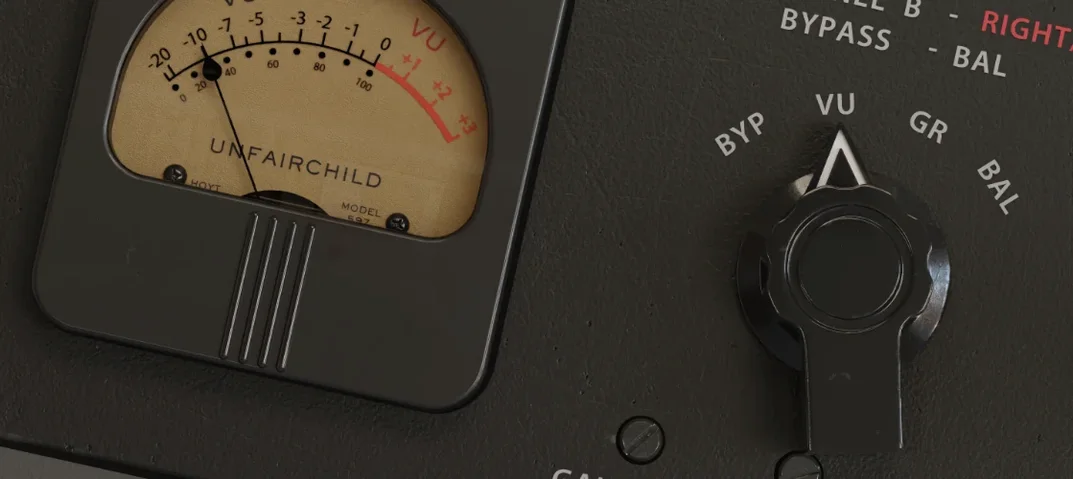
UnderTone Audio UnFairchild
1.0.8
VST Plugins 61 MB
UnderTone Audio UnFairchild
1.0.8
 VST Plugins 220 MB
Ultra Audio Ultra
1.1.4
VST Plugins 220 MB
Ultra Audio Ultra
1.1.4
 VST Plugins 293 MB