

A project manager opens a row, sets a duration column for the deadline, and drags a few tasks into place. That mix of fast keyboard structure and rich metadata is where OmniOutliner Pro lives. The 6.2.1 update is a small housekeeping pass, but it keeps the app feeling tight on macOS 15.
The most practical fix: saving a document no longer steals focus, so the current window stays active. If you work with column sorting turned on, the update also tidies how multiple windows behave when you sort. Localization gaps in the Inspectors and Sidebar got filled in for several languages, which makes the interface feel more complete for international users.
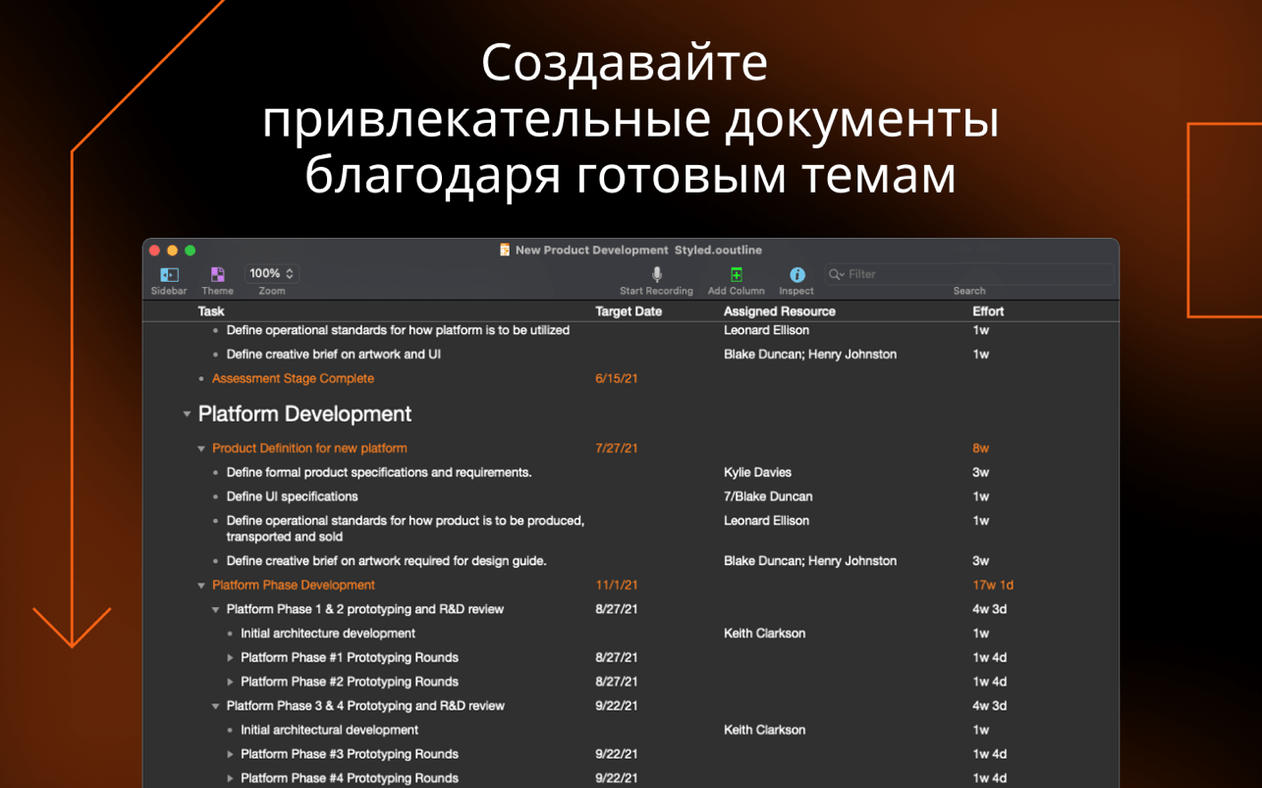
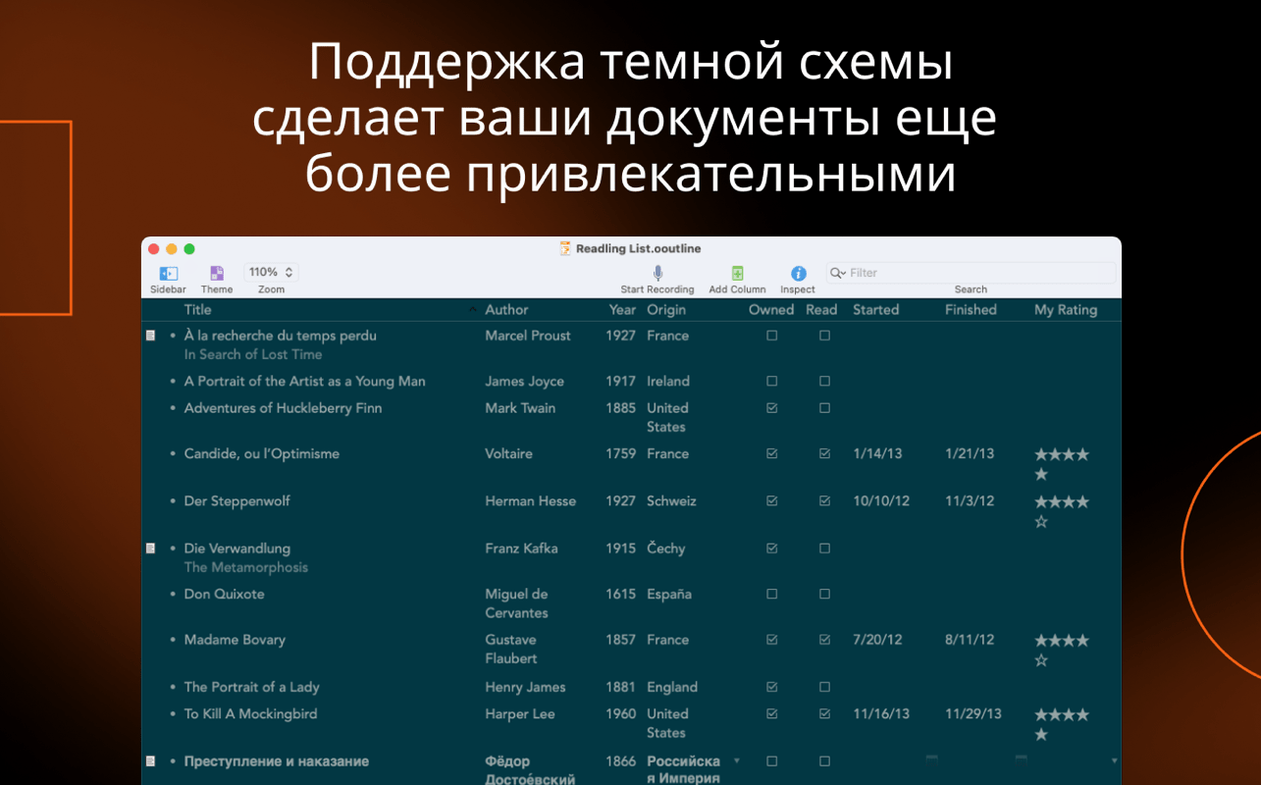
What hasn’t changed is the core toolkit. You still get multiple columns with data types like pop-up lists, checkboxes, dates, and durations, plus export to Excel format when a spreadsheet is what the recipient needs. A style preview sits at the top of the inspector, and both structural and named styles are there when one outline needs to wear different visual hats. The app can resize a column to fit its contents with a quick command, and Apple Intelligence workflows are reachable through Omni Automation plug-ins on supported hardware.
Fixes for image scaling and zoom display
Version 6.2.1 doesn’t add splashy features, and that’s fine by me. The update fixes a handful of small friction points that regular users notice. Image attachments now scale correctly, and the zoom-level resolution display tells you what’s actually happening instead of a fuzzy approximation. If you use Quick Look to preview documents in the Finder, the generator now shows the proper display name—no more mystery files. The inspector also stops misbehaving when the outline view scroll bar is visible, so it won’t cover what you’re trying to read.
Pasted data lands better too. When you drop content into a column, the app converts it to a compatible type more intelligently. A number pasted into a duration column, for instance, doesn’t just sit there as plain text.
Where smart columns and encryption outpace Bike
OmniOutliner Pro shares shelf space with a few other Mac outliners, but they pull in different directions.
- Bike Outliner is fast and featherweight. It’s great for quick, text-first lists, but it doesn’t touch smart columns, Excel export, or encryption—so it stays in the brainstorming lane while OmniOutliner Pro stretches into planning and delivery.
- TaskPaper is plain-text nirvana for people who want everything in a .txt file. The trade-off: no rich metadata columns, no style system, and no password protection for sensitive outlines. If you track dates and checkboxes inside rows, OmniOutliner Pro gives you structure TaskPaper leaves to your typing discipline.
- omnioutliner pro for mac cracked searches sometimes surface older builds, but version 6.2.1 runs on Apple Silicon and Intel Macs with the same installer. The current app needs macOS 15, so if you grab a copy for an older system, just match it to that specific macOS version and it'll be a different beast entirely.
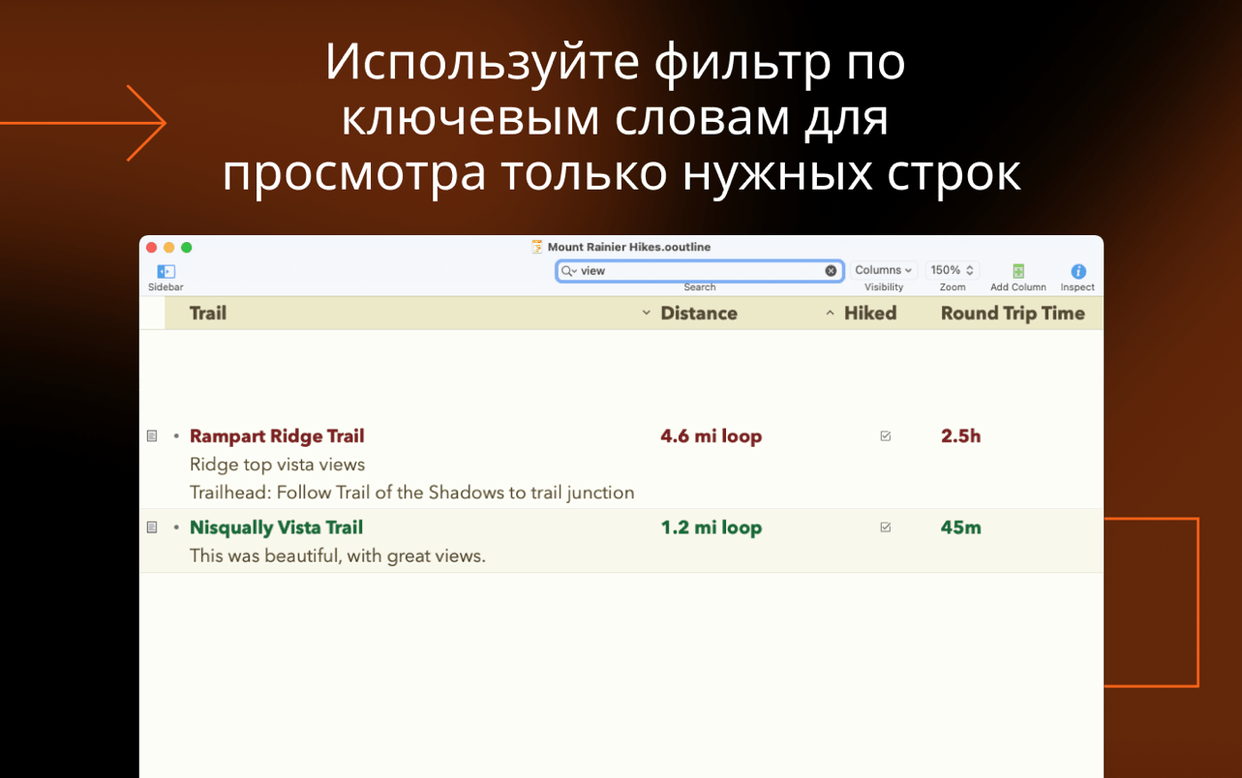
The Pro edition earns its stripes when an outline needs multiple data types in the same document. Essentials strips those away; Bike and TaskPaper never had them. If your work stops at hierarchical text, any of these will do. Once deadlines, pop-up statuses, and filtered views enter the picture, the field narrows fast.
It’s the same sturdy outliner, just less likely to nudge you out of your flow when you hit save.
- macOS 15 or later
- Runs on both Intel and Apple Silicon Macs
Notes from the tables 0
Sign in or pull up a chair to leave a note.
No notes on this one yet. They go up after I read them.
More from the Office page
The whole page Office 100 MB
OmniReader Pro
3.4.4
Office 100 MB
OmniReader Pro
3.4.4
 Office Updated 33 MB
Numbers Creator Studio
15.3.1
Office Updated 33 MB
Numbers Creator Studio
15.3.1
 Office 243 MB
Nitro PDF Pro
13.3.1
Office 243 MB
Nitro PDF Pro
13.3.1
 Office 272 MB
PDF Expert
3.13.4
Office 272 MB
PDF Expert
3.13.4
 Office Updated 128 MB
PDF Reader Pro
6.0.0
Office Updated 128 MB
PDF Reader Pro
6.0.0
 Office 326 MB
PDFelement Pro
12.1.28
Office 326 MB
PDFelement Pro
12.1.28
 Office 807 MB
QuickBooks Mac Plus
23.1.9.R10 Plus
Office 807 MB
QuickBooks Mac Plus
23.1.9.R10 Plus
 Office 169 MB