Check your machine first
This is an Intel-native app, and it's been tested on an M1 MacBook Air running macOS Sequoia without a fuss. If you're on Apple Silicon, Rosetta 2 handles the translation, so you're good to go.
Running a global resistance
You're not defending Earth from a mothership this time. The war was lost years ago, the XCOM organization is scattered, and you're running a guerrilla operation from a stolen alien supply ship. The strategic layer lets you choose where to strike, how to gain public support, and when to carry out special operations that can turn the tide.
Tactical battles with real consequences
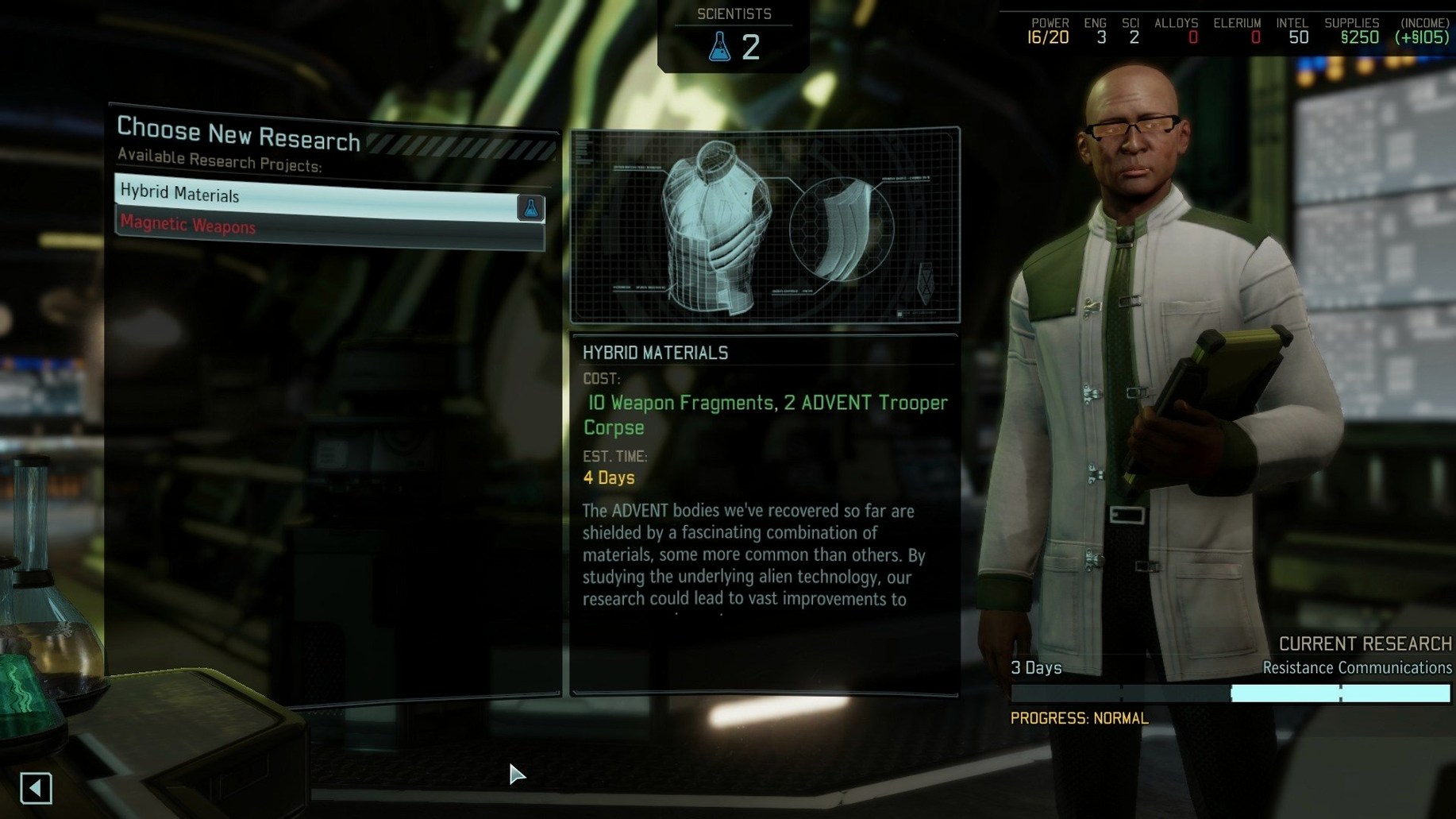
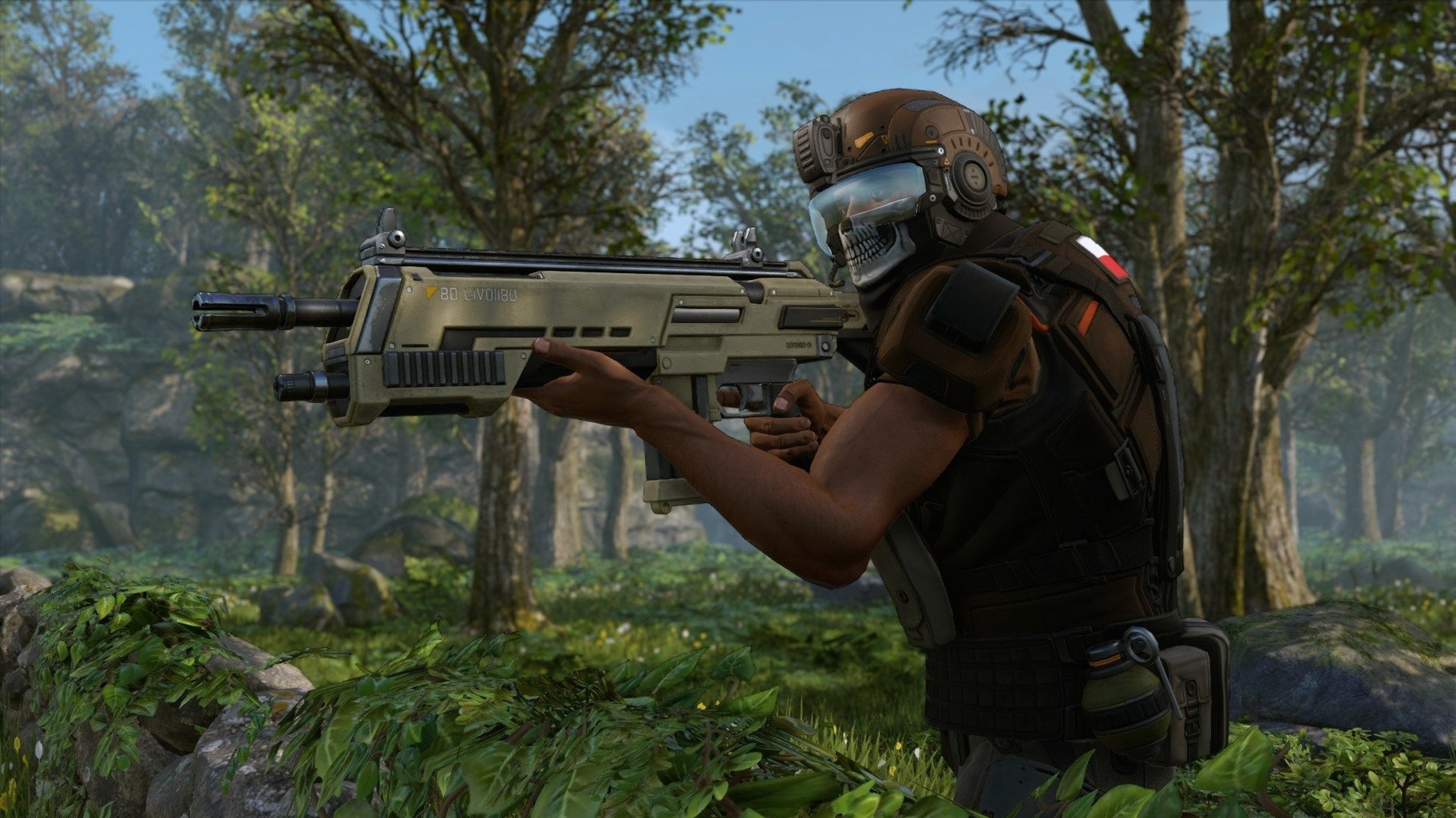
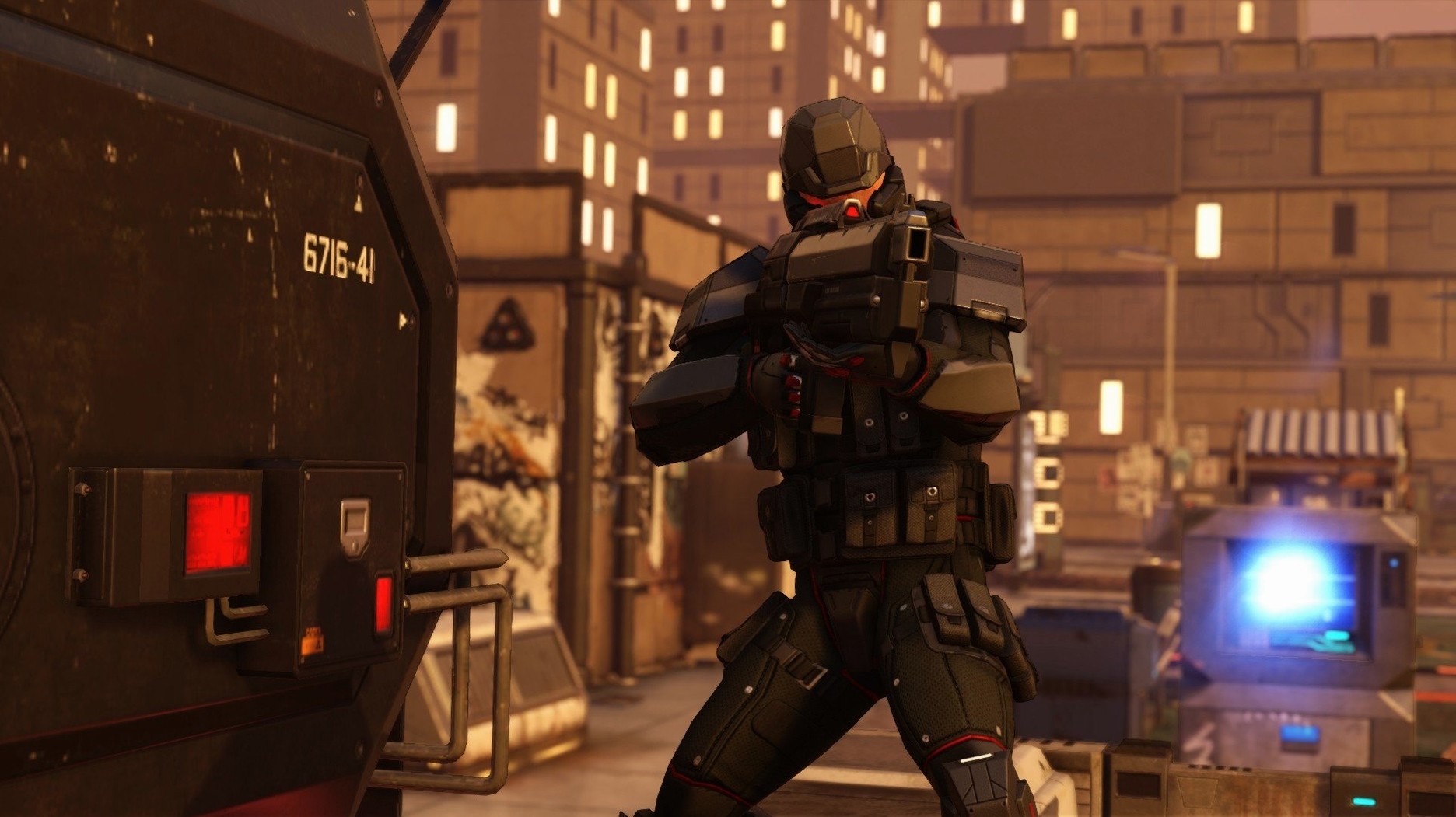
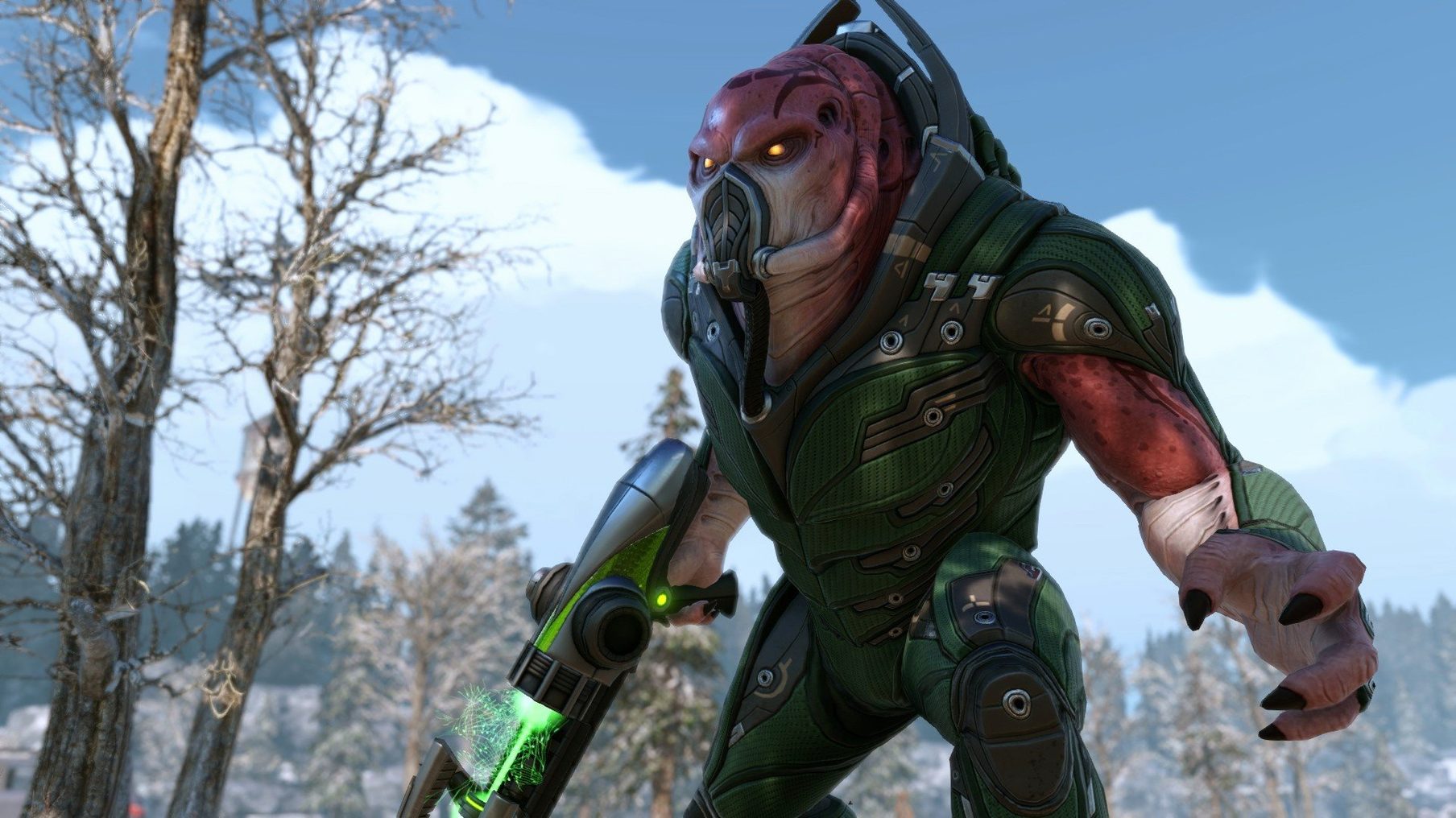
Missions pull from a deep well of map and objective combinations, so no two firefights feel quite the same. You'll face new alien types and ADVENT forces, and your squad's survival depends on the weapons and armor your scientists and engineers research back at base. Custom campaigns and soldier classes are there if you want to cook up your own scenarios.
Planners who savor earned losses
This game is for the planner who enjoys losing a soldier and thinking, "Okay, I earned that." It's a slow-burn strategy meal where every decision matters. If you want a power fantasy or a quick blast, you'll find the constant pressure and missed 95% shots more frustrating than fun. The tools for custom aliens and tactical features give modders a whole extra playground, but the core experience is about managing disaster.
Cinematic scrappiness over spreadsheet precision
If you've played Xenonauts 2, you already know the air-war layer and the colder, more clinical tone. XCOM 2 trades that spreadsheet-like precision for cinematic flair and a scrappier rhythm. In Xenonauts you manage global panic by intercepting UFOs; here you're picking ambush sites and stealing the Avenger a little more breathing room. They scratch the same itch, but XCOM 2 feels more like a heist movie than a war room sim.
Jagged Alliance 3 brings mercenary personalities and a looser, more improvisational combat system to the Mac. Its charm is in the chaos — a missed shot can start a fire that changes the whole map. XCOM 2 is tighter, more board-gamey. Cover, flanking, and ability combos matter more than individual character quirks. If you want a tactical sandbox with wisecracks, go Jagged Alliance. If you want a pressure cooker where every tile counts, XCOM 2 still leads the pack.
Against its own predecessor, XCOM: Enemy Unknown, the sequel flips the script. You're no longer the planet's last hope standing in a shiny base — you're a fugitive force hitting from the shadows. The addition of concealment at mission start and the countdown timers on many objectives give the Collection a faster pulse, even though the campaign itself is longer.
Shift-queued waypoints avoid overwatch traps
- Hold Shift to queue waypoints. A soldier's default pathfinding loves to trigger overwatch fire. Plot a route manually along safe cover and you'll save a lot of medkit charges.
- The "make items available" button is your supply chain. After a mission, excess loot doesn't automatically pool. Hit that button in the loadout screen or you'll wonder why your specialist's new medkit was missing.
- Line-of-sight preview isn't just for snipers. When moving, the targeting reticle next to an enemy health bar tells you if your chosen square has a clear shot. Tap the movement key without confirming to check angles before you commit.
- Evac all, not one at a time. Place the evacuation zone, then select the "evac all" action from the ability bar. It sweeps up every soldier inside the zone in one click, and the game won't scold you for leaving someone behind because you misclicked.
- Intel (x86 64-bit)
- Tested on macOS Sequoia (Apple M1 via Rosetta 2)
Questions I actually get
What languages are the voices in?
Voice audio is available in English, German, Spanish, Italian, and French.
Notes from the tables 0
Sign in or pull up a chair to leave a note.
No notes on this one yet. They go up after I read them.