

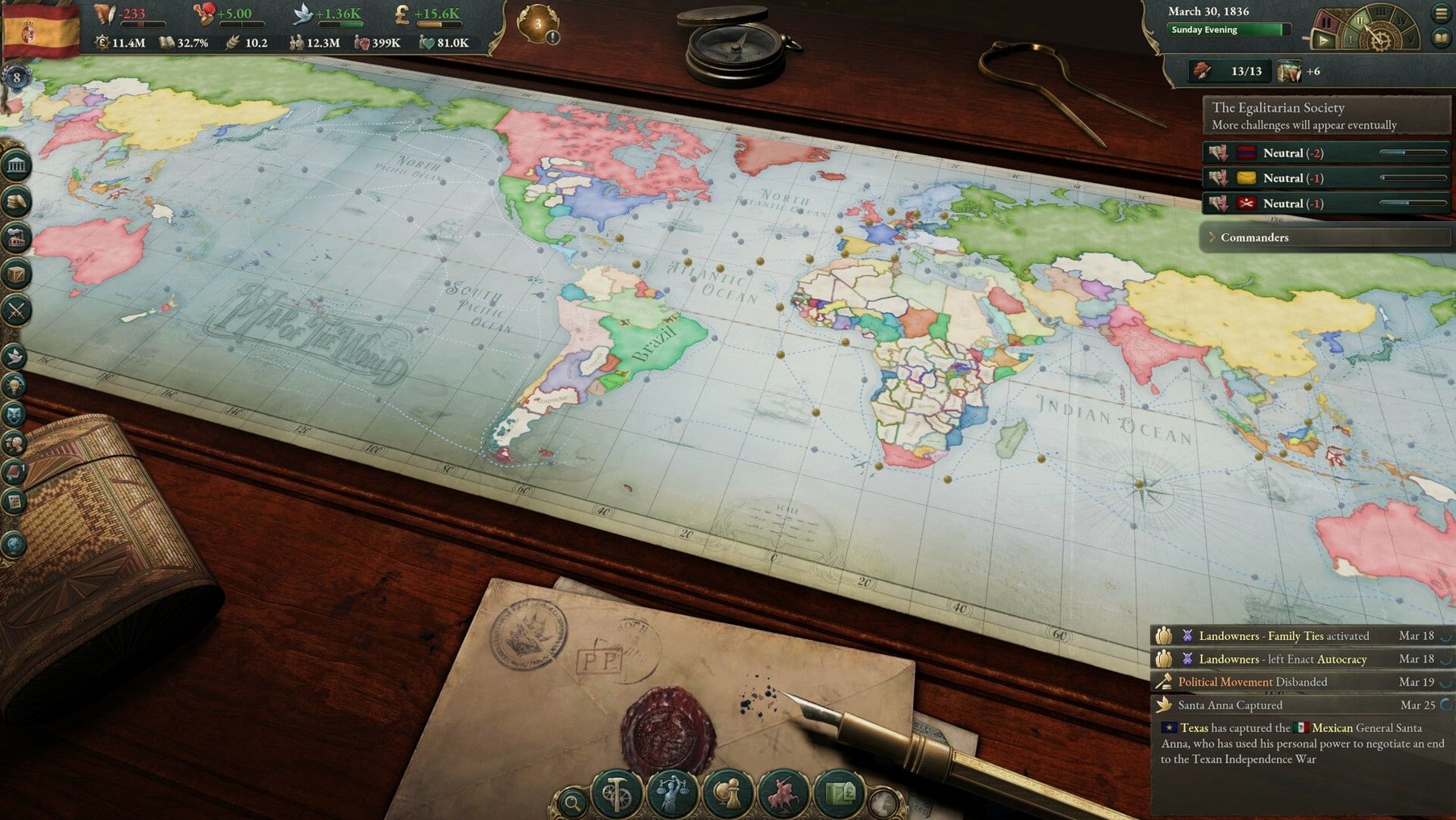
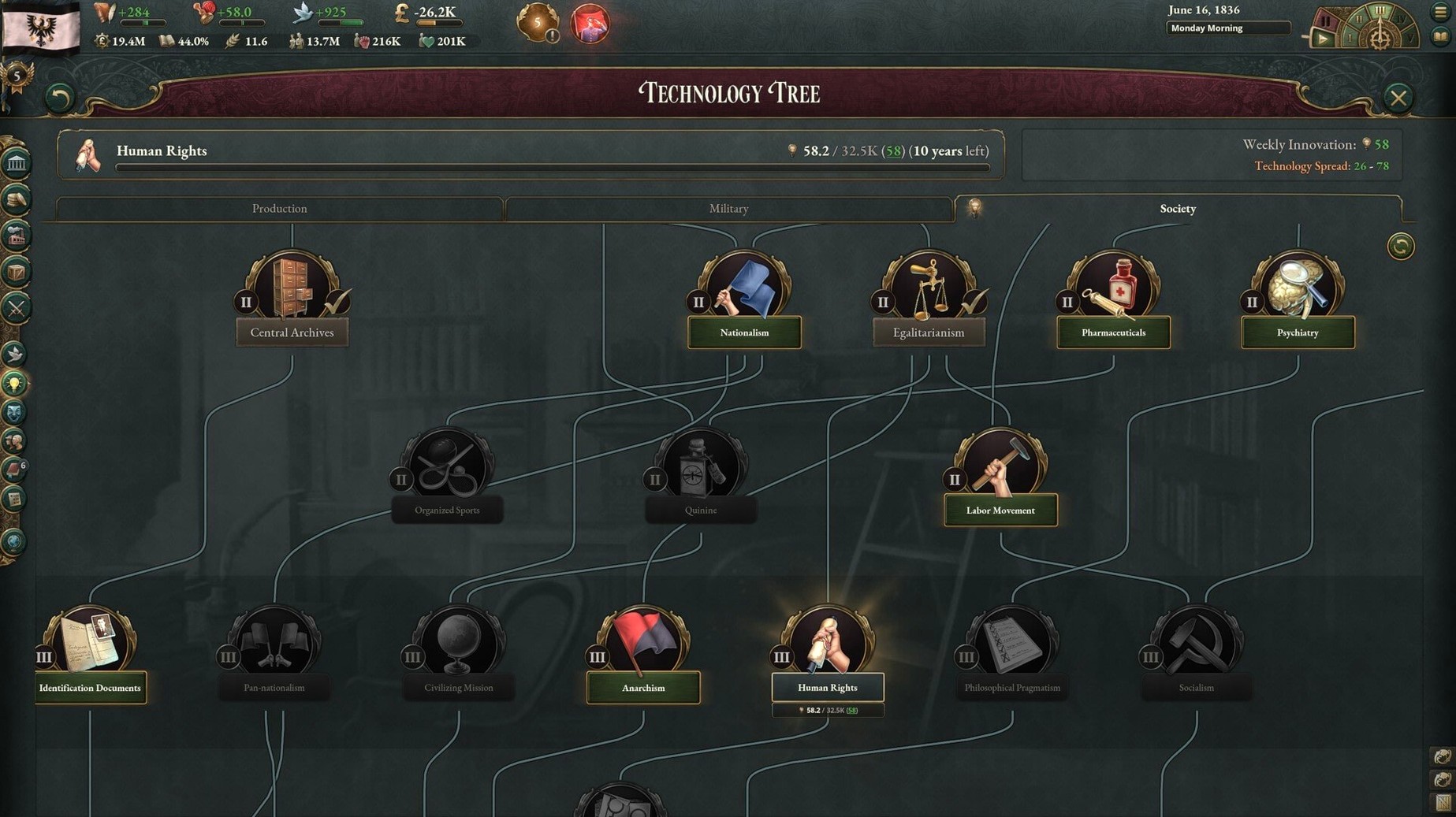
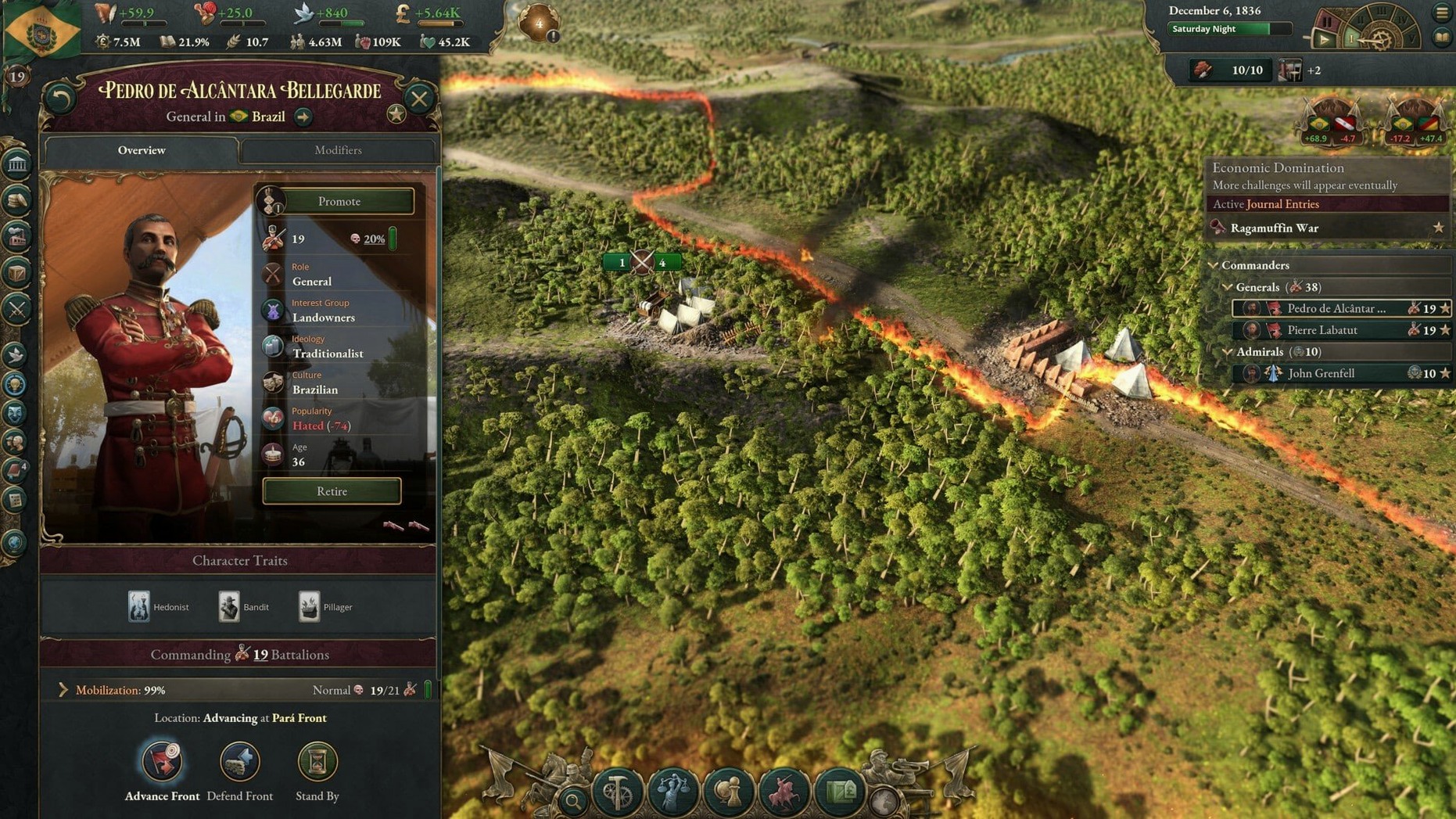
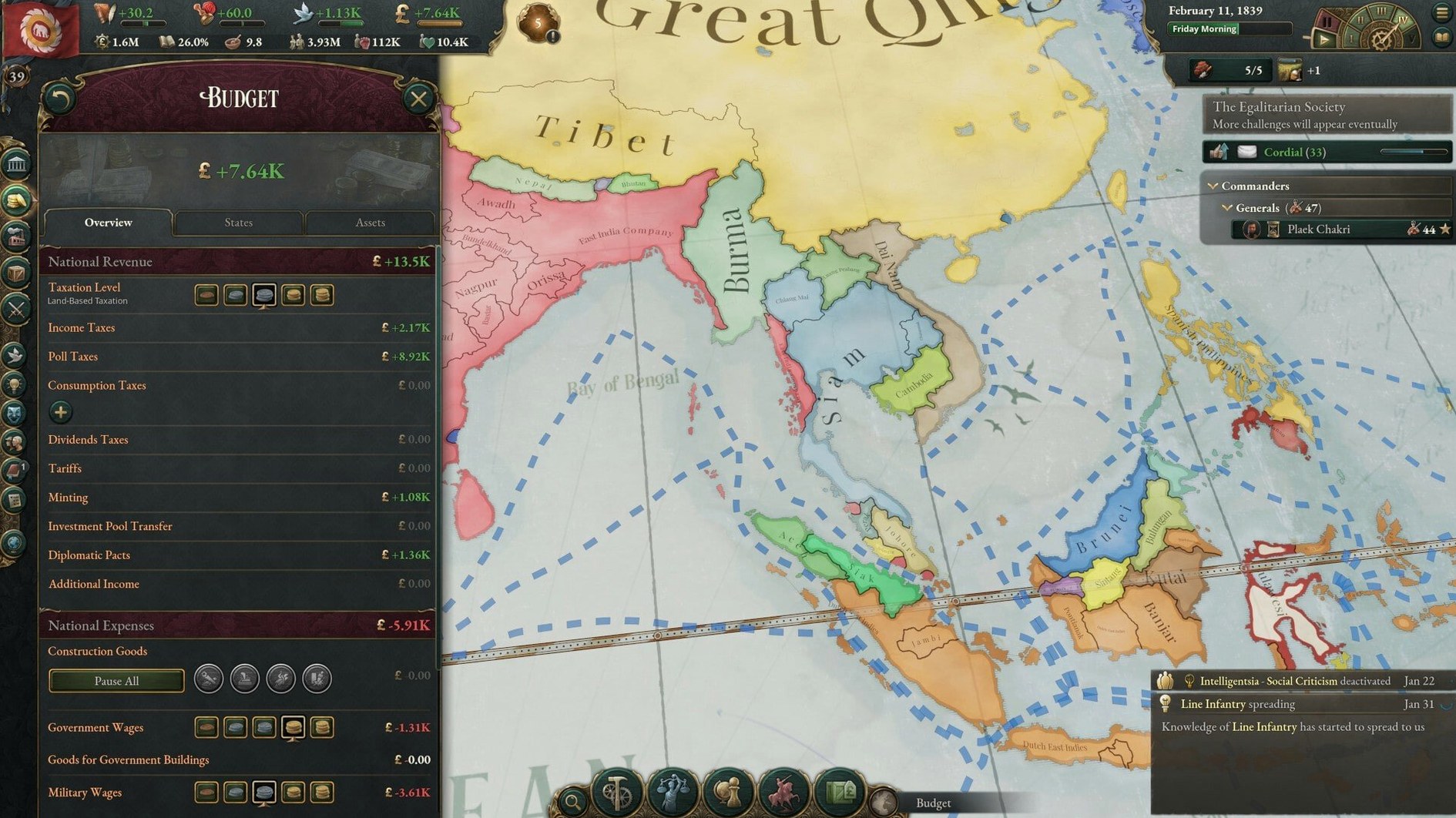
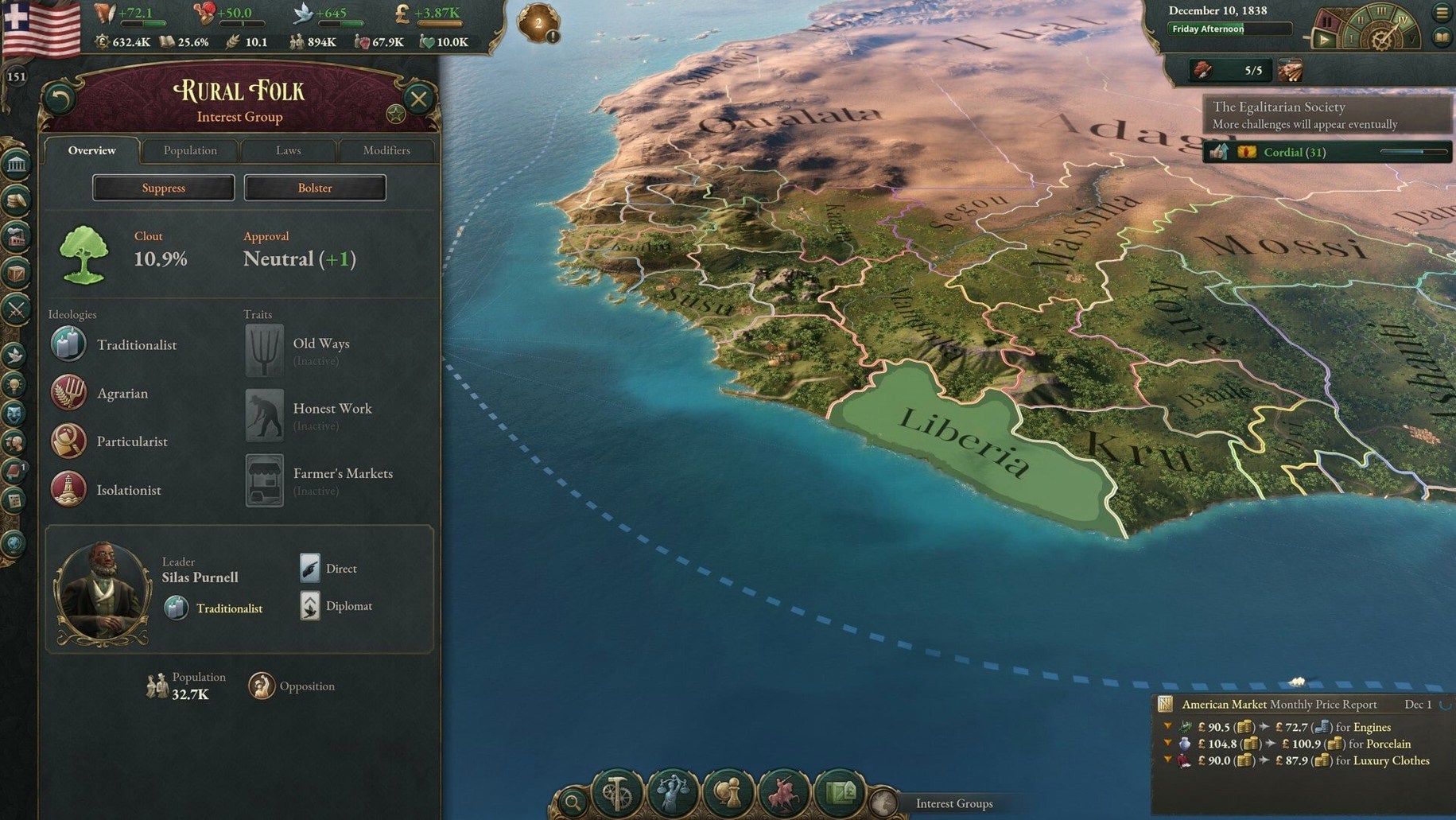
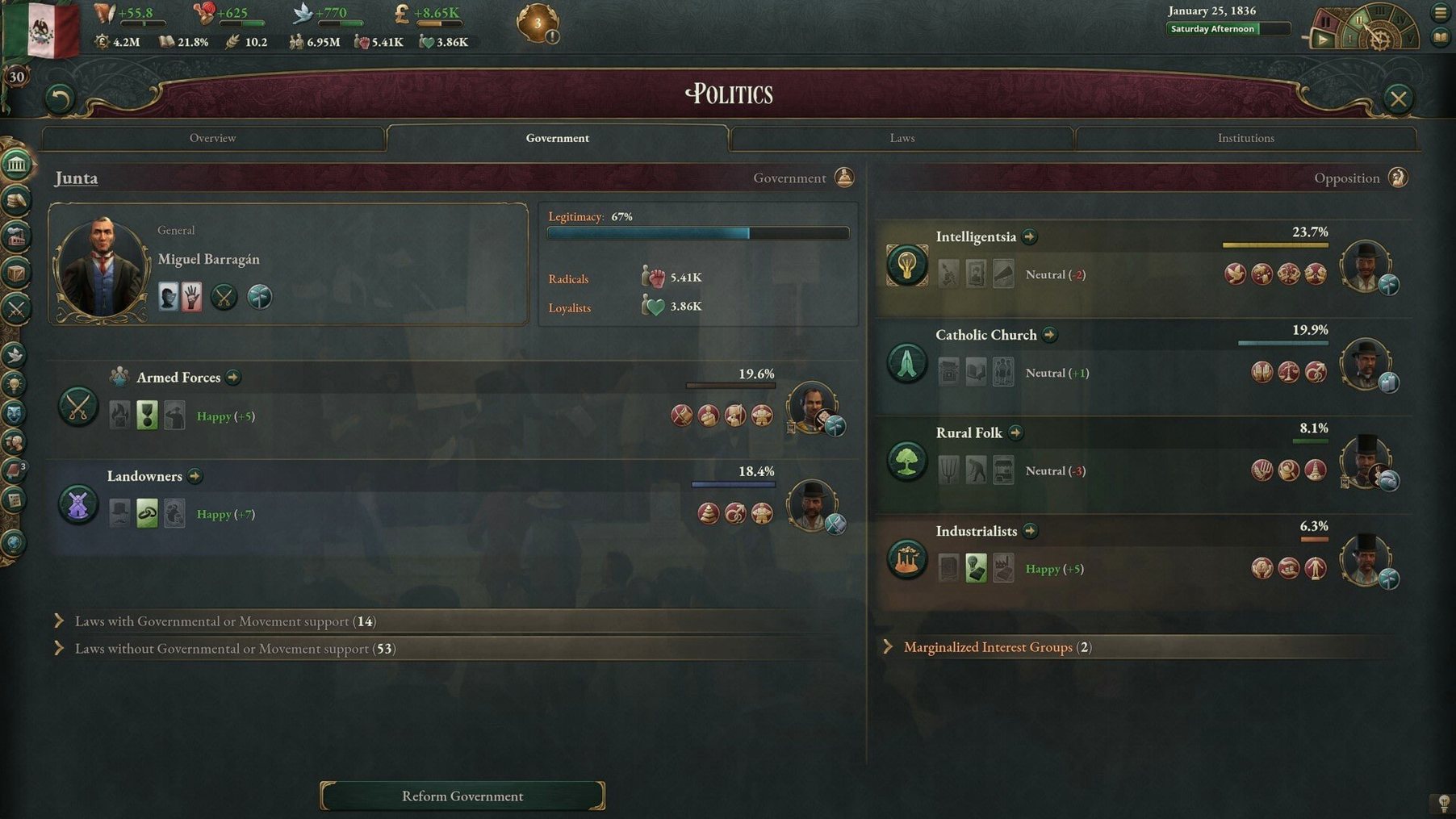
One hundred years of history, packed into a single campaign that runs from 1836 to 1936. Here's what to expect from Victoria 3 on a Mac.
Scope — You control one of dozens of countries, steering its industry, diplomacy, and territorial expansion from the Victorian era to the interwar years.
Simulation — Population groups inside your country hold their own political views and economic grievances. Ignore them long enough and you'll feel it.
Economy — Industry, trade, taxes, imports, and goods regulation all feed into a loop where your decisions shape what your nation can afford to do.
Reputation — Industrial development and territorial grabs affect how the world sees you. Push too hard and other powers start treating you differently.
On a Mac — The build supports Apple Silicon and 64-bit Intel Macs, so either architecture works. Expect a strategy game that leans on your CPU more than your GPU.
Controls — Standard mouse and keyboard. No controller support to speak of; this is a sit-down, map-heavy game.
Why radicals torch your capital
Most new players ignore their population's standard of living for the first twenty hours, then wonder why radicals are burning down their capital. Victoria 3 models dissatisfaction as a slow burn — you don't see the damage until the damage sees you.
Other common stumbles:
- Overbuilding barracks without checking your arms industry first. A big army with no rifles is just an expensive crowd.
- Rushing laws that your interest groups won't tolerate. Pass too many reforms too fast and you'll spend 1845 fighting a civil war you cannot win.
- Treating trade like a side activity. Convoys are not decoration — if you run out, your overseas supply lines collapse and your economy follows.
- Ignoring qualifications. Factories need machinists, not just warm bodies. If your pops never learn to read, your industrial revolution never leaves the station.
fitting victoria 3 into your mac workflow
The game is a desktop title, not a document-based app, so it does not plug into Finder Quick Actions or AppleScript. What it does do is sit comfortably alongside the tools you might use to plan a campaign: a spreadsheet open on a second screen for tracking production chains, a notes app for diplomatic promises you made three decades ago, and screenshot keystrokes that map cleanly to macOS keyboard shortcuts.
It respects fullscreen spaces and Mission Control without complaint. If you run it on a Mac with a ProMotion display, the map scrolling feels fluid even when the simulation ticks over at speed five. Some players like to keep the Victoria 3 wiki in a pinned Safari tab — works fine, and the game handles memory well enough that you won't see swapping unless your Mac is already tight.
Fix late-game map stutter
Map stuttering late in the campaign. By 1910 the simulation tracks thousands of pop groups and trade routes. Drop the graphics preset one notch — the bottleneck is almost never your GPU, but turning off reflections and lowering shader quality eases the render thread enough to smooth things out.
Crash on launch after a macOS update. Some players hunting a victoria 3 mac download have noticed the binary flags itself as untrusted after a system update. The fix is the usual one: open System Settings, go to Privacy & Security, and allow the app. Same dance Paradox players have done for years.
Mods not loading. Workshop mods sometimes fail because the launcher looks in the wrong directory. Point it manually to ~/Documents/Paradox Interactive/Victoria 3/mod and restart.
Save file bloat. Auto-saves pile up fast. Every few campaigns, prune the folder — a hundred old saves can eat gigabytes you did not realize were missing.
Version 1.13.11 is a hotfix, so it's mostly about patching holes rather than adding features.
- Fixed a crash that could hit at the turn of the month when a diplomatic play still had sway offers pending.
- Adjusted Banana Plantation output values.
- Tweaked the outcome options for the A Doctrine of Iron and Steel event.
- macOS (version not specified)
- Apple Silicon or 64-bit Intel Mac
Notes from the tables 0
Sign in or pull up a chair to leave a note.
No notes on this one yet. They go up after I read them.
More from the Games page
The whole page Games 31 GB
Two Point Museum
11.0.234399
Games 31 GB
Two Point Museum
11.0.234399
 Games 4 GB
Tropico
t6 1290
Games 4 GB
Tropico
t6 1290
 Games 40 GB
Windblown
0.8.0.12
Games 40 GB
Windblown
0.8.0.12
 Games 3.1 GB
Total War: WARHAMMER
1.1.5
Games 3.1 GB
Total War: WARHAMMER
1.1.5
 Games 31.3 GB
Total War: WARHAMMER II
1.0.12
Games 31.3 GB
Total War: WARHAMMER II
1.0.12
 Games 41 GB
Torchlight II
1.25.9.6
Games 41 GB
Torchlight II
1.25.9.6
 Games 1.6 GB
Worms Armageddon
3.8.1
Games 1.6 GB
Worms Armageddon
3.8.1
 Games 1 GB