

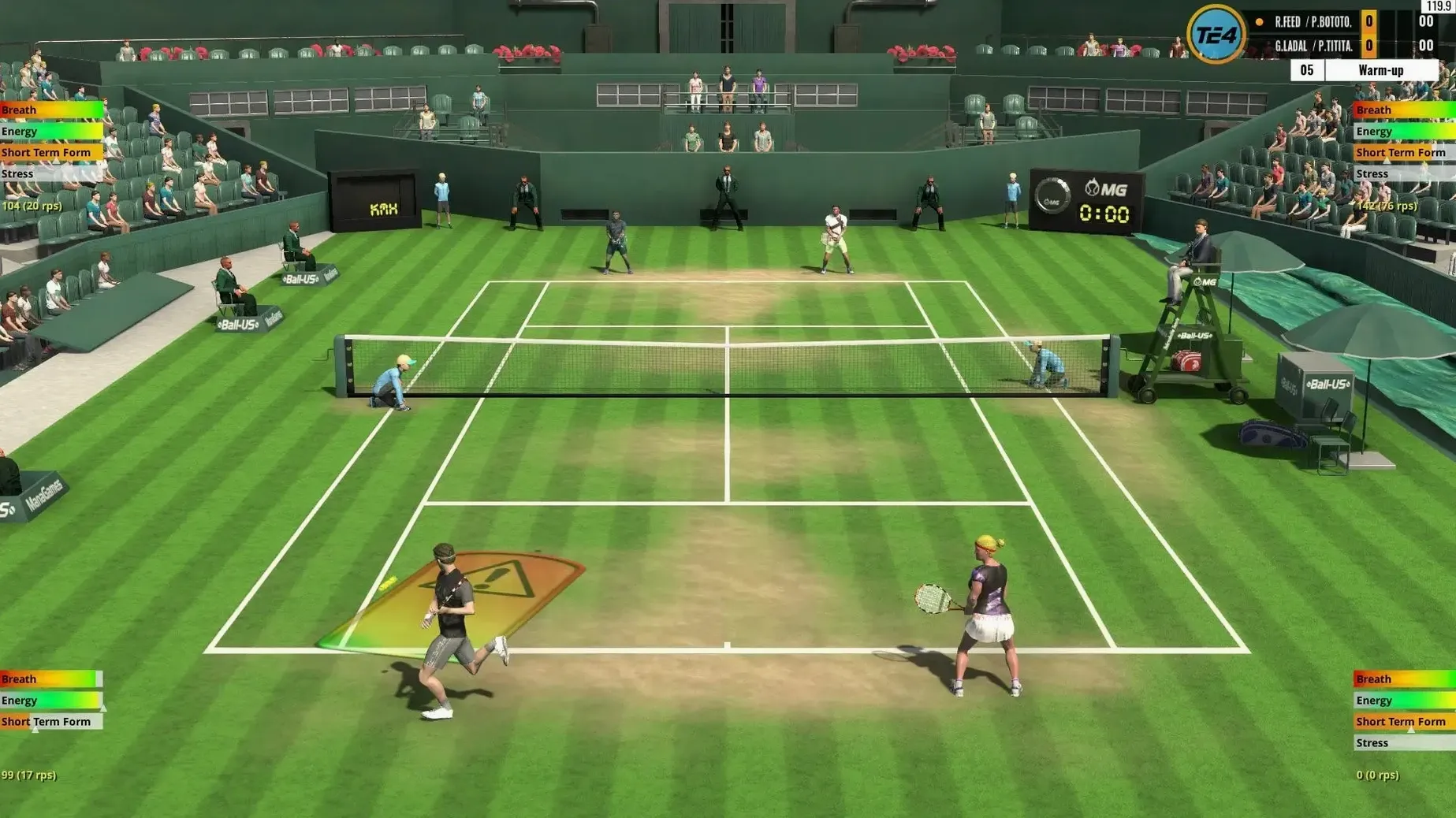
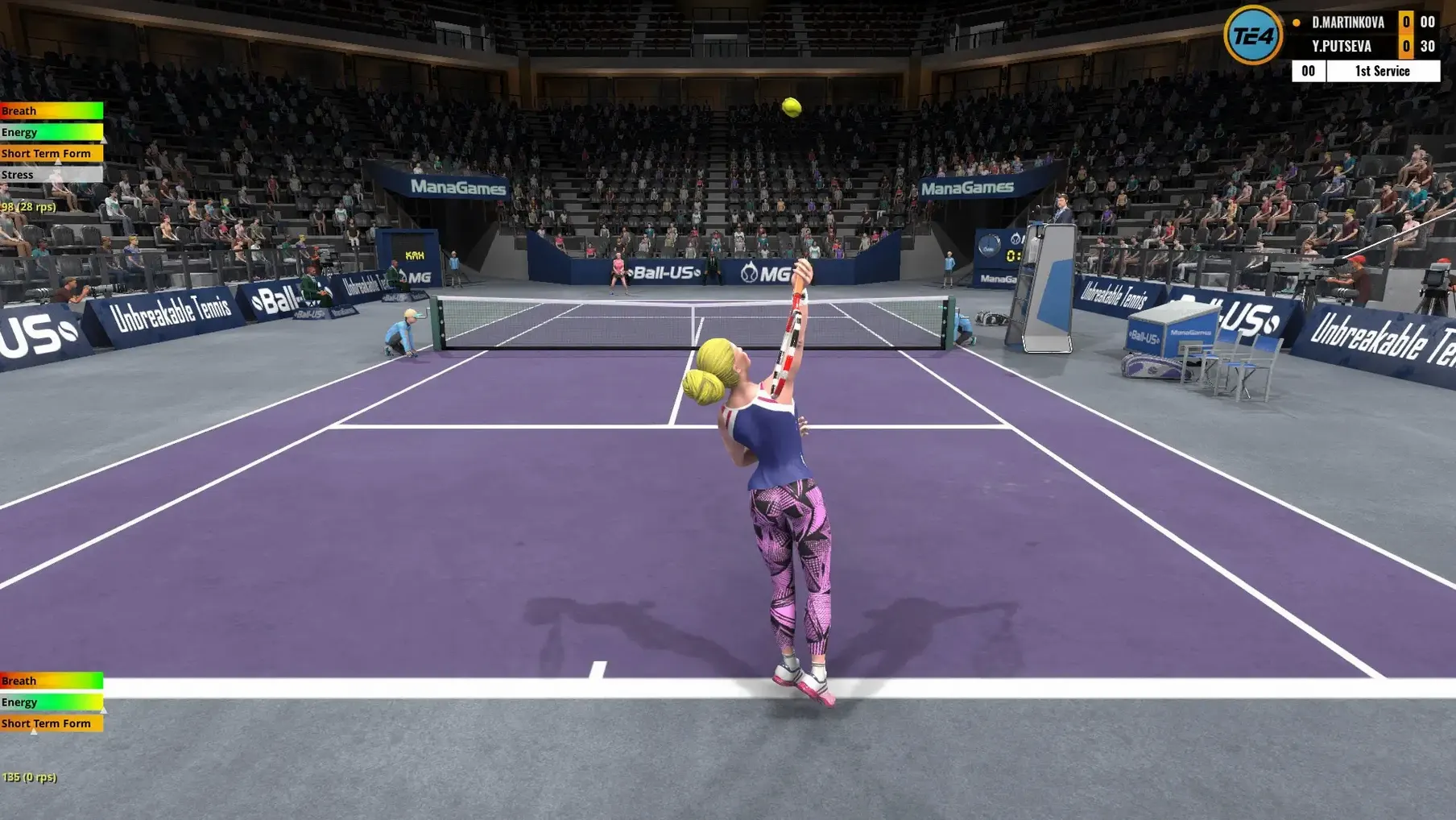
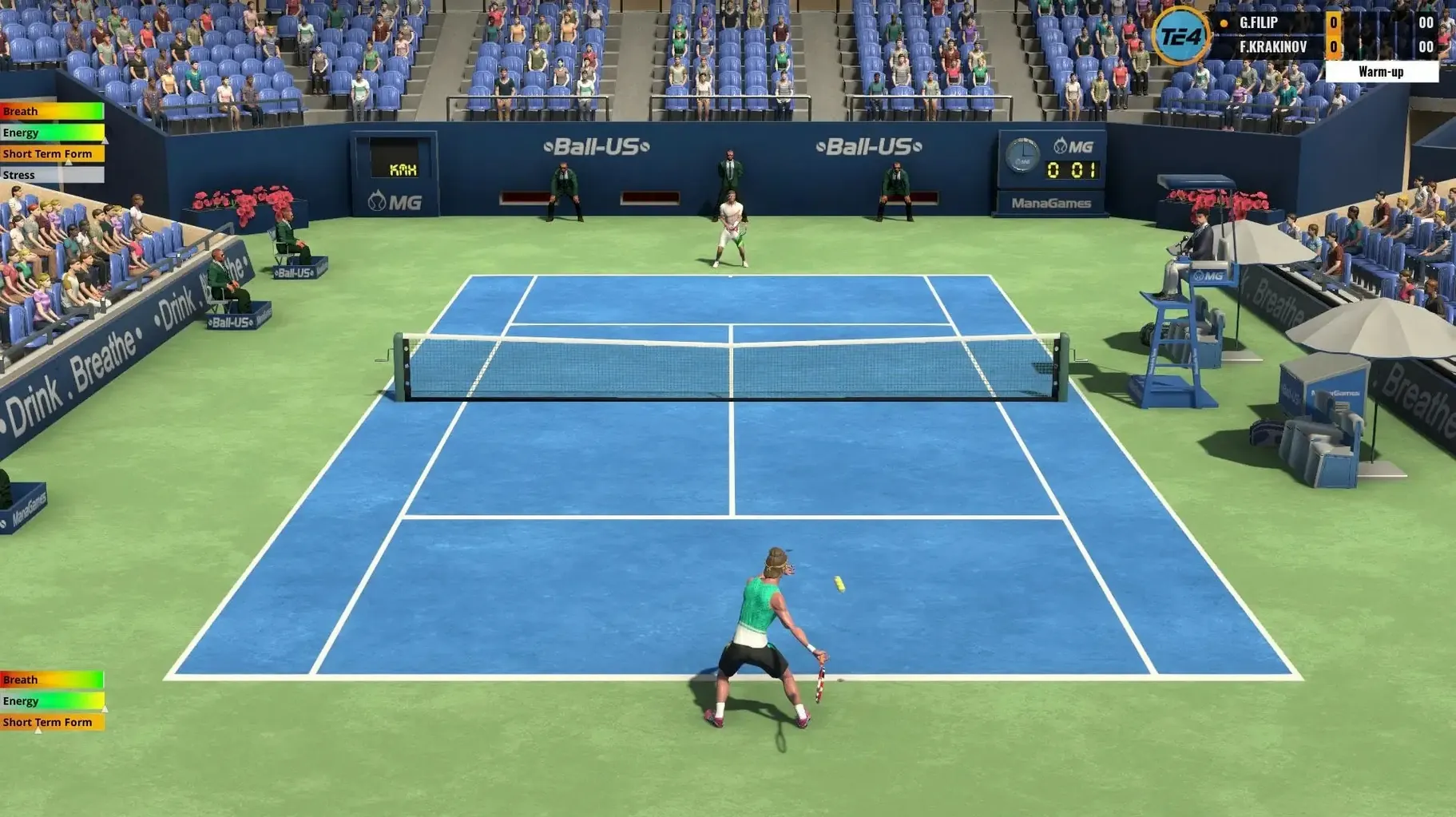
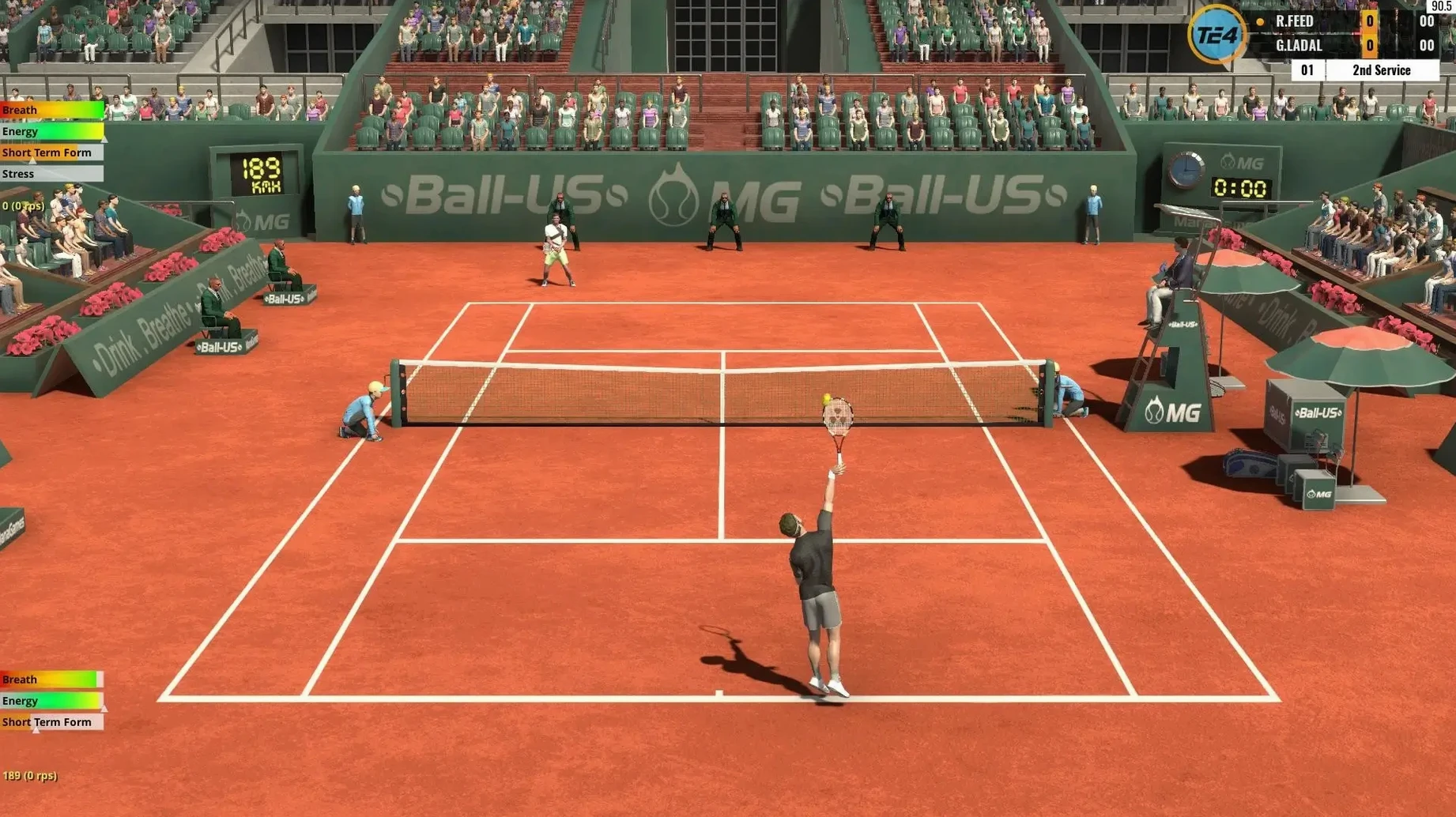
A 3,500-player World Tour. That is the scale of the career mode in Tennis Elbow 4, and it tells you right away this isn't a pick-up-and-smash arcade game. It is the sequel to Tennis Elbow 2013, rebuilt with fresh ball and player physics that make every rally feel earned. You can play with a keyboard or a controller, and there are multiple difficulty levels to grow into.
The court is packed
The biggest draw is the World Tour, a full career mode with over 3,500 competitors. A simple, intuitive training system lets you build up your player without getting bogged down in menus. Visual assistance for aiming and positioning helps you read the court, so you spend more time playing points and less time fighting the camera.
Runs on M4 Macs up to macOS Tahoe
The package runs on Apple Silicon and Intel Macs, tested all the way up to macOS Tahoe on an M4 machine. The shot physics are rewritten from the ground up, making slices, topspin, and flat drives feel distinct. It ships with a clean set of interface languages—from French to Japanese—so you can settle in with your native tongue. Bottom line: a deep tennis sim that respects your time and your hardware.
Built for players who hate button-mashing
Simulation fans who care about shot selection over flashy cutscenes are the natural home for this one. If you have ever grumbled that a tennis game rewards button-mashing, the physics rewrite here will feel like a long-overdue correction. Players who follow the ATP and WTA tours tend to appreciate the World Tour's depth—over 400 tournaments a year means you are always scouting the next surface change or managing fatigue between events.
Keyboard players get a fair shake too. I have a soft spot for games that treat a keyboard as a first-class controller, and the positioning aids make it viable without a gamepad. Doubles specialists will find the partner AI reads the net well enough to make team play feel cooperative rather than a babysitting job.
Loading a power shot too early gets punished
- Holding down the power shot too early. The new physics punish early commitment. Wait until the ball is in your strike zone, then load the shot—timing beats raw power every time.
- Ignoring the training system. It is simple, but skipping it leaves you guessing why your backhand down the line keeps sailing long. Ten minutes there saves hours of frustration on the tour.
- Chasing the ball without the visual aids. Turn them on at first. The positioning helper is not a crutch; it teaches you court awareness you will lean on later when you turn it off.
- macOS 10.13 or later
- 64-bit processor
- 4 GB available space
Questions I actually get
Can I play Tennis Elbow 4 with just a keyboard?
Yes, keyboard play is fully supported, so you don't need a controller to get on the court.
Does the Mac version work on Apple Silicon?
It does. The game supports both Apple Silicon and Intel Macs.
Notes from the tables 0
Sign in or pull up a chair to leave a note.
No notes on this one yet. They go up after I read them.
More from the Games page
The whole page Games 563 MB
The Elder Scrolls III: Morrowind
1.6.18.20
Games 563 MB
The Elder Scrolls III: Morrowind
1.6.18.20
 Games 2.4 GB
The End of the Sun
2.0.2
Games 2.4 GB
The End of the Sun
2.0.2
 Games 5.8 GB
The Farmer Was Replaced
2026.04.21
Games 5.8 GB
The Farmer Was Replaced
2026.04.21
 Games 100 MB
The Last Plague: Blight
0.12.7
Games 100 MB
The Last Plague: Blight
0.12.7
 Games 2.6 GB
The Planet Crafter
1.618
Games 2.6 GB
The Planet Crafter
1.618
 Games 3.7 GB
The Sims 4
1.127.41.1030
Games 3.7 GB
The Sims 4
1.127.41.1030
 Games 78 GB
Supermarket Simulator
1.7.0 Native
Games 78 GB
Supermarket Simulator
1.7.0 Native
 Games Updated 1 GB