
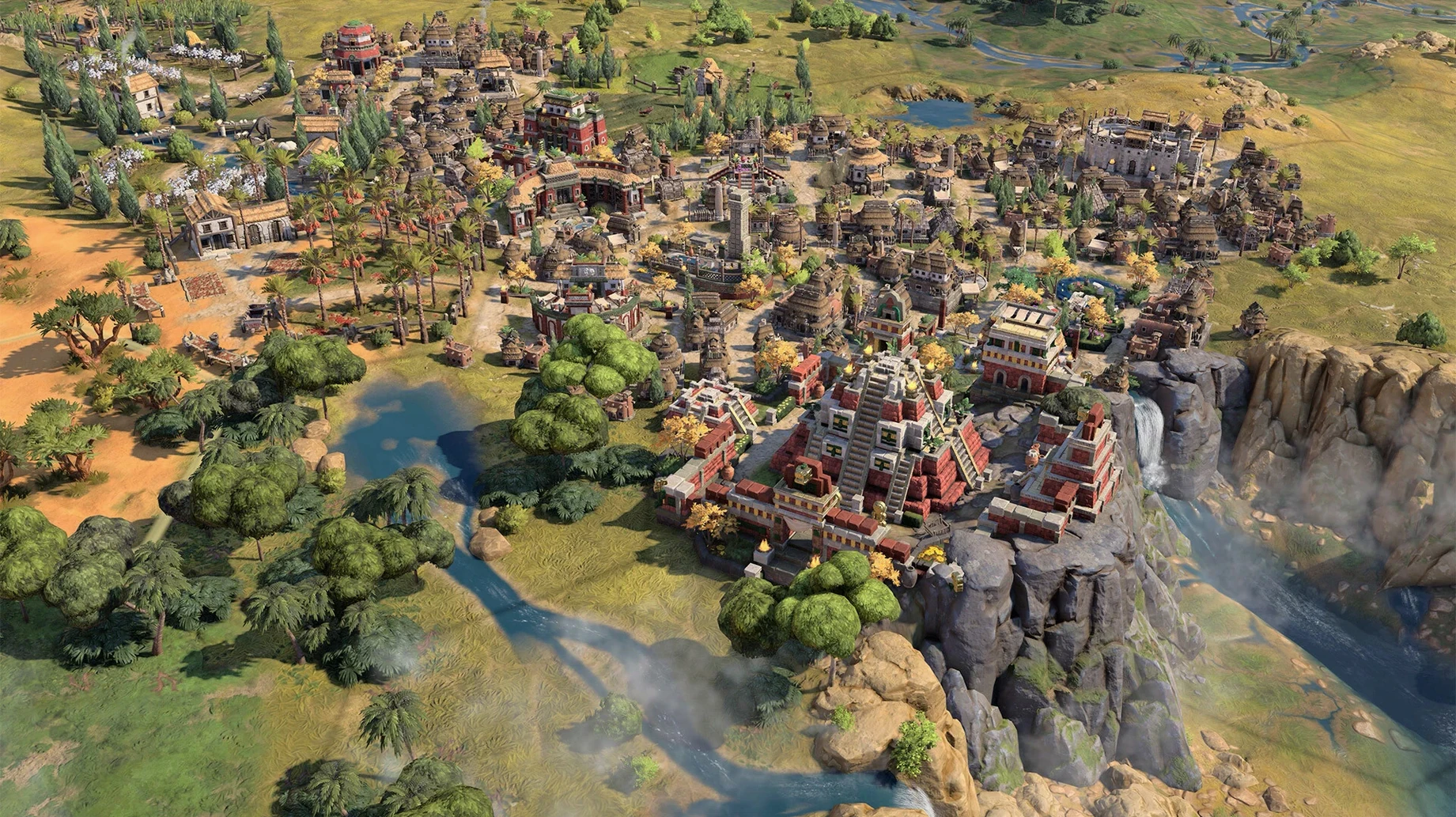
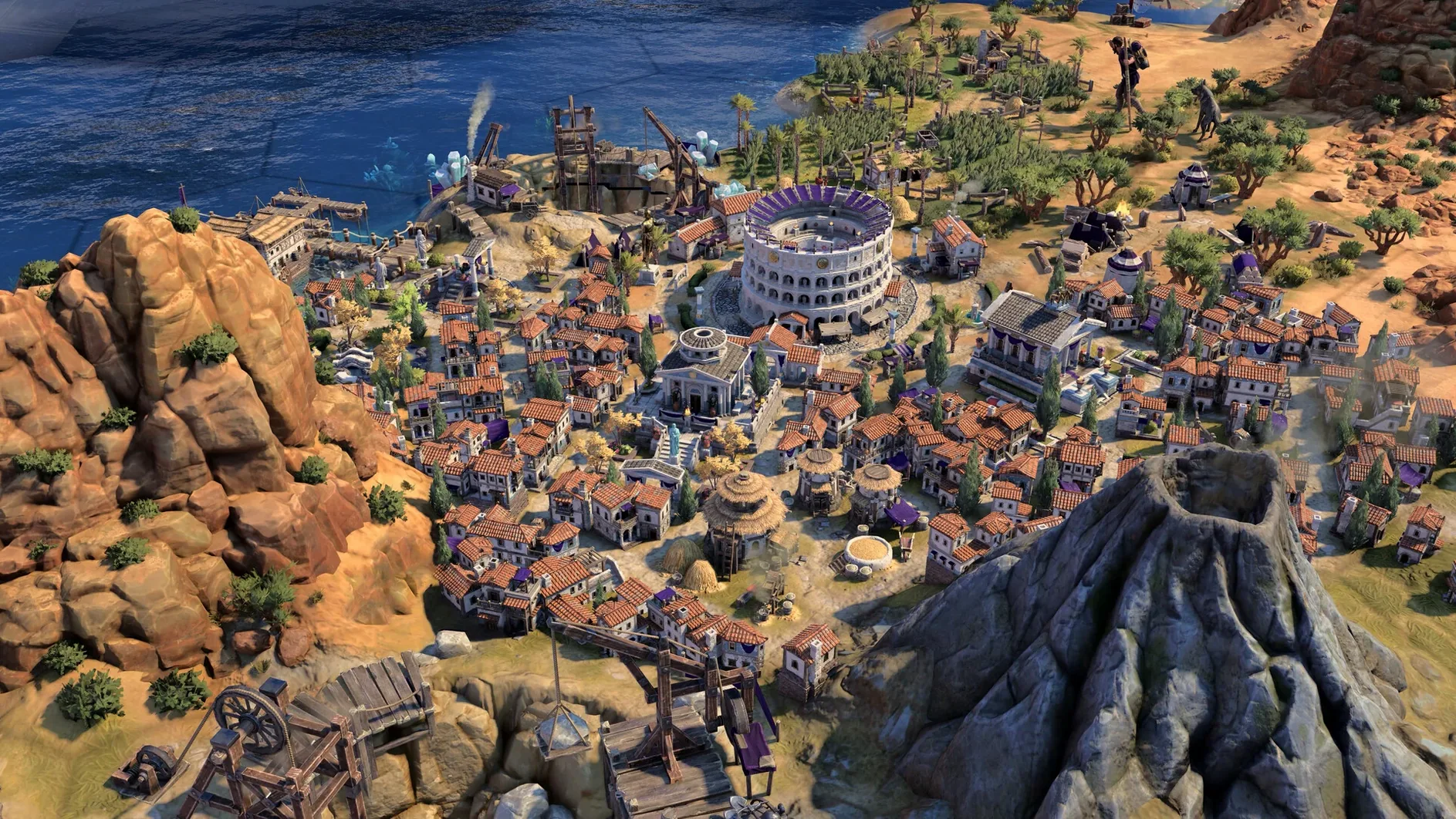
The Mac release needs an Apple Silicon chip. I ran it on a Mac mini with an M4, and it hummed along without a hitch. If your machine has an M1 or later, you're all set for a game that launched on February 11, 2025, alongside the PC and Linux versions.
A full campaign from ancient settlements to modern age
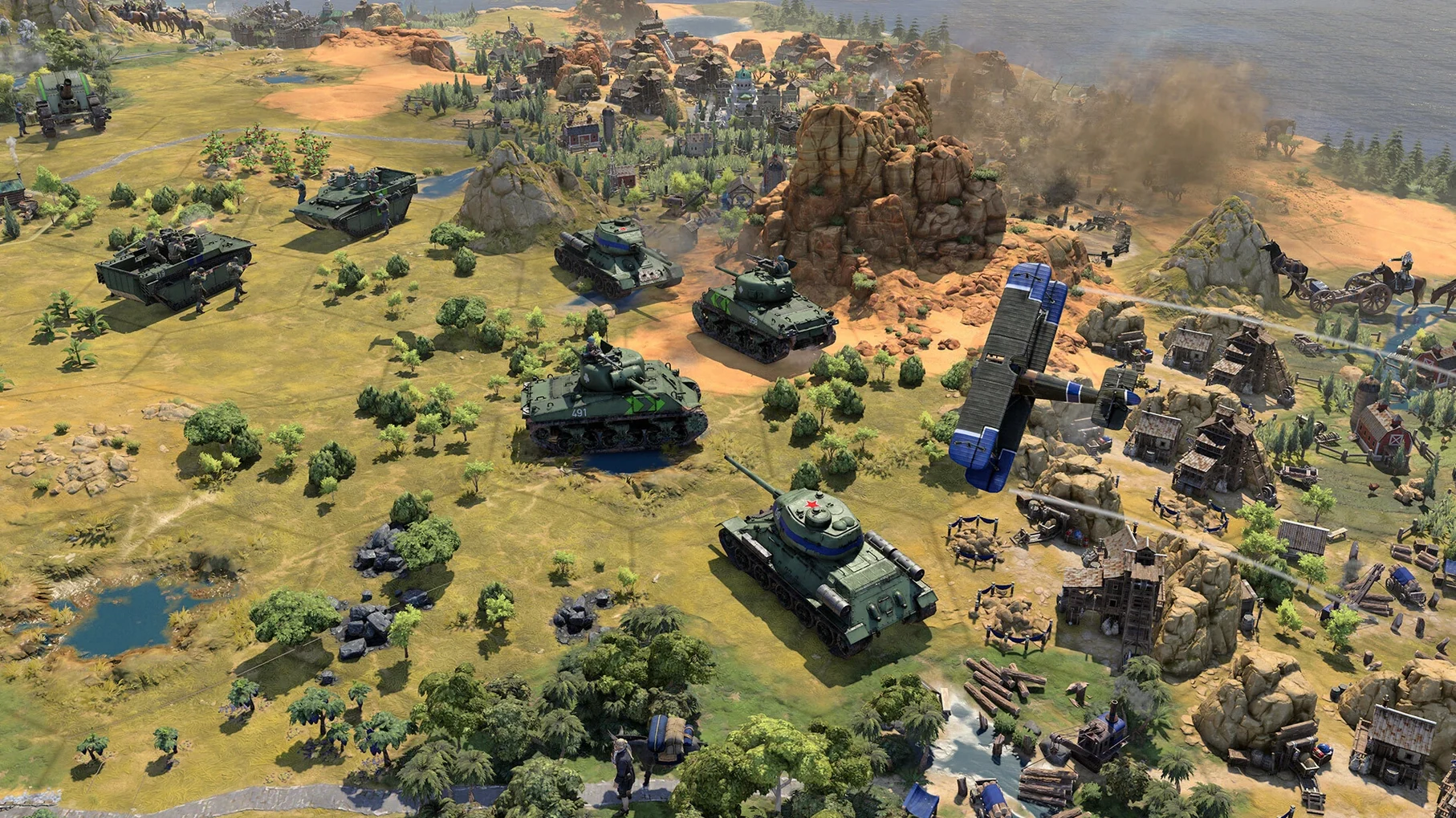
- A full campaign that stretches from ancient settlements to the modern age, with each era reshaping the rules under your feet.
- The new True Start Location Earth map, dropped in with update 1.5.0, so every civ begins on its real-world home turf.
- Interface and voice work in eleven languages: English, French, Italian, German, Spanish, Russian, Polish, Korean, Japanese, and both Simplified and Traditional Chinese.
- A late-game stability pass that quiets crashes when the map gets crowded and turns take longer to chew on.
Your civ's strengths shift with each era
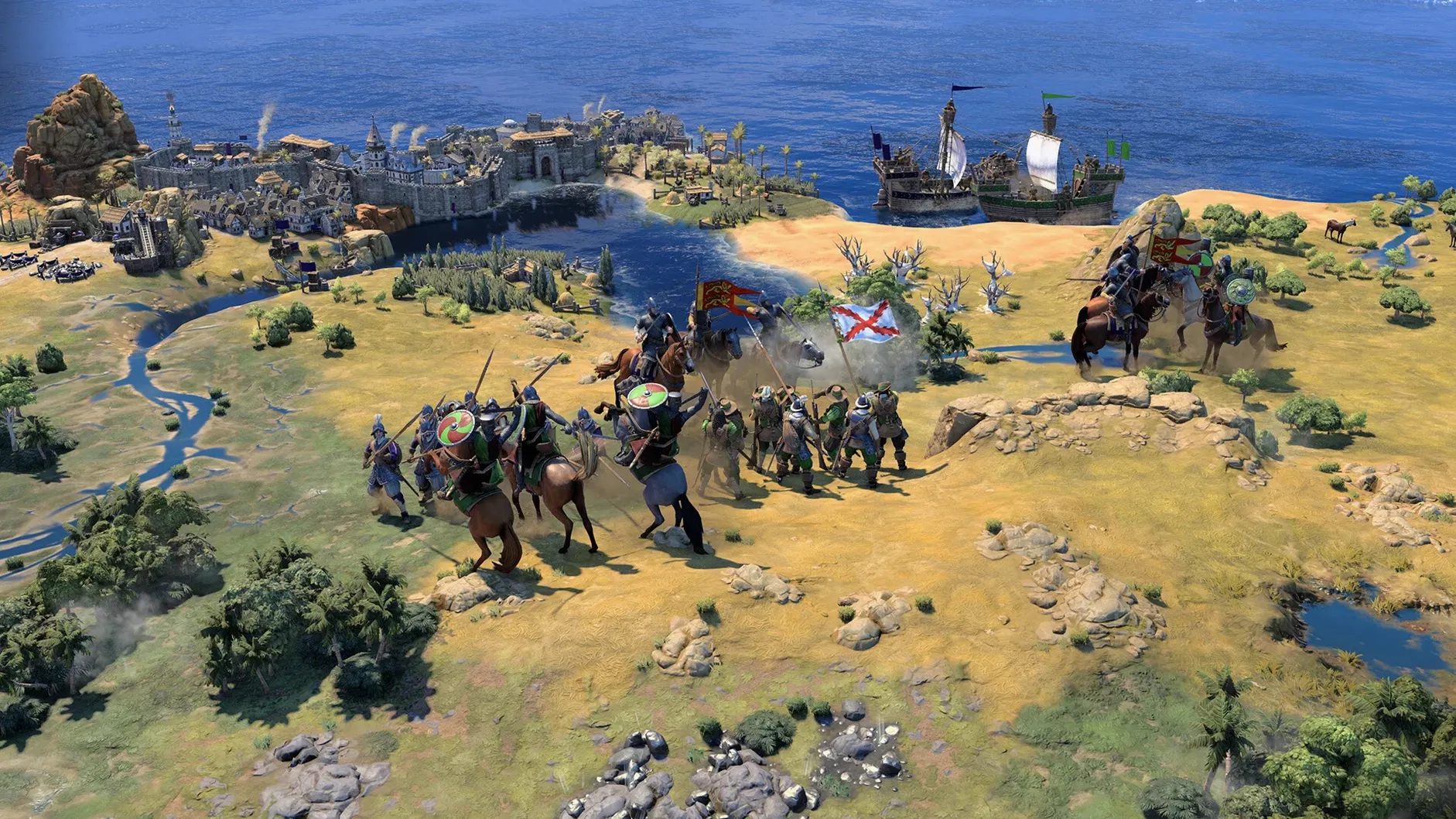
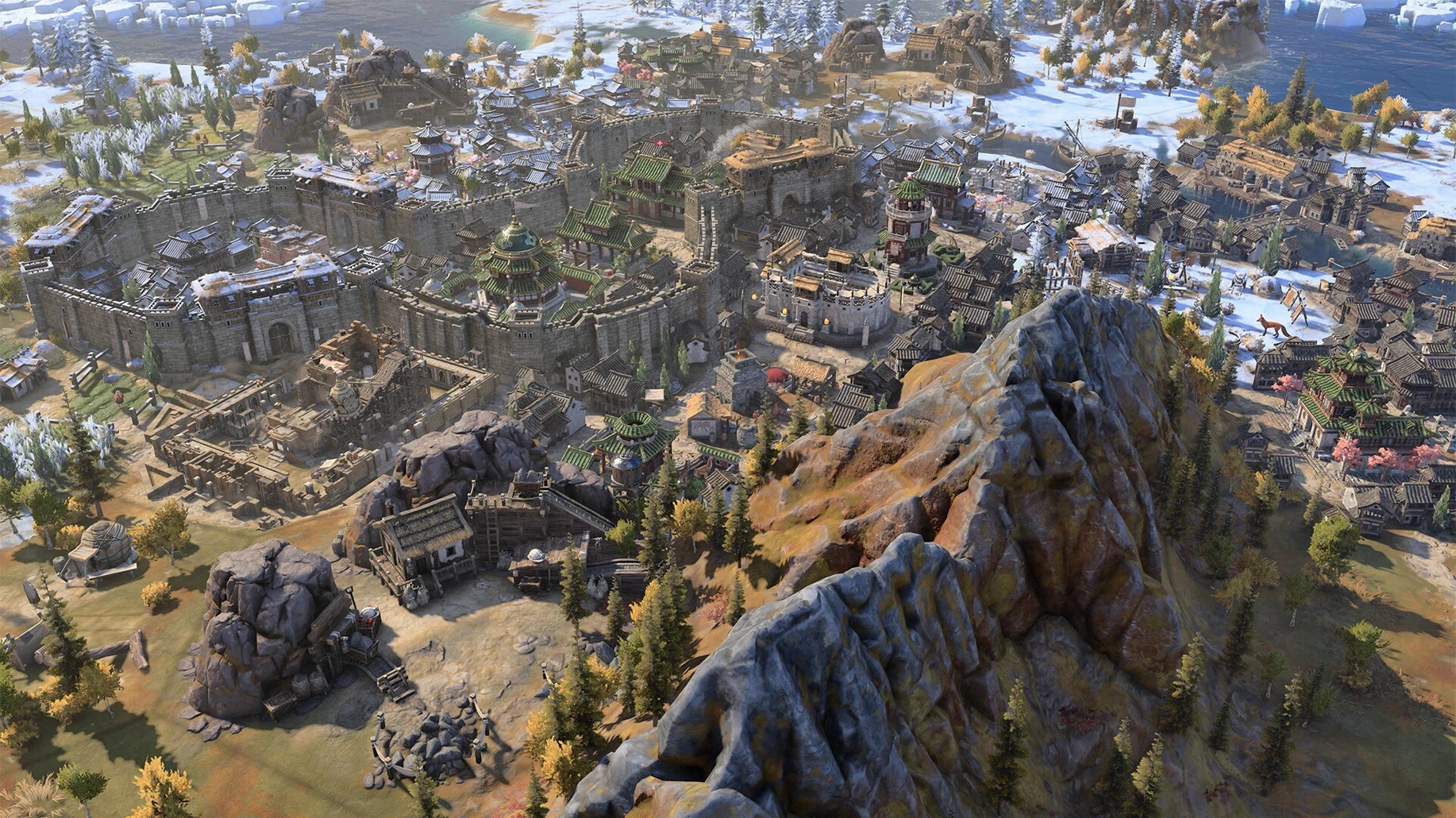
You pick a leader and guide a civilization from its first mud huts to a globe-spanning power. The twist this time is that your civ's strengths and priorities shift as ages turn over. A seafaring people might become industrial titans in the next chapter if that's where you steer them. The update also smoothed out a frustrating bit of input lag that cropped up when you nudged the mouse and hit a key at the same moment during a tense siege. It's a fresh chapter that respects the series' bones while shuffling the deck enough to keep your chair planted for one more turn.
A typical session starts with a map and a vague hunch. The True Start Earth map is a good place to begin if you want real geography to anchor your decisions. I launched a game as Rome, and the boot of Italy filled the screen. The first few turns are quiet: you settle your capital, send a warrior to poke at the fog of war, and pick a starting technology that matches the terrain. Grain on the river? Pottery. Hills nearby? Mining. Nothing flashy yet.
By turn 40, a Greek scout wanders too close. The game nudges you with a leader screen and a half-friendly greeting. I ignored it and kept building archers. That’s the rhythm — a slow simmer of choices, then a sudden boil when a rival crosses a border or a barbarian camp spawns three tiles from your only copper deposit. Mid-session, you’re swapping between the tech tree, city production queues, and the diplomacy panel without thinking about the interface. The repair work in 1.5.0 helps here: I could click a unit and tap a hotkey without the cursor stuttering, even when the map was packed with trade routes and wonders.
Turn off movement and combat animations
The defaults are sensible, but a couple of tweaks make the hours feel smoother. Open the options menu before you start a serious campaign and consider these:
- Quick movement and combat. The animation is lovely the first few times, but watching every archer shuffle across a hill gets old. Toggle these on and the turns fly.
- Hex grid. Off by default. Turning it on makes tile yields and borders instantly readable, which matters more as cities sprawl and districts overlap.
- Automatic unit cycling. I switch this off. Nothing yanks you out of a plan like the camera jumping across the map to a scout you left sleeping. Manually tabbing through units gives you control over what you see next.
These changes take five seconds and the game feels tighter afterward. You can always flip the grid off for screenshots, but while you're learning how the new age transitions affect your economy, seeing every tile's output is a quiet teacher. If you’ve spent time with a sid meier's civilization v torrent in the past, the muscle memory for these settings will come back fast. This version runs natively on Apple Silicon, so the late-game turns I used to wait through on older hardware are now short enough that I skip the "one more turn" excuse and genuinely play one more.
Update 1.5.0 lands with a map that places every civilization on its actual geographic starting point, a handful of stability fixes that stop late-game crashes when the action heats up, and a cleanup for that annoying stutter when you're clicking and tapping keys at the same time.
- Added the True Start Location Earth map.
- Stability and crash fixes for the late-game Modern Age.
- Addressed lag with simultaneous mouse and keyboard input.
- macOS (Apple Silicon only)
- Apple M1 chip or newer
Questions I actually get
Does Civilization VII run on Intel Macs?
No, it requires an Apple Silicon chip like an M1, M2, M3, or M4.
What languages are supported in Civilization VII?
The game includes interface text and voice acting in eleven languages: English, Russian, German, Spanish, Italian, Traditional Chinese, Simplified Chinese, Korean, Polish, French, and Japanese.
What did the 1.5.0 update add to the game?
It introduced the True Start Location Earth map, fixed late-game Modern Age crashes, and resolved input lag when using a mouse and keyboard together.
Notes from the tables 0
Sign in or pull up a chair to leave a note.
No notes on this one yet. They go up after I read them.
More from the Games page
The whole page Games 816 MB
Sneaky Sasquatch
2.2-993
Games 816 MB
Sneaky Sasquatch
2.2-993
 Games 365 MB
Software Inc
1.8.41
Games 365 MB
Software Inc
1.8.41
 Games 273 MB
Solasta: Crown of the Magister
1.5.97
Games 273 MB
Solasta: Crown of the Magister
1.5.97
 Games 25 GB
Songs of Syx
0.71.52
Games 25 GB
Songs of Syx
0.71.52
 Games 345 MB
Space Haven
1.0.4.4
Games 345 MB
Space Haven
1.0.4.4
 Games 359 MB
SAELIG
65
Games 359 MB
SAELIG
65
 Games 5.6 GB
Stardew Valley
1.6.15.24357.8705766150
Games 5.6 GB
Stardew Valley
1.6.15.24357.8705766150
 Games 467 MB