
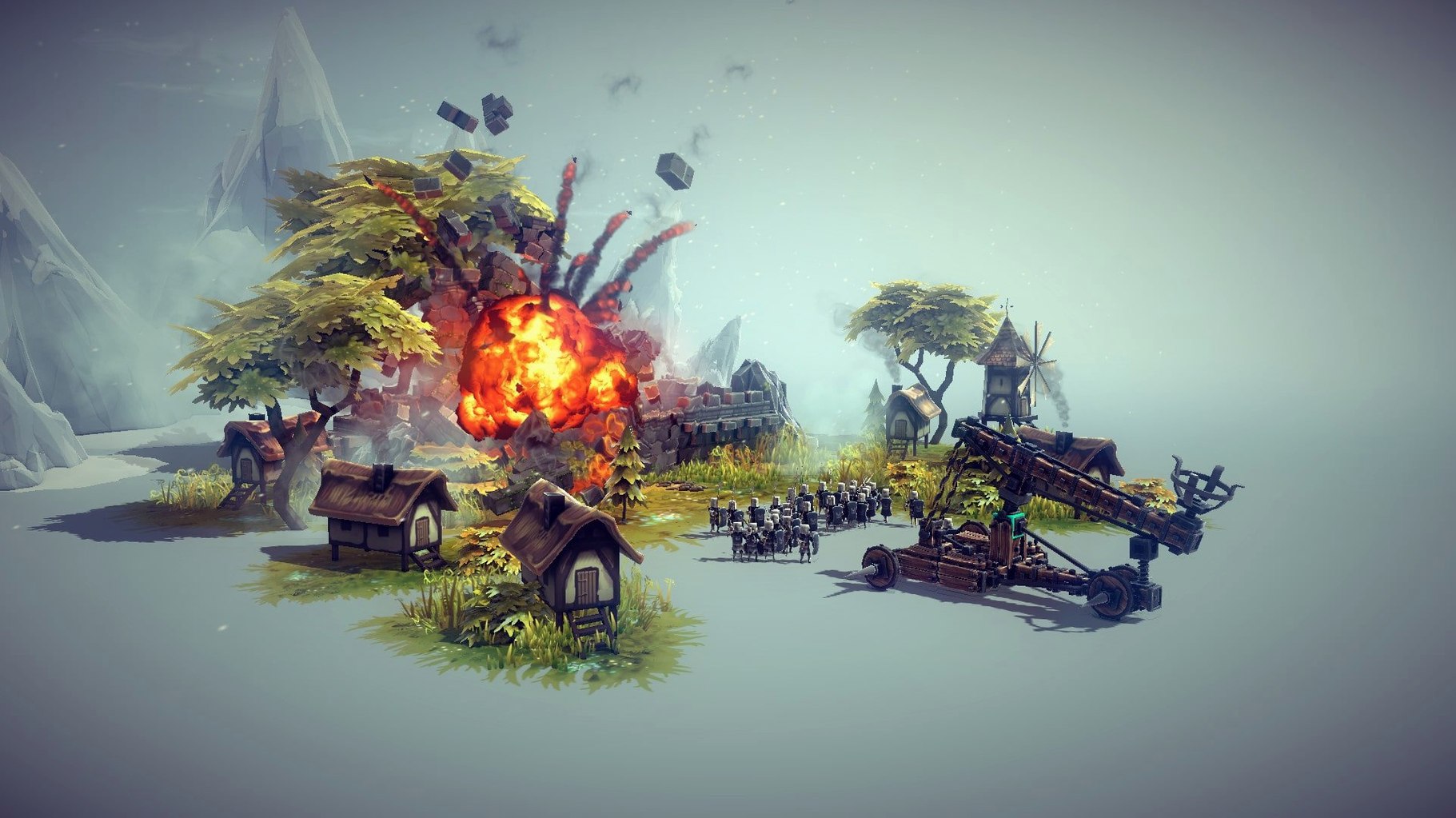
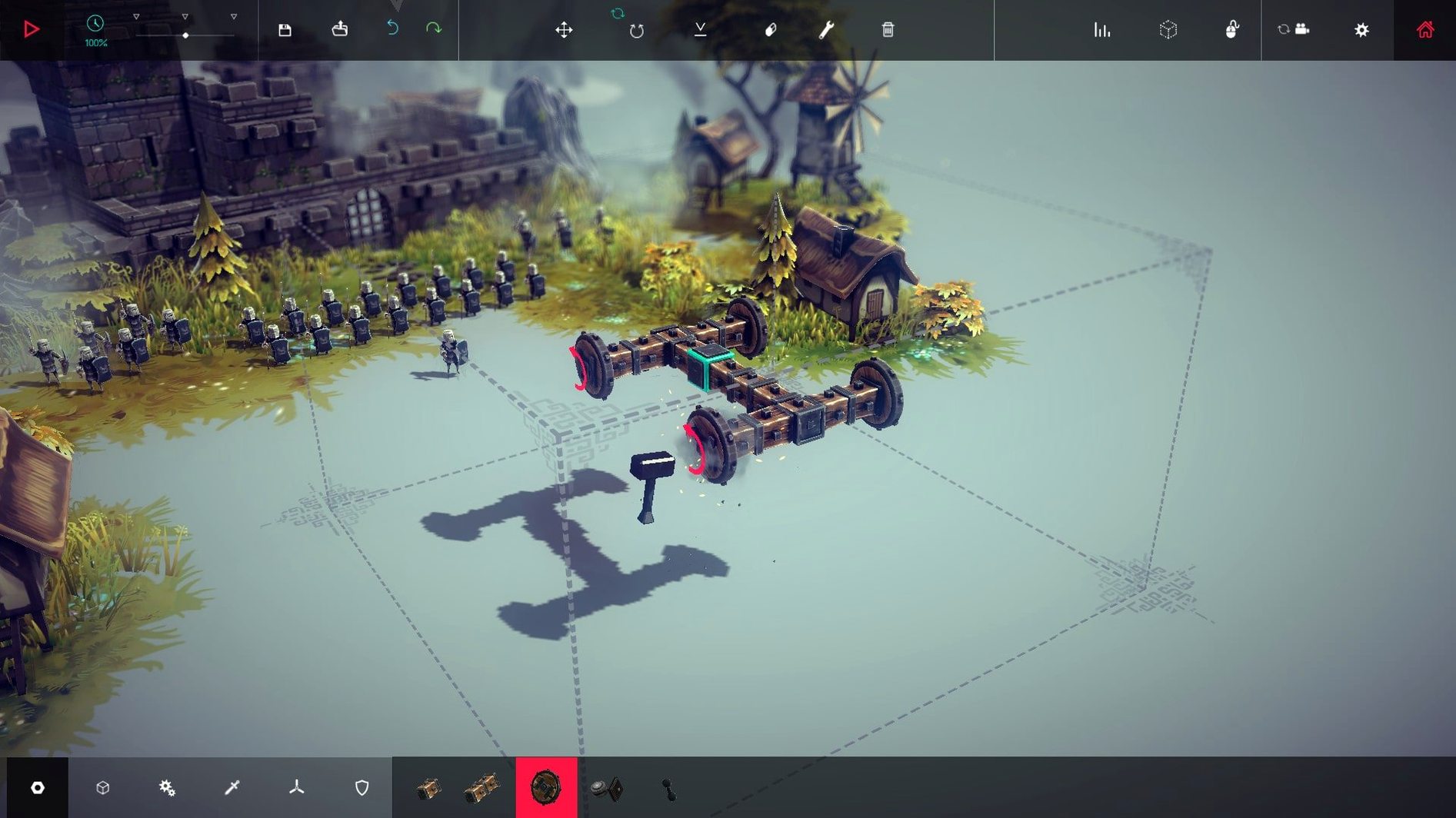
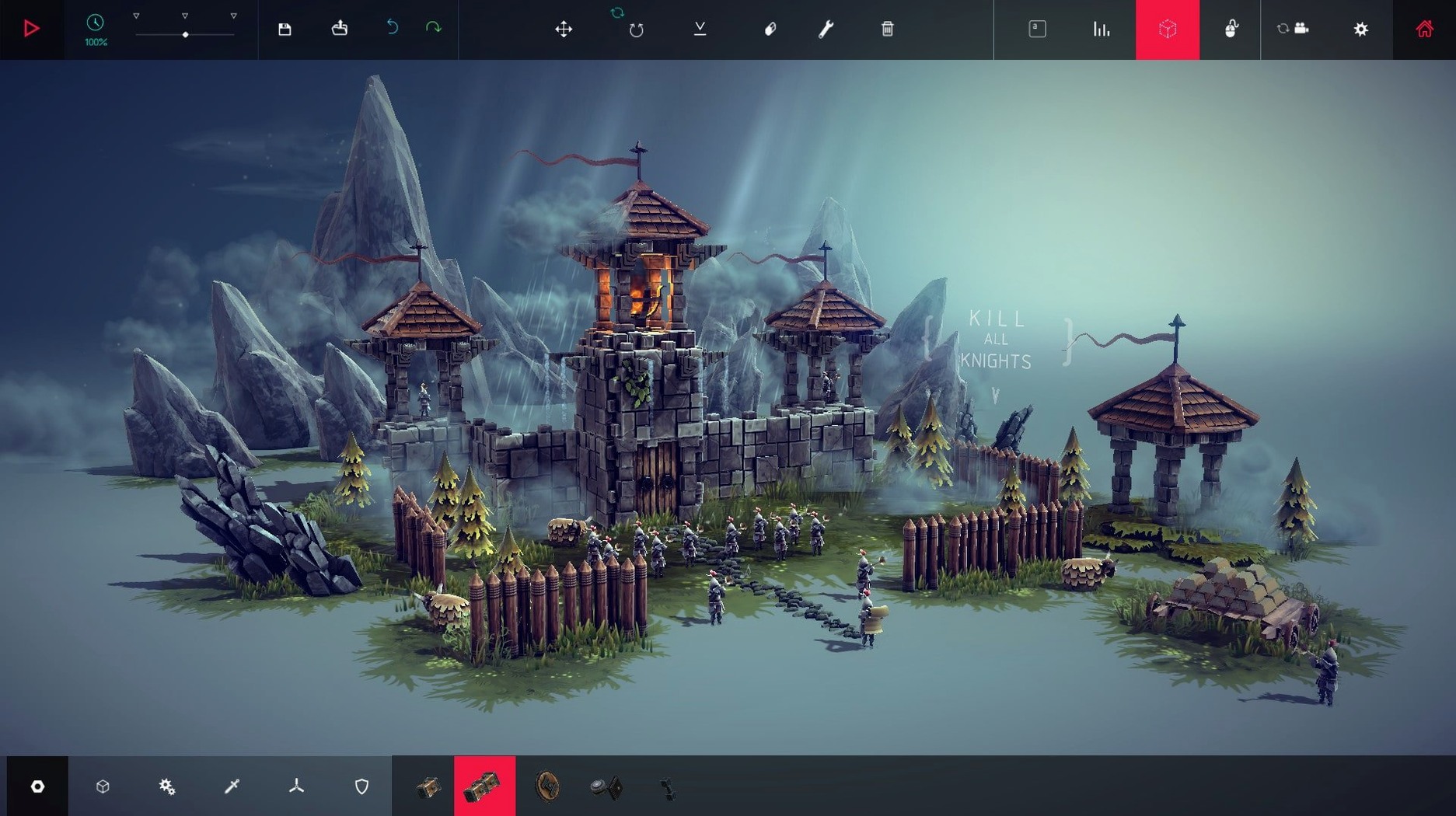
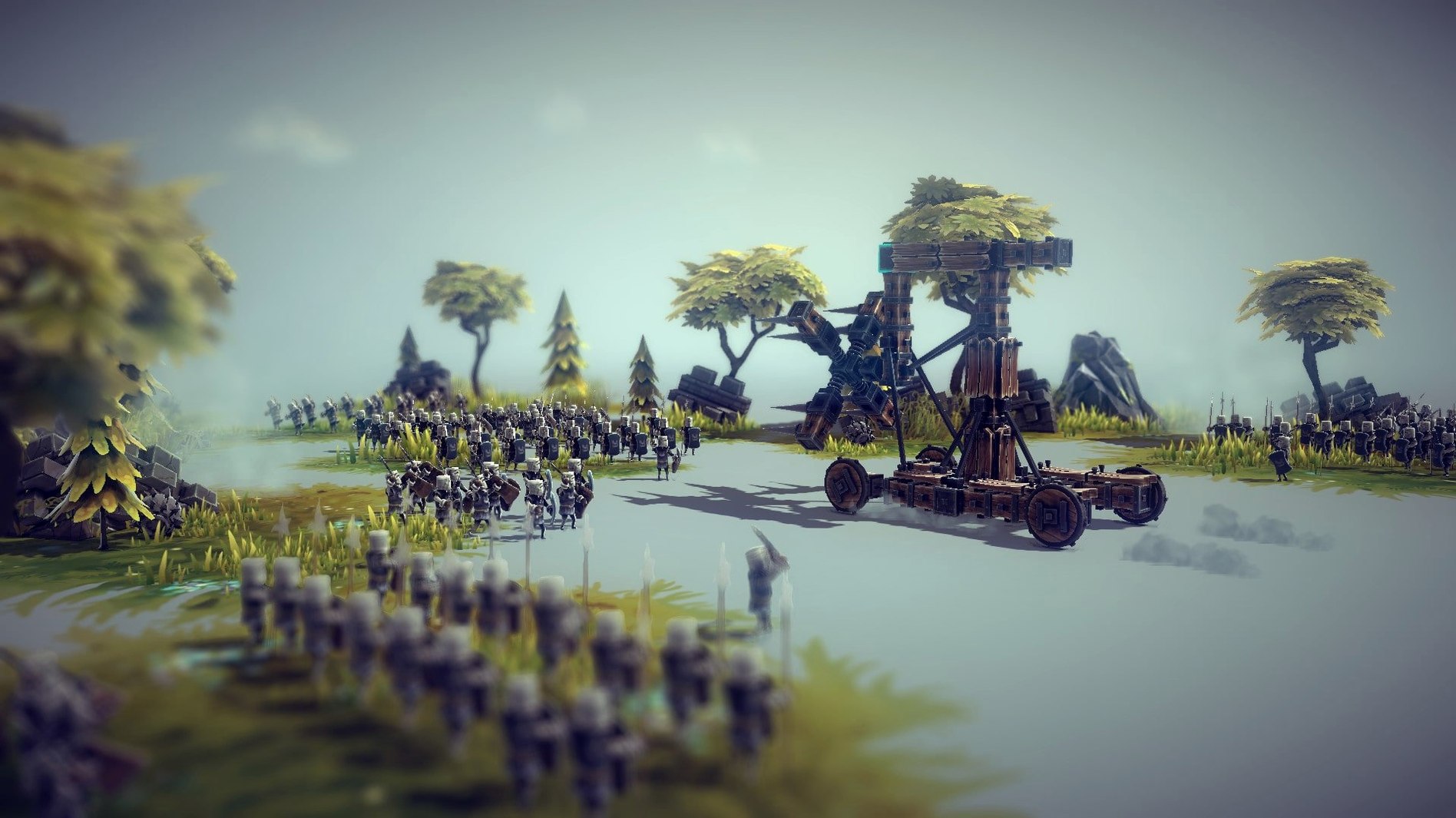
Think of it as the garage workbench you had as a kid, except every lopsided contraption is a medieval war machine and the test run ends in glorious, physics-driven collapse.
Physics engine — the star of the show. Machines twist, break, and fly apart exactly the way their parts demand.
Campaign — a full single-player mode where you conquer levels by destroying mills, soldiers, fortresses, and villages.
Multiplayer — skirmish with friends in special arena battles, or tackle the campaign together.
Workshop — Steam Workshop support means a steady stream of user-created machines and parts.
Level editor — set spawn points, objectives, and the look of a level, then share it.
Mods — add new blocks, level objects, and logic that changes how the game behaves.
This is a tinkerer's game. If you enjoy the process of building something ridiculous and watching it fail, you will lose hours here. If you need structure, story, or a clear goal, the sandbox may feel aimless. The campaign gives you direction; the building gives you freedom. The player who loves both is the player this game was made for.
Dial camera shake down to 20%
Out of the box, Besiege plays fine—but a couple of tweaks make the building process feel less like fighting the interface.
- Camera shake — turn it down to about 20% under Options > Camera. The default rattles like a cart on cobblestone whenever something explodes, and in this game, things explode constantly.
- Block placement grid — enable the grid overlay in the builder if you haven't already. It saves you from eyeballing symmetry on a twenty-block catapult arm.
- Keybind for "undo" — the default Ctrl+Z works, but binding a spare mouse button to it lets you backtrack a bad brace placement without moving your left hand off the WASD keys during a test run.
- Simulation speed — the slider lives in the top bar during play. Slowing things to half-speed while you fine-tune a walking mechanism reveals exactly which joint buckles first.
small conveniences you'll kick yourself for missing
A handful of shortcuts sit just below the surface. Once you know them, the workflow tightens up considerably.
- Middle-click drag — rotates the camera around a point without switching tools. In tight builds, it's faster than orbiting with the right mouse button.
- Shift-click a block — copies the block and all its attached children. Duplicating a four-legged walker leg this way keeps your joint angles intact, which manual copy-paste rarely does.
- Holding Alt while placing — disables surface snapping temporarily. Useful when you need to float a brace just off a gear without the game deciding it belongs flush against the wheel.
- Parameter tuning on the fly — click a placed wheel or piston during simulation and you can adjust its speed or range from a small pop-up panel. No need to stop the machine, delete the part, and rebuild.
None of these are hidden in a manual. The tooltips mention them briefly, and most players scroll right past. If you grab a Besiege Mac torrent, just know that even the shiniest download won't tell you about that Alt key trick.
Version 1.91 mostly fills in the Mac side of things and adds a few quality-of-life touches.
- Mac support for The Broken Beyond expansion
- Zone 79 added
- New Fuel Pump block
- Block category buttons can be dragged and reordered
- macOS: not specified
- Architecture: Intel and Apple Silicon
- Interface languages: Russian, English, German, Simplified Chinese, Korean, Portuguese, French, Japanese
Questions I actually get
Can you play Besiege multiplayer on Mac?
Yes. You can skirmish with friends in special arena battles or play the campaign cooperatively in multiplayer.
Does Besiege support mods on Mac?
Yes. Besiege has Steam Workshop integration, and mods can add new machine blocks, level objects, level logic, and other content.
Notes from the tables 0
Sign in or pull up a chair to leave a note.
No notes on this one yet. They go up after I read them.
More from the Games page
The whole page Games 11.3 GB
Big Ambitions
1.0.3682
Games 11.3 GB
Big Ambitions
1.0.3682
 Games 2.3 GB
Barotrauma
1.13.4.0
Games 2.3 GB
Barotrauma
1.13.4.0
 Games 1.1 GB
BioShock Remastered
1.0
Games 1.1 GB
BioShock Remastered
1.0
 Games 17 GB
Baldur's Gate II: Enhanced Edition
2.7.3.0
Games 17 GB
Baldur's Gate II: Enhanced Edition
2.7.3.0
 Games 3.2 GB
Baldur's Gate 3
.1.1.7398727
Games 3.2 GB
Baldur's Gate 3
.1.1.7398727
 Games 125 GB
Aurora Hills: Chapter 2
1.0.2
Games 125 GB
Aurora Hills: Chapter 2
1.0.2
 Games 1.8 GB
Bloons TD 6
56.3
Games 1.8 GB
Bloons TD 6
56.3
 Games 1.7 GB